

MOD features
- DivX Codec / Paid features unlocked;
- Unwanted Permissions, Receivers, Providers, and Services disabled or removed;
- Graphics are optimized and zipaligned, and unnecessary resources are cleaned up for faster loading;
- The Google Play Store install package check has been disabled;
- Debug code has been removed;
- Default .source tag names in the corresponding Java files have been removed;
- Analytics, Crashlytics and Firebase are disabled;
- The bundled Facebook Ads SDK has been completely removed;
- Languages: Full multi-language support;
- CPUs: armeabi-v7a, arm64-v8a, x86, x86_64;
- Screen DPIs: 120dpi, 160dpi, 240dpi, 320dpi, 480dpi, 640dpi;
- The original package signature has been changed;
- Released by Balatan.
Screenshots
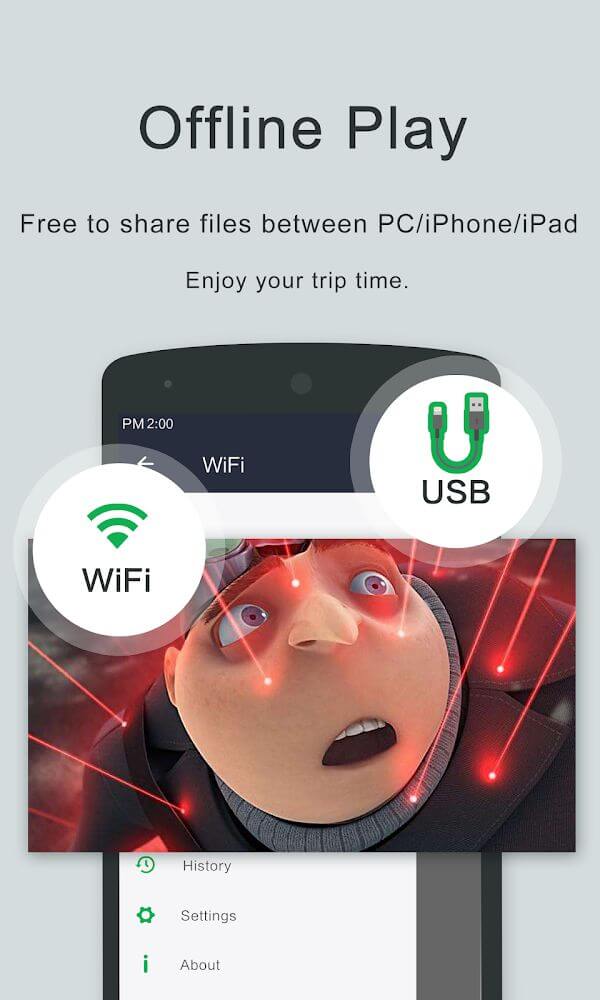
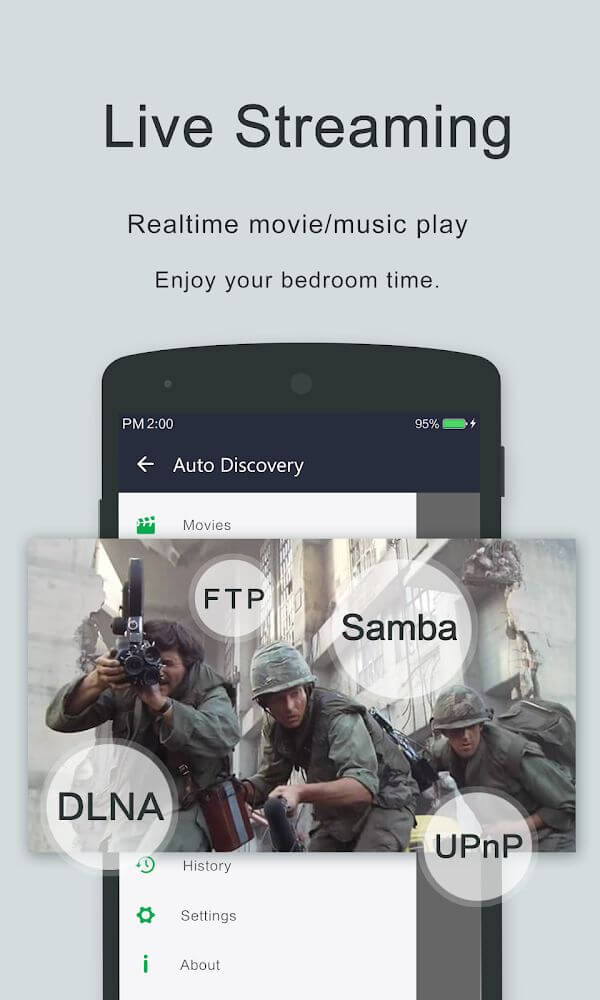
Description
This OPlayer MOD APK offers an optimized build of the professional media player, with the DivX Codec and all other premium features unlocked. The modified version trims the experience by stripping out advertising SDKs, tracking components, and unnecessary background services, while also optimizing internal graphics for quicker loading.
What's Modified in OPlayer
- Unlocks the DivX Codec and every other paid professional feature inside the app.
- Disables and removes unneeded permissions, receivers, providers, and services to reduce background resource usage.
- Optimizes and zipaligns graphics while cleaning internal resources so the app loads faster.
- Removes all debug code to shrink the file size and improve execution stability.
- Strips the default .source tags from the related Java files for a cleaner build.
- Disables Analytics, Crashlytics, and Firebase tracking to stop data reporting.
- Completely removes the bundled Facebook ads SDK to eliminate external ad requests.
- Includes full multi-language support for a wide range of users around the world.
- Works across multiple screen densities, including 120dpi, 160dpi, 240dpi, 320dpi, 480dpi, and 640dpi.
- Changes the original package signature, which is required for the modified installation process.
This build is version 5.00.40, around 120M in size, under the package name com.olimsoft.android.oplayer.pro. Because the original signature has been changed, this version cannot be installed as an update over the official store version.
About OPlayer
OPlayer is a media playback solution built to handle video at HD, Full HD, and 4K resolutions. It lets users stream high-definition content without lag or dropped frames. Its optimization for HD streaming means frame decoding doesn't struggle, even though video display normally consumes most of a device's resources. Thanks to its rendering engine, high-definition content plays smoothly on Android devices.
TPlayer stands apart from other players on the market. It can handle a wide variety of containers and formats. OPlayer performs well with a dozen media formats, including MKV, MP4, AVI, M4V, 3GP, MOV, WMV, FLV, TS, and RMVB. Users don't need to install an extra codec pack or convert files in their library, which makes managing media much simpler. OPlayer supports the efficient MKV format as well as the legacy AVI format, and it keeps audio perfectly in sync with video.
TPlayer is a great choice for anyone with high-definition content in their library, since it plays 4K video efficiently on mobile and Android devices. It also works with many container formats, so libraries built from different sources can be managed and viewed in one place.
The developers built privacy and security into the core design of the app to help users protect their personal media. Because phones often store sensitive or private videos, they created a separate system for keeping videos secure. Users can move certain files into private video sections, which act as an internal security layer that keeps others from opening them. This is especially useful for people who share their device, since personal videos stay out of the gallery and the file explorer. These privacy tools give users control over who can access their media.
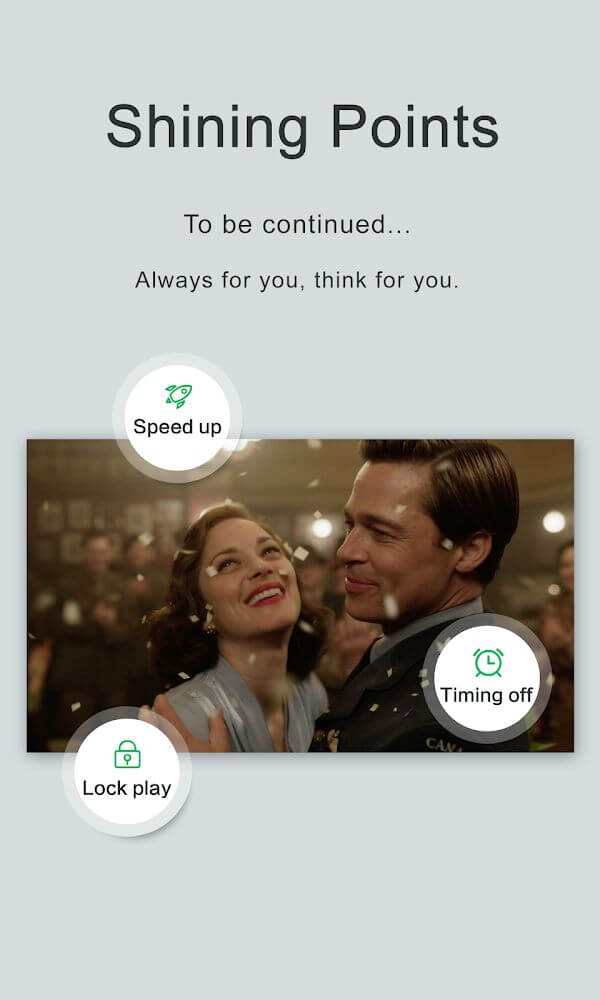
The interface offers many options for adapting the layout to the environment where content is watched, especially during playback. While a video is playing, users can quickly toggle auto rotation, change the aspect ratio, and enable a touch lock that prevents accidental input from interrupting playback. There is also a playback speed control and a quick audio control. These features let users tailor the player to the content, whether it's a fast action movie or a slower informational presentation. The app is flexible and works on both Android smartphones and tablets, and it can cast content to a connected television via Chromecast.
To support modern multitasking, the app includes a mini video player and background playback. The mini player lets users keep watching in a small floating window while browsing the web or using other apps. Background playback keeps the audio running even after the app is closed or the device screen is locked, so users can focus on other tasks while still enjoying their media.
Key features
- Smooth high-definition playback for HD, Full HD, and 4K video files.
- Broad format compatibility, covering MKV, MP4, AVI, M4V, 3GP, MOV, WMV, FLV, TS, and RMVB.
- Private video folders to keep your personal media protected.
- Chromecast support for streaming your videos straight to a TV.
- A compact floating mini player that lets you multitask across other apps.
- Background playback for listening to audio with the screen turned off.
- Adjustable playback speed and one-tap mute.
- Adjustable aspect ratios and screen lock options during playback.
- Interfaces optimized for both Android phones and tablets.
Related MOD APKs
- CapCut – Video Editor
- Capcut MOD
- Youtube Vanced
- FilmoraGo
FAQ
What does OPlayer MOD APK unlock?
This 5.00.40 OPlayer build comes with Paid and Optimized mods and performs just like the original OLIMSOFT release. The changes apply as soon as you complete the installation.
What is the latest version of OPlayer MOD APK?
Version 5.00.40 is the newest OLIMSOFT release, dated December 8, 2023. We don't host older builds here. To update, install this file over your existing app. If you run into a signature error, uninstall the previous version first.
Is OPlayer MOD APK safe to download?
This 5.00.40 OPlayer build from OLIMSOFT includes Paid and Optimized mods and has a 4.1 rating from 16 users. It doesn't require root access. Play Protect may show a warning during installation, which is expected, so always download from this page.
Can I use OPlayer MOD APK on PC or iPhone?
This is an Android file and won't run on iPhone or iPad. To use the 120M APK on a computer, install an emulator such as BlueStacks or LDPlayer, then drag the file into the emulator to launch it.
How to install
- Download the APK file above to your phone.
- Allow “Install unknown apps” when prompted.
- Open the downloaded APK and tap Install.
- If the package includes OBB/XAPK data, follow the bundled instructions.
MOD APKs are modified builds, so Play Protect may show a warning. Install only if you trust the file; use at your own risk.