
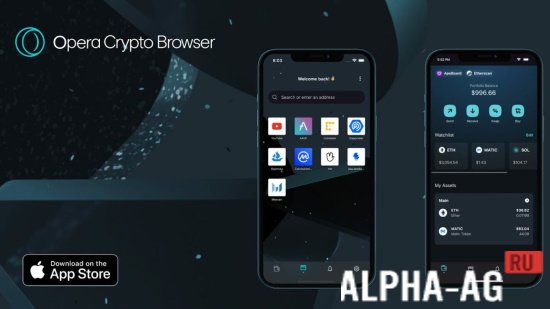
Screenshots
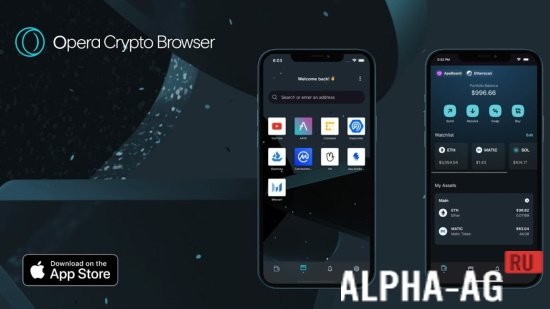

Description
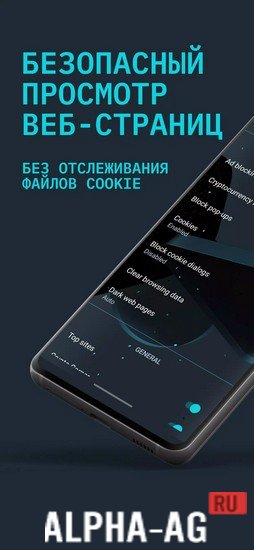
Opera Crypto BrowserBecome the owner of a truly cool crypto browser, follow all the news from the world of cryptocurrencies, manage your assets, and trade in one place.
Application features
Opera does not stop at what it has achieved, and after its unique versions of a lightweight browser and a gaming browser, it has reached Web 3.0. This is a kind of internet of the future, where everything is built in a very specific way. The concept of the currently popular cryptocurrencies fits perfectly here too, so they will be in their new browser as well.
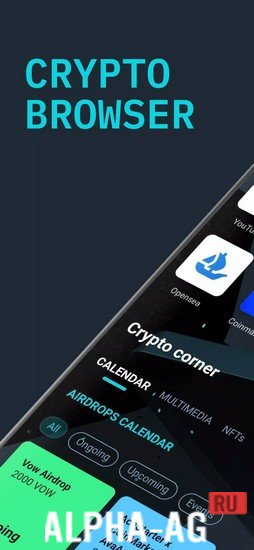
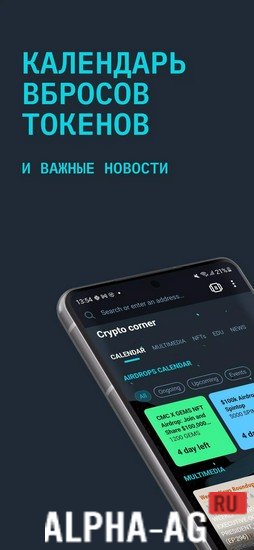
In general, the browser is a comprehensive solution, and so complete that here you will find news from the world of crypto and even a built-in convenient wallet on which you can store your tokens.
Moreover, these can be not only ordinary tokens but even NFT tokens, which will be displayed through a special output in the form of all kinds of beautiful pictures.Functions
Of course, you can customize almost anything your heart desires. Want to register a wallet on any network? Want to profitably exchange currencies on many popular and other exchanges?
Of course, if you wish, you can customize news sites to your liking, but most of them are already preset in this browser, which is very convenient.Of course, this browser's security is also in perfect order, however, you will not be able to link your wallets to your account with an ordinary password. You will need to save a special hidden phrase, and it is advisable to write it down somewhere in your notebook so you don't lose it later. All in all, the result is a unique browser of the future.
0 07 Jul Additional information:- Required Android version: 7.1 or later
- Age rating: 3+
- Russian localization: present
- Cache installation: not required
Subscribe to our YouTube channel!
Leave a commentHow to install
- Download the APK file above to your phone.
- Allow “Install unknown apps” when prompted.
- Open the downloaded APK and tap Install.
- If the package includes OBB/XAPK data, follow the bundled instructions.
MOD APKs are modified builds, so Play Protect may show a warning. Install only if you trust the file; use at your own risk.