

MOD features
MOD Info: Ads and analytics removed (the advertising link in the news section could not be removed, so some ads may still appear). User certificates trusted. Updates disabled. VPN unblocked.
Screenshots
Description
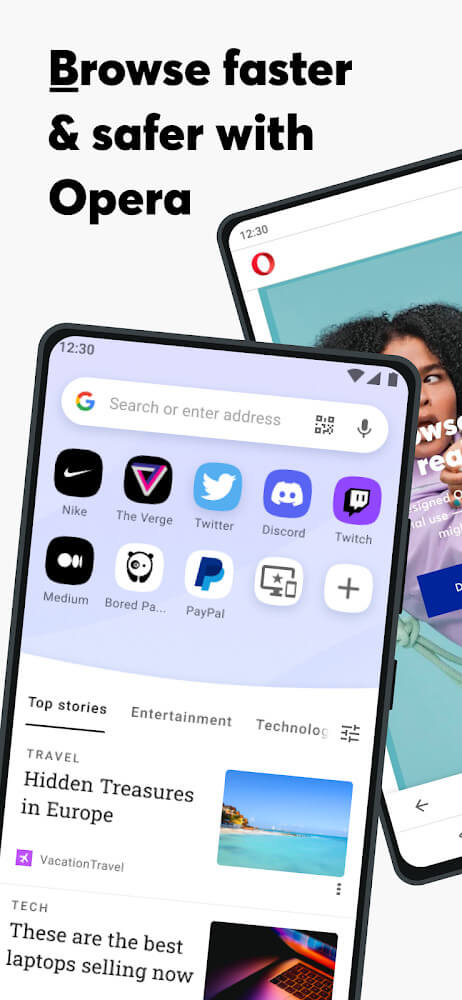
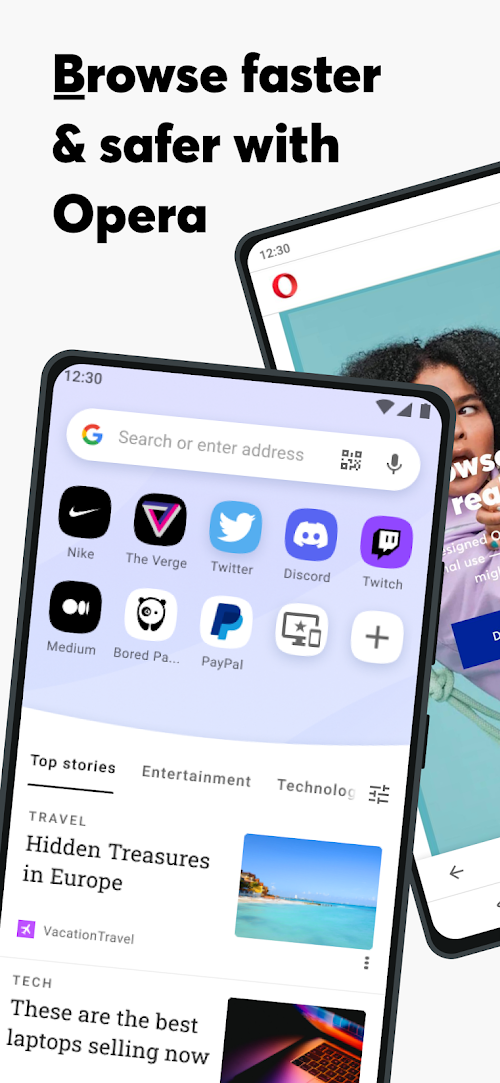
Opera Browser is a fast, secure web browser for your device, built with a clean, user-friendly design that helps you get more done online in less time.
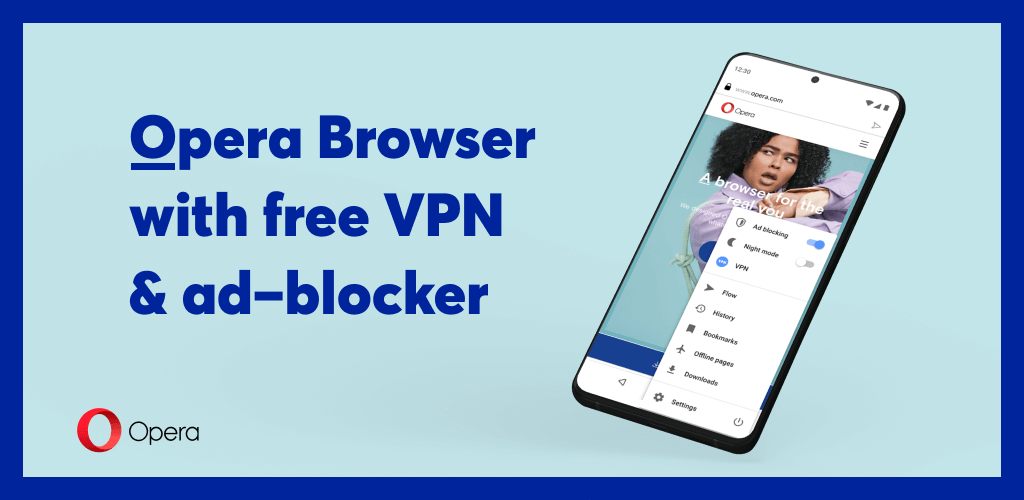
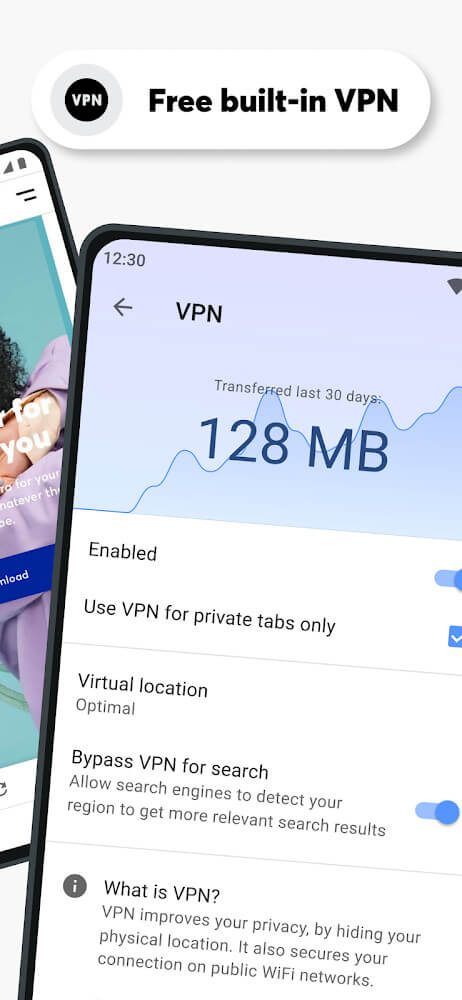
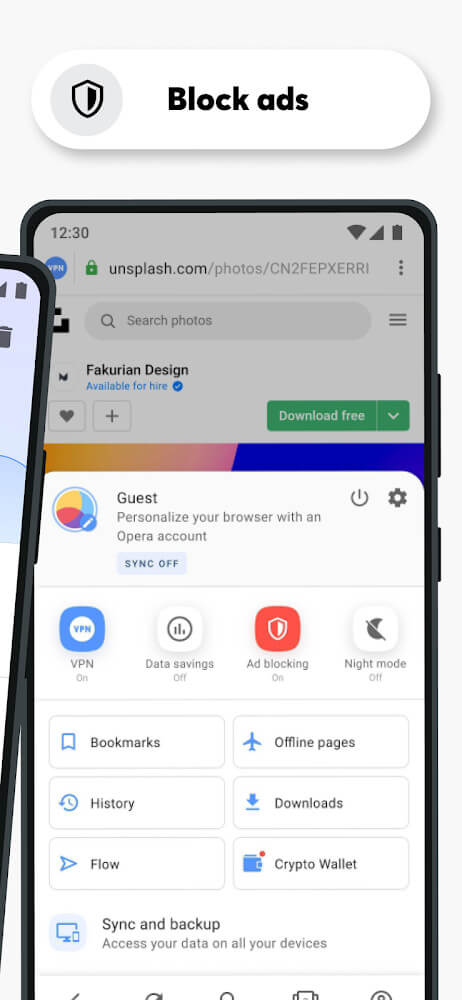
Opera makes getting online easier and quicker. Its ad blocker removes thousands of intrusive ads and speeds up page loading for a smoother browsing experience, while the built-in VPN adds privacy and security. Together, these features aim to deliver a comfortable, efficient, and relaxing way to browse the web.
SAVE DATA AND TIME
Tired of connections dropping out or data running out too quickly? Slow or unstable internet can make it hard to get things done. Opera is designed to solve these problems. Turn on data saving mode to load pages faster and keep browsing for longer. You can visit websites and watch the content you like without constant worry about connection issues, while saving data helps lower your costs and stretch your usage time.
EASY ACCESSIBILITY
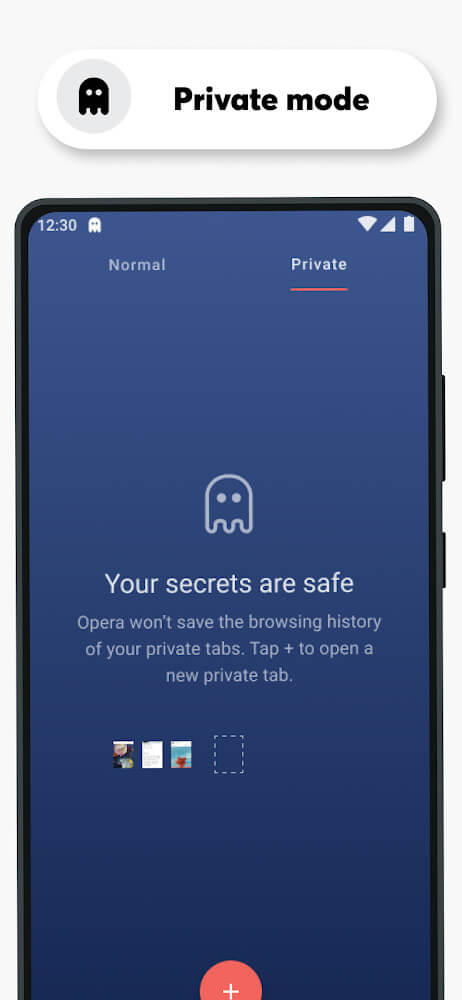
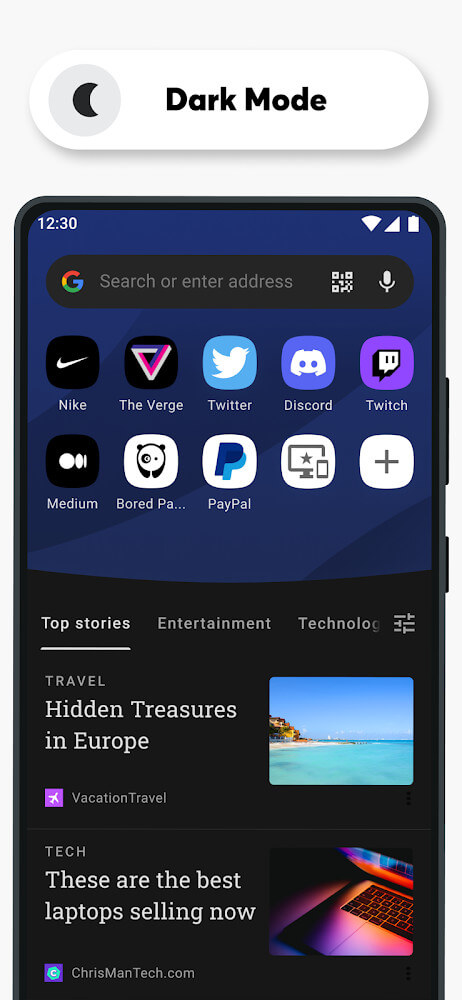
Access any web page quickly and easily. Zoom in or out, adjust text, and resize images and other content to fit your screen. Switch between light and dark modes to suit your eyes, and let web pages automatically adjust their width to match your display. Private tabs in incognito mode help protect your privacy and security. Opera aims to give you a faster, worry-free, and more comfortable browsing experience.
SEAMLESS CONNECTION ACROSS YOUR DEVICES
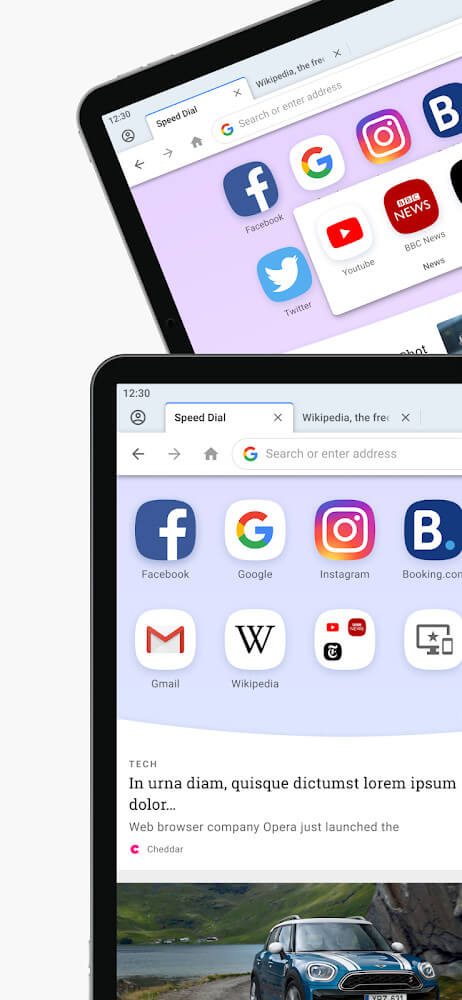
If connecting between your devices is a hassle, Opera can make it simple. Share links and files that appear instantly on all supported devices. The app lets you move seamlessly between your iPhone, Android phone, tablet, and computer, and syncs all your Opera accounts across them. It is built to keep your connections smooth so you can enjoy a more comfortable and relaxing experience.
PERSONALIZED INFORMATION
Once you sign up for an account, your information is saved automatically. Opera's AI-powered news engine builds a personalized feed and recommends topics based on your interests, so you no longer need to search again for content you've already browsed. Opera focuses on being fast, easy, and convenient, offering a range of features you won't find elsewhere. Download it today and discover the experience it can bring.
KEY FEATURES
– A fast, secure browser with a built-in VPN and ad blocker, so you can access the internet more quickly. – Light and dark modes let you pick the look that suits you, with no more worrying about glare. – Built-in security features automatically fill in and save your information, personalize your experience, and recommend related topics. – Read comfortably on any screen, adjust pages to your reading preferences, create a favorites list, and discover new topics. – Use private tabs to browse in incognito mode anywhere online without leaving a trace on your device.
How to install
- Download the APK file above to your phone.
- Allow “Install unknown apps” when prompted.
- Open the downloaded APK and tap Install.
- If the package includes OBB/XAPK data, follow the bundled instructions.
MOD APKs are modified builds, so Play Protect may show a warning. Install only if you trust the file; use at your own risk.