

Screenshots
Description
Galaxy S25 Style is here! Give your phone a fresh look with the modern One UI, standout themes, and the latest Android features!
This One S25 Launcher MOD APK comes with the Premium Unlocked version of the personalization tool, so every restricted feature is available from the start. You get full access to the complete range of UI customization options and advanced management tools, with no need to buy extra licenses.
What’s Modified in One S25 Launcher
- Premium Unlocked status gives you full access to all customization features, themes, and advanced gesture settings inside the app.
This build is version 4.8, about 45M in size, and uses the package name com.one.s20.launcher. Because it is a modified file, it is re-signed and cannot be installed over an existing version from the official store.
About One S25 Launcher
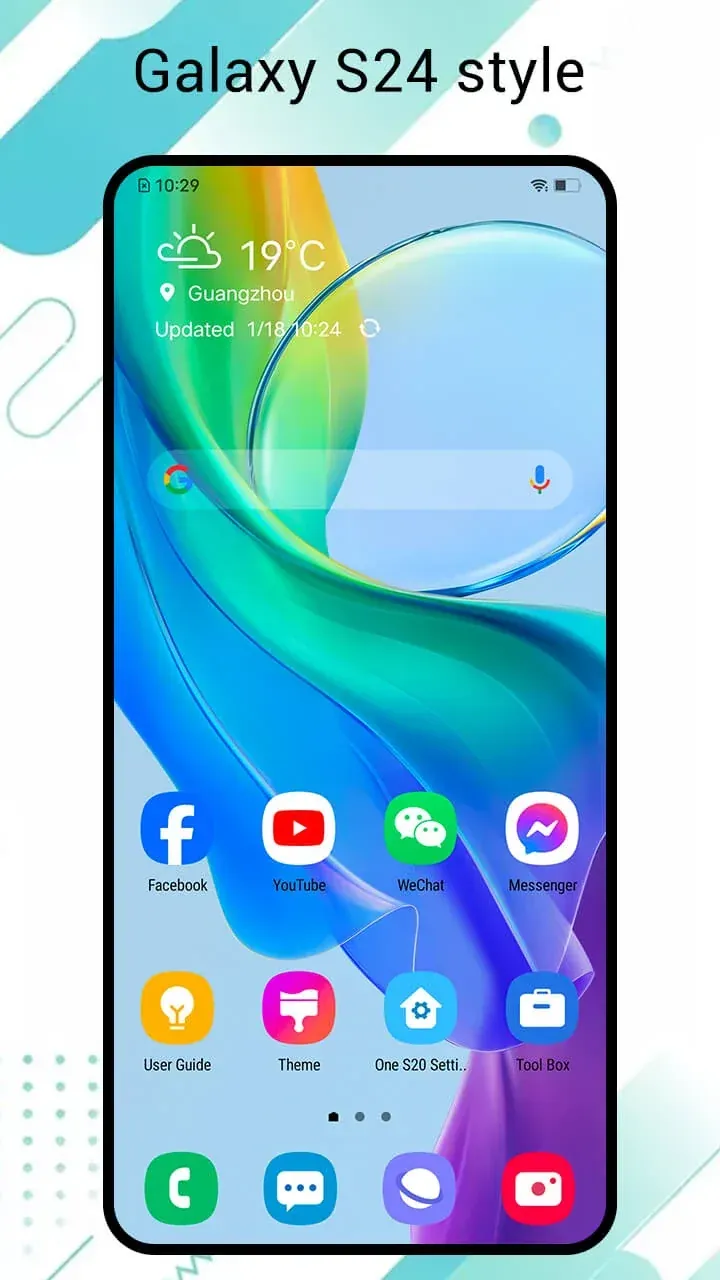
One S25 Launcher brings the One UI design, found on newer Galaxy devices, to your Android phone. It delivers a modern, clean look and gives you more room to arrange apps on your home screen. The redesign goes beyond the home screen, reshaping the whole device for a more contemporary feel and smoother performance. It also includes features and design choices that many other customization tools lack, giving your phone a true flagship appearance. The goal is to bring Samsung’s design touches to a wider range of Android devices, so you can enjoy the polished One UI experience no matter who made your phone.
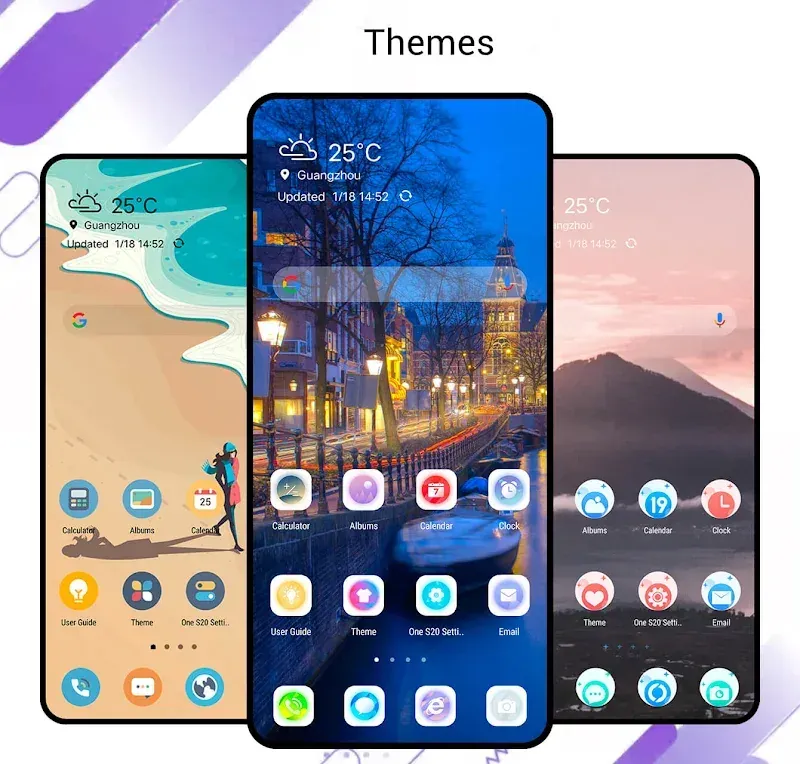
Customization sits at the heart of the app, with a wide variety of layouts and styles shaping how it works. Changing the look and feel of the interface can improve your experience, boost productivity, and make the phone feel more like your own. You can personalize wallpapers and themes to match your taste and preferences.
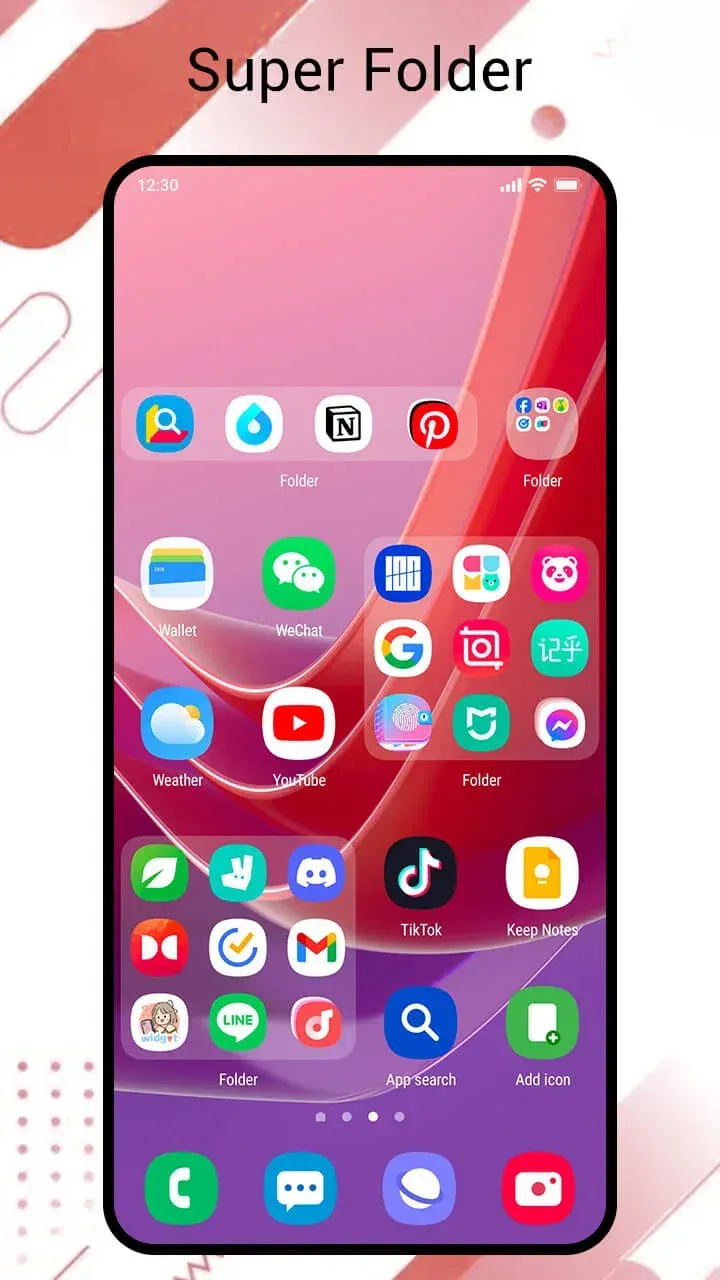
One of the app’s biggest strengths is its highly flexible home screen and app drawer layouts. With a maximum grid size of 12 x 12, you can build a dense, packed interface or keep things sparse and uncluttered. In large part, you decide how your interactions with the phone look and feel.
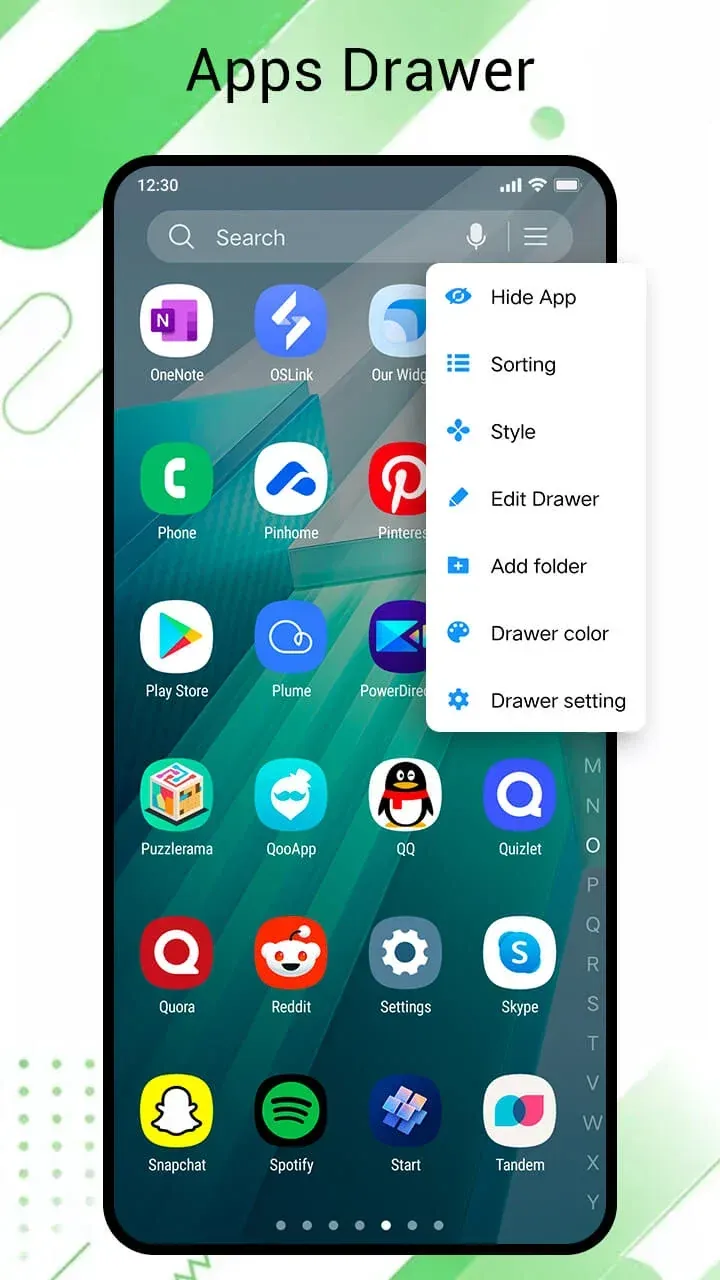
The app brings One UI’s concepts, principles, and navigation behaviors into your launcher, which adds to its value and sets it apart from similar apps. Its app drawer lets you organize apps and the interface around your personal preferences.
Management tools put you in control of your device. You can hide apps to keep information private or cut down on clutter, and protect certain apps with a password for extra privacy. Quick controls let you manage and organize apps without digging through long lists of submenus.
The app also lets you control your device with gestures. You can assign specific actions to gestures such as swiping in different directions, double-tapping, and pinching. Each gesture can be set to open a particular app or run a specific function. The launcher aims to boost your productivity with a context-aware system that reduces reliance on slower ways of interacting with your phone. By letting you configure it around your most common habits, it puts your most-used controls within reach with a single gesture.
Alongside interface refinements and improved gestures, this release makes the App Drawer and Settings menus faster and easier to reach. A long press on the home screen opens the S25 menu, where you can pick from several drawer styles, move the search bar, and adjust other options to suit you. If you have a lot of apps, the A-Z fast scroll lets you jump straight to any app without endless scrolling.
What makes this app stand out is its focus on user experience and the wide control it gives you over the interface. Its lightweight, efficient code lets it run smoothly on a broader range of devices. Even if your phone is several years old, you can enjoy the sleek look and snappy performance of Samsung's latest flagships thanks to this app. Customize your device to match today's Galaxy flagships and get a quick, distraction-free experience.
Key features
- One UI layout inspired by the Galaxy S25, S24, and S23 series
- Adjustable grid sizes up to 12×12 for the home screen and folders
- App hiding for added privacy
- Password protection for individual apps
- Custom gestures for swiping, double-tapping, and pinching
- A-Z fast scroll for quick navigation in the app drawer
- Adjustable drawer styles and search bar options
- Long-press the home screen to open S25 settings
Related MOD APKs
- AiOS Launcher
- Colorful OS Launcher
- X Launcher
- OS14 Launcher
FAQ
Is Premium unlocked in One S25 Launcher – S25 One Ui MOD APK?
Version 4.8 of One S25 Launcher – S25 One Ui comes with Premium unlocked. It works just like the original Model X Apps release, and all features are active right after installation.
What is the latest version of One S25 Launcher – S25 One Ui MOD APK?
Build 4.8 matches the Model X Apps release dated August 28, 2026. We don't keep older versions on GameMod.dev. To update, install this file over your current app. If you see a signature conflict, uninstall the existing version first.
Is One S25 Launcher – S25 One Ui MOD APK safe to download?
Version 4.8 of One S25 Launcher – S25 One Ui is the original Model X Apps build with Premium unlocked. It has received a 4-star rating from 7 users. Root is not required. You may see a Play Protect warning during installation, so always download from this page.
Can I use One S25 Launcher – S25 One Ui MOD APK on PC or iPhone?
This Android file won't run on iPhone. To use the 45M APK on a computer, install an emulator such as BlueStacks or LDPlayer, then drag the file into the emulator window.
How to install
- Download the APK file above to your phone.
- Allow “Install unknown apps” when prompted.
- Open the downloaded APK and tap Install.
- If the package includes OBB/XAPK data, follow the bundled instructions.
MOD APKs are modified builds, so Play Protect may show a warning. Install only if you trust the file; use at your own risk.