
Screenshots

Description
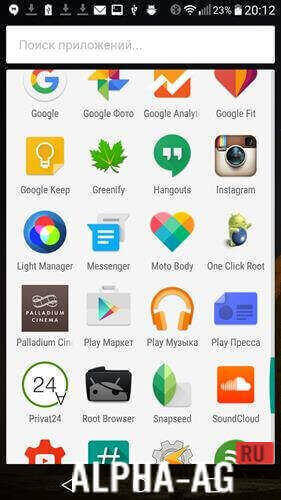
One Click RootIf you don't have the opportunity to connect to a PC or simply don't want to, but still intend to root your phone, you can use the handy One Click Root app. With its help, you can gain root privileges in just a few clicks.
Features
By and large, this program acts as a complete counterpart to the PC version, which, it must be said, is quite popular.
Although computer hardware has become quite affordable today, many people still don't have a computer at home, so they have to look for alternative ways to root their Android mobile device.Installation and use
In fact, using a utility like this is incredibly simple. First, you will need to allow the installation of apps downloaded from unknown sources, which is easy enough to do in the settings menu.
After that, you will need to enable USB debugging. At the same time, your mobile device must have a continuous internet connection while performing the following operations.
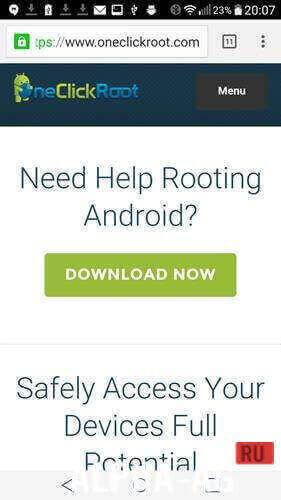
Otherwise, you may encounter system failure and other undesirable consequences. Don't forget to also download the One Click Root app beforehand, which is available on many websites for free.
Instructions
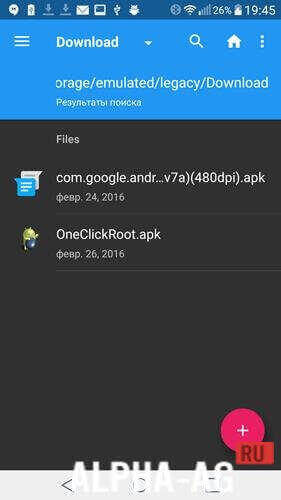
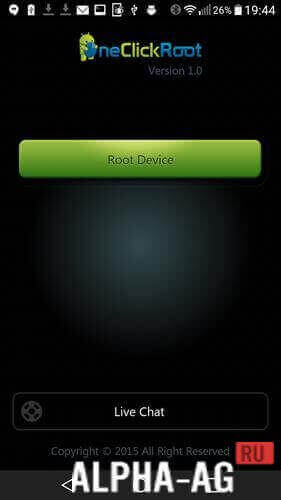
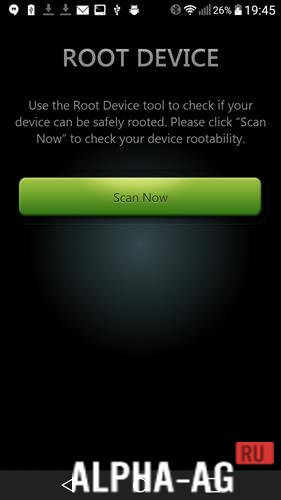
Once the previous steps are completed, use a file manager to go to your downloads and launch the app installation. Next, you will need to open the app and tap the "Root Now" button.
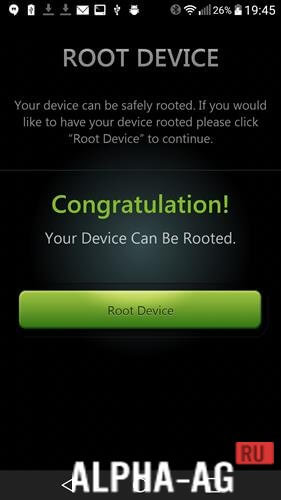
From this point on, the rooting process of your gadget will begin, and if everything is successful, the app will notify you with a "Congratulation!" message.
If you weren't able to get root access, you won't be able to do without a computer: connect your phone to a PC and use the program of the same name, but for Windows. 11 31 May Additional information:- Android version required: 4.1 or later
- Age restrictions: None
- Russian localization: Not available
- Cache installation: Not required
Subscribe to our YouTube channel!
Add a commentHow to install
- Download the APK file above to your phone.
- Allow “Install unknown apps” when prompted.
- Open the downloaded APK and tap Install.
- If the package includes OBB/XAPK data, follow the bundled instructions.
MOD APKs are modified builds, so Play Protect may show a warning. Install only if you trust the file; use at your own risk.