
Screenshots
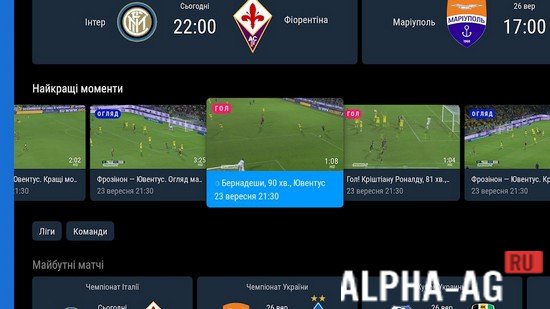
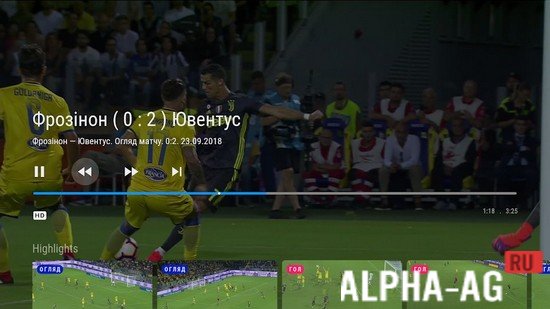
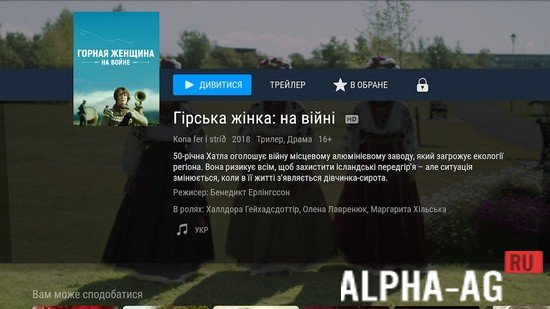
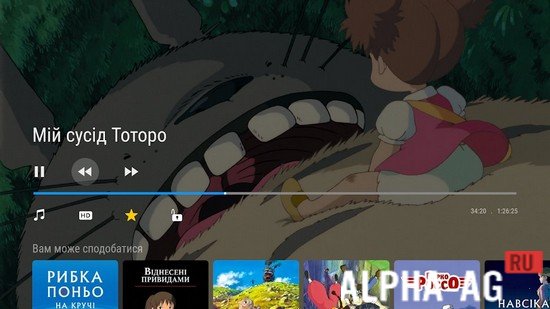

Description
OLL.TVA simple and user-friendly video service that immerses you in the world of cinema, allowing you to enjoy live TV broadcasts, movies, and TV series.
Gameplay
To start using this service, you need to register on the website and pay for your chosen subscription. You will have several subscription plans to choose from, differing in content availability and price.
However, you can use this app during a trial period, which will allow you to explore its features.
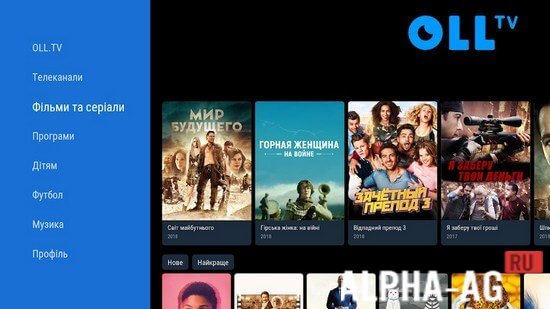
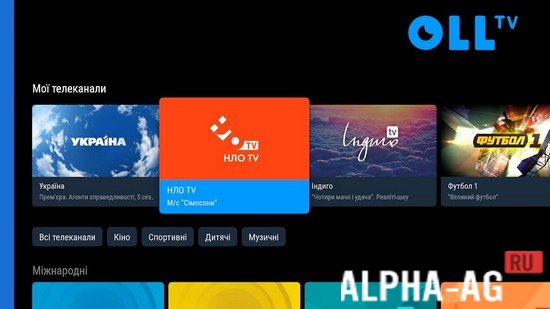
The app offers a large number of various TV channels, including: STB, ICTV, NTN, Football 1, Discovery, TV 1000, FOX, Nickelodeon, and many others.Here you will find movies of various genres, including new releases as well as the most popular titles in their category. TV series, TV shows, kids' programs, sports, and live broadcasts are also categorized separately. If you like a movie but don't have time to watch it right now, you can add it to your favorites.
And watch it later at any convenient time. For football fans, there is a dedicated category where you can enjoy watching live football matches and recordings, as well as a wide variety of football-related programs.
Key Features
This application allows you to watch any video from a single account across any of your devices. This way, you can watch your favorite movies, series, or TV shows anywhere and anytime.
The app gives you access to more than 200 different channels, as well as thousands of series, movies, and cartoons in HD quality.Each video comes with a description, helping you decide whether it is worth watching. You can also listen to FM and online radio here for free at any time convenient for you. You can view your watch history, which is designed to make searching easier.
0 11 Feb Additional information:- Android version required: 5.0 or later
- Age restrictions: 3+
- Russian localization: present
- Cache installation: not required
Subscribe to our YouTube channel!
Add commentHow to install
- Download the APK file above to your phone.
- Allow “Install unknown apps” when prompted.
- Open the downloaded APK and tap Install.
- If the package includes OBB/XAPK data, follow the bundled instructions.
MOD APKs are modified builds, so Play Protect may show a warning. Install only if you trust the file; use at your own risk.