

MOD features
No Ads
Screenshots

Description
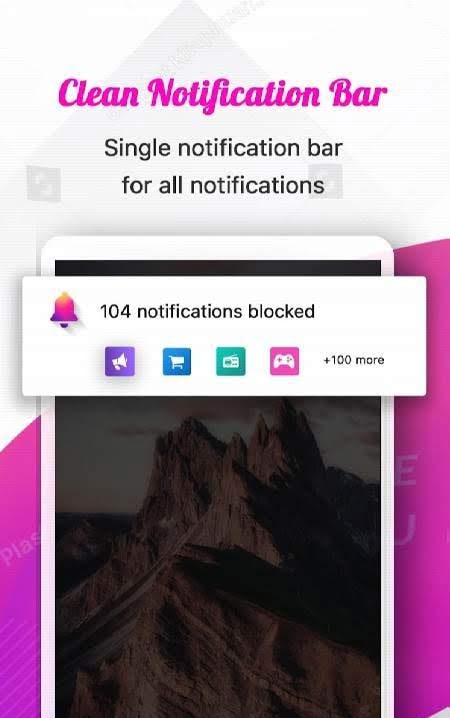
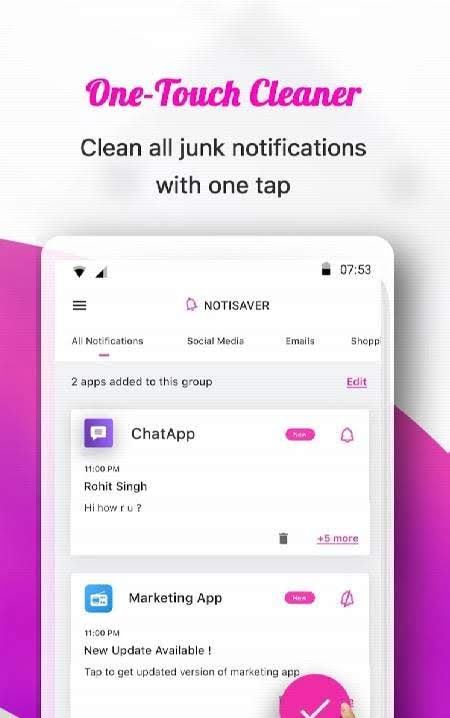
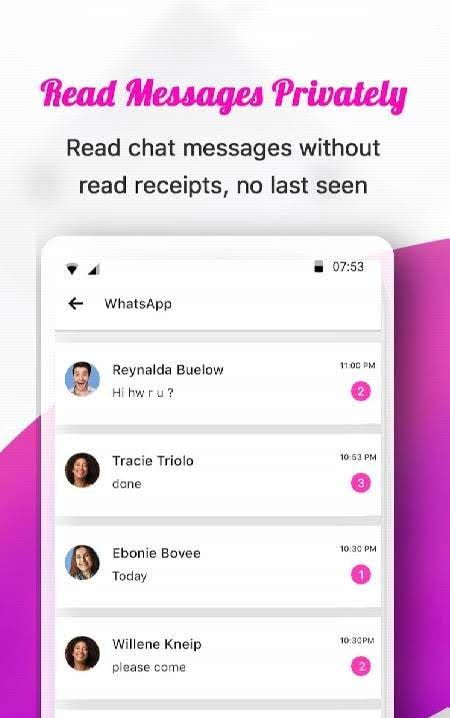
NotiSaver: Stop Receiving Junk Notifications – A handy utility designed for anyone tired of endless, disruptive push alerts from installed Android apps. Intrusive advertisements, promotional spam, and pointless updates easily overcrowd your notification bar, making it easy to miss crucial messages. With this tool, you can automatically intercept and silence unwanted alerts by adding apps to a blacklist, while securely archiving everything into an organized database. Users can inspect blocked history anytime and quickly locate specific records using tailored search filters.
How to install
- Download the APK file above to your phone.
- Allow “Install unknown apps” when prompted.
- Open the downloaded APK and tap Install.
- If the package includes OBB/XAPK data, follow the bundled instructions.
MOD APKs are modified builds, so Play Protect may show a warning. Install only if you trust the file; use at your own risk.