
Screenshots

Description
This release is a modified version of the productivity app, changed from its original form. The Noteshelf MOD APK has been patched to alter how the standard build from official app stores behaves.
What’s Changed in Noteshelf
- The app has been patched to change the original software code.
This build is version 9.0.9, around 221 MB, and uses the package name com.fluidtouch.noteshelf2. Because it is re-signed, it cannot be installed as an update over the version from the official store.
About Noteshelf
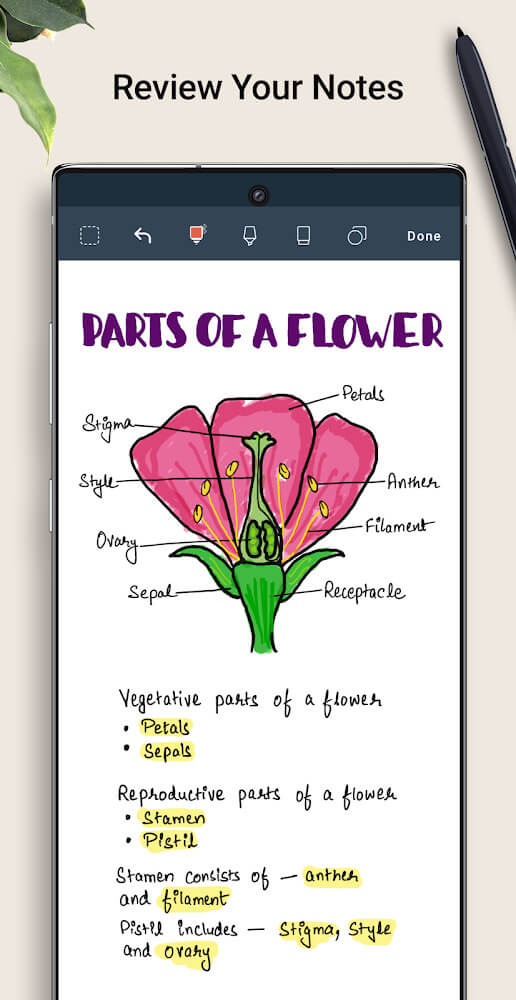
Noteshelf lets users take digital notes, build digital checklists, and annotate PDF documents by hand. What sets it apart from competitors is its aim to recreate the feel of pen on paper in the digital space. To do this, the interface is kept light and smooth, with as little friction as possible between the user and the digital surface. Since the app focuses on imitating pen and paper, it provides a range of pen types, with adjustable sizes and colors. This gives users plenty of formatting options when digitizing handwritten notes, including templates for academic notes, professional notes, and personal notes.
Noteshelf offers a range of features for owners of the Samsung S-Pen. Users can erase digitized content with a single press of the S-Pen button. Beyond the Samsung hardware button, Noteshelf supports various touch and other pressure-sensitive pens, helping users stay comfortable during long writing sessions. The app is designed as a digital workspace where you can handwrite all day without the limits of paper. Its interface is built for speed and accuracy, so that no stroke goes unrecorded.
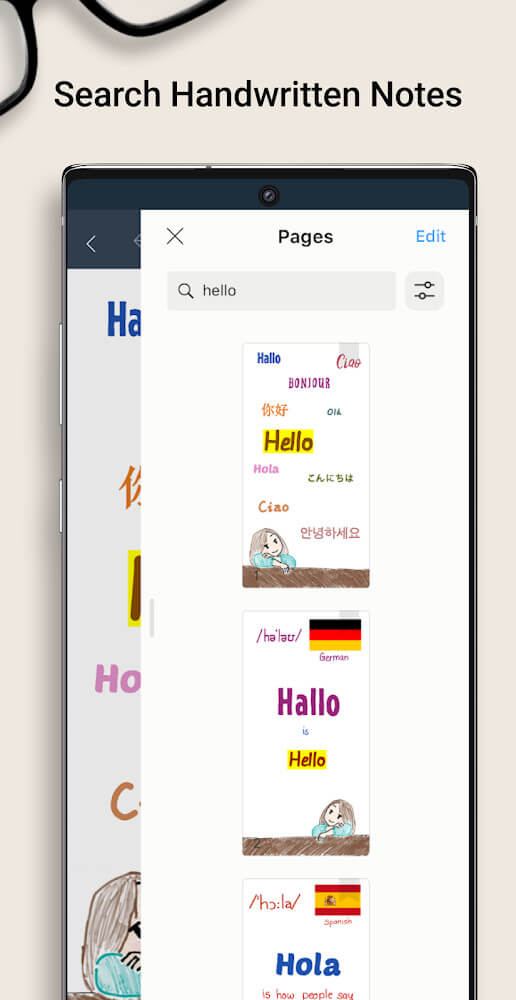
The Noteshelf MOD APK also includes advanced tools such as search and handwriting recognition. The search feature lets users find specific parts of their handwritten notes in the same way they search digital text. The handwriting recognition feature converts handwriting into digital text in more than 65 languages. The system can read many different handwriting styles and shapes, making the app especially useful for people who handle large volumes of handwritten notes and want to digitize or share them with others.
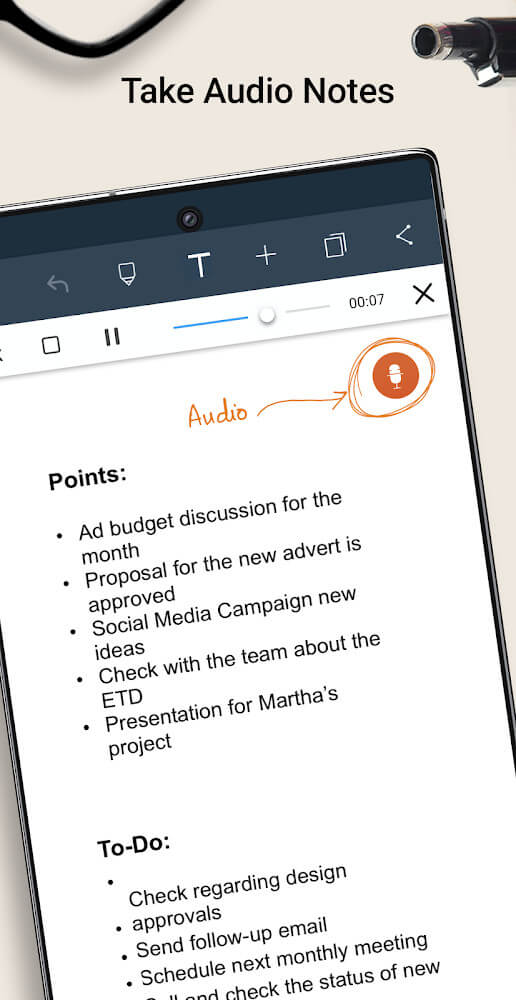
Beyond written content, the app can also capture audio. Users can record audio directly within the app to preserve a school lecture or a work meeting. Recordings can be saved in separate notebooks and played back at any time. Key announcements, lengthy explanations, and detailed discussions can be stored alongside handwritten notes and annotations, making the app valuable for students and professionals who want to capture everything from their lessons, meetings, and studies.
Customization is central to the Noteshelf Club experience. After registering, you gain access to hundreds of paper designs and notepad covers. Cover styles range from polished, professional looks to simpler options for everyday use. Some covers are made specifically for class notes, while others are geared toward tracking fitness and health metrics. Templates provide structure for shopping lists and expense trackers. Digital notebooks let users draw on different paper styles and offer a wide range of organizational and customization options. New templates are added regularly to suit a variety of needs.
The app includes dozens of tools for organizing and managing your notes. Its autobackup feature automatically syncs notes to Google Drive and Dropbox. For technical drawings, an auto-shape feature helps create clean geometric figures. Files can be sorted into categories, and bookmarks can be created and color-coded for quick navigation. Notes can also be color-coded to make organization easier. The autoshare feature lets users email notes directly to others.
Key features
- Digital handwriting with customizable pen colors and sizes
- PDF annotation and checklist creation
- Samsung S-Pen button integration for quick deletion
- Handwriting search and conversion for 65+ languages
- Audio note recording and playback
- Noteshelf Club access to covers and paper templates
- Auto-backup to Google Drive and Dropbox
- Auto-shapes for geometric drawings
- Document categorization and color-coded bookmarks
- Email sharing for handwritten notes
Related MOD APKs
- Noteshelf 3
- Grok – AI Assistant
- ChatGPT
- CamScanner
FAQ
What does Noteshelf MOD APK unlock?
This 9.0.9 build of Noteshelf is patched. Every other feature matches the Fluid Touch release, and the changes take effect as soon as you install the file.
What is the latest version of Noteshelf MOD APK?
The 9.0.9 build corresponds to Fluid Touch's release from September 22, 2025. We don't host older versions here. To update, install this file over your existing app; if a signature conflict appears, uninstall your current version first.
Is Noteshelf MOD APK safe to download?
This Noteshelf 9.0.9 release on GameMod.dev is the Fluid Touch app with patched modifications. It has received a 3.8/5 rating from 259 users. Root access is not required. You can ignore Play Protect warnings, and we recommend always downloading from this page.
Can I use Noteshelf MOD APK on PC or iPhone?
This Android package won't install on an iPhone. On a PC, you can run the 221M APK with an emulator such as BlueStacks or LDPlayer: install the emulator software, then drag the file into it.
How to install
- Download the APK file above to your phone.
- Allow “Install unknown apps” when prompted.
- Open the downloaded APK and tap Install.
- If the package includes OBB/XAPK data, follow the bundled instructions.
MOD APKs are modified builds, so Play Protect may show a warning. Install only if you trust the file; use at your own risk.