
Screenshots
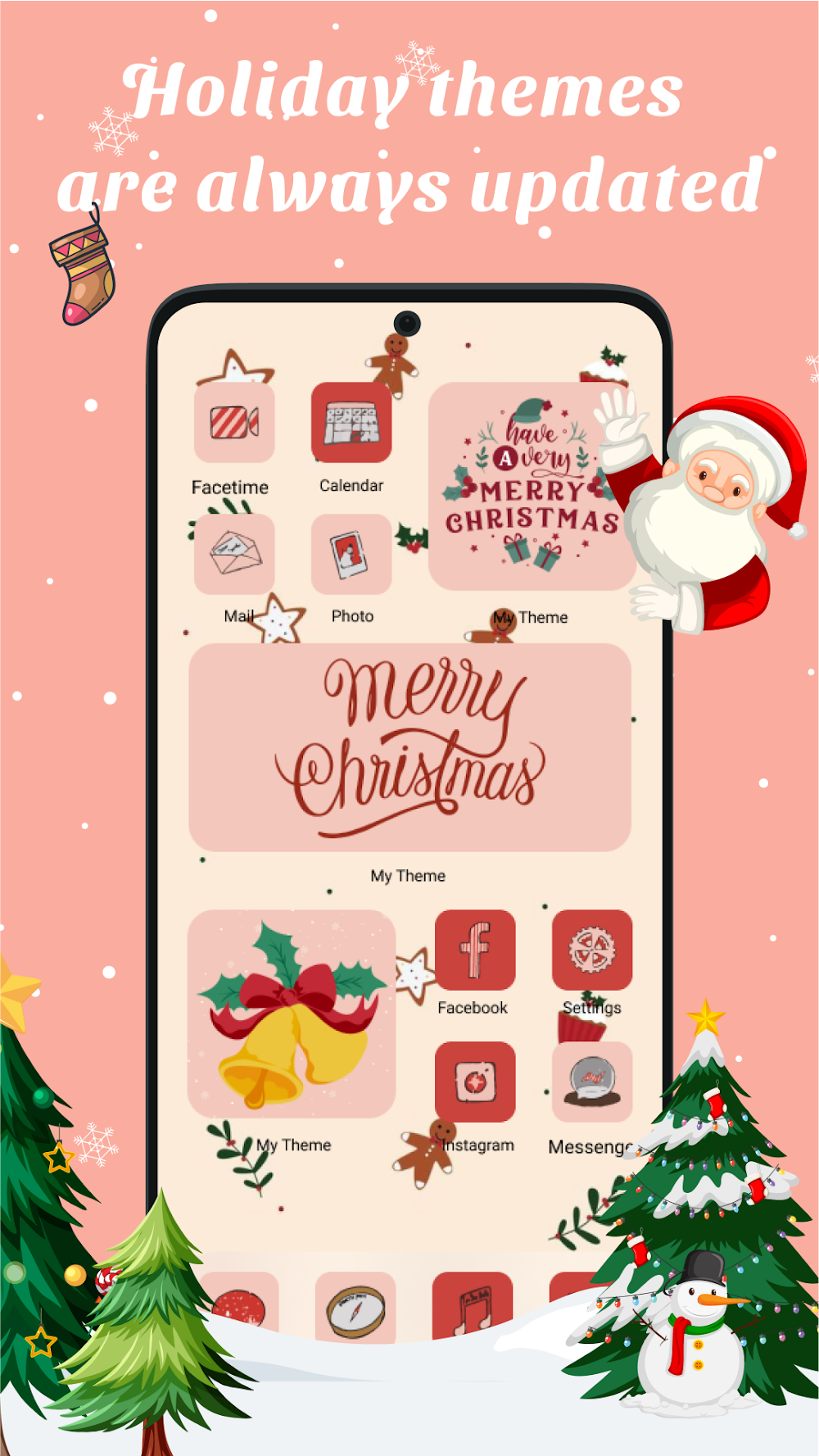
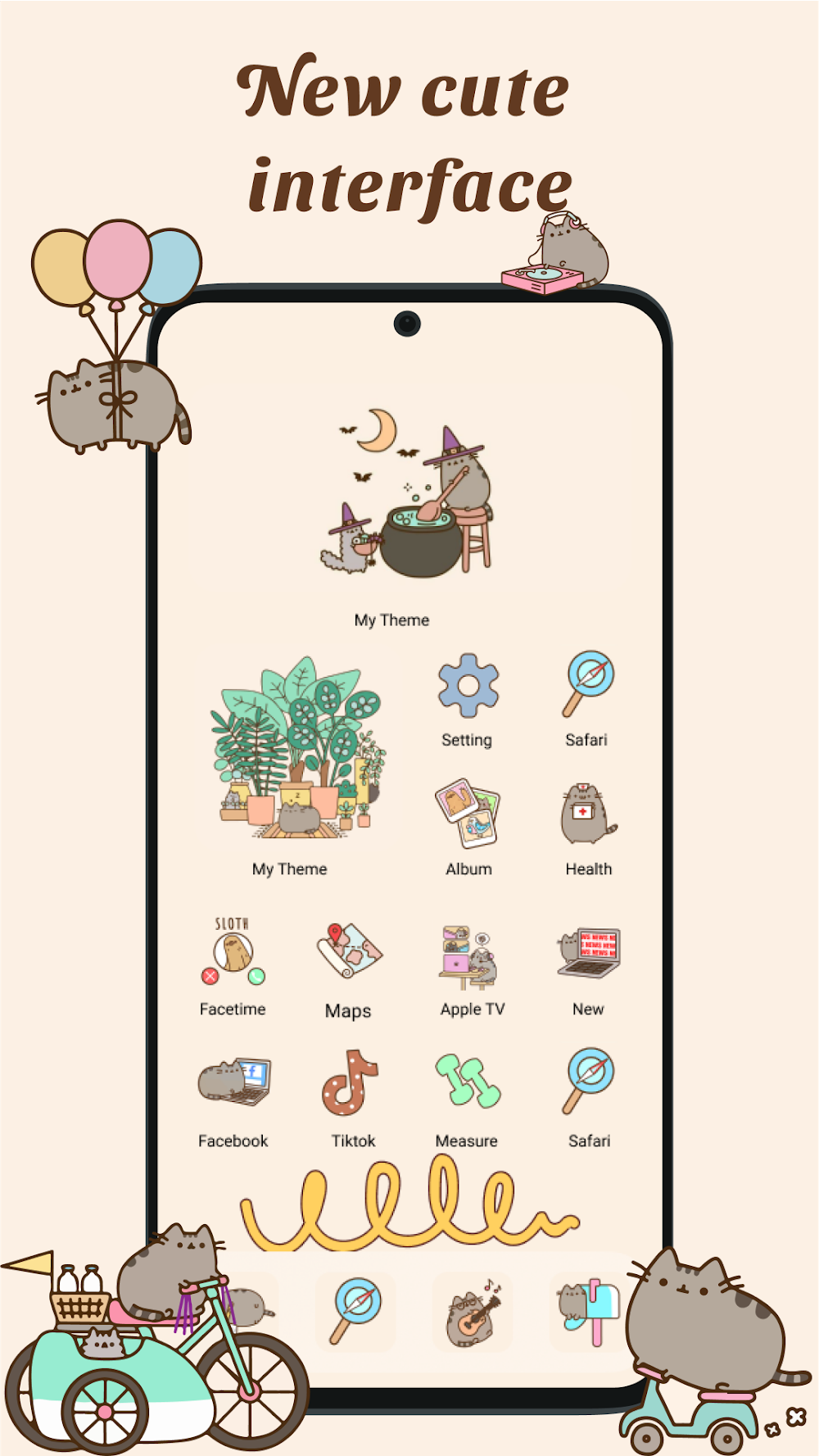
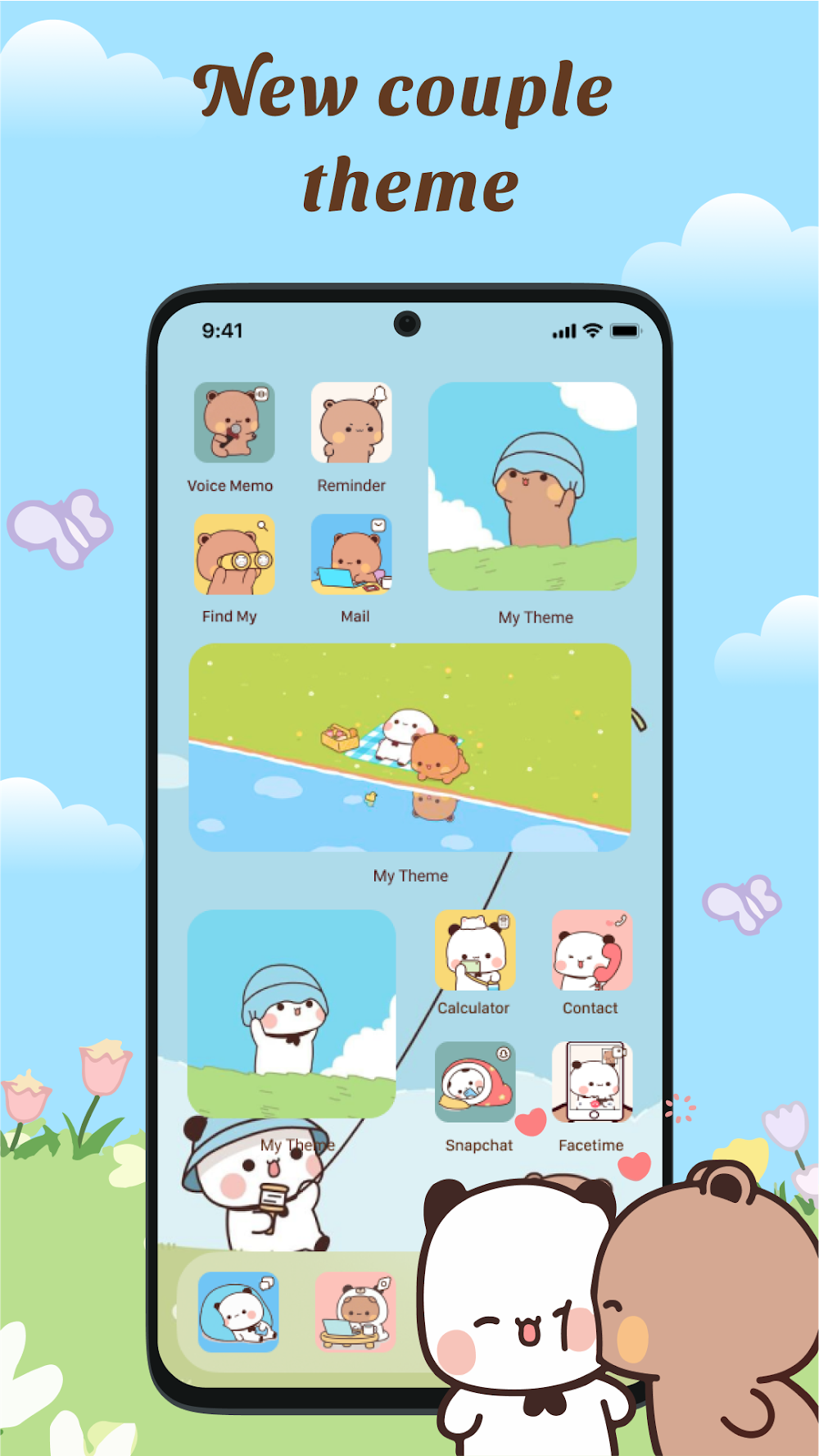
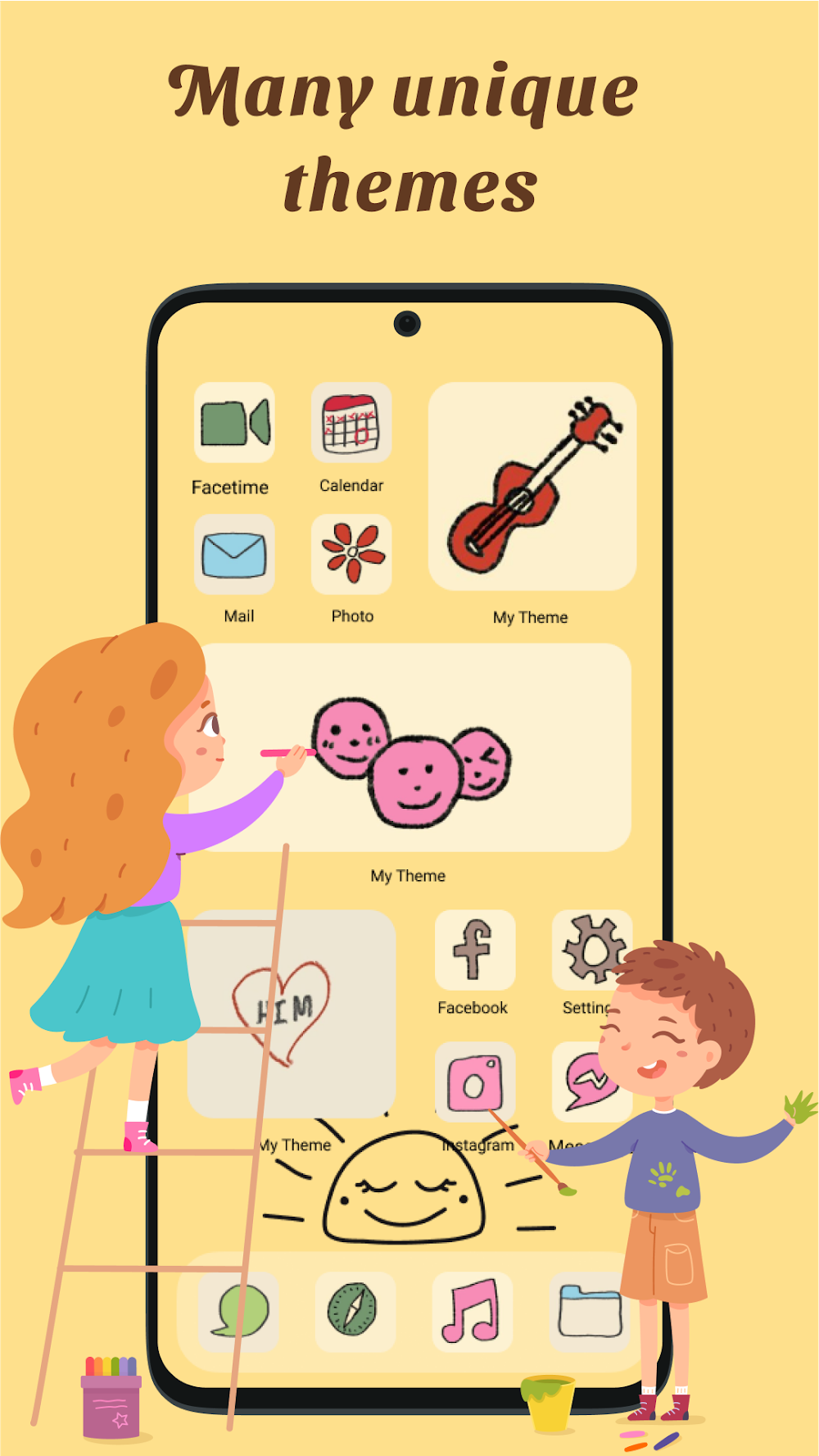
Description
Swap your standard application icons for bespoke themed designs using our powerful Icon Changer tool.
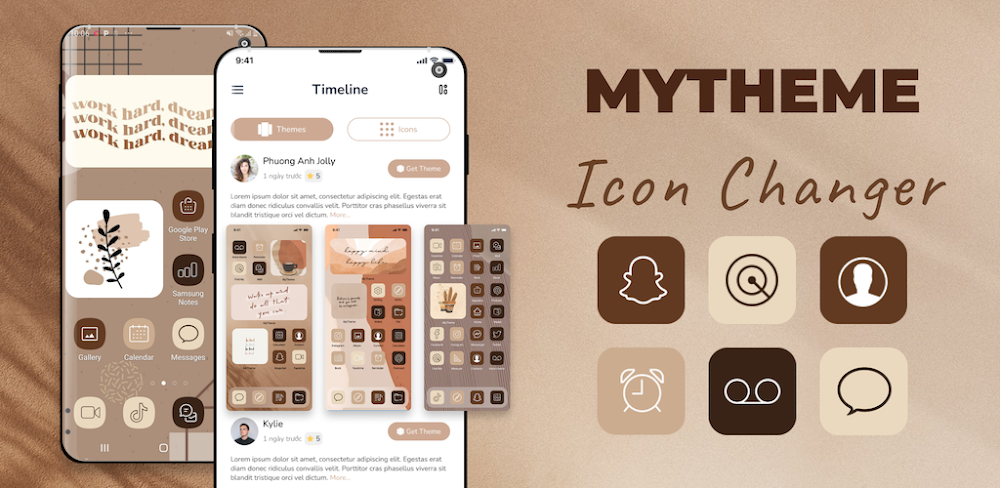
MyTheme: Icon Changer & Themes stands out as the ultimate personalization suite for your Android home screen, packing stylish themes, custom icons, and handy widgets. It effortlessly gives your device a fresh, visually captivating aesthetic.
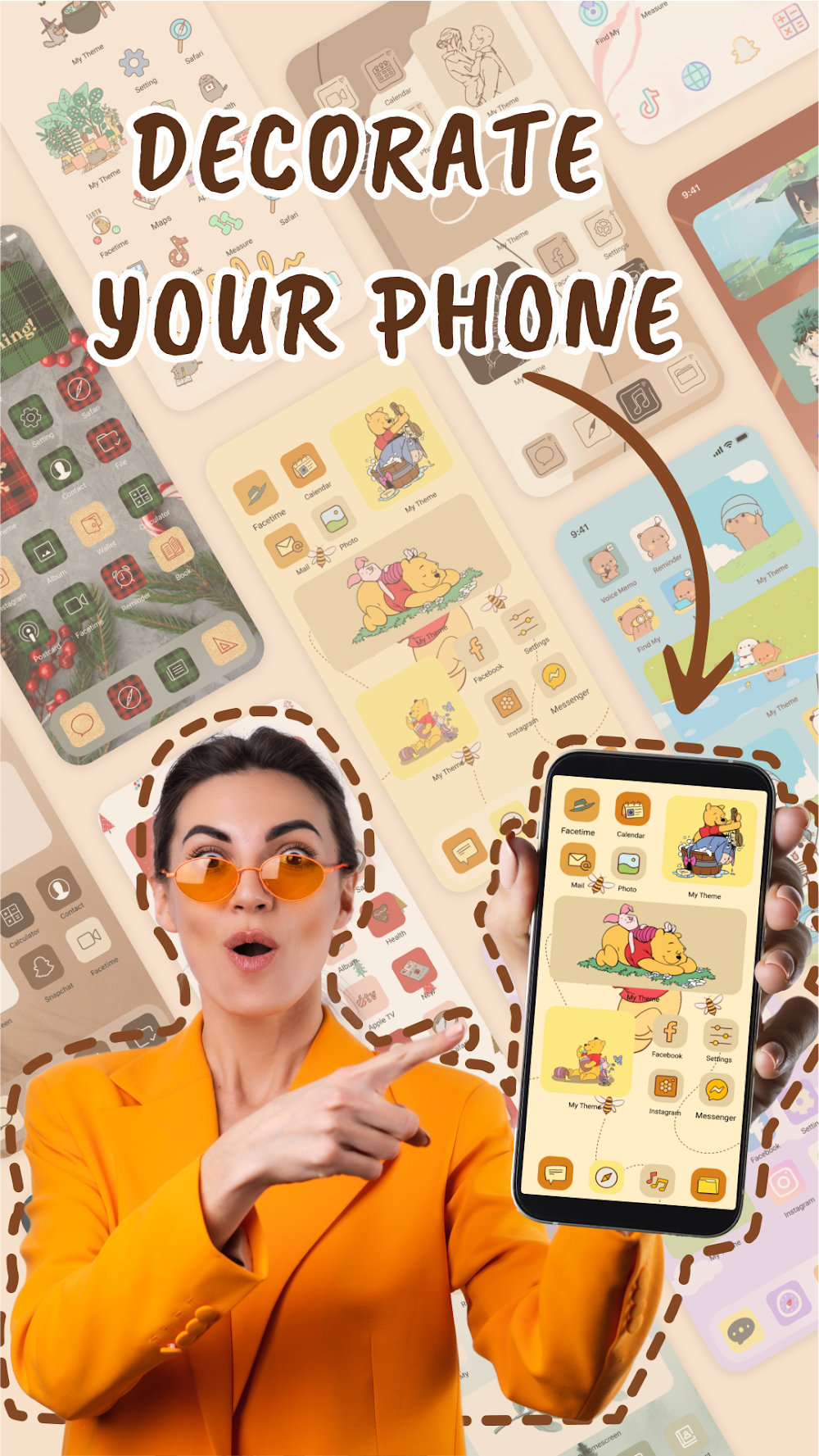
With MyTheme, you can transform your home screen shortcuts using a rich collection of visuals that match your unique tastes and passions. Explore an extensive catalog of artistic icon packs, full themes, and curated screen mockups. Prefer a personal touch? Use the icon editor to select any picture directly from your photo gallery and set it as an app logo. Grab MyTheme right now on GameMod.dev and give your display an eye-catching makeover!
Designing a customized home setup has never been simpler with MyTheme! Revamp your layout with tailored widgets, striking icon designs, and premium wallpapers. Follow the straightforward setup prompts to leave dull, generic screens behind.
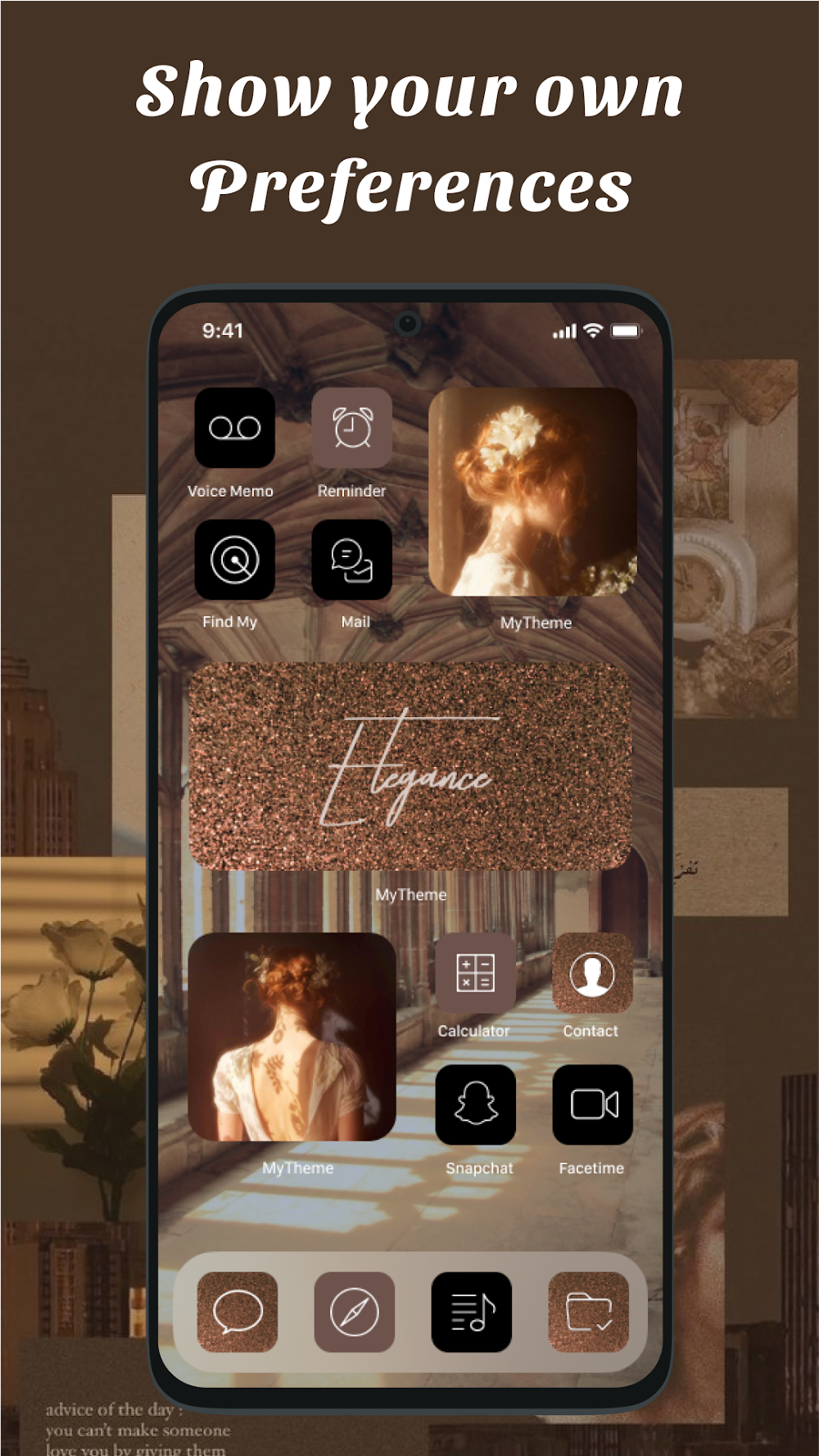
Discover endless aesthetic aesthetics inside MyTheme—from deep space and scenic views to vibrant anime and glowing neon styles. For a totally customized look, you can also modify font types, label colors, and background visuals to your liking.
Browse handpicked theme bundles from the top-rated home customization utility, loaded with stylish icons and matching backgrounds.
MyTheme serves as an all-in-one utility to remodel app shortcuts, swap artwork, and edit title labels. You can replace default icons with any photo from your personal library. The app generates fresh shortcuts directly on your Android launcher, offering the smoothest way to revamp your device's interface.
Join the interactive Timeline community where you can post remarks, craft original icon designs, and showcase your creations for other members to rate and enjoy.
Key Features of MyTheme
– Over 10,000 customizable app icon styles – More than 5,000 versatile widgets, including Date, Clock, Calendar, Daily Bible verses, Motivational quotes, Battery monitors, and Countdown timers – Huge library of distinct icon graphics – Varied theme collections ranging from modern and minimalist to sci-fi, fantasy, nature, and cute styles – Import personal images directly from your gallery to design custom icons – Quick app renaming capability – Clean, user-friendly interface – Effortless one-tap theme installer to apply entire packs without wasting time
How to Apply Themes in MyTheme
1) Launch the application, navigate over to the 'Themes' section, and pick your favorite design. 2) Select which installed apps should receive the newly styled shortcuts, then hit 'Install All'. 3) When prompted by the system, grant permission to add new icons onto your launcher. 4) Confirm the action when the popup appears asking to add the shortcut. 5) Head back to your home screen to explore your updated setup.
How to Remove Shortcut Watermarks
Starting with Android 8.0, the operating system routinely stamps a tiny badge on shortcut icons created by third-party apps. MyTheme bypasses this limitation using widget integration, keeping your new icons clean, badge-free, and professional:
Guide to Widget Mode (Bypass Watermarks): 1. Pick and download the theme of your choice. 2. Tap 'Install' on an individual icon rather than batch-installing; in the resulting dialogue, choose 'Click to Remove Watermark'. 3. Return to your home screen, press and hold any empty area, and select the 'Widgets' menu. 4. Scroll to find 'MyTheme', pick the '1x1 Create Shortcut' widget, and place it on your screen. 5. The configuration panel will pop up automatically, letting you select and create flawless icons without watermarks.
Our catalog expands constantly with fresh designs and updated icon sets to keep your setup looking sharp every day. Start upgrading your screen with MyTheme today on GameMod.dev!
We highly appreciate your thoughts, feedback, and feature suggestions. Drop a review and let us know what you think so we can keep improving your experience with MyTheme: Icon Changer & Themes.
Troubleshooting Tips: * On select brands (such as Vivo) where shortcut creation is restricted by default, open your system Settings -> Apps & Permissions -> Desktop Shortcuts, locate MyTheme, and toggle permission 'On'. * If widgets fail to update their data, open MyTheme Settings and turn on the 'Allow Apps to run in the background' toggle.
How to install
- Download the APK file above to your phone.
- Allow “Install unknown apps” when prompted.
- Open the downloaded APK and tap Install.
- If the package includes OBB/XAPK data, follow the bundled instructions.
MOD APKs are modified builds, so Play Protect may show a warning. Install only if you trust the file; use at your own risk.