
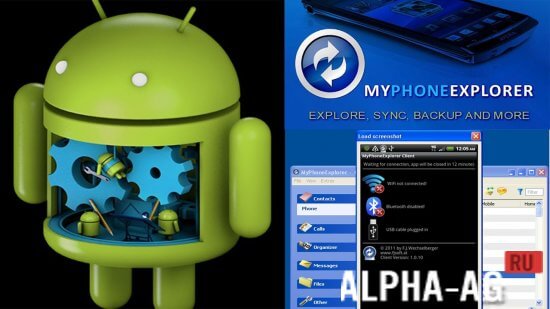
Screenshots

Description
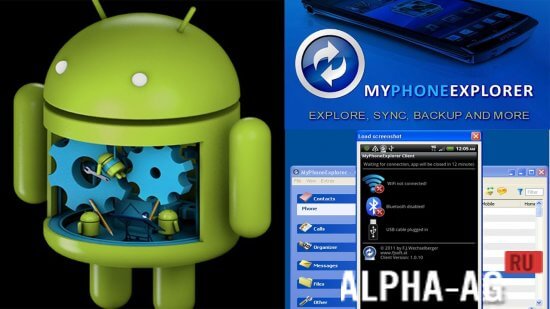
MyPhoneExplorerAn excellent program, which will help you manage your smartphone using a computer.
Gameplay
A useful app that will come in handy for every user, because with it you can synchronize your mobile phone and a computer running the Windows operating system. To start using this app, you need to install it on your smartphone and computer.
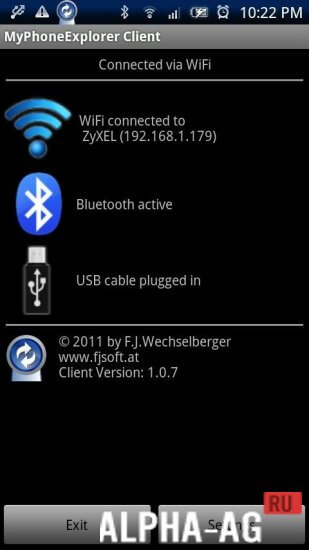
Next, connect your devices using Bluetooth, a USB cable, or a Wi-Fi connection. After that, you will get access to all folders and files located on your mobile device.
You will be able to move files between your gadget and computer, manage messages and calls, create backups of files, messages, contacts, and more. You will also be able to remotely manage the organizer and calendar on your smartphone.App Features
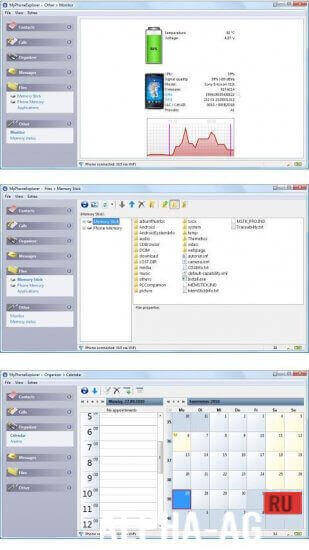
With this app, you can get detailed information about battery charge, signal strength, and the memory status of your mobile phone. From your computer, you will be able to manage call logs and messages, as well as create backups.
You can also sync with contacts, calendar, Outlook, Lotus Notes, Thunderbird, Outlook Express, Tobit David, Sunbird. The application features a multilingual interface, a built-in organizer, and a simple file manager that allows you to transfer files between your computer and gadget.
On our website you can download the MyPhoneExplorer app for Android for free.
0 Aug 21 Additional information:- Android version required: 4.0 or later
- Age restrictions: 3+
- Russian localization: present
- Cache installation: not required
Subscribe to our YouTube channel!
Add a commentHow to install
- Download the APK file above to your phone.
- Allow “Install unknown apps” when prompted.
- Open the downloaded APK and tap Install.
- If the package includes OBB/XAPK data, follow the bundled instructions.
MOD APKs are modified builds, so Play Protect may show a warning. Install only if you trust the file; use at your own risk.