
Screenshots
Description
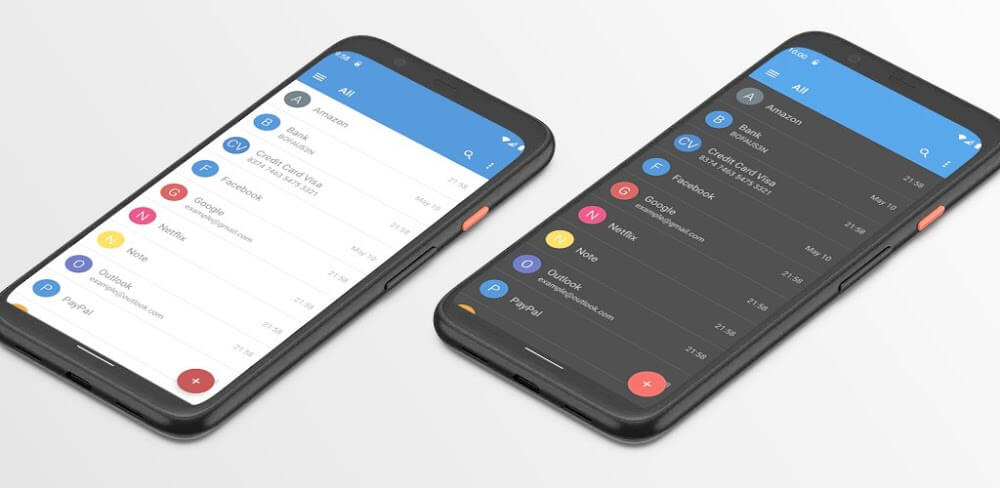
My Passwords Manager is a handy utility that keeps all your important information in one place, from logins to personal details. You enter everything into the app, and the only password you need to remember is the app's master password.
Do you have too many passwords from social apps and other essential accounts, and find it hard to keep track of them all? That forgetfulness can be stressful. My Passwords Manager stores everything you need, from passwords to personal information, in a secure, encrypted database. Since you use the app, you only need to remember the master password you set for it.
FAST ACCESS AND SIMPLE TO USE
My Passwords Manager is one of the most convenient tools for remembering your essential personal information. With this app, you can store and organize all your details in a single location. It opens quickly and is easy to use, so anyone can save their information. Your passwords and data are kept highly secure, and no one can access them without your permission.
BACK UP AND RESTORE YOUR DATA WHEN NEEDED
The app lets you back up and restore all data on your device whenever necessary. If you use several devices, you can also sync your passwords across them with a single account. The sharing happens directly within this app, so you don't need supporting services like Google Drive. You simply copy what you want to share from native apps, then share it to your other devices using your one master password.
LOCKS AUTOMATICALLY WHEN YOU CLOSE THE APP
You can use this app anywhere to store the essential information you need to remember. With My Passwords Manager, you can exit the app with a single tap. You can also turn off your screen so the app locks immediately, which is a great way to protect your information. If someone glances at your screen, you can switch it off instantly and keep your details private. Anything you saved stays safely stored in the app.
YOUR DATA IS ALWAYS STRONGLY ENCRYPTED TO ADVANCED STANDARDS
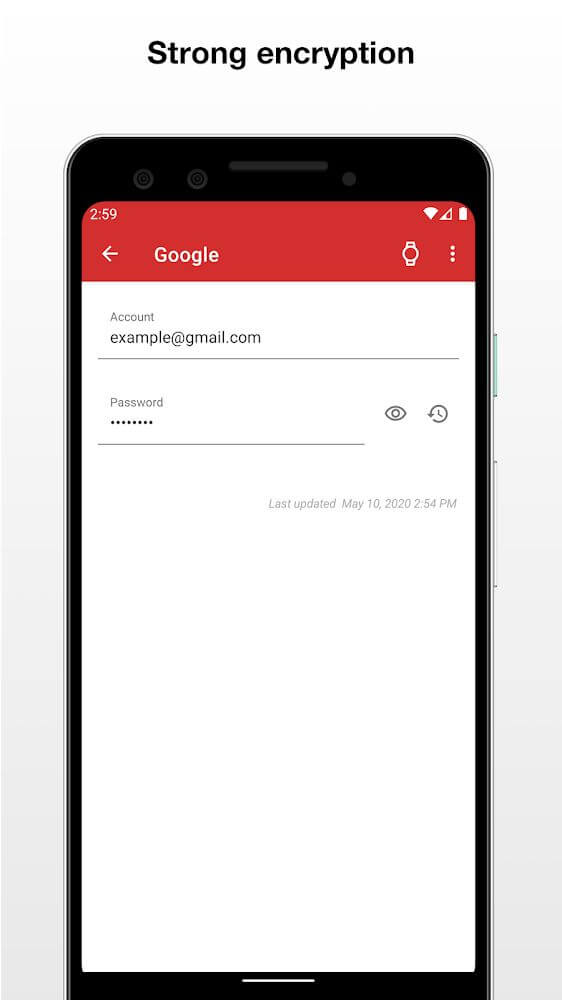
Beyond its unique utilities, this app lets you record and store all your important information, from home Wi-Fi passwords to bank card details, and review it whenever you need. Rest assured, the app uses strong encryption based on the advanced AES-256-bit standard. It is among the most secure encryption methods, recognized by the US government and widely trusted around the world.
ONLY ONE MASTER PASSWORD IS NEEDED TO UNLOCK THE APP
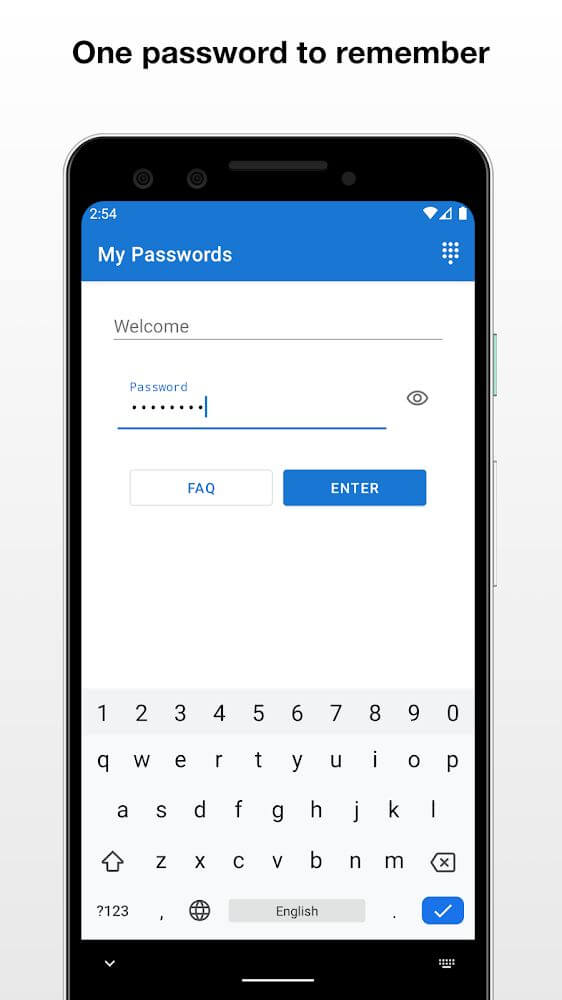
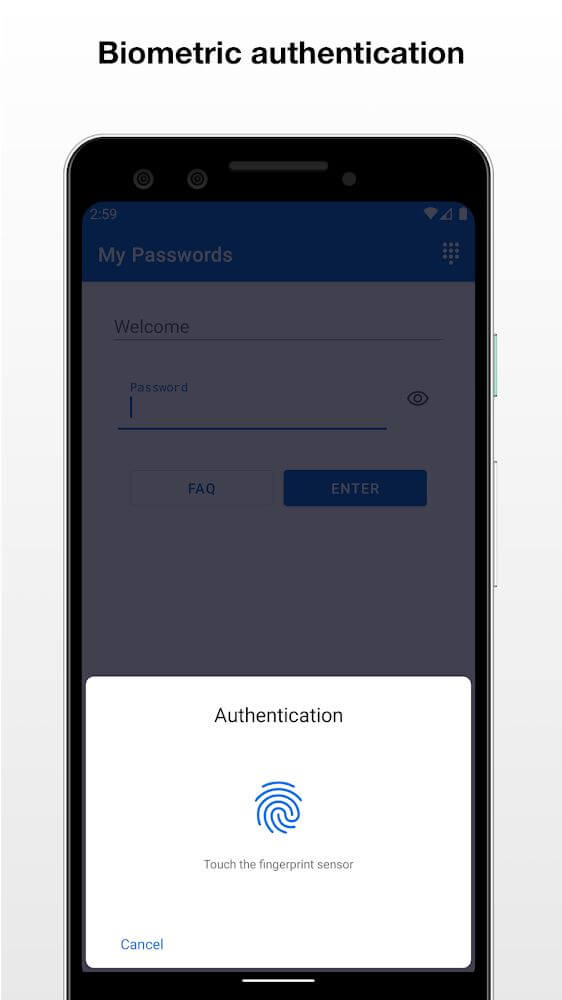
When using this app, you only need to remember one master password to log in to the device. Choose a password you consider strong, or set up encryption with biometric authentication for faster access without thinking about it every time. Thanks to these options, only you can access your data. Every password type is checked to make sure it meets strong security standards.
NO LIMIT ON THE NUMBER OF PASSWORDS YOU CAN SAVE
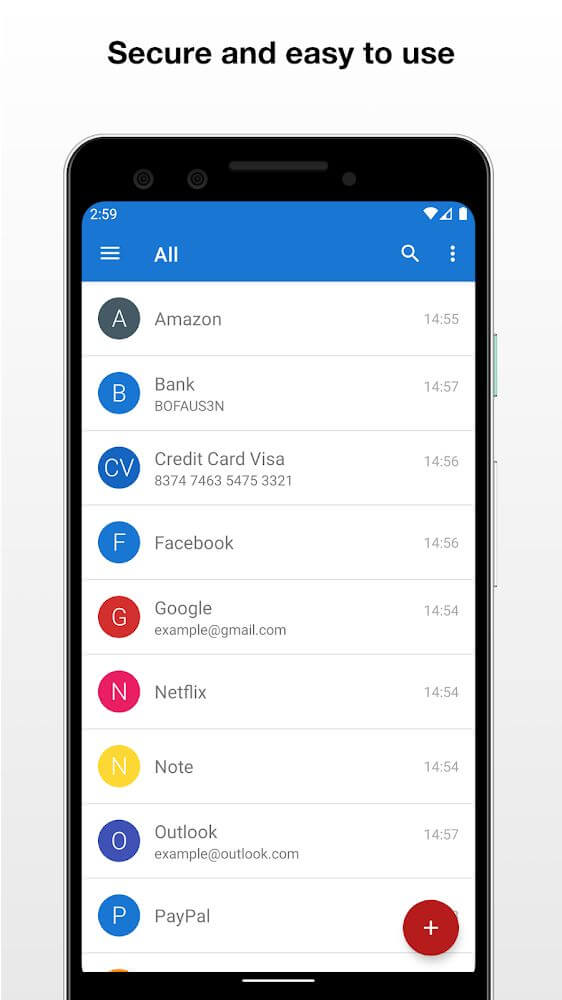
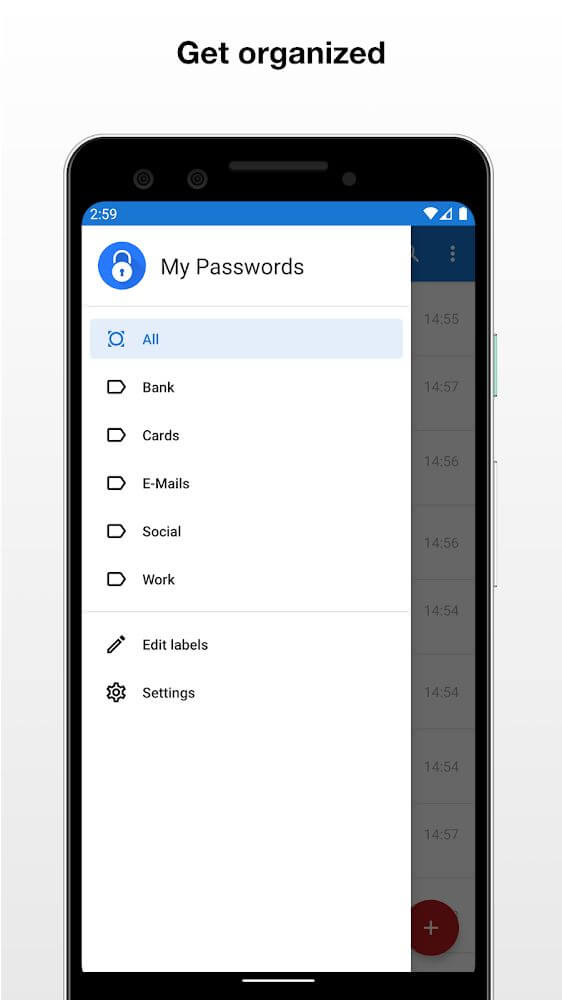
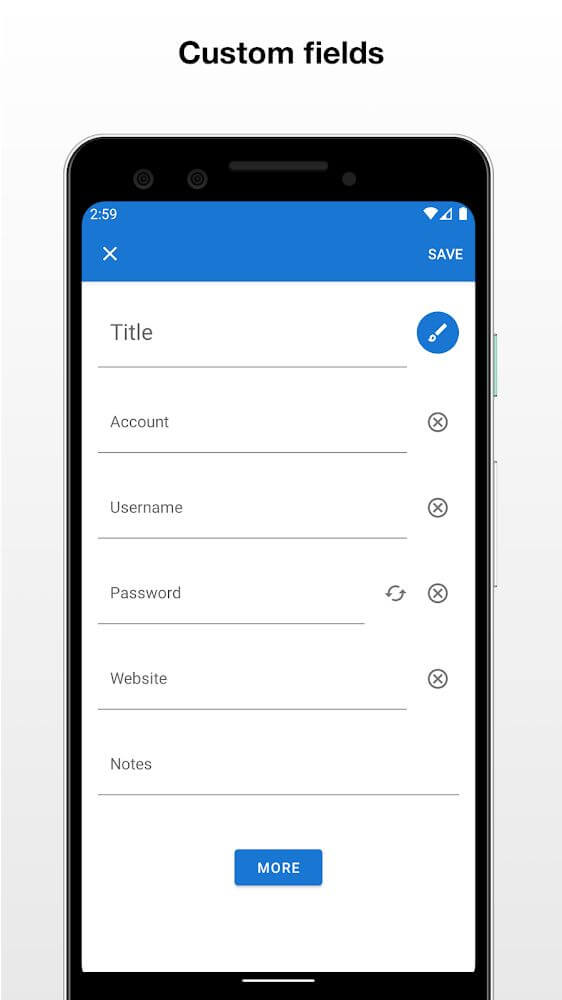
My Passwords Manager lets you record all your essential information. Besides social media passwords, hidden phone numbers, or confidential work details, you can save everything here, since the app places no limit on how many entries you add. All your information is sorted and organized in the order you entered it, by date.
KEY FEATURES
- A highly secure app for recording and protecting your information, simple to use and ready to open in less than a minute.
- Back up and restore your data quickly when needed, or share passwords with your other devices using a single account.
- The app locks automatically when you leave the screen or turn off the phone, so no one can access your passwords without permission.
- Your data is always encrypted using the advanced AES-256-bit standard, recognized by the US government and respected worldwide.
- There is no limit to the amount of information and passwords you can store. Everything is sorted and organized in the order you choose, such as by date.
How to install
- Download the APK file above to your phone.
- Allow “Install unknown apps” when prompted.
- Open the downloaded APK and tap Install.
- If the package includes OBB/XAPK data, follow the bundled instructions.
MOD APKs are modified builds, so Play Protect may show a warning. Install only if you trust the file; use at your own risk.