
Screenshots

Description
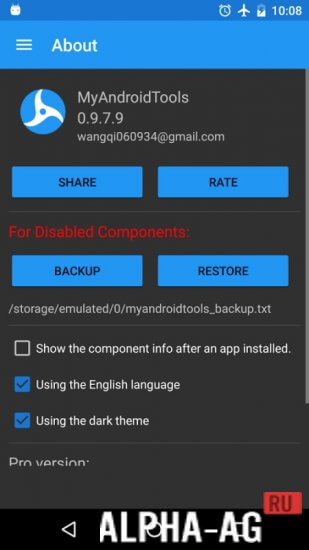
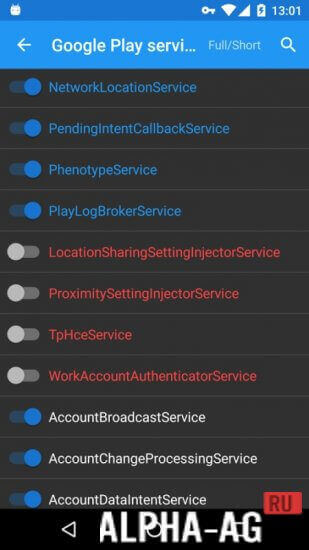
My Android ToolsMonitor all processes that are happening in the system. Disable unnecessary services if necessary, both third-party and system ones.
Characteristics
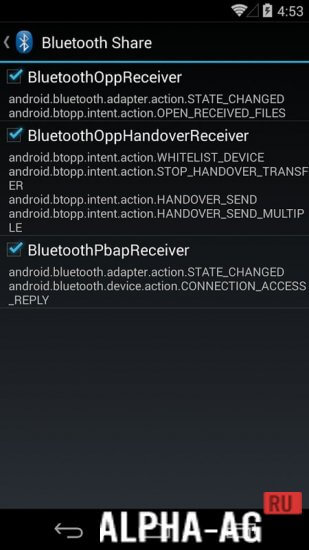
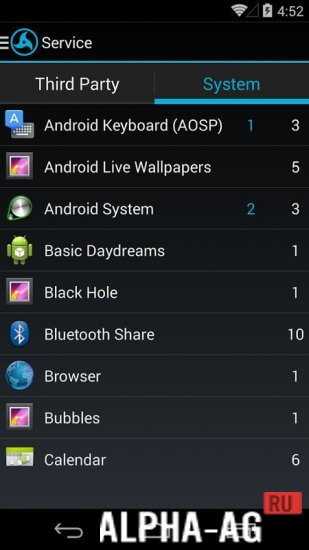
My Android Tools is designed for service management. With it, you can monitor the activity of current processes and disable them if necessary.
Since you can disable both third-party and system processes, the application has a backup function for user peace of mind.Advantages programs have already been appreciated by those users who restored firmware, which finally solved the problem of constant RAM loading or excessive battery consumption, and finally, those who successfully solved the problem of mobile device infection with viruses, due to which advertising appeared on the entire desktop.
Design
My Android Tools features a convenient interface. Thanks to various font types, as well as colored buttons, the risk of accidentally disabling processes is minimized.
For user convenience, the developers have prepared a Russian localization. This is, of course, not a professional translation, however, the purpose of all the main functions is more than clear.The program works stably on any smartphones and tablets running the Android OS and does not require obtaining root rights, despite interacting with system processes. The utility deserves to be on your mobile device.
On our website you can download for Android both the regular version of the My Android Tools application and the PRO version.
0 01 Nov Additional information:- Required Android version: 4.1 or higher
- Age restrictions: 3+
- Russian localization: present
- Cache installation: not required
Subscribe to our YouTube channel!
Add a commentHow to install
- Download the APK file above to your phone.
- Allow “Install unknown apps” when prompted.
- Open the downloaded APK and tap Install.
- If the package includes OBB/XAPK data, follow the bundled instructions.
MOD APKs are modified builds, so Play Protect may show a warning. Install only if you trust the file; use at your own risk.