

MOD features
Ad services and permissions permanently disabled, audience network trackers removed, and developer location tracking stripped (standard geo-location intact). *If the application crashes on initial startup, simply open it again.
Certain regions or users may require an active VPN connection.
Screenshots
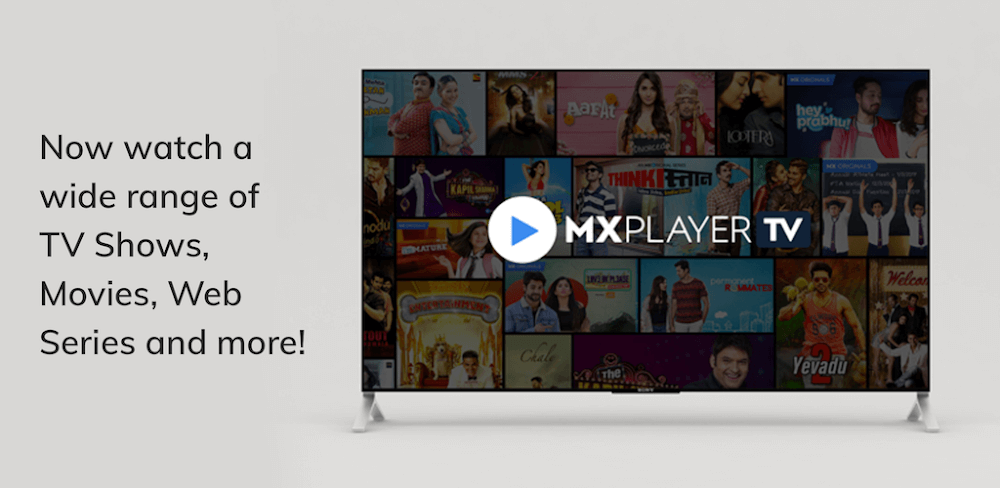
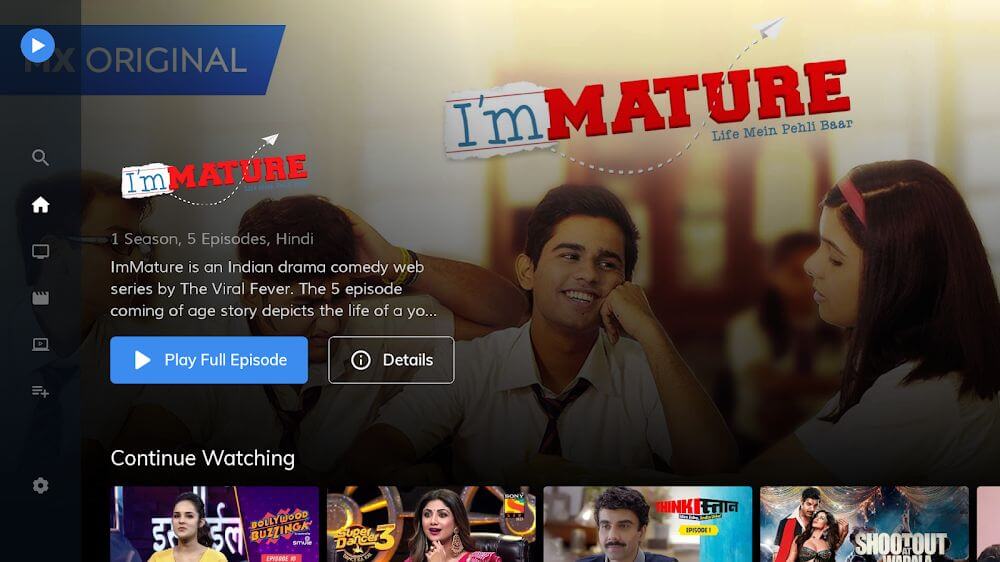
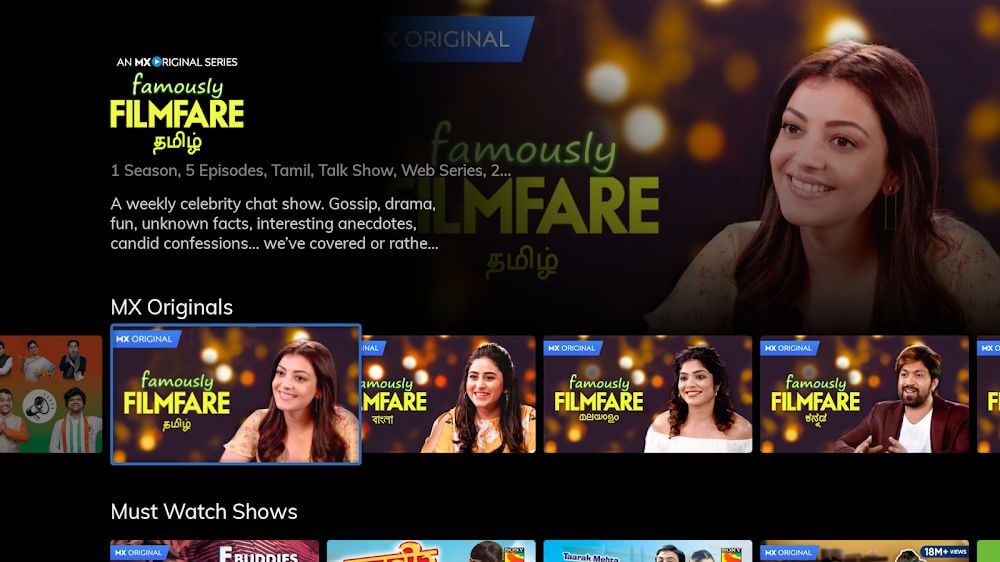
Description
MX Player is a fantastic app for movies and videos, letting viewers enjoy high-quality playback from a wide range of sources.
This modded MX Player TV APK delivers a smoother viewing experience by removing ads and turning off ad-related permissions. The build also strips out tracking components such as the Audience Network and location services to boost performance on Android TV devices.
What's Changed in MX Player TV
- Ads have been removed and disabled across the entire app.
- Advertising permissions have been turned off to stop background ad activity.
- The Audience Network has been disabled and taken out of the build.
- The developer has removed location services, aside from geo-location.
- The app has been tuned for better overall performance.
- If setup closes unexpectedly on the first launch, relaunch the app.
- Some users may need a VPN to reach certain content libraries.
Version 1.38.0G is 12 MB and uses the package name com.mxtech.videoplayer.television. Because the file has been re-signed, it can't be installed over the copy from the Play Store.
About MX Player TV
MX Player TV (formerly known as MX Media) is an entertainment app built specifically for Android TV. It combines a powerful video player with a streaming service, offering a library of original content. The platform caters to Hindi and other regional languages, with thousands of movies and TV shows from leading creators. Acting as both a streaming service and a local video file player, MX Player TV gives users one central place to watch content from a variety of media sources.
One of the app's core technical strengths is its hardware acceleration, which runs on three decoders: HW, HW+, and SW. Each is optimized for particular media file types and encoding standards. By matching the right decoder to each file, the app improves both picture and sound quality. It also takes advantage of multi-core processors to spread video workloads across cores, delivering smoother 60 fps output on high-definition TVs.
This versatile media player handles a wide range of external file formats. It supports MP4, MKV, DVD, and other formats, so users can stream their own movies from storage. The app can also serve as a video player for other applications, and it offers the same kind of advanced decoding and interface features found in popular PC media players such as Media Player Classic, Splash, and VLC.
The app also includes a robust subtitle system that gives viewers plenty of control. It supports multiple subtitle formats for watching content in different languages, lets users position subtitles on screen, and allows them to switch tracks to their preference. Text size can be adjusted as well, so subtitles stay readable without covering important parts of the picture. This flexibility makes it easy to tailor subtitles to different languages and personal needs.
The interface is designed for simplicity, with navigation that needs little thought. To keep the screen uncluttered, buttons stay hidden until users interact with the controls. Most primary functions use simple sliders and gestures. For example, a vertical swipe on certain areas of the screen adjusts brightness and volume, while pinch and swipe gestures control zoom. This approach gives quick, intuitive control over playback without digging through deep, nested menus.
A dedicated child lock creates a safer, more controlled viewing environment. Young children often tap the screen or remote buttons, which can trigger unintended actions or even clear data on the device. The child lock blocks these inputs, so kids can watch their favorite shows without accidentally changing settings or device functions. Combined with a capable playback engine and a large content library, the app is a strong choice for families seeking a safe, feature-rich entertainment solution.
Key Features
- Seamlessly handles MP4, MKV, and DVD video formats
- Boost playback performance with powerful HW, HW+, and SW hardware decoding
- Harnesses multi-core CPU power to deliver significantly faster video processing
- Customizable subtitle styling with full format support and easy text resizing
- Intuitive gesture shortcuts for adjusting screen brightness, volume, and zoom levels
- Dedicated kids lock feature to avoid accidental screen taps and unwanted actions
- Enjoy a rich catalog of exclusive streaming shows, with an emphasis on Hindi content
- Crisp 60FPS support ensuring buttery-smooth media playback
Related MOD APKs
- MX Player Pro
- MX Player
- MX Player Online
- ReelShort
FAQ
Does MX Player TV MOD APK remove ads?
Yes, this modified MX Player TV 1.38.0G package comes preloaded with No Ads and extensive optimizations. It delivers the complete MX Media (formerly J2 Interactive) experience, with ad-free enhancements working straight out of the box right after installation.
What is the latest version of MX Player TV MOD APK?
The current 1.38.0G release corresponds to the official MX Media (formerly J2 Interactive) build published on August 3, 2025. We always host only the most up-to-date files on GameMod.dev. You can simply install this APK on top of your existing setup to update; if a signature conflict occurs, uninstall the previous build first and then install this package.
Is MX Player TV MOD APK safe to download?
MX Player TV 1.38.0G is built upon the genuine MX Media (formerly J2 Interactive) app and enriched with No Ads and performance tweaks. Rated 3.6 by 12 users, it runs smoothly without requiring root access. If Google Play Protect displays a prompt during installation, you can safely bypass it—just make sure to grab the APK directly from GameMod.dev to ensure file integrity.
Can I use MX Player TV MOD APK on PC or iPhone?
Because this package is tailored exclusively for Android, it will not run natively on iOS devices like the iPhone or iPad. However, you can easily launch this compact 12M APK on a PC using an Android emulator such as LDPlayer or BlueStacks—just drag and drop the file into your emulator window to install.
How to install
- Download the APK file above to your phone.
- Allow “Install unknown apps” when prompted.
- Open the downloaded APK and tap Install.
- If the package includes OBB/XAPK data, follow the bundled instructions.
MOD APKs are modified builds, so Play Protect may show a warning. Install only if you trust the file; use at your own risk.