
Screenshots


Description
MV Master - Video EditorA new word in the world of video and photo editing, this app will allow you to create something new, use plenty of effects and features.
App Features
With this app, you can create cool, high-quality videos from your photos, and all of it takes less than ten seconds.
If templates aren't for you, you can always customize everything manually, moving and modernizing each frame in the future video, adding effects to it.Finished videos will be saved to an album, which can also be used to create even longer and cooler videos. All processing is done on already captured footage, so you don't need to rush. Moreover, all features in the app are completely free, and there are plenty of them here.
Features
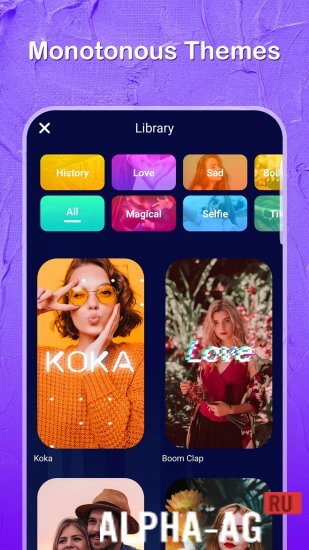
Love filters? There are a whole bunch of them here, and for those who don't like bothering with configuring long videos, there is a whole set of templates.
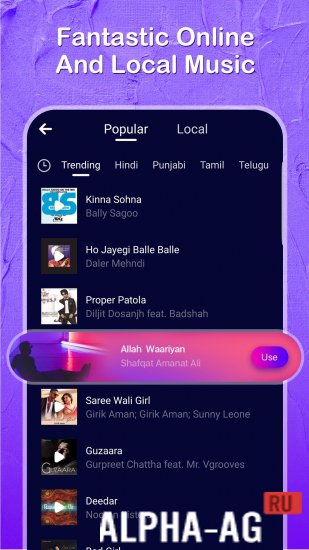
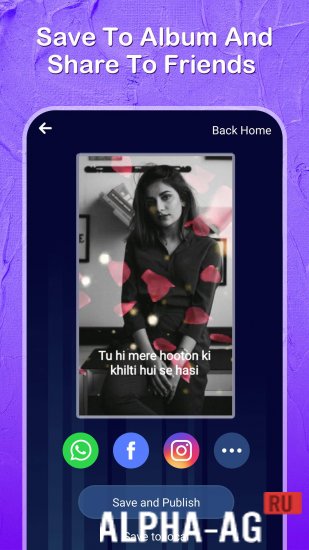
With their help, you can create your first video clip in just three clicks. Want to greet your friends? Easy! Overlay text and music right over the video, and send it to your friends.To send a video to friends, you don't even need to save it—all you need is to select the social network or messenger buttons and send the video. Maximum simplicity, as well as very broad functionality, make this application one of the best of its kind.
On our website you can download the MV Master app for Android for free. 1 Mar 12 Additional Information:- Android version required: 4.4 or later
- Age restrictions: 12+
- Russian localization: absent
- Cache installation: not required
Subscribe to our YouTube channel!
Add a commentHow to install
- Download the APK file above to your phone.
- Allow “Install unknown apps” when prompted.
- Open the downloaded APK and tap Install.
- If the package includes OBB/XAPK data, follow the bundled instructions.
MOD APKs are modified builds, so Play Protect may show a warning. Install only if you trust the file; use at your own risk.