

Screenshots
Description
A powerful music player with high-quality sound, smart playlists, an equalizer, offline playback, and a sleek interface. Enjoy your favorite songs anytime and anywhere.
The Music Player MOD APK gives you immediate access to the Pro and Paid features of the app, removing the restrictions found in the standard version. This mod focuses on unlocking premium tools and audio settings that are normally locked behind a purchase.
What's Modified in Music Player
- All Pro and Paid features are fully unlocked and ready to use.
This build is version 6.9, has a file size of 9 MB, and uses the package name com.mabixa.musicplayer. It is a re-signed file and cannot be installed over an existing copy from the official store.
About Music Player
Music Player by Mabixa is an Android audio player built for playing music files in a wide range of formats. It scans the storage on your Android device and builds a music library from the files it finds, making it a good fit for people who keep their songs on the device rather than streaming them online. Because it supports many audio formats, you won't run into common file compatibility limits. The app is designed around a clean, uncluttered layout so you can move through your library quickly and find the songs you want. Mabixa's goal is to keep distractions to a minimum and make song interaction smooth, even when you're on the go.
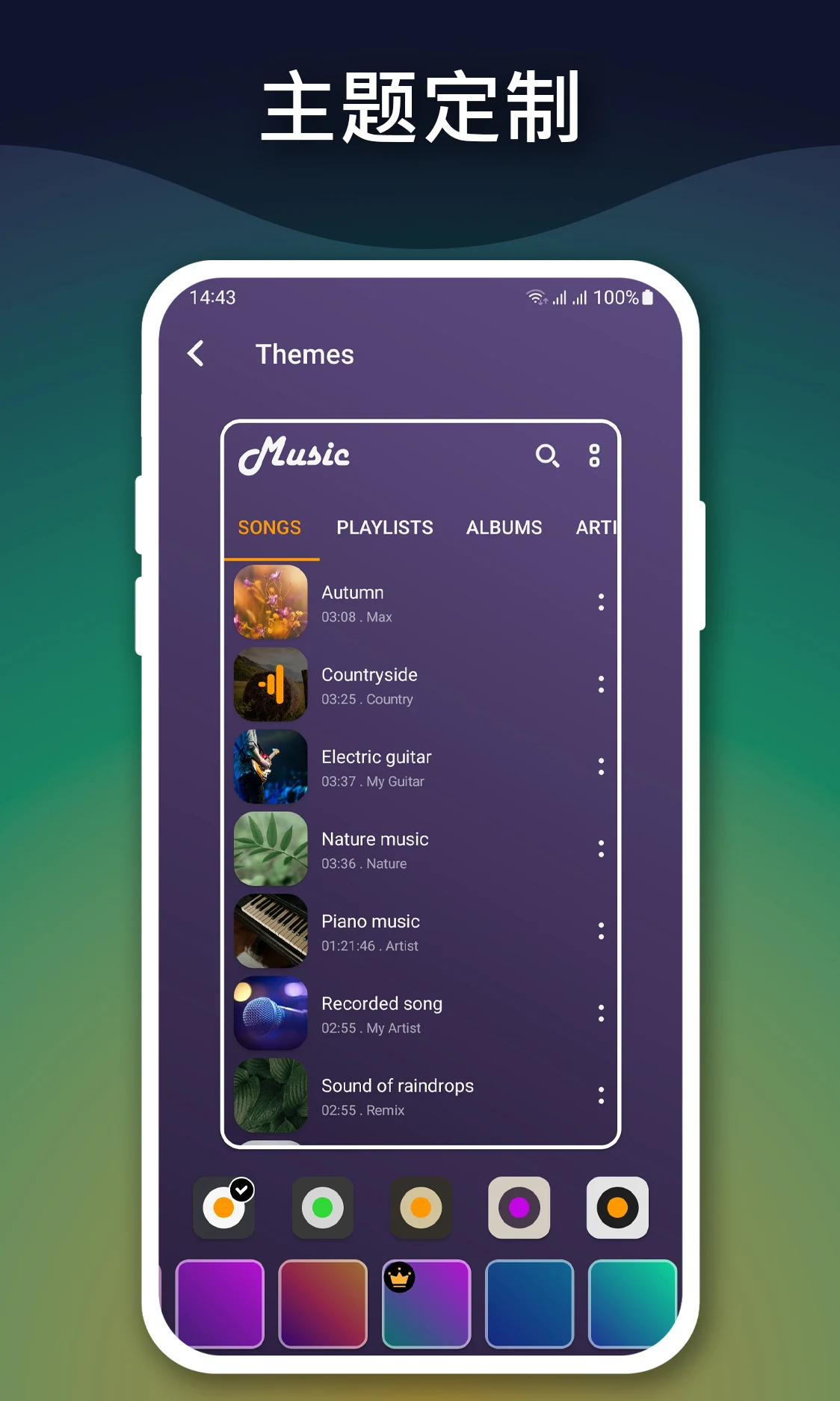
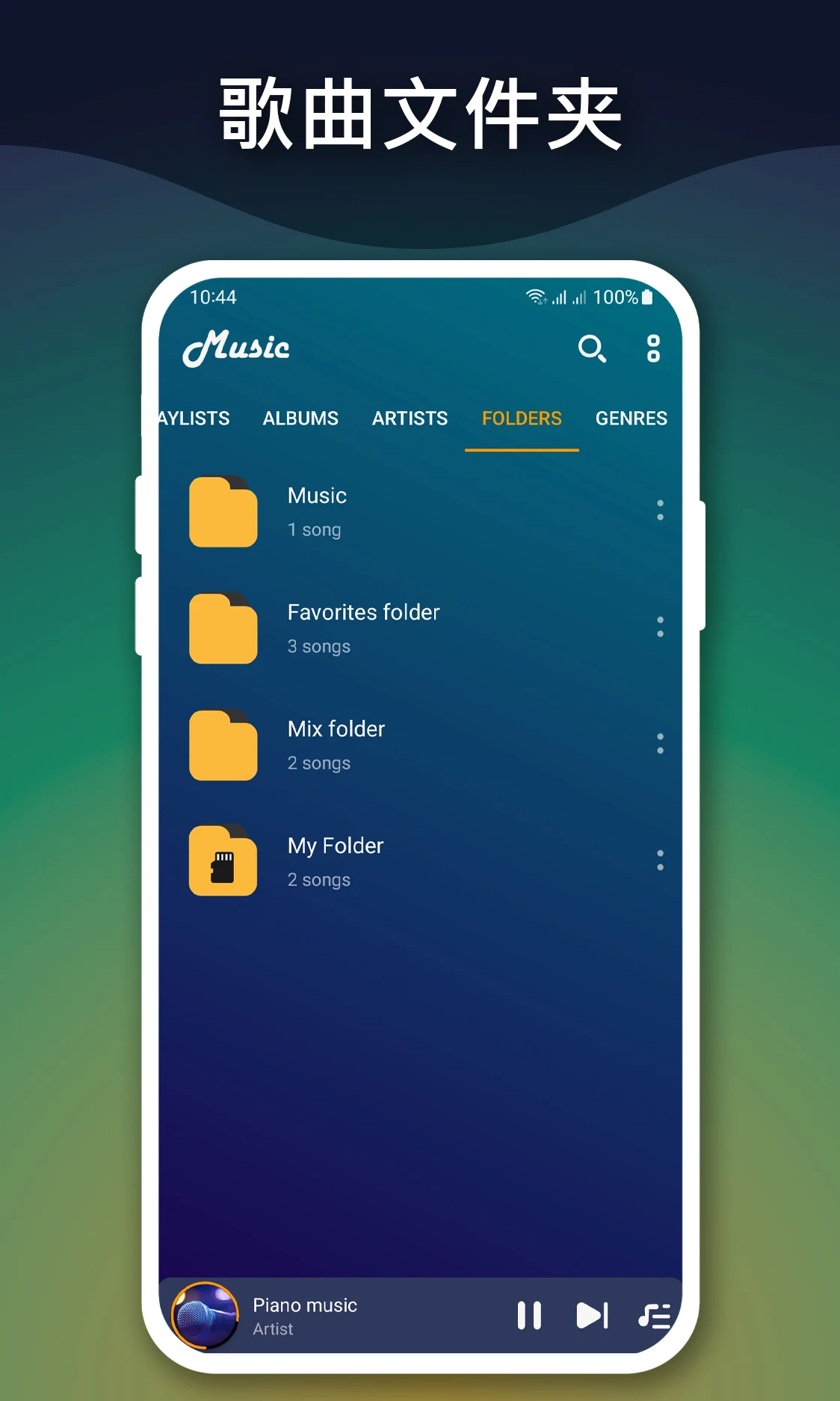
The app uses a smart library management system to organize your tracks automatically. You can browse your music by artist, album, genre, or playlist, which makes managing a large collection far more manageable. Along with these categories, a fast search tool lets you find songs, albums, or artists in seconds, offering suggestions as you type. Together, these features make it easy to keep your music organized and reach any file you need quickly.
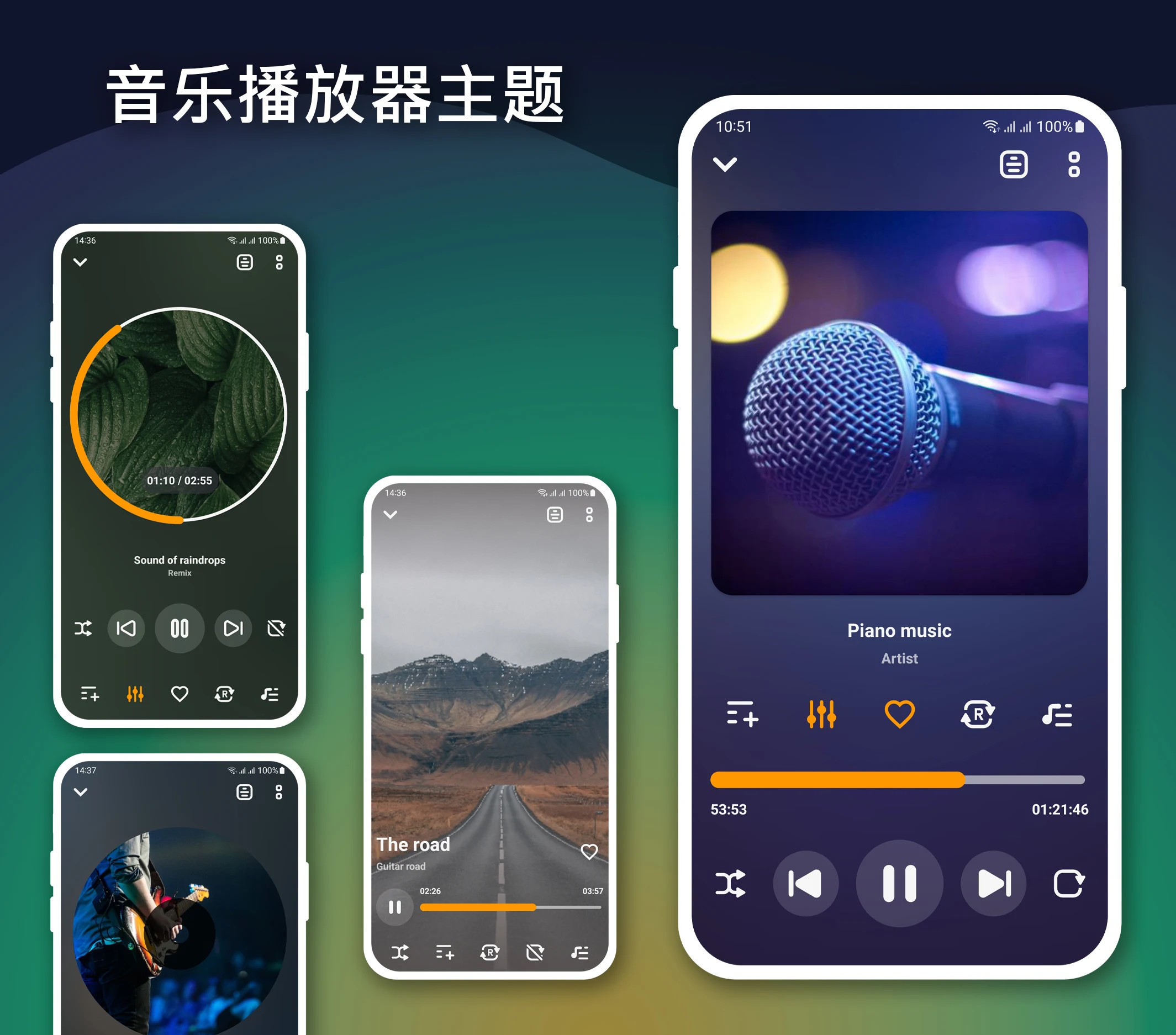
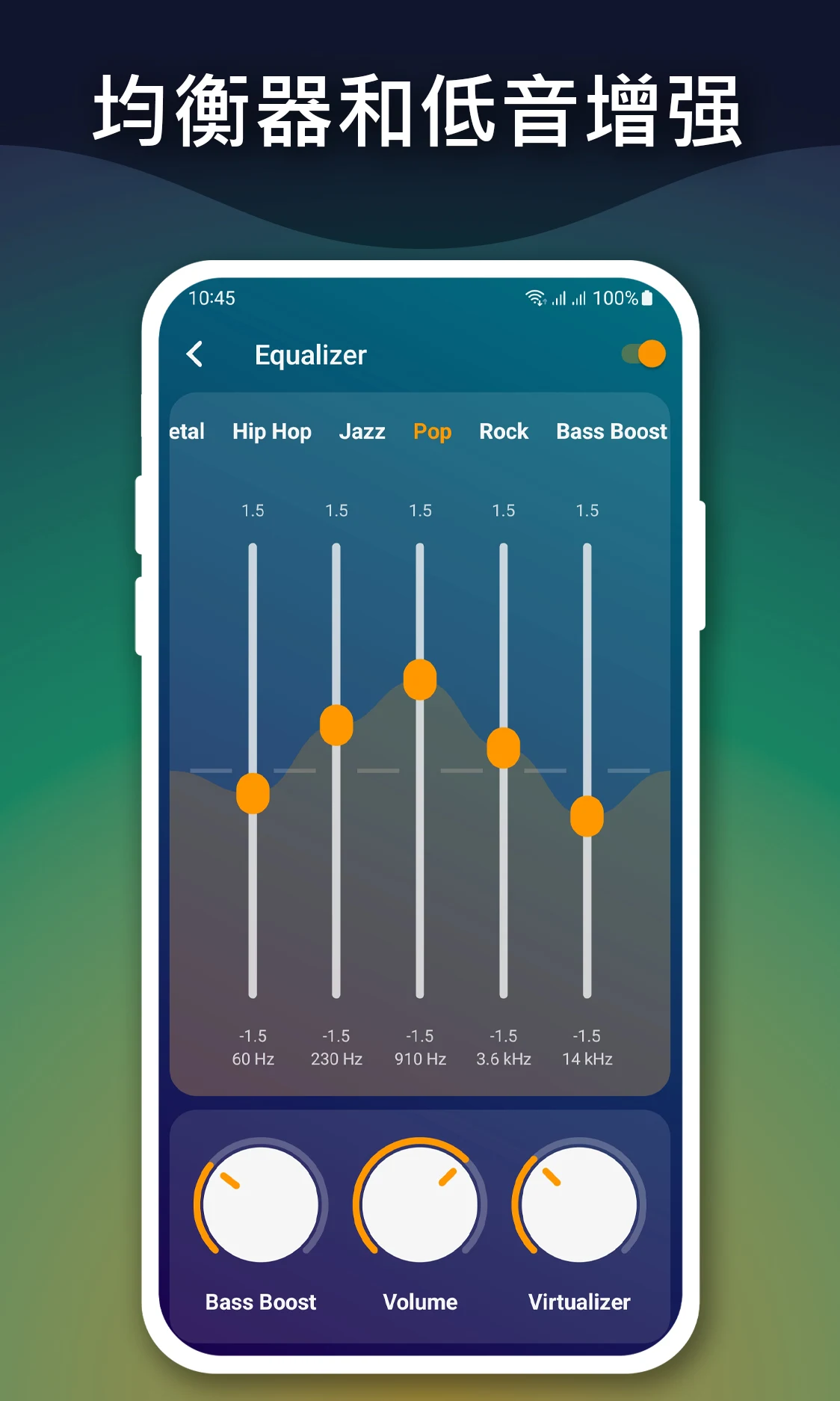
Sound customization is a highlight of this audio player, with an advanced equalizer offering plenty of control. You can choose from preset sound modes tuned for different music styles or adjust the frequencies manually. Bass and treble levels can be fine-tuned as well. The high-quality playback engine is designed to deliver an immersive listening experience while preserving the fidelity of the original audio, including lossless files. All sound settings are available on the playback screen and can be changed in real time while music plays, so you can build a sound profile that suits your taste.
The app offers a range of playback modes so you stay in control of how your music plays. You can repeat or shuffle at the track, album, or playlist level. Background playback lets audio keep going when you switch to other apps or lock your screen, so you can multitask without interrupting your favorite songs. You can also download music to your device for offline listening, which means no internet connection is needed once your tracks are saved. The app works as a standalone music player and doesn't depend on other data sources for playback.
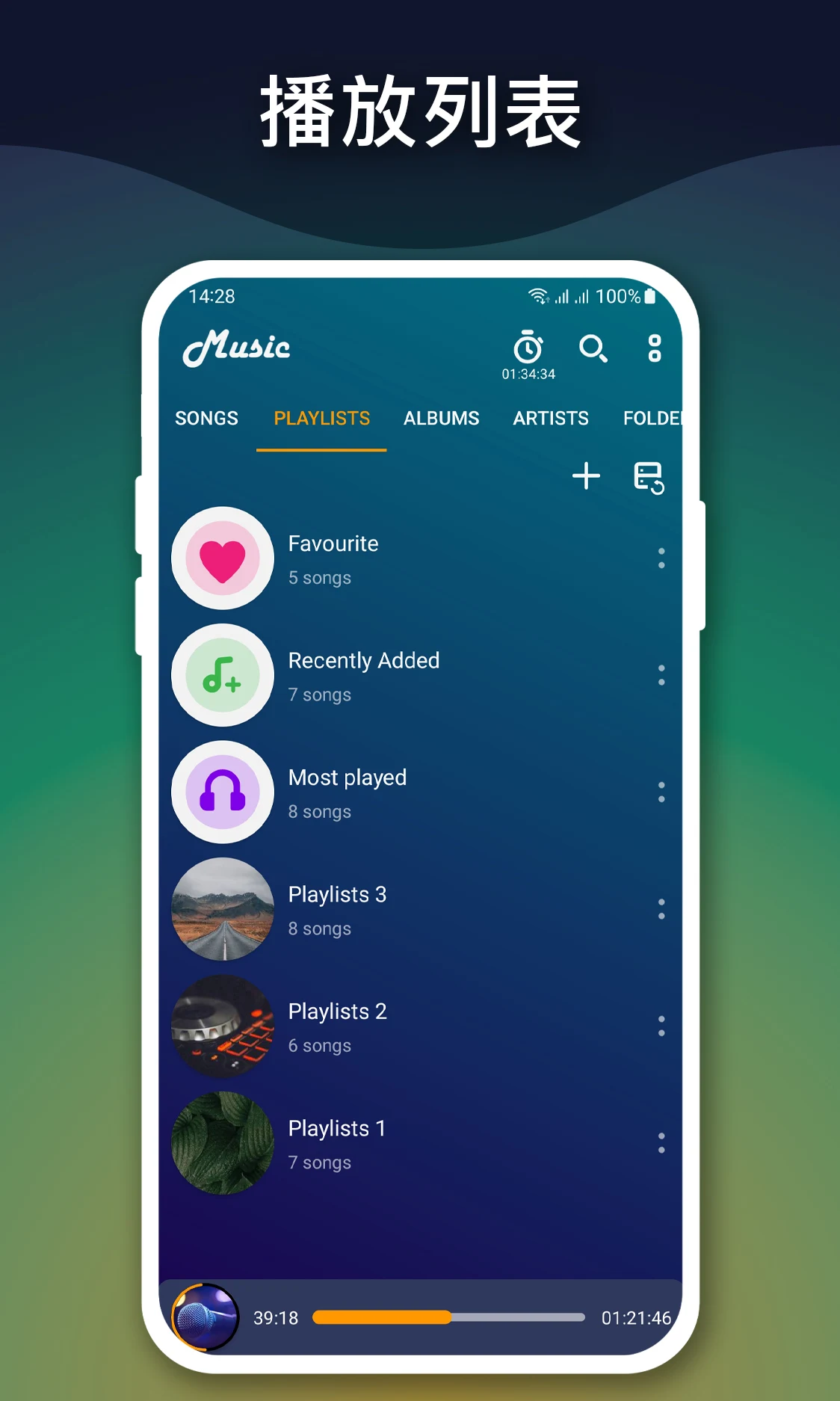
A playlist is a collection of songs you put together for a particular occasion or mood. With the Spotify Web Playlist Generator, you can create new playlists, reorder tracks, add or remove songs, and edit existing lists whenever you like. The main goal of the tool is to help you build a personalized library, with separate playlists for different activities, such as a workout mix or a relaxing evening soundtrack. Its clean, simple, user-friendly interface displays large album art and a track list with the key details you need. Because it is lightweight, it runs smoothly even on low-power devices such as Android wearables, and its efficient design keeps the impact on your device's system resources and battery to a minimum.
The player is built to work smoothly with your phone's system media controls, so playback buttons appear in the notification shade and on the lock screen. It is tuned for speed across different device architectures. It plays local files, sorts them intelligently, and skips the overhead of a typical streaming service. Library scanning is designed to run as efficiently as possible, checking the device for new media files and updating the app's database to match. That way your library always reflects the latest tracks you have stored. The app supports a wide range of audio and video codecs and formats, and it encourages you to manage your local music yourself while using minimal resources. It is made for users who keep media files on their device and want to organize them in a smarter way.
Key Features
- High-quality audio playback
- Smart music library organization by artist, album, and genre
- Fast search tools for songs and artists
- Advanced equalizer with manual controls and presets
- Offline music playback
- Custom playlist management
- Repeat and shuffle playback modes
- Background audio playback
- Bass boost and treble balance controls
- Lightweight performance optimization
Related MOD APKs
- CapCut – Video Editor
- Capcut MOD
- Youtube Vanced
- FilmoraGo
FAQ
Is Premium unlocked in the Music Player MOD APK?
This Music Player 6.9 build comes with Pro and Paid features unlocked. It works like the Mabixa release, and all modifications take effect as soon as you complete the installation.
What is the latest version of the Music Player MOD APK?
Version 6.9 matches the Mabixa update released on March 17, 2026. We do not keep older versions available here. To update, install this file over your existing app; if you run into a signature conflict, uninstall the old version first.
Is the Music Player MOD APK safe to download?
This Music Player 6.9 file is the Mabixa app with Pro and Paid features enabled. It has a 4.5-star rating from 43 users. It does not require root access. You may see Play Protect warnings, but always download from this page to be safe.
Does the Music Player MOD APK remove the watermark?
This build includes Pro and Paid unlocks. Since Music Player offers watermark-free exports in its Pro tier, check the export screen after installing the app to confirm.
How to install
- Download the APK file above to your phone.
- Allow “Install unknown apps” when prompted.
- Open the downloaded APK and tap Install.
- If the package includes OBB/XAPK data, follow the bundled instructions.
MOD APKs are modified builds, so Play Protect may show a warning. Install only if you trust the file; use at your own risk.