
Screenshots

Description
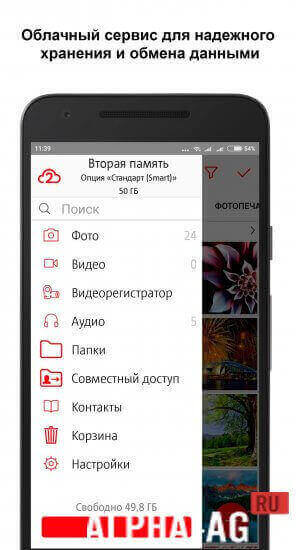
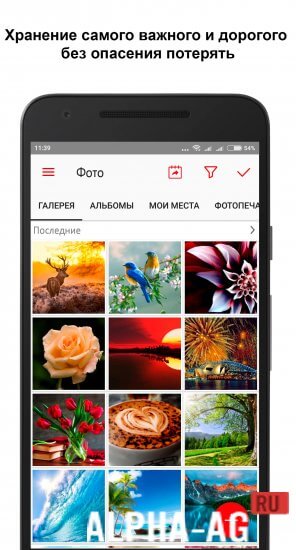
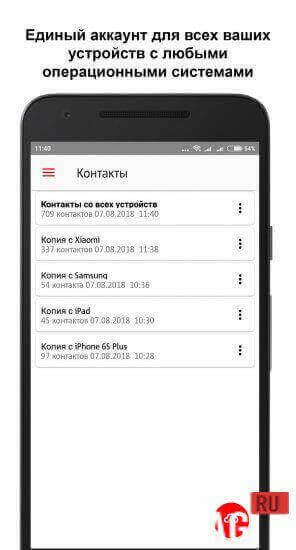
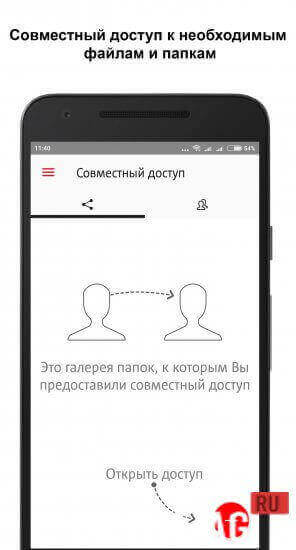
MTS Second MemoryApplication allows subscribers to save essential information on the MTS server. You can save photos, notes, and a lot of other data. In other words, this application is cloud storage for your important information.
Description
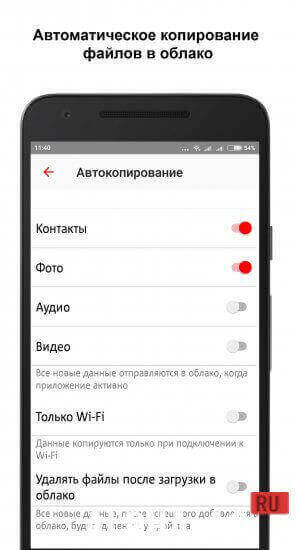
The application is very easy to use: simply transfer all necessary data from your SIM card into your smartphone's memory. Information will be copied automatically every time you log in to this service.
If you do not need automatic backup, you can disable this feature in the app settings. To protect your data from unauthorized access by other users, you can set a password for it.
How to use the service
Using the application is very simple.
All you need to do is install this service on your mobile phone and open it. After that, copying information to the mobile operator's cloud storage will begin.If you lose your mobile device or damage it. At the same time, all your information can be quickly and easily restored.
To do this, all you need is to restore your SIM card and install this service on your phone.The app itself features a function called "To phone from second memory". When you tap it, the system will automatically synchronize data and files from the cloud storage and copy them to the phone.
On our website You can download the MTS Second Memory app for Android for free.
1 Nov 20 Additional information:- Android version required: 5.0 or higher
- Age restrictions: 3+
- Russian localization: present
- Cache installation: not required
Subscribe to our YouTube channel!
Add a commentHow to install
- Download the APK file above to your phone.
- Allow “Install unknown apps” when prompted.
- Open the downloaded APK and tap Install.
- If the package includes OBB/XAPK data, follow the bundled instructions.
MOD APKs are modified builds, so Play Protect may show a warning. Install only if you trust the file; use at your own risk.