
MOD features
- All previous features
Screenshots
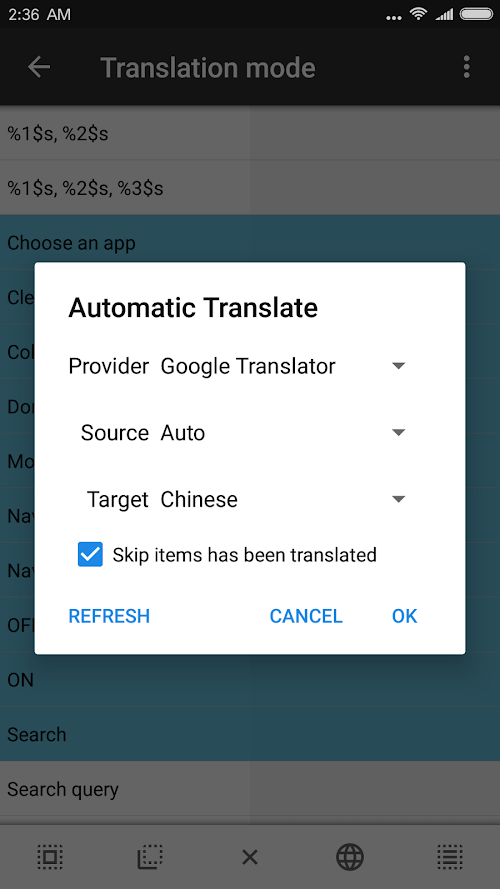
Description
MT Manager is a versatile utility that makes it easy to manage files or the whole structure of your device, including copying and organizing folders quickly. Its most impressive feature is the ability to work with running programs and also edit APK files with a built-in editor, as if it were effortless. It's also an excellent choice for coders who handle files exclusively on mobile.
Innovative and Friendly Interface
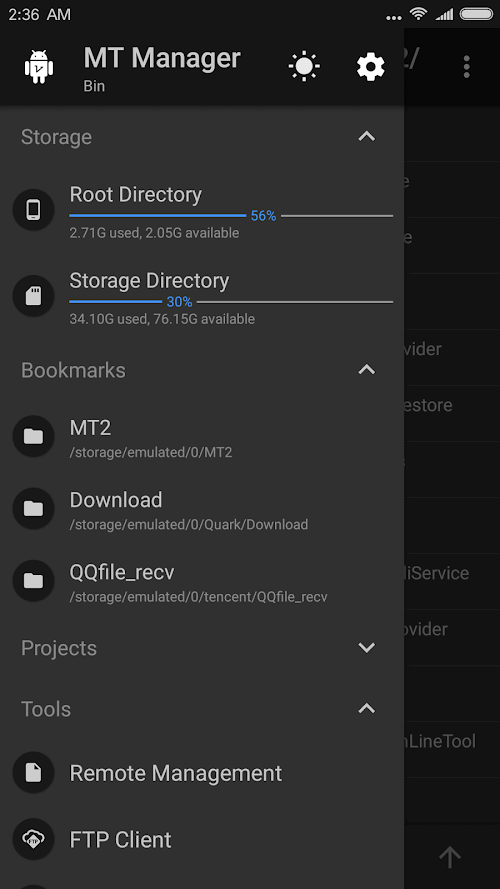
MT Manager features a modern and polished design, yet it stays welcoming so users can quickly get familiar with all its essential functions. Interactions are carefully optimized, with plenty of handy gestures that help maximize work efficiency. Of course, you can change the look as well, with options like dark mode and wide-ranging layout customization for complete comfort.
Ultimate and Versatile File Manager
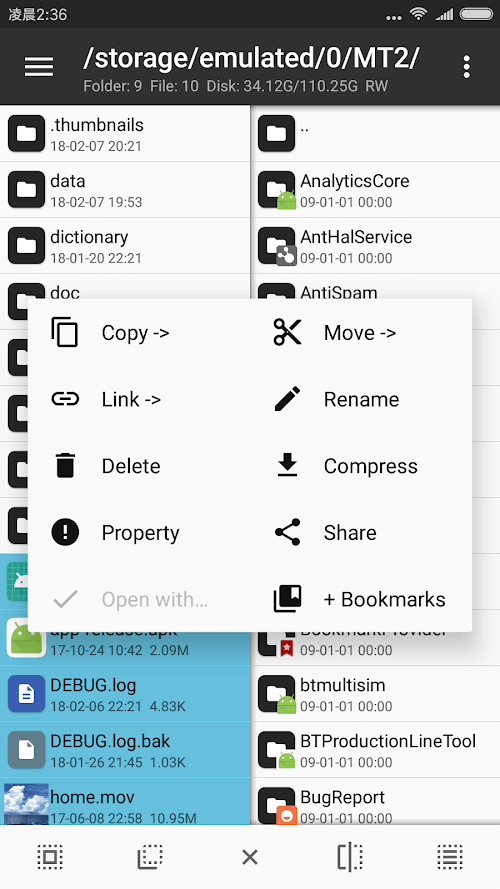
The app can fully replace the default file manager on your device and helps you work with all kinds of content, including multimedia, applications, and different file types. It also brings together many new features that make handling files simpler and more convenient, such as arranging items or creating custom shortcuts. Its file management capabilities are complete and finely tuned, offering advanced tools that standard file managers simply don't have.
In-Depth File Editor for Coders
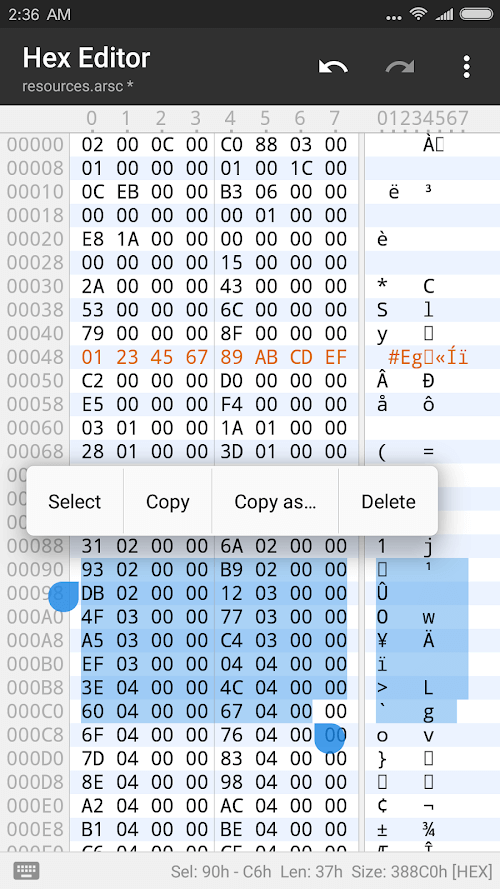
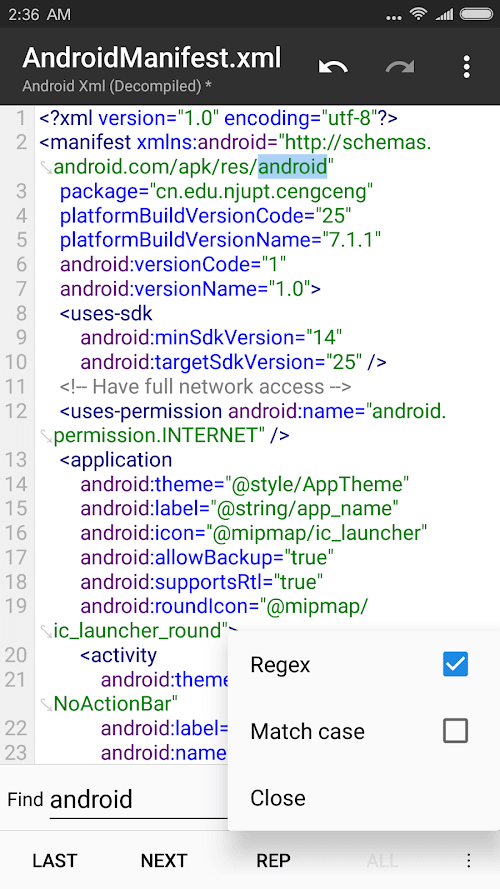
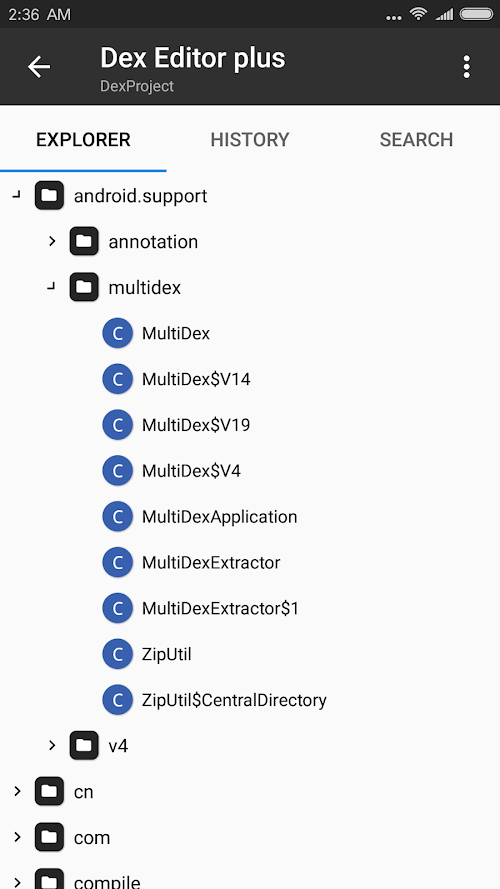
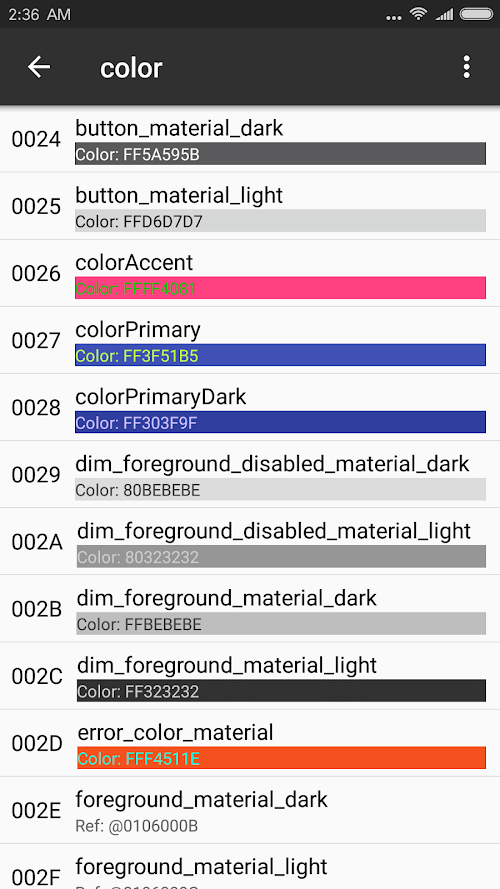
What makes MT Manager stand out is its built-in program editor, which lets you work with or modify the structure of APK applications directly. While editing may seem reserved for expert coders, the app includes plenty of useful conveniences for total flexibility. The editor is refined and modern, and it even offers a dedicated keyboard for coders to enjoy the smoothest possible experience.
Built-in Tool for Running Programs
After you edit or design the contents or structure of APK files, the app provides a "run" function so you can check everything. This lets you safely save every structure before wrapping up the editing process. It can also automatically convert the file's contents back to their original format. What's more, you can pick up unfinished projects again thanks to convenient shortcuts.
Link With Other External Storage
MT Manager offers extensive support so you get the best performance with any APK file or application. That includes connecting to cloud or backup storage, which makes transferring content or documents faster and more convenient than downloading everything directly. You can also upload content to cloud servers through the app and even send it to other addresses or users.
Scan and Organize Your Storage
The built-in scanner helps you check file integrity or see how much space everything takes up in memory. It works with external memory cards too and lists all the scan results so you can review or process them. Thanks to its detailed and clear display, you can easily find and delete even the most hidden files on your system.
Coders often rely on MT Manager as a versatile tool because it provides every resource needed to edit APK files. Above all, its storage and data scanning capabilities are refined and powerful, ensuring you get the best possible performance.
How to install
- Download the APK file above to your phone.
- Allow “Install unknown apps” when prompted.
- Open the downloaded APK and tap Install.
- If the package includes OBB/XAPK data, follow the bundled instructions.
MOD APKs are modified builds, so Play Protect may show a warning. Install only if you trust the file; use at your own risk.