
MOD features
- No root, Lucky Patcher, or Google Play Modded required;
- Unwanted permissions, receivers, providers, and services disabled or removed;
- Graphics optimized and zipaligned, with cleaned resources for faster loading;
- Google Drive cloud access works;
- Default bundled EPUB book removed from the main list;
- Debug code removed;
- Languages: full multi-language support;
- CPUs: armeabi-v7a, arm64-v8a;
- Screen DPIs: 120dpi, 160dpi, 240dpi, 320dpi, 480dpi, 640dpi;
- The original package signature has been changed;
- Released by Balatan.
Screenshots


Description
Moon+ Reader Pro APK – A feature-rich book reader with full controls that opens any ebook format. An all-in-one ebook manager with a more refined reading experience.
As technology advances, more readers are turning from printed books to ebooks. An ebook lets you carry a large library wherever you go without the bulk of traditional books. When it comes to ebook reading on Android, Moon+ Reader Pro is widely regarded as the top choice. If you want a book reader packed with distinctive features, this app is well worth a look.
EASY AND CONVENIENT READING
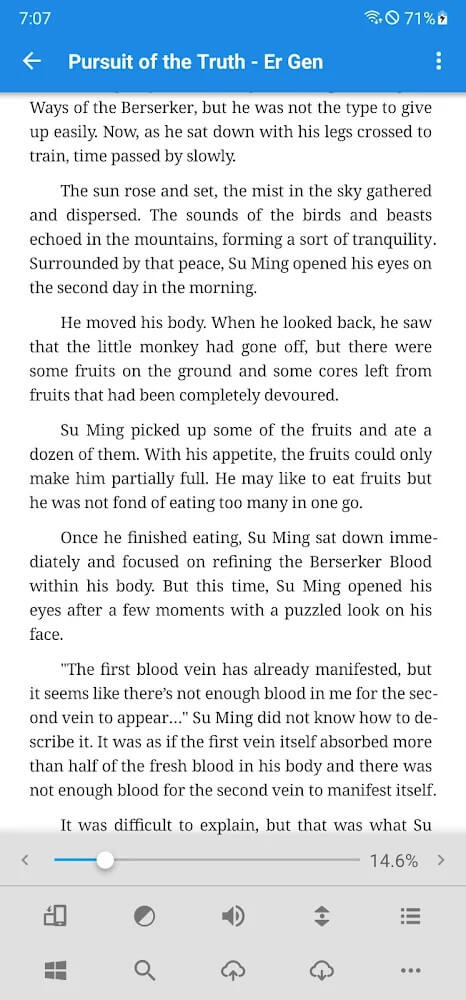
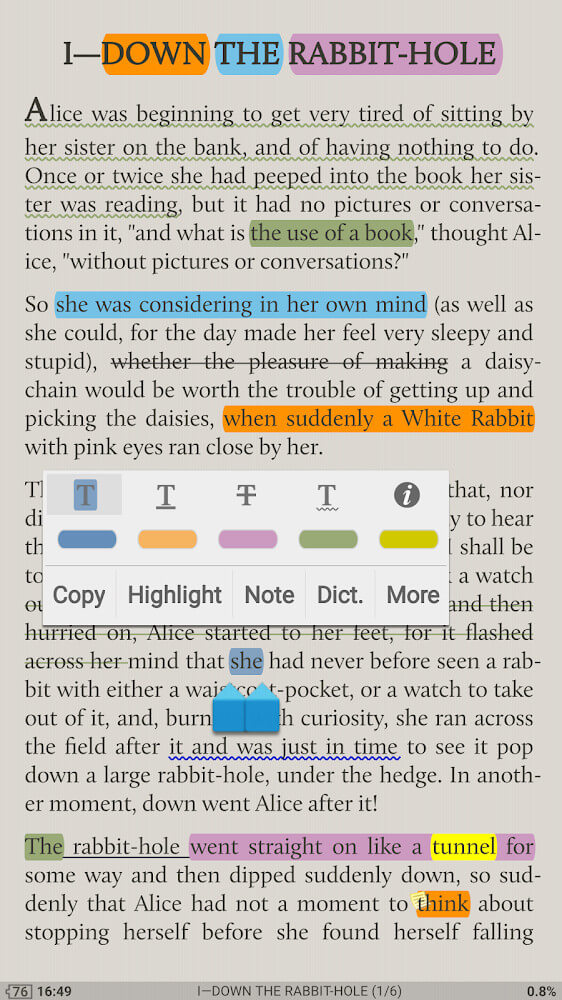
Moon+ Reader Pro is a leading e-reader app loaded with standout features for a superior reading experience. It makes reading text files simple and comfortable, and it also lets you tailor PDF files with the tools provided. The app gives you the feel of holding a real book. You can quickly archive your files, highlight lines, add bookmarks, and more.
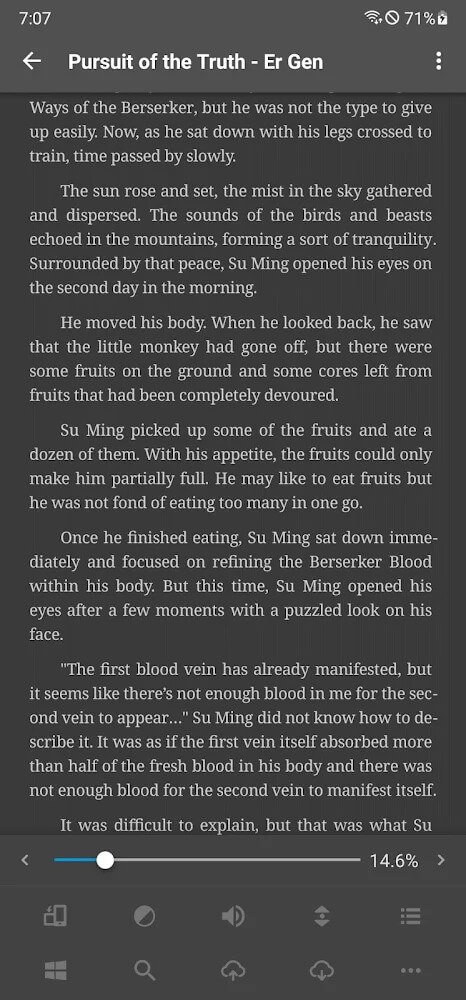
This app can open all kinds of book files, including PDF, DOCX, ZIP, and others. Reading on a smart device can cause eye strain, but there's no need to worry: you can adjust the brightness easily with a simple swipe along the left edge of the screen.
POWERFUL TEXT EDITING TOOLS
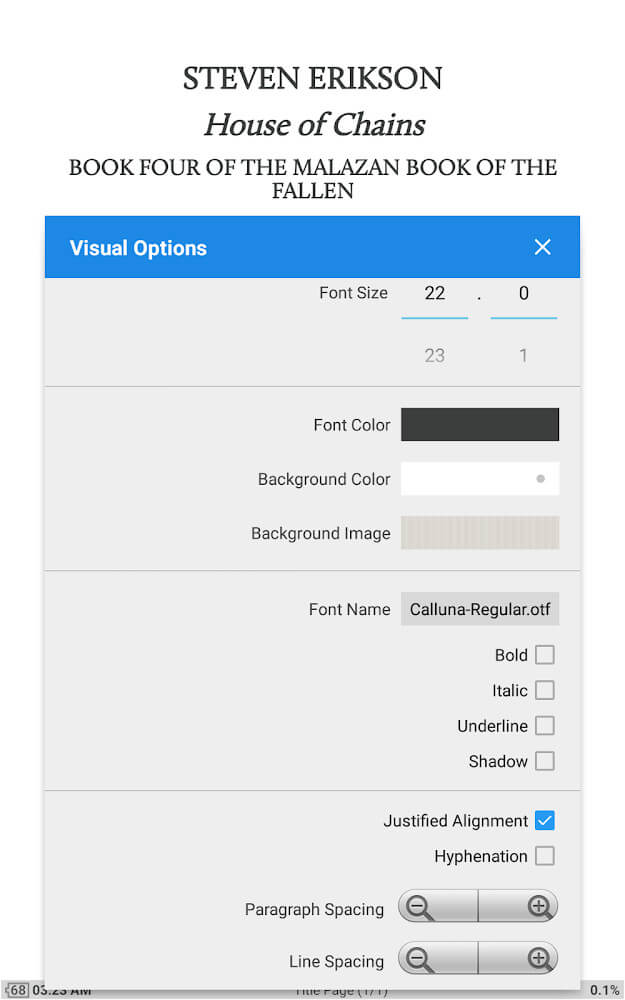
Choose from up to 24 actions to customize the pages of your book. Much like a real book, you can carry an entire collection of titles wherever you go, saving both money and space. Beyond zooming in and out, Moon+ Reader Pro lets you write notes, overwrite text, or highlight key passages. With this single app, you can read as you would a paper book while also having a text editor at hand to change the font or font size to suit you.
The app also works as a dictionary, letting you translate any word, including specialized terminology, with a few taps. It supports more than 40 widely spoken languages.
EASY TO GET STARTED
Using this book reader is simple. Just spend a few minutes learning the basics and you'll be comfortable with the app. From the main screen, open the menu, which shows different options based on what you need. Choose Net Library to browse and read from a vast online collection of books. To read files already saved on your device, select My Self or My File, open the file, and start reading.
PREMIUM FEATURES
The Pro version offers a comfortable, private reading space free from ads. The app also runs more smoothly and quickly than ever before. To protect your documents, you can set a password, using either a PIN or your fingerprint.
Audiobook mode is one of the most popular features of Moon+ Reader Pro. Simply shake your phone and your text is quickly converted to speech. If you prefer not to read the usual way, or you're busy with your hands and still want to read, this feature is ideal. Use headphones for clear audio, and enjoy great stories narrated by talented speakers.
CUSTOMIZE EVERYTHING TO YOUR TASTE
The app's design is clean and attractive, and it puts your preferences first, offering multiple options for nearly everything. You can choose from 5 automatic scrolling modes to control how pages turn. You can add your favorite authors and titles to a favorites list, and select your preferred lighting with a 95% eye-protection filter.
There's no denying the convenience ebooks bring. Wherever you are, at any time, you can dive into humanity's great knowledge with Moon+ Reader Pro. Packed with the best features, it won't let you down. Reading, editing, audiobooks, and dictionary tools are all fast and easy to use, and everything fits on your smart device so you can take it anywhere.
How to install
- Download the APK file above to your phone.
- Allow “Install unknown apps” when prompted.
- Open the downloaded APK and tap Install.
- If the package includes OBB/XAPK data, follow the bundled instructions.
MOD APKs are modified builds, so Play Protect may show a warning. Install only if you trust the file; use at your own risk.