
Screenshots
Description
ModCraftWith this program you can easily and simply create amazing modifications for your favorite game Minecraft.
Gameplay
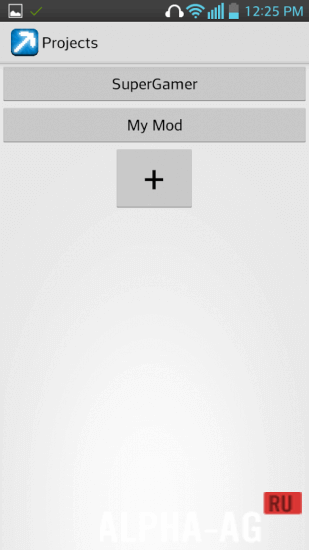
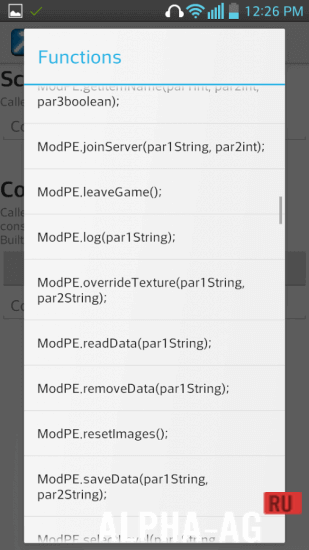
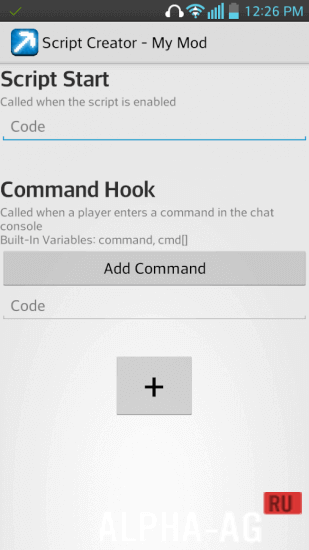
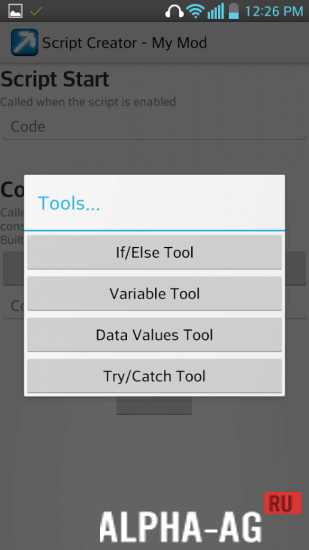
After launching this application, you need to create your mod, come up with a name for it, and then you can add various commands and the functions they will designate. For this, you can use a convenient function library designed to simplify creating your scripts.
After the first launch of this program, available functions might not be displayed; to make them appear, you need to go to BlockLaucher settings, then tap on debugging and tap on "Dump by method".
After that, all available functions that you can add to your project will appear in your application.To create your script, you will not need to have any programming knowledge; you just need to come up with a command, and then select the function it will perform. The application is completely in English, but it won't be difficult for you to figure it out, because it is really very simple.
Key features
In this application, you can easily create a mod of any complexity for your favorite game Minecraft. In this program, a large library with various types of functions awaits you, which you can use to create your mod.
Once you create your script, you can immediately install it in BlockLaucher. A large number of other functions also await you here, clear to all beginners and fans of the game Minecraft.On our website you can download the ModCraft app for Android for free.
0 21 Jun Additional information:- Android version required: 2.1 or later
- Age restrictions: 3+
- Russian localization: none
- OBB installation: not required
Subscribe to our YouTube channel!
Add a commentHow to install
- Download the APK file above to your phone.
- Allow “Install unknown apps” when prompted.
- Open the downloaded APK and tap Install.
- If the package includes OBB/XAPK data, follow the bundled instructions.
MOD APKs are modified builds, so Play Protect may show a warning. Install only if you trust the file; use at your own risk.