
Screenshots
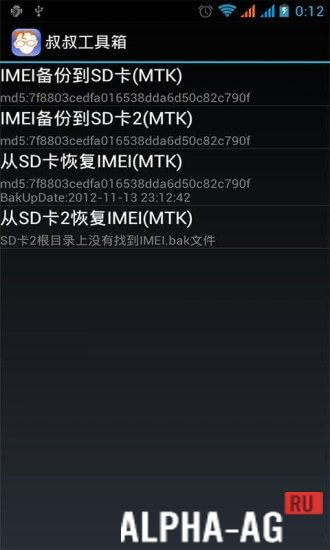
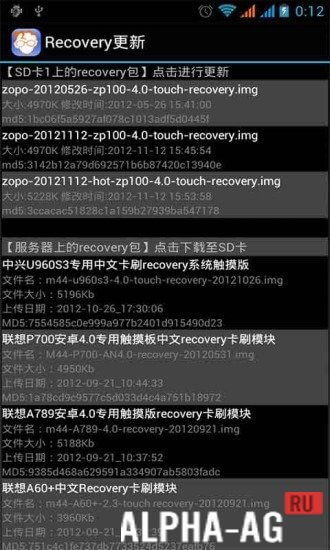

Description
Mobileuncle MTK ToolsSome of the features provided by this program, will be useful for professional developers, but most of the functions can also be used by ordinary users. It is important to note that this application requires ROOT rights from the user.
Features
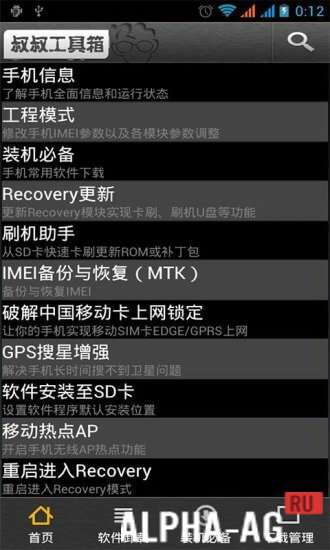
The "Mobileuncle MTK Tools" program will provide and display all information about the user's mobile device, as well as allow IMEI backup.
In addition, users can remove operator GPRS restrictions or improve GPS search.As well as easily manage other applications. It can also be used to transfer the necessary applications to the SDCard. Of course, to use this program, the user will need superuser rights, which should be taken care of in advance.
Pros and cons
It is important to consider that when using the "Mobileuncle MTK Tools" program, it is better for the user to have minimal programming knowledge, since its capabilities are so vast.
This represents great opportunities and huge risk.Because mindless tinkering with programming can cause it to fail. Therefore, in the absence of knowledge, it is best to stick to the bare minimum and only make changes whose end result is known to the user in advance.
On our website You can download the Mobileuncle MTK Tools app for Android for free.
0 03 Oct Additional information:- Android version required: 2.1 or later
- Age restrictions: none
- Russian localization: present
- Cache installation: not required
Subscribe to our YouTube channel!
Add a commentHow to install
- Download the APK file above to your phone.
- Allow “Install unknown apps” when prompted.
- Open the downloaded APK and tap Install.
- If the package includes OBB/XAPK data, follow the bundled instructions.
MOD APKs are modified builds, so Play Protect may show a warning. Install only if you trust the file; use at your own risk.