

Screenshots
Description
Step into a truly seamless, paperless mobile workspace today. Working with PDF files has traditionally been a hassle on smartphones due to clunky tools and limited options. Mobile PDF removes every friction point by bundling robust scanning, editing, electronic signing, and file conversion into a single practical app designed for work and study. Packed with pro-level capabilities, it remains remarkably lightweight and runs smoothly across Android devices. Best of all, all file processing happens locally on your phone, ensuring complete privacy and data security.
Document Editing and Scanning Features
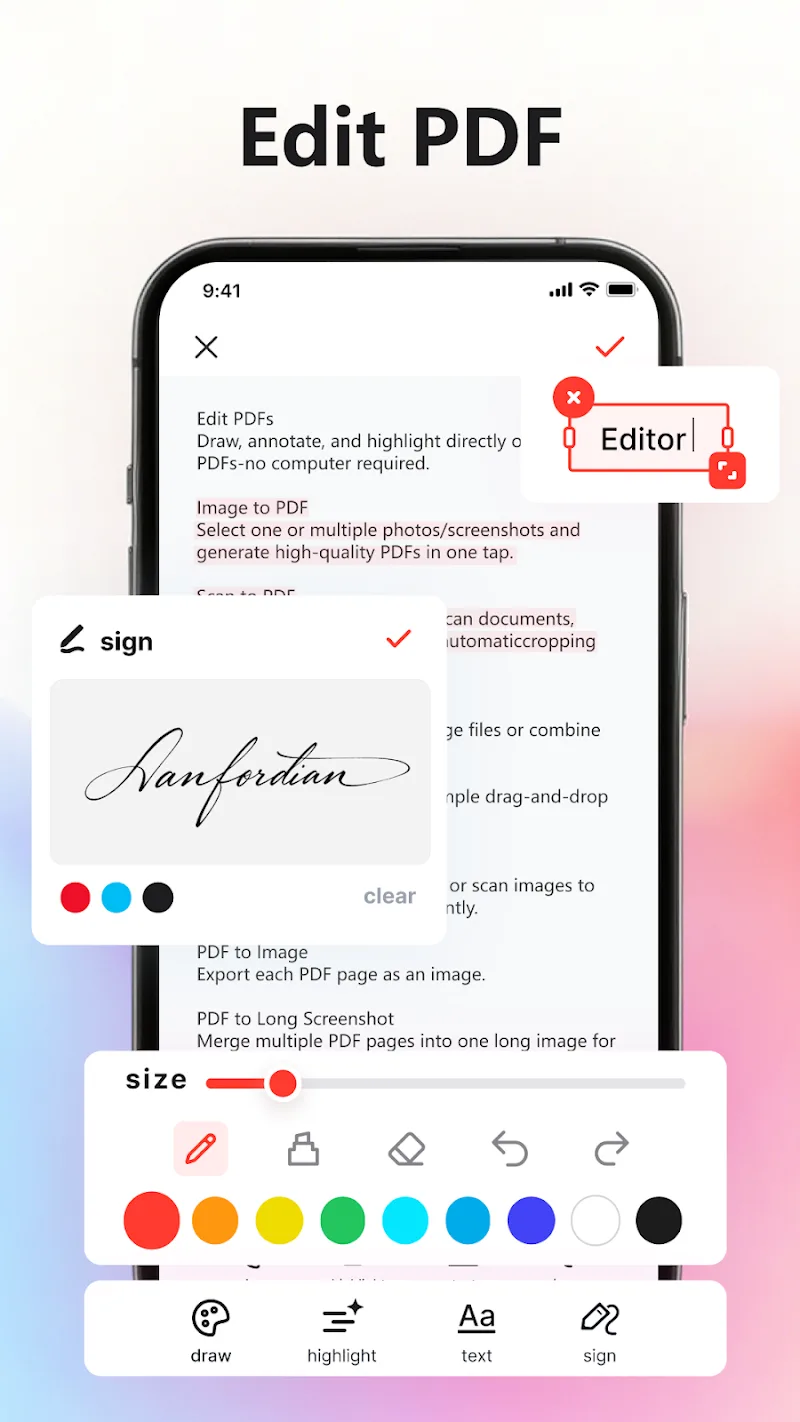
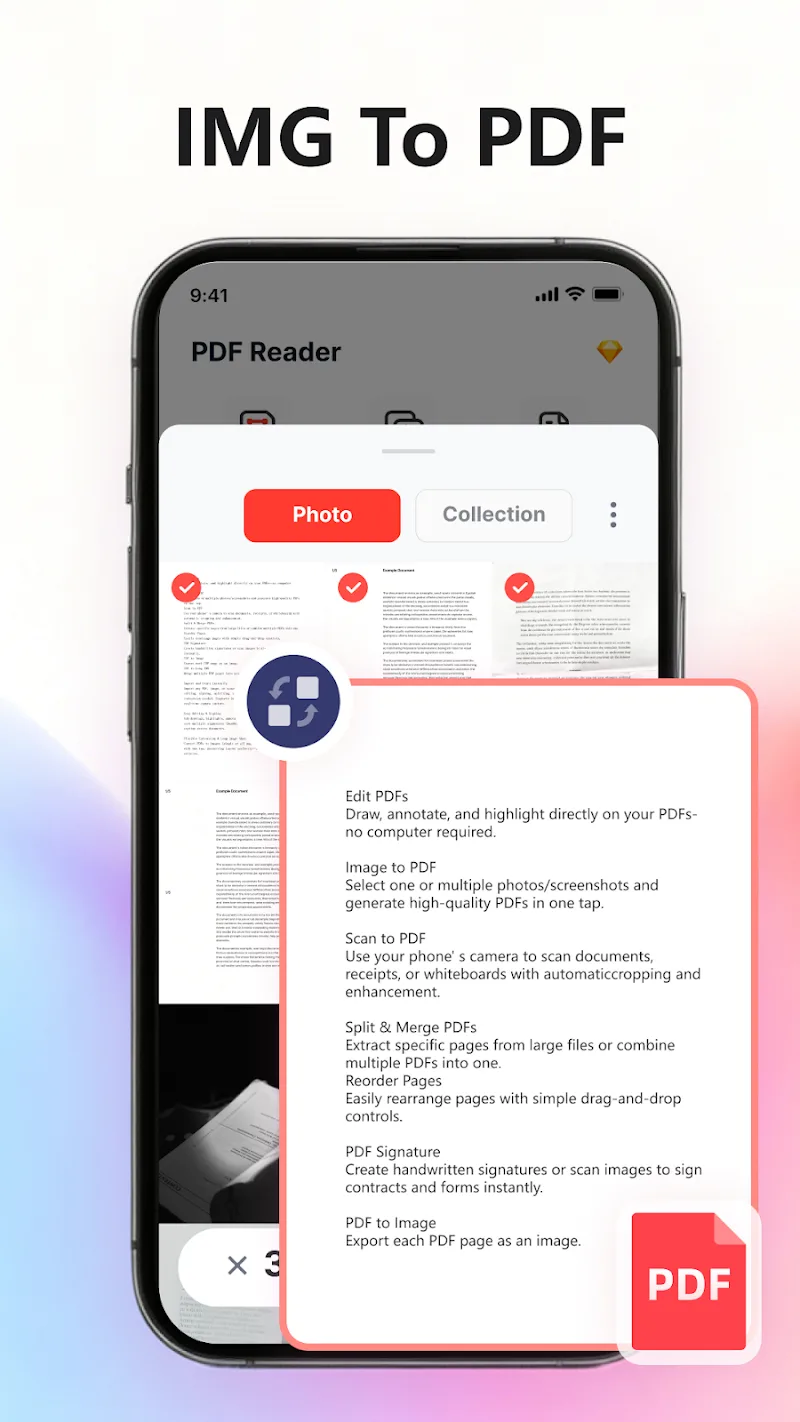
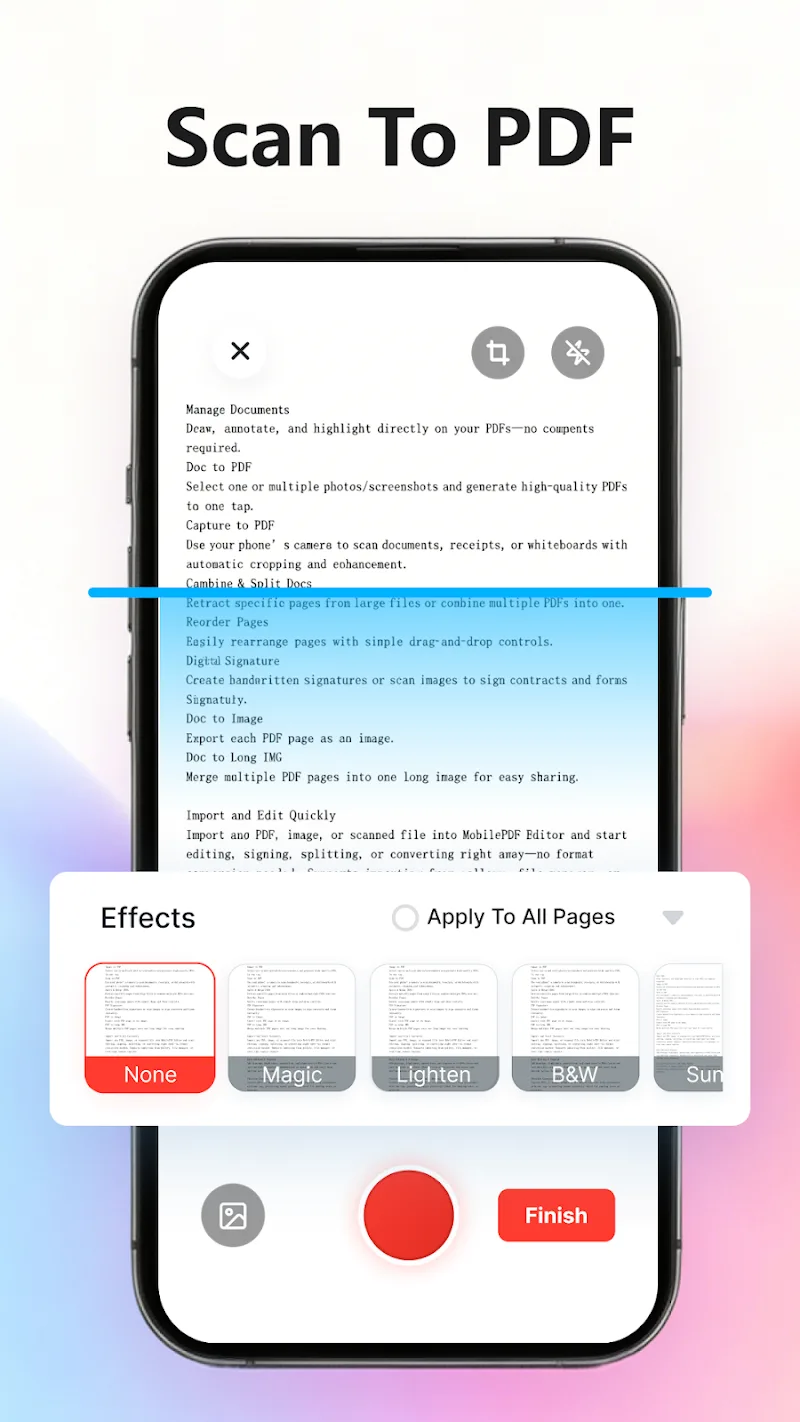
Turn physical paperwork, receipts, and notes into clean, high-definition digital documents in seconds using your device camera. From there, you can easily annotate, draw freehand, and highlight key passages without breaking a sweat. It also supports batch processing for screenshots, letting you organize related materials together in a single tap. Plus, instant imports from your photo gallery ensure you can jump straight into editing with zero delays.
- Editing: Annotate and Highlight
- Conversion: Image Processing Support
- Scanning: Create Crisp Standard PDFs
Optimized Organization and Data Security
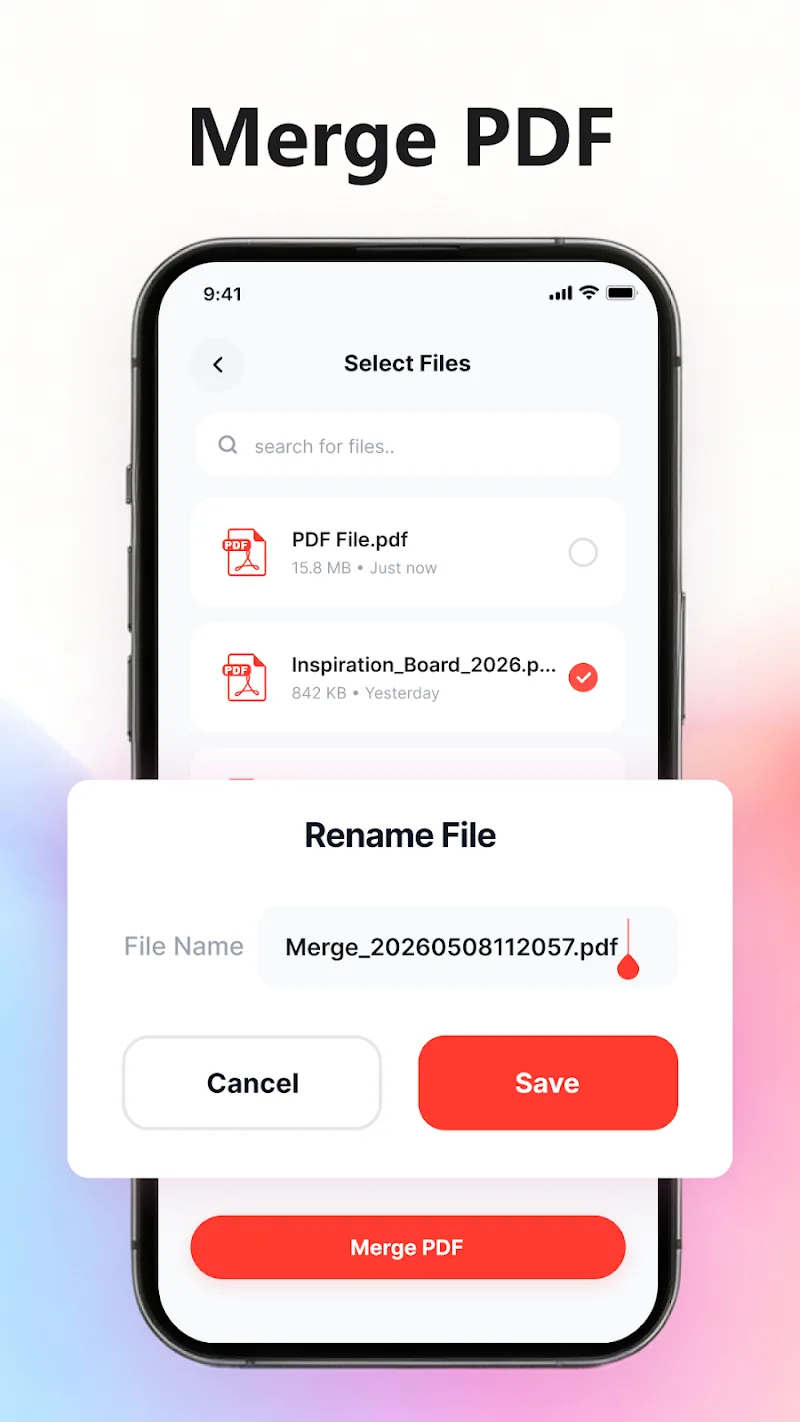
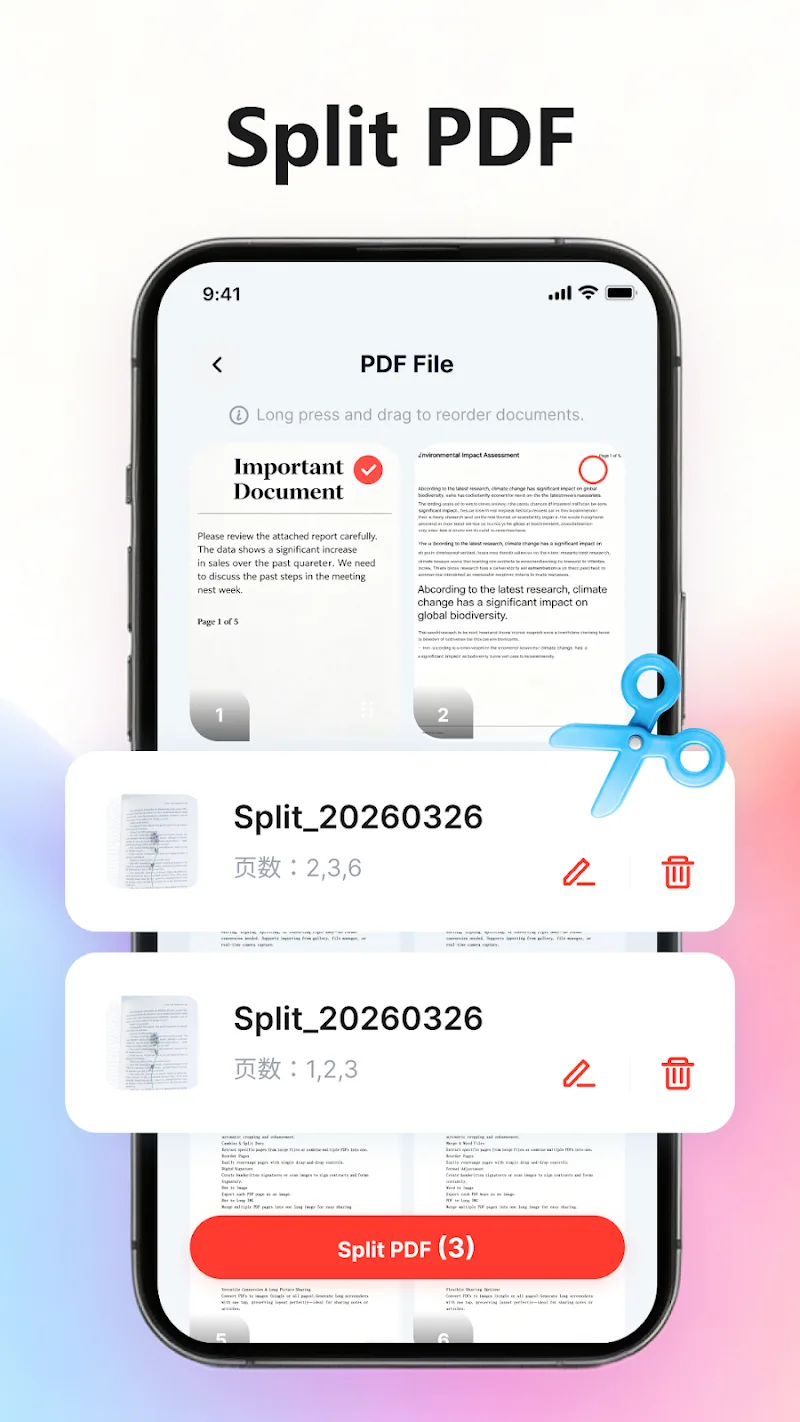
Sign agreements and finalize contracts on the fly with pre-saved electronic signatures. You can also split, merge, or reorder report pages with total flexibility to match your exact workflow. Rearranging page sequences is as simple as a direct drag-and-drop gesture, giving you full control over document layout. With these powerful utilities right at your fingertips, managing mobile paperwork has never been faster.
- Operations: Easy Page Split and Merge
- Signature: Store for Re-use
- Security: Local File Storage
How to install
- Download the APK file above to your phone.
- Allow “Install unknown apps” when prompted.
- Open the downloaded APK and tap Install.
- If the package includes OBB/XAPK data, follow the bundled instructions.
MOD APKs are modified builds, so Play Protect may show a warning. Install only if you trust the file; use at your own risk.