

Screenshots
Description
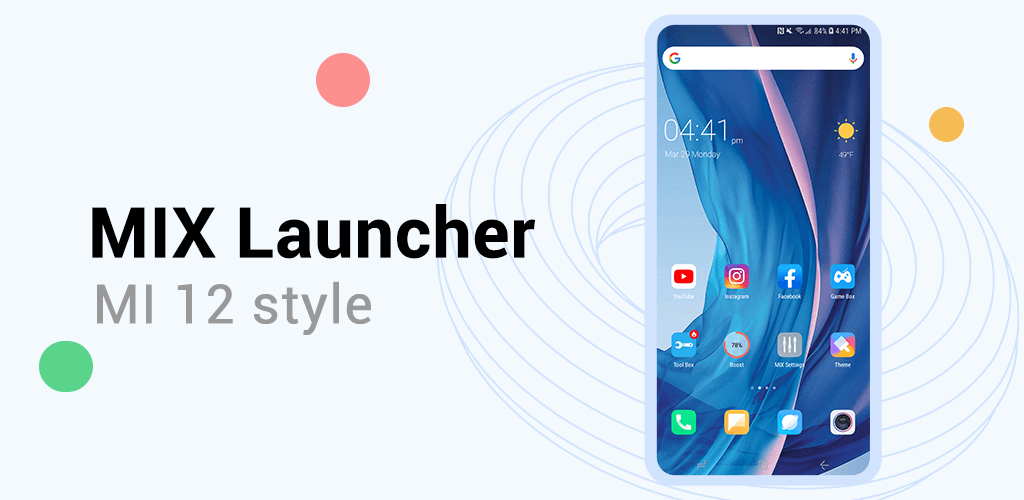
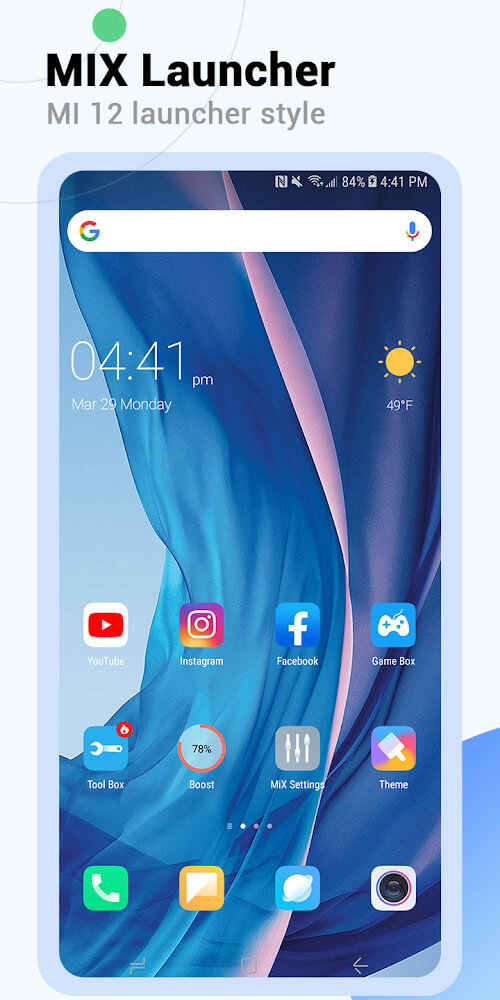
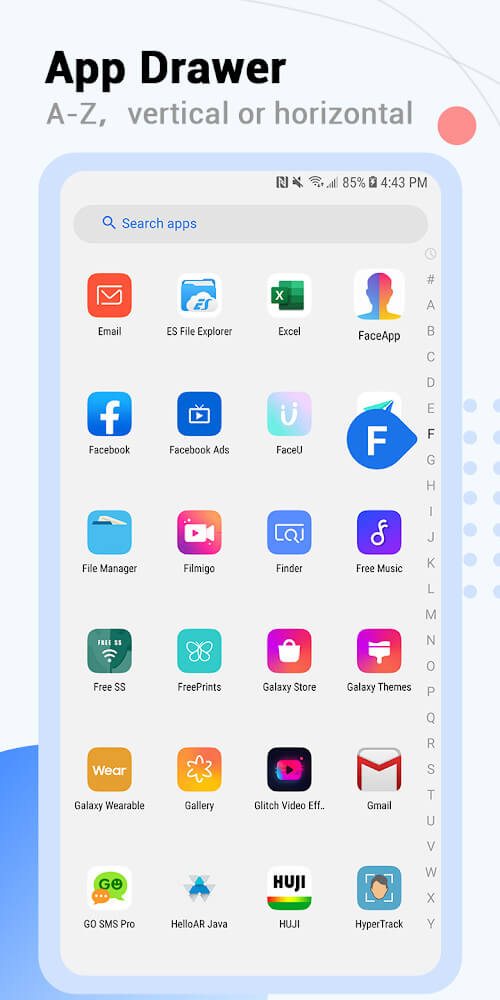
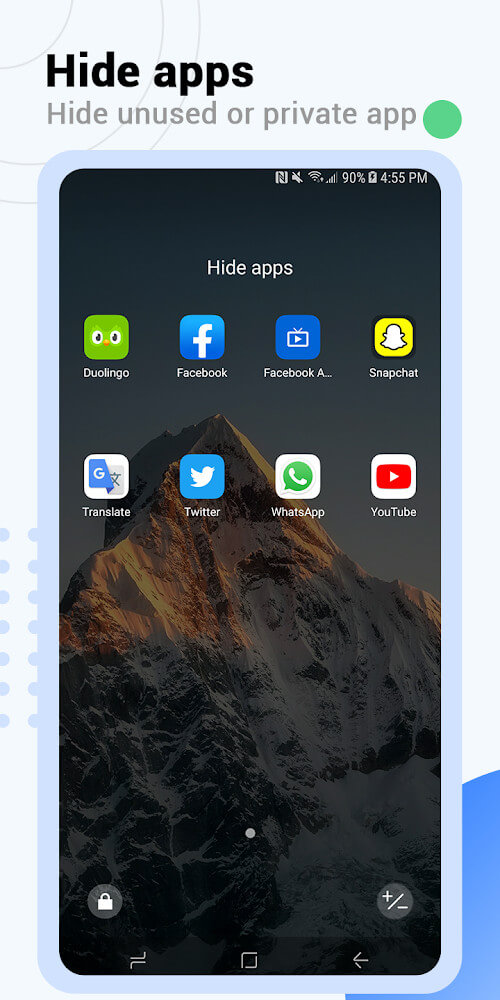
MiX Launcher V2 for Mi Launcher delivers a comprehensive redesign inspired by the modern MI 11 Launcher, bringing a refined and upgraded interface to your device. Designed to provide a superior user experience, this version introduces a rich set of practical tools, including a dedicated app drawer, privacy app-hiding options, fresh themes, and intuitive gesture controls.
Support Multiple Themes
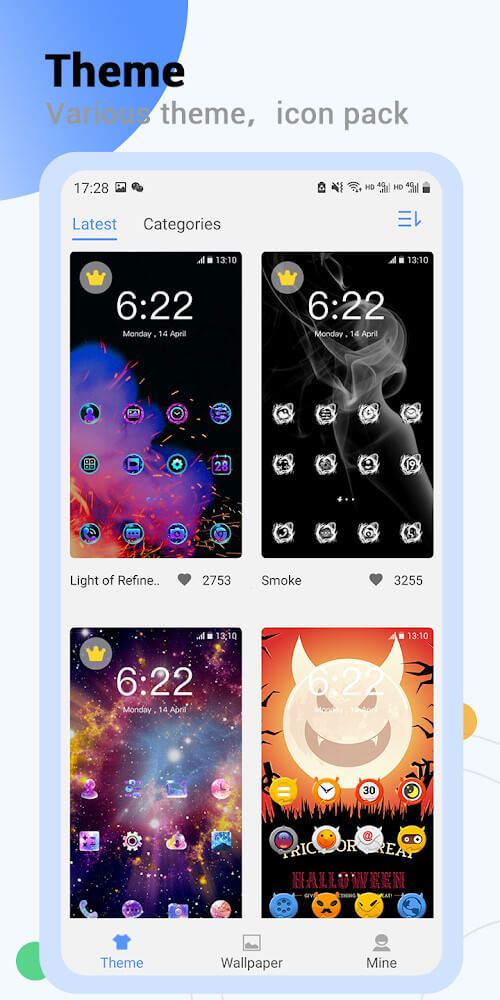
Elevating customization to the next level, MiX Launcher V2 for Mi Launcher comes packed with more than 1,000 distinct built-in themes. Each design features its own eye-catching visual style, allowing you to revamp your phone's appearance in just a few quick taps.
Support Icons
Complementing its extensive theme catalog, the launcher provides broad compatibility with nearly every third-party icon pack found on the Google Play Store, giving you endless freedom to craft truly personalized home screen setups.
Small Capacity
Thanks to its lightweight build and optimized resource usage, MiX Launcher V2 for Mi Launcher delivers silky-smooth performance across any Android device running version 5.0 or higher. The streamlined footprint prevents lag, stuttering, and screen freezes during daily navigation. Refined continuously through user feedback, the launcher delivers a fully featured suite of capabilities while remaining light and responsive.
Smart Gestures and Sizing
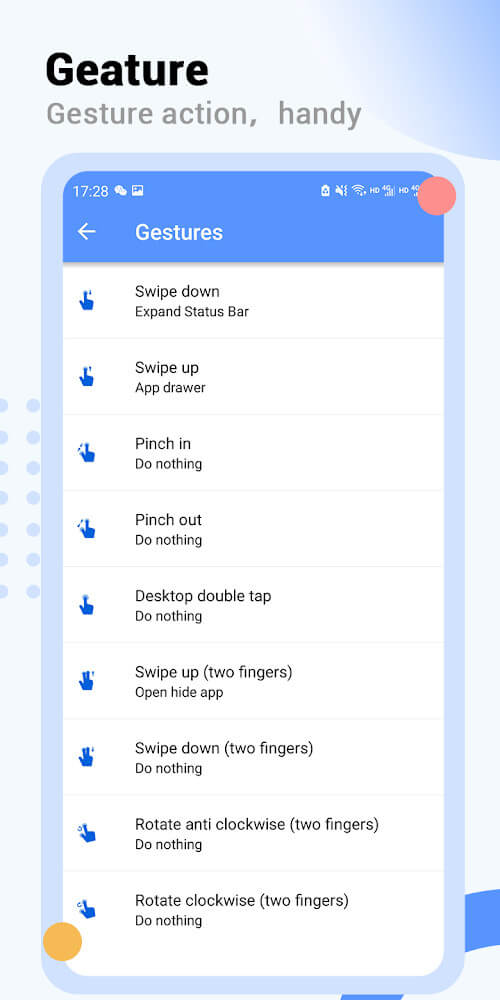
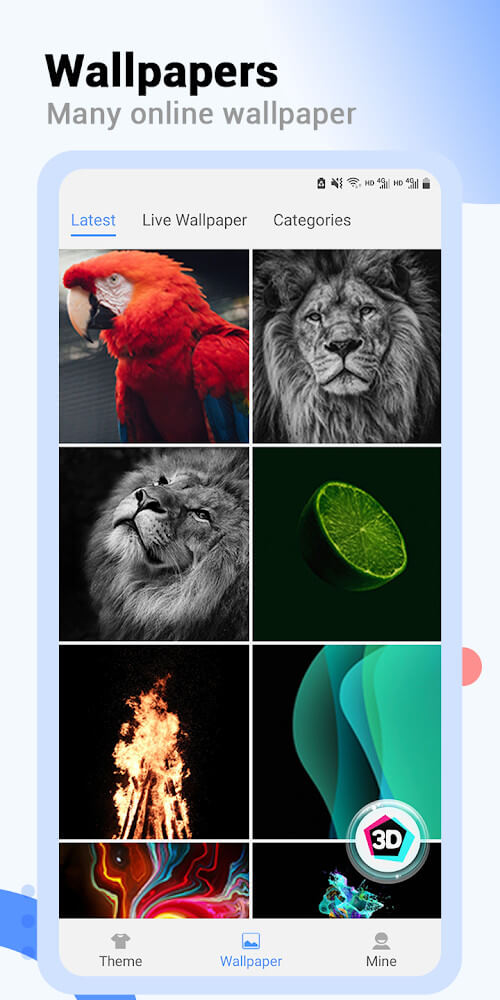
Beyond visual upgrades, the launcher integrates responsive multi-touch gesture controls to streamline your navigation. Effortlessly execute actions via pinch-to-zoom, directional swipes, and multi-finger shortcuts. You can also explore a vast selection of high-quality wallpapers and resize or align backgrounds to your exact preference using simple gestures.
Additional Features
Rounding out the toolkit, MiX Launcher V2 provides an integrated UI search bar, secure screen lock options to safeguard your private data, and seamless image transfer capabilities directly to your desktop.
How to install
- Download the APK file above to your phone.
- Allow “Install unknown apps” when prompted.
- Open the downloaded APK and tap Install.
- If the package includes OBB/XAPK data, follow the bundled instructions.
MOD APKs are modified builds, so Play Protect may show a warning. Install only if you trust the file; use at your own risk.