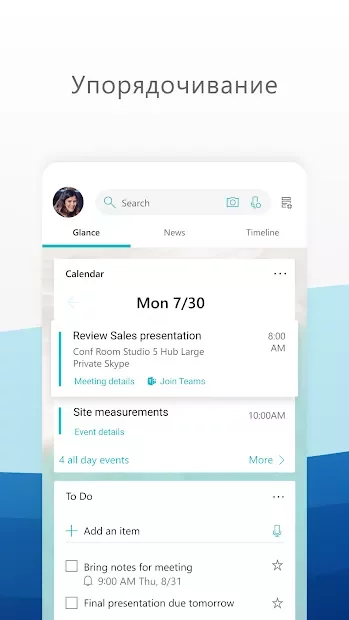
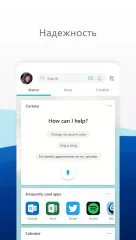
Download APKMicrosoft Launcher - a practical launcher developed by Microsoft specifically for Android devices. It has no unnecessary elements, making it convenient for most users. The interface is divided into three windows. The central desktop displays a list of recently used apps, as well as all programs available on the device. The left window is responsible for the contact list and interaction with them: here you can make a call, send an SMS or an email. Finally, in the right window you can find information about upcoming significant dates and set an alarm. It is also worth noting that in the settings you can set daily wallpaper changes on the desktop, which is a nice addition to this great launcher.
Having trouble downloading?Installing games and appsInstalling games with cache / OBBHow to take a screenshotHow to install APKS
How to install
Download the APK file above to your phone.
Allow “Install unknown apps” when prompted.
Open the downloaded APK and tap Install.
If the package includes OBB/XAPK data, follow the bundled instructions.
MOD APKs are modified builds, so Play Protect may show a warning. Install only if you trust the file; use at your own risk.