

Screenshots
Description
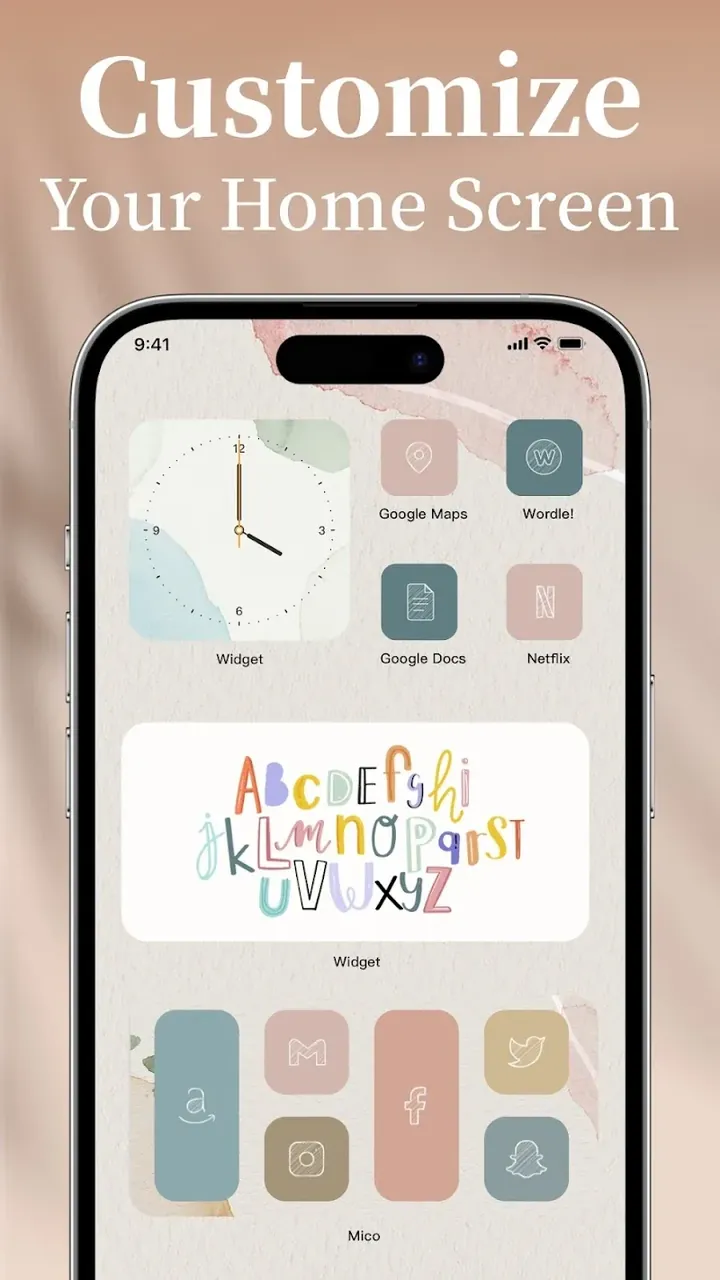
Give your Android screen a complete makeover with Mico! Dive into more than 1,000 aesthetic widgets, breathtaking 4K dynamic wallpapers, and intuitive DIY creation tools to craft your signature phone setup in seconds.
With Mico Live Wallpaper MOD APK from GameMod.dev, all exclusive VIP resources are unlocked from the start, letting you enjoy high-resolution visuals and deep personalization settings without limitations. Say goodbye to the paywalls of the original build and customize your device with the complete collection of stylish widgets and animated backdrops.
Mico Live Wallpaper Mod Info
- Enjoy a fully Unlocked Premium experience that provides unrestricted entry to every paid feature and the entire catalog of personalization content across the app.
This v1.58.0 build arrives as a 44M package named com.sm.mico. Because it features a custom signature, you must completely uninstall any official Play Store release before installing this mod.
About Mico Live Wallpaper
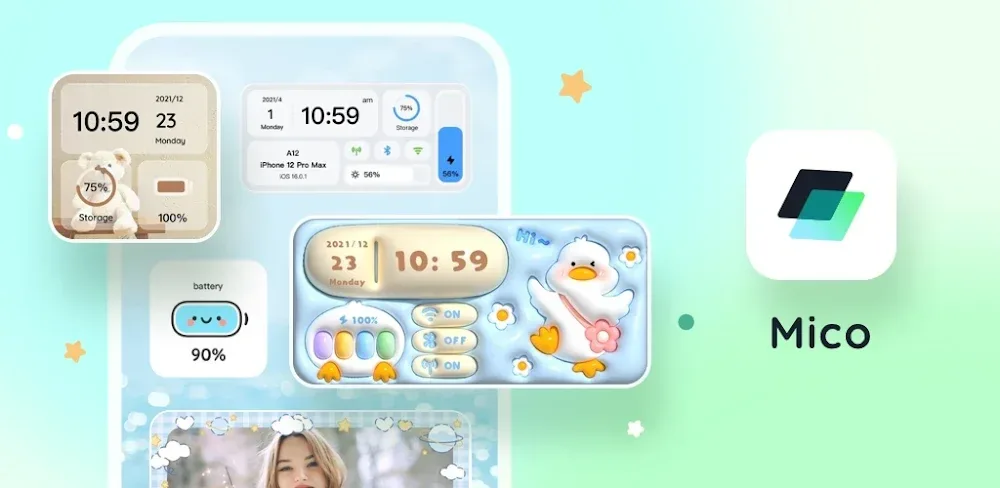
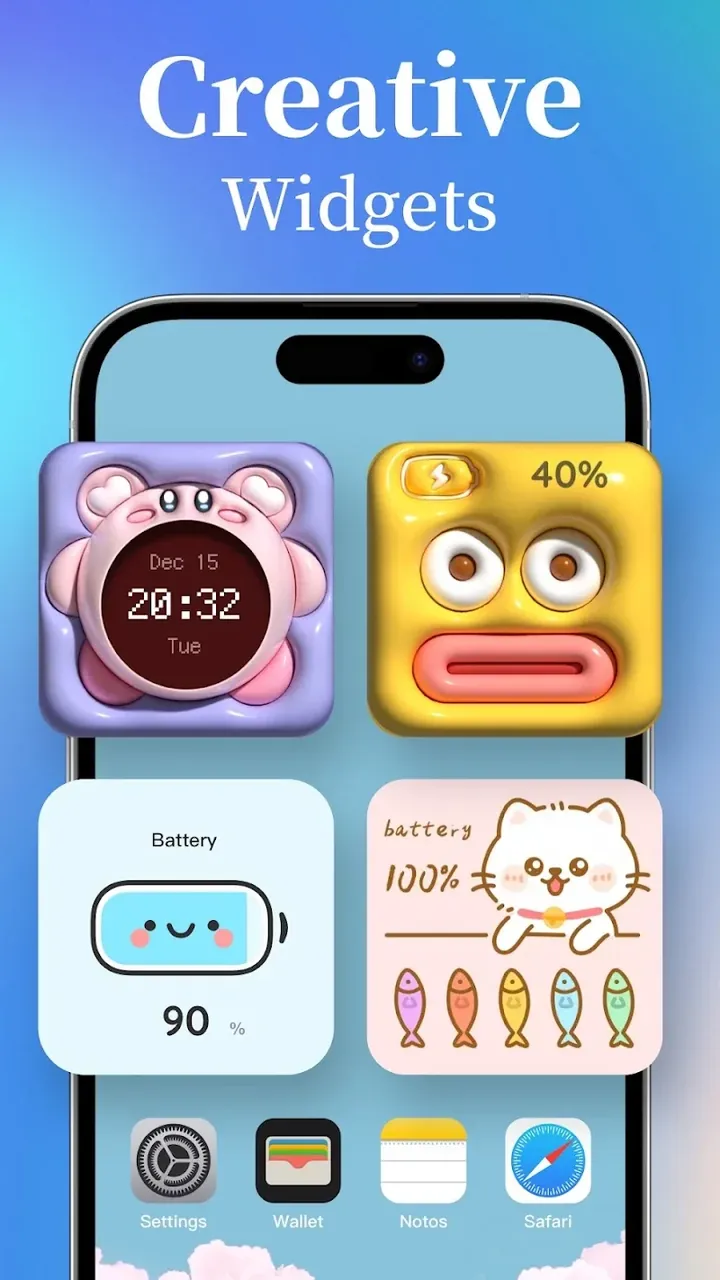
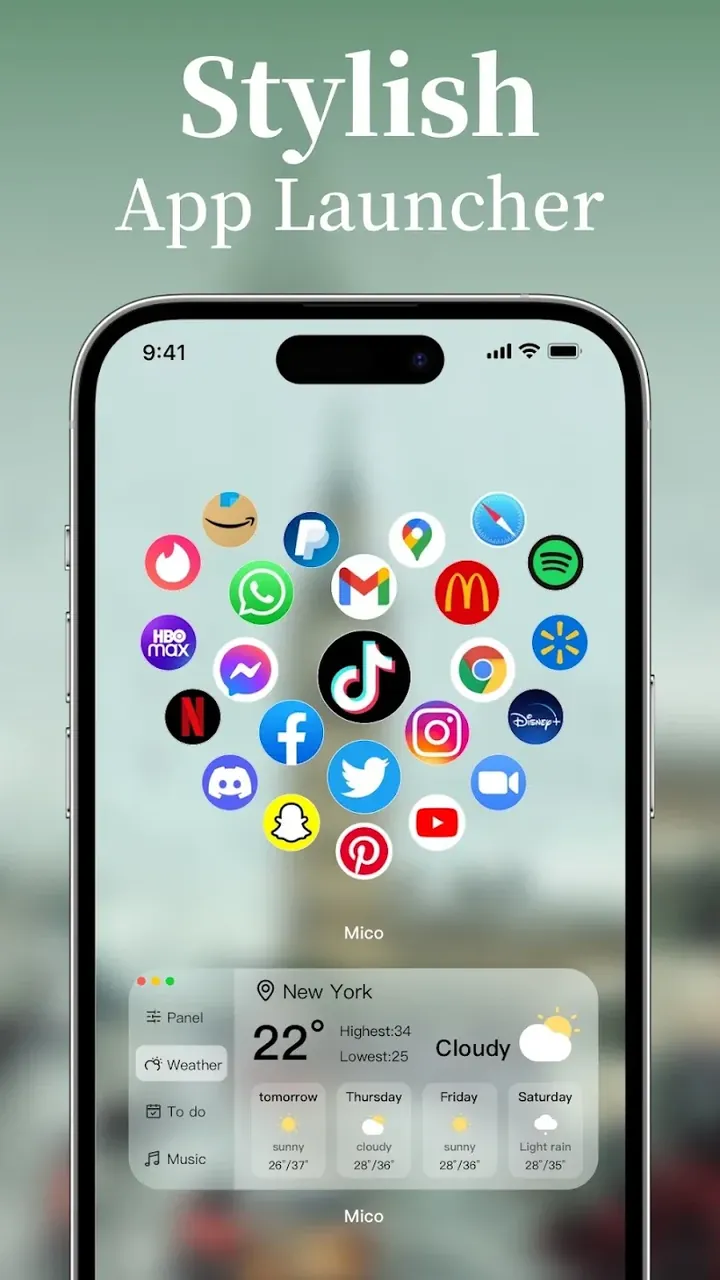
Mico Live Wallpaper is an all-in-one Android styling app loaded with creative backgrounds, smart widgets, and handy aesthetic tools for your launcher. Browse an impressive lineup of over 1,000 widgets spanning clean minimalist counters, rich system monitors, and multi-data panels. Boost your daily workflow with essential desktop cards displaying live weather forecasts, accurate clock faces, calendar dates, and battery levels. For a personal touch, decorative photo frame widgets let you showcase cherished moments right on your home screen, complete with automated slideshow transitions that rotate through your favorite snapshots throughout the day. Whether you prioritize sleek productivity or warm memories, Mico delivers the flexibility you need.
Taking inspiration from popular tools like WidgetSmith, the app lets you tweak individual widget properties with total creative freedom. Adjust typography, color schemes, layouts, and even fine-tune motion speeds to suit your taste. If you prefer instant styling, ready-to-use theme packages make it effortless to harmonize your icons, widgets, and wallpapers into cohesive themes such as Cyberpunk, Nature, Vintage, and more. Applying an integrated pack ensures a polished, unified look throughout your Android device.
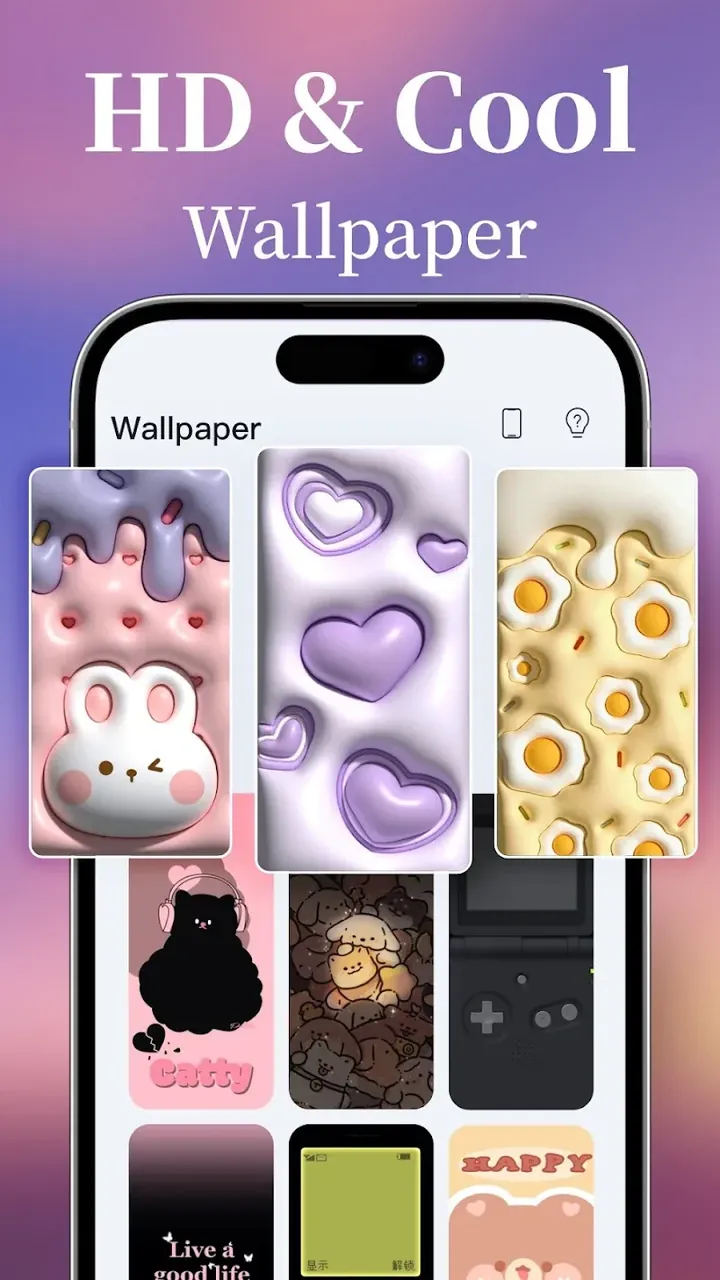
Inside the Live Backdrop Studio, discover an expansive gallery of fluid 4K animated backgrounds engineered for silky smooth motion. The library receives continuous updates to feature trending artwork, seasonal themes, and creative community concepts, ensuring your setup always feels fresh, vibrant, and never monotonous.
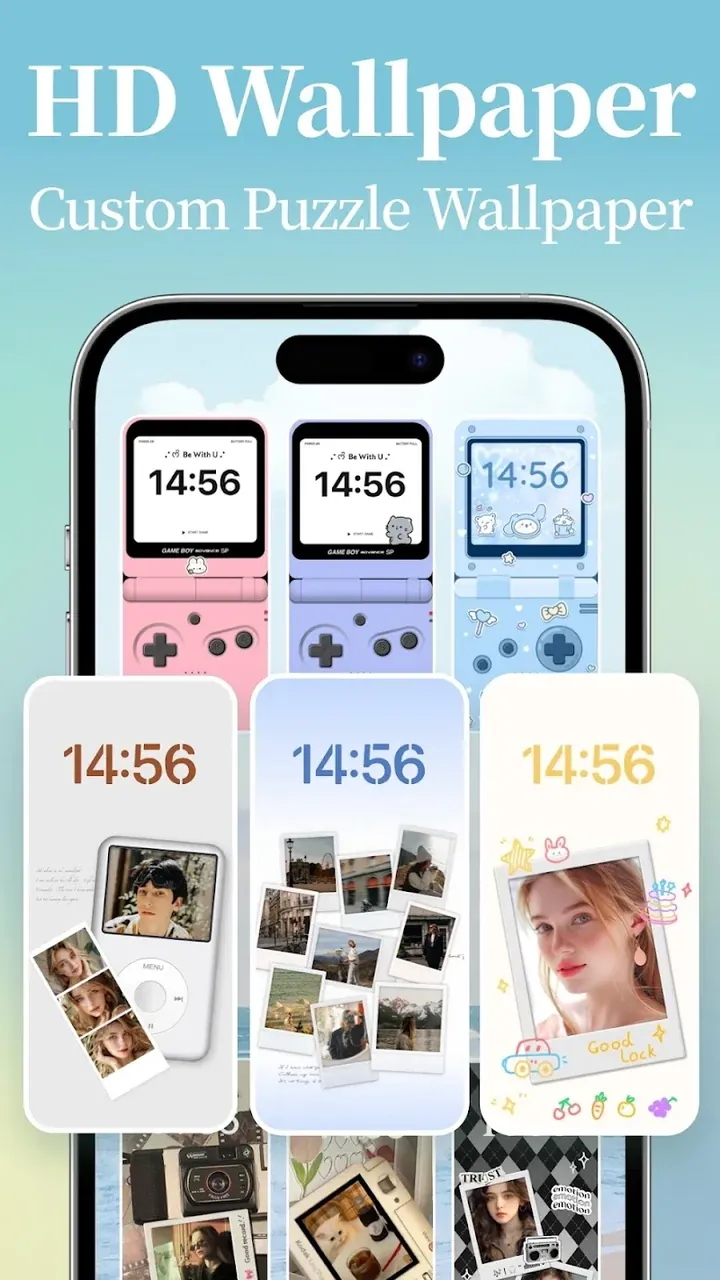
Looking for something truly one of a kind? The built-in DIY Live Wallpaper engine turns ordinary personal photos into eye-catching moving wallpapers. The smart animation system injects natural, subtle movement into still images, while the intuitive Style Control suite lets you tailor motion speeds and atmospheric effects—no editing skills or technical background needed. In just a few taps, turn your own photography into custom animated backgrounds.
Finding and applying your favorite visuals is fast and effortless thanks to organized style categories and responsive search filters. Once you pick an asset, dive into the Style Control editor to personalize parameters until it matches your exact aesthetic. Best of all, Mico is well-optimized under the hood, delivering fluid animations and vibrant visual effects without lagging your system or draining your battery life.
Built as an all-in-one creative hub, this app gives you complete control over your Android home screen by blending practical utility with stunning visuals. It lets you overhaul your mobile setup from the ground up, combining intelligent tools with ultra-clear graphics and razor-sharp widget typography. Whether you want a tranquil aesthetic for daily tasks, an ambient screensaver, a fun interactive diversion, or a data-rich cybernetic dashboard, the suite adapts effortlessly to your lifestyle. Thanks to continuous daily content drops and an intuitive DIY editor, tweaking your phone is an evolving creative journey rather than a one-off chore.
Key Features
- Smart utilities tracking time, date, local weather, and battery percentage
- Photo frame widgets to showcase your favorite gallery moments
- Customization presets inspired by WidgetSmith aesthetics
- Curated themes including Cyberpunk, Nature, Minimalist, and Classic styles
- Live Backdrop Studio packed with ultra-crisp 4K animated wallpapers
- Custom DIY live backgrounds featuring realistic motion and 3D depth
- Fine-tuned Style Control engine for precise design adjustments
- Instant one-tap setup for effortless home screen application
Related MOD APKs
- Glassify – Widgets & Themes
- Niagara Launcher
- ZEDGE
- Material You Widgets
Frequently Asked Questions
Does Mico Live Wallpaper MOD APK include Unlocked Premium?
Yes, this updated 1.58.0 edition comes with Premium Unlocked right out of the box. It functions just like the official MICO LTD release while giving you unrestricted access to all VIP perks immediately after installing.
Which build of Mico Live Wallpaper MOD APK is the most recent?
The current release is version 1.58.0, aligned with the MICO LTD update from June 1, 2026. GameMod.dev always hosts the newest build. Simply install this package over your existing setup to update; if a signature conflict pops up, wipe the older app beforehand.
Is downloading Mico Live Wallpaper MOD APK completely safe?
Absolutely. This clean 1.58.0 package from MICO LTD features Premium Unlocked and carries an average score of 4 from 62 users. It requires zero root privileges. You can safely bypass any standard Play Protect warnings as long as you grab the file directly from GameMod.dev.
Can I run Mico Live Wallpaper MOD APK on iOS or a desktop PC?
No, this Android package is not compatible with iPhones. However, you can easily run this 44M APK on your PC using popular Android emulators such as BlueStacks or LDPlayer by simply dragging and dropping the file to install.
How to install
- Download the APK file above to your phone.
- Allow “Install unknown apps” when prompted.
- Open the downloaded APK and tap Install.
- If the package includes OBB/XAPK data, follow the bundled instructions.
MOD APKs are modified builds, so Play Protect may show a warning. Install only if you trust the file; use at your own risk.