
Screenshots

Description
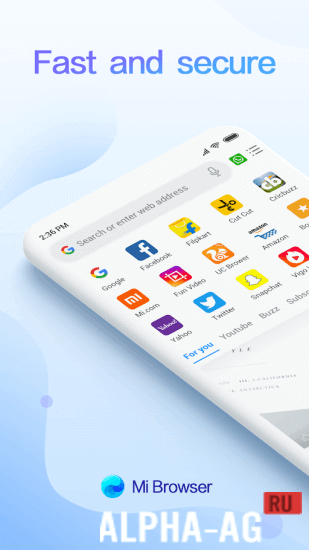
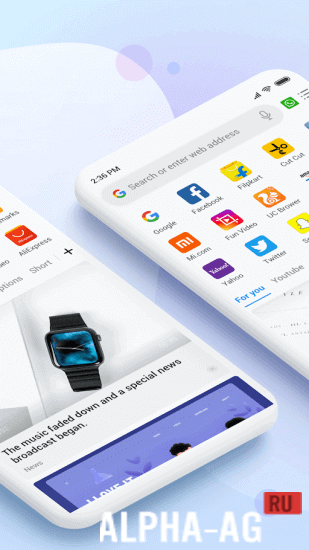
Mi BrowserWant to explore the vast expanse of the internet with maximum comfort? Mi Browser will help you do just that, with ease and maximum efficiency.
Features
We all use the internet for various purposes: some for work, some simply to read the news, and others for entertainment.
However, everyone needs a good, high-quality browser, since your comfort while online largely depends on it. Mi Browser is a progressive solution in the world of web surfing.With this browser, you can not only optimize all the web pages you visit, but also reduce data usage thanks to built-in compression features that reduce image sizes and many other factors.
In addition, you can use extra services for anonymization and data protection.App Features
Extremely lightweight, simple, and very convenient, this browser allows you to customize your entire workspace to suit your needs. You can also create a profile and sync it across all your devices without losing your data, bookmarks, or even passwords. Stay always online.
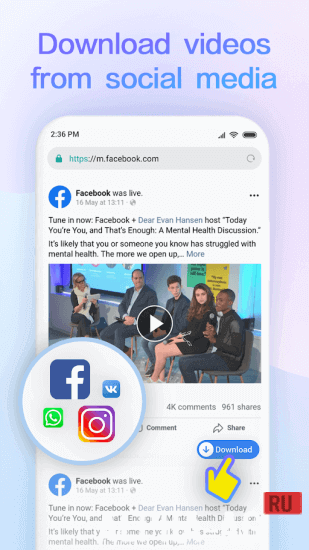
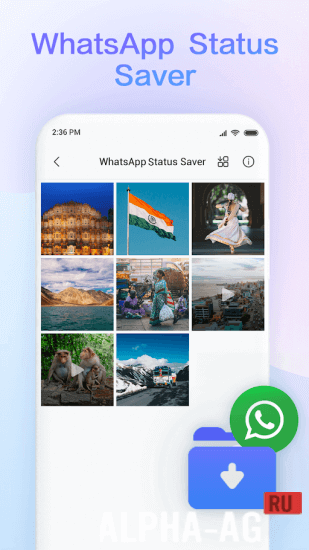
Furthermore, additional features such as downloading videos from social media and numerous other add-ons make it truly unique in its kind, all while taking up minimal space on your smartphone.
On our website you can download both the regular version of the Mi Browser app and the ad-free version for Android.
0 14 Jun Additional Information:- Android version required: 9 or higher
- Age rating: none
- Russian localization: present
- Cache installation: not required
Subscribe to our YouTube channel!
Add a commentHow to install
- Download the APK file above to your phone.
- Allow “Install unknown apps” when prompted.
- Open the downloaded APK and tap Install.
- If the package includes OBB/XAPK data, follow the bundled instructions.
MOD APKs are modified builds, so Play Protect may show a warning. Install only if you trust the file; use at your own risk.