
Screenshots
Description
Measure Map is an app that lets you estimate the distance between locations by placing markers on a map, so you don't have to measure outdoors yourself.
Need an easy way to measure the distance between two points or work out the area of a piece of land? Measure Map is the ideal tool for the job. It turns your phone into a handy miniature map of the Earth, where you place points to measure exactly what you need.
MEASURE THE DISTANCE BETWEEN TWO POINTS
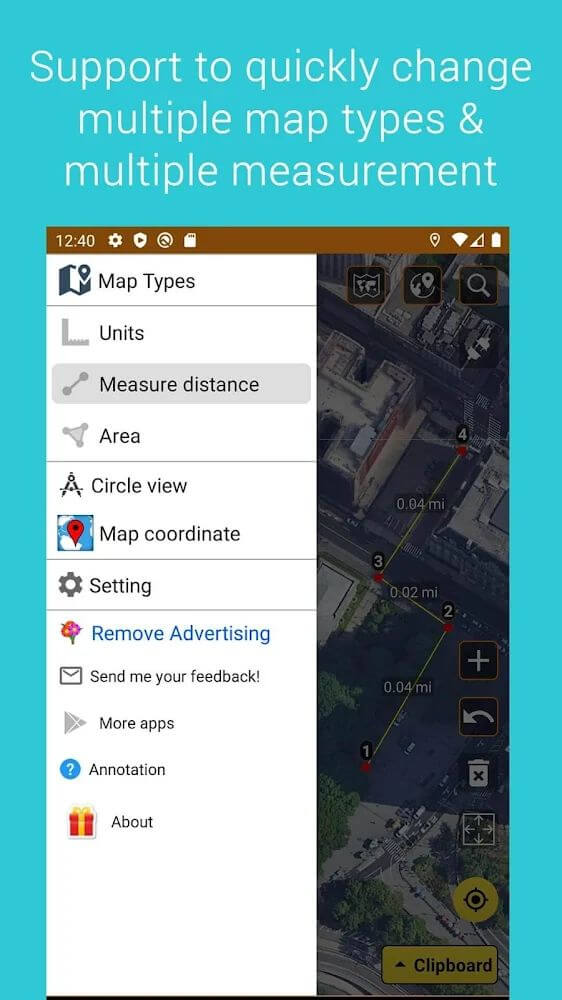
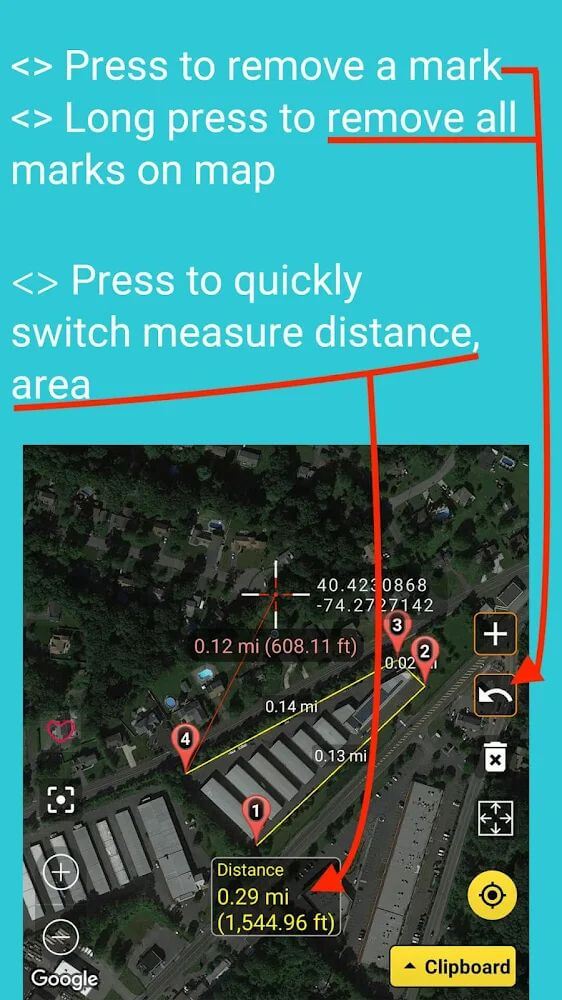
When you need to know precisely how far it is from point A to point B, the app gives you the answer in seconds. It works by measuring between two locations on an electronic map. You can choose satellite, standard, topographic, or hybrid views, which keeps the results accurate with only minor errors. Zoom in or out to pick the exact spots you want, and the app will display the result. Available units include meters, kilometers, nautical miles, feet and miles, and yards.
MEASURE THE AREA OF A PLOT
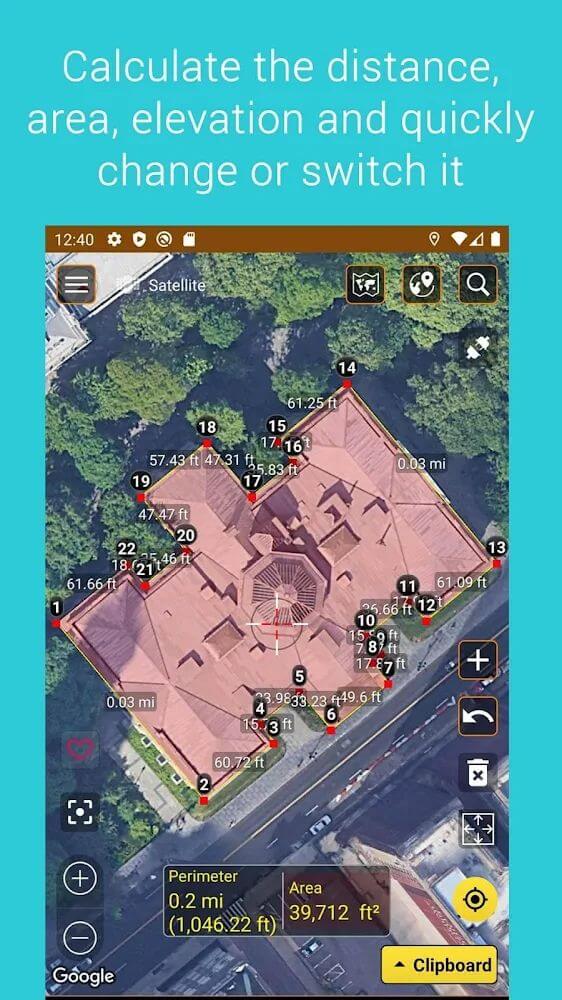
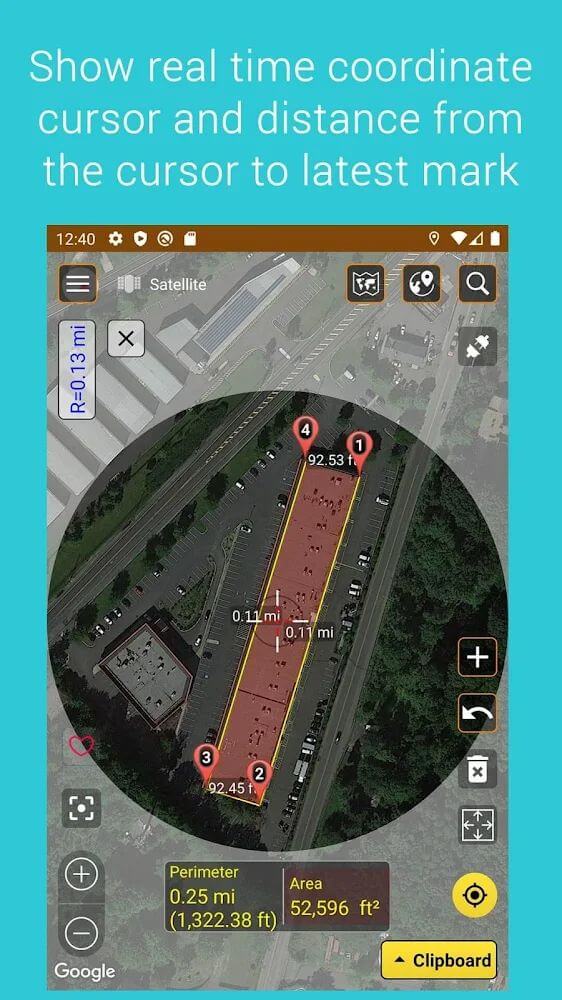
Going beyond two-point measurement, Measure Map also lets you calculate area. Select three or more points to outline the region you want to measure, and the app will instantly show its size. Supported units include square meters, square kilometers, square feet, square nautical miles, square yards, acres, and hectares. You can name and save your measurements for any area you have searched, and add them to favorites for quick access later.
FIND AND SHARE YOUR LOCATION
The app also works like a standard electronic map, letting you view roads and areas. It can pinpoint your current position once you grant location permission. You can share your location or your measurement results with friends and family directly from the app.
KEY FEATURES
- Select two points on the electronic map to measure the distance between them. Zoom in and out as needed.
- Select three or more points to form an area and get the calculated result instantly.
- Highly accurate map simulation with several views to choose from, including standard, satellite, terrain, and hybrid.
- Create named records to store your measurements, and save important ones to favorites.
- Find your current location and share your position and measurement details.
How to install
- Download the APK file above to your phone.
- Allow “Install unknown apps” when prompted.
- Open the downloaded APK and tap Install.
- If the package includes OBB/XAPK data, follow the bundled instructions.
MOD APKs are modified builds, so Play Protect may show a warning. Install only if you trust the file; use at your own risk.