

Screenshots

Description
Written by Albert H. Gates
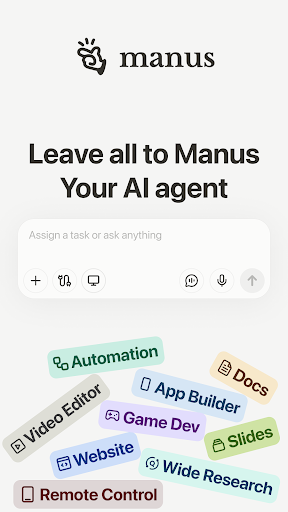
With hundreds of AI apps competing for attention, Manus AI stands out by positioning itself as an AI Agent. That means it goes beyond conversation: it can grasp a problem, map out a plan, and take action toward a goal. Give it a task, and it breaks the job into smaller pieces, selects the right tools, and works through each step much like a capable person who knows the job. It may sound like a bold claim, but across a range of hands-on use cases, Manus is steadily proving it can deliver.
Introduce about Manus AI
Systematic and workflow organization
Manus AI organizes work as a workflow, a sequence of ordered steps. Rather than treating each part in isolation, it maps out the entire process from beginning to end. Every stage has a clear purpose and a defined goal, often supported by detailed suggestions for what to do next.
A small change early on can ripple through the whole process, and Manus AI handles this intelligently by revising the full plan in a logical way. The result is a smooth workflow with minimal confusion or unnecessary repetition.
Agent learns from feedback
Rather than simply executing tasks by rote, Manus AI absorbs feedback and adapts its behavior over time. You can leave comments on any step, and it will record and apply your corrections. Even better, it remembers those adjustments for future work.
For instance, when I first asked it to write a blog post, I requested a warm, low-pressure tone without a hard sales push. When I later asked for another post on the same subject, Manus AI picked up that same tone on its own, with no reminder needed. This is especially valuable for long-term projects where a consistent content voice matters. In effect, Manus AI behaves like an eager intern who learns quickly and gradually picks up your style.
Cross-platform connectivity
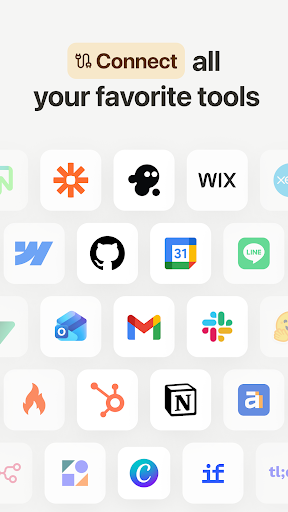
Manus AI connects with a range of platforms, including Google Drive, Notion, GitHub, Slack, Zapier, and Gmail. This lets you set up automations spanning several tools, and Manus AI runs them in an organized way.
Generous resources
Manus AI includes a free tier that suits regular users well. Depending on how complex a task is, you can use roughly 50 to 100 tokens per day. The system shows how many tokens a task will consume before you confirm it, making it easier to keep your usage under control.
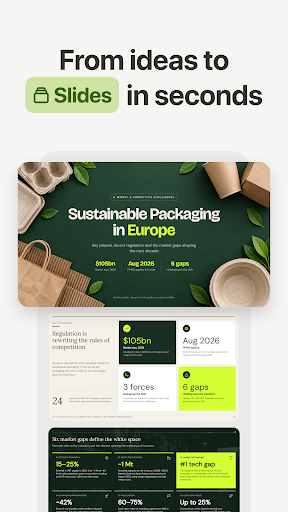
Even without paying, you can run one or two quality workflows per day, export results as text, slides, code, or reports, and test connections with Google Drive or Notion. That is fairly uncommon among AI Agent tools, many of which feel heavily restricted unless you upgrade.
Intuitive workflow interface
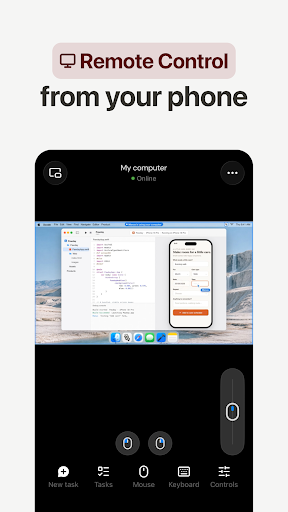
If you have struggled with cluttered task management software, Manus AI feels different. Its interface is remarkably intuitive, so you can grasp the layout at a glance. Each task you assign appears as a line on a timeline. Tap any step to view its details, edit it, or ask Manus AI to redo it another way if it doesn't suit you. What stands out is not only the clarity but the sense of being guided through each stage, as though someone has already charted the route. You simply respond and make small refinements instead of starting from scratch.
Download Manus AI APK for Android
Feedback from many users suggests Manus AI is a platform you can rely on for serious daily work. From product planning and content creation to automated reporting, it handles each task in an organized, clear, and easily controlled way. If you want a no-nonsense but dependable virtual assistant, Manus AI is worth adding to your testing list this week.
Comment
How to install
- Download the APK file above to your phone.
- Allow “Install unknown apps” when prompted.
- Open the downloaded APK and tap Install.
- If the package includes OBB/XAPK data, follow the bundled instructions.
MOD APKs are modified builds, so Play Protect may show a warning. Install only if you trust the file; use at your own risk.