

Screenshots

Description
Mantis Gamepad is a standout, up-to-date tool for players who struggle to map their external gamepad buttons onto the virtual screen for particular games or tasks.
This Mantis Gamepad Pro Beta MOD APK unlocks the full Pro feature set of the mobile gaming utility. It removes the limits of the standard version, giving you complete access to advanced mapping tools and professional customization options.
What’s Modified in Mantis Gamepad Pro Beta
- Pro Unlocked activates every premium mapping feature and advanced configuration setting, so you won’t need to make a separate purchase.
This build is version 3.4.8, around 55 MB in size, with the package name app.mantispro.gamepad. It is a re-signed file, so it cannot be installed over a copy downloaded from the official store.
About Mantis Gamepad Pro Beta
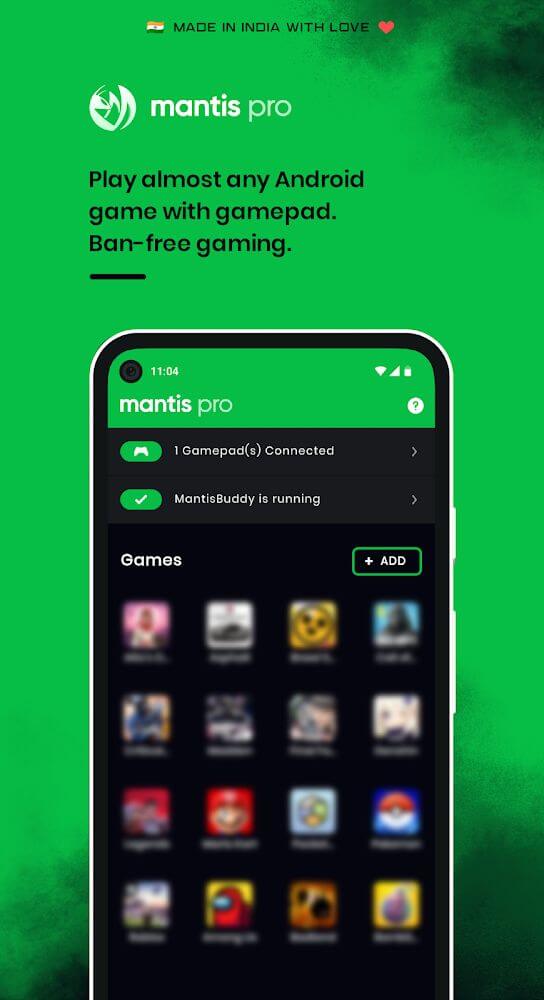
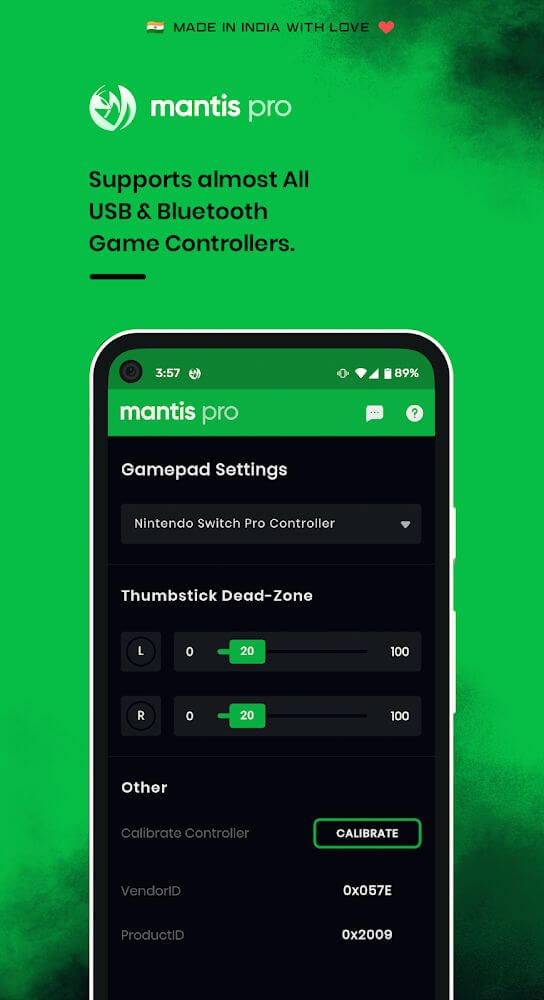
Mantis Gamepad Pro Beta lets mobile users connect traditional gaming peripherals such as keyboards, mice, and gamepads to their devices over a wireless or wired link. These peripherals give players a competitive edge with larger, more tactile controls than a touchscreen can offer. The app allows peripheral controls to be used in mobile games, and users can remove the touch controls entirely and treat their phone or tablet as a standalone gaming unit. It is especially useful for anyone who wants to pair gaming accessories with touch-based titles, or who wants to play games that don’t natively support controllers.
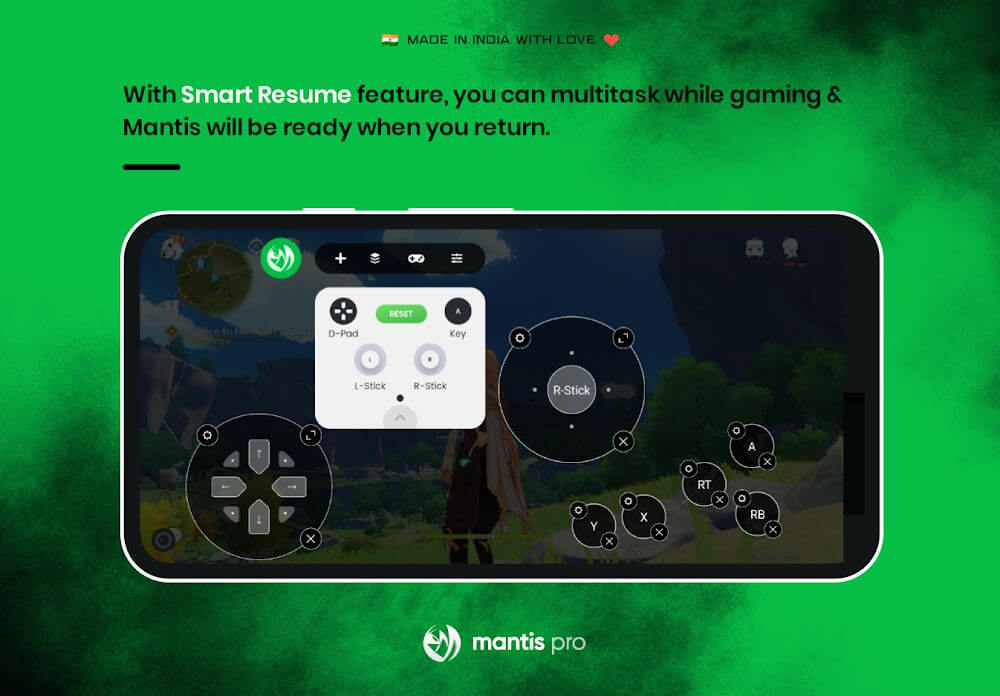
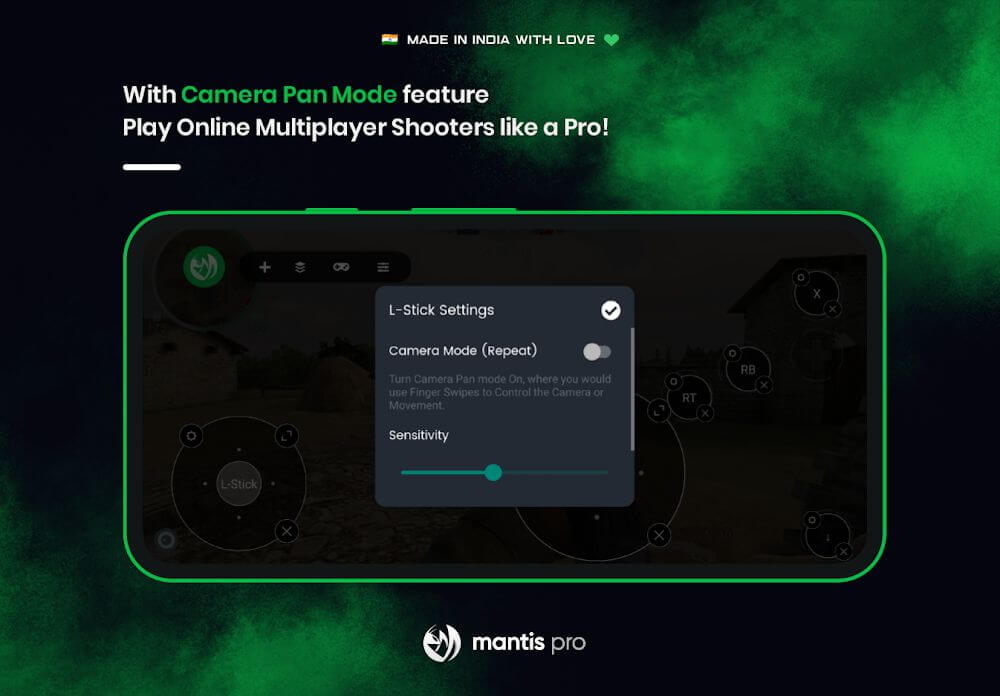
The app’s core strength is linking keys and functions to specific areas of the screen. Although the technology can imitate a range of devices, for gaming it lets you place gamepad and joystick buttons, along with directional controls, over the regions of the display where a game expects touch input. By tying in-game actions to gamepad and keyboard buttons, you can trigger them with whichever input device you prefer. The input mapping is designed to be flexible, so it can suit different control schemes and comfort levels across genres. This makes it possible to build layouts that would be impractical with a game’s built-in controls, and to fine-tune inputs for each genre for a more comfortable experience.
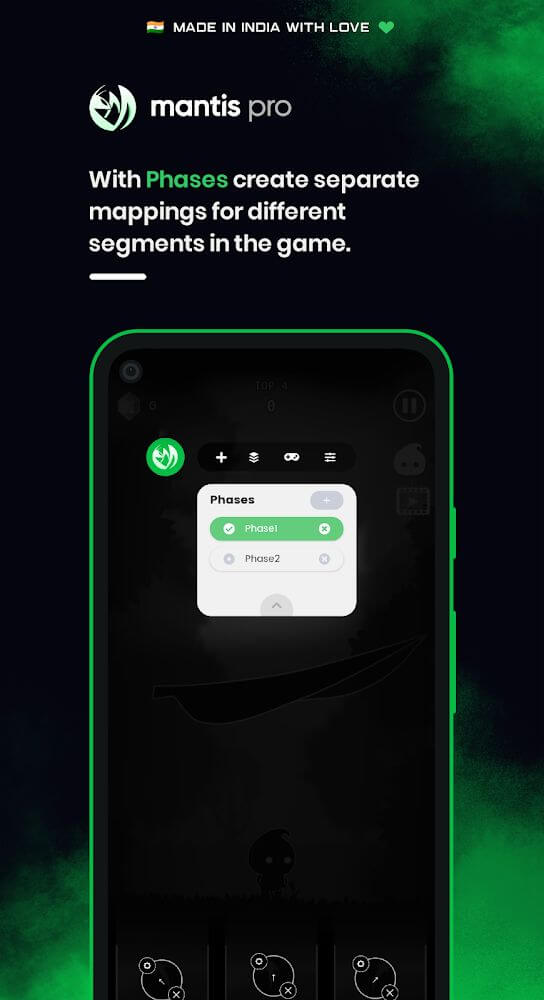
The software includes advanced input customization for games that demand precise control, such as PUBG Mobile and COD Mobile. These titles feature multiple modes and variations, and players may need to fight while driving, flying, or moving through menus. The app offers presets for different phases of gameplay and automatically switches control schemes as the game changes phase. This is particularly handy for players who jump between many activities, and it suits long, intense sessions as well. Since you don’t have to manually adjust your controls for each activity, you can stay focused on the game.
The app also works with many titles beyond the most popular ones, so you can apply custom controls to nearly any game on your device. You can build custom configurations covering almost every aspect of supported games, and it comes with a smart default setup that cuts down the time spent configuring your input devices. The software aims to provide as many controls and conveniences as possible, giving you an advantage over players who rely only on touch input. With the framework on offer, you can experiment and invent new ways to control and interact with a game. Broad compatibility, combined with the performance improvements the software delivers, makes it a valuable companion for touchscreen gaming.
You can seamlessly switch between games and control profiles while the on-screen overlay stays active. Being able to change game and profile settings quickly means you can adapt your controls to whichever game you’re playing. Settings and control presets can be adjusted without leaving the game, and you can edit them based on the title you’re currently playing. This gives you more control over how you interact with each game and improves your overall experience.
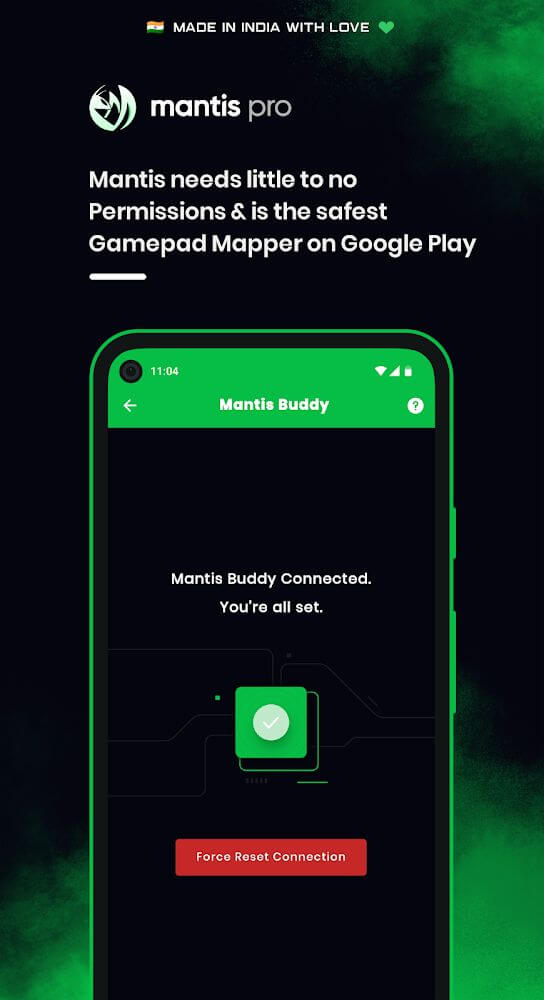
The software comes with a range of security features. Its customization system includes options designed to stay undetected in games that strictly prohibit assistance or cheat software. This matters a lot to players who want to use a gaming controller, and more importantly, many of them worry about getting their game account banned. The software aims to give users the peace of mind they deserve. The customization engine doesn't only improve safety and detection avoidance; it also offers advanced mapping capabilities that stand out from the competition. Overall, the software is a valuable addition for the mobile gaming community.
Key features
- External gamepad connectivity
- Keyboard and mouse support
- On-screen key mapping
- PUBG Mobile specialized presets
- CODM specialized presets
- Automatic control preset switching
- Multi-tasking profile management
- Overlay function optimization
- Ban-safe detection features
- Thorough control customization
Related MOD APKs
- MovieBox ID: Watch Movies, TV Series, K-Dramas & Anime for Free
- KWGT Kustom Widget Pro
- SnapTube
- Terabox
FAQ
Is Premium unlocked in Mantis Gamepad Pro Beta MOD APK?
This build of Mantis Gamepad Pro Beta (3.4.8) comes with Pro Unlocked. It behaves just like the NeuralMonkey Digital Ventures release, and all features are active right after installation.
What is the latest version of Mantis Gamepad Pro Beta MOD APK?
This 3.4.8 build matches the NeuralMonkey Digital Ventures release from August 12, 2026. We don't host older versions here. To update, install this file over your current app; if you run into a signature conflict, uninstall the old version first.
Is Mantis Gamepad Pro Beta MOD APK safe to download?
This Mantis Gamepad Pro Beta 3.4.8 build, with Pro Unlocked included, is the official NeuralMonkey Digital Ventures app and carries a 3.6/5 rating from 242 users. It doesn't require root access. You may see a Play Protect warning, so always download it from this page.
Can I use Mantis Gamepad Pro Beta MOD APK on PC or iPhone?
Because this is an Android package, it won't run on iPhone or iPad. To use the 55M APK on a computer, install an emulator such as BlueStacks or LDPlayer and drag the file into it.
How to install
- Download the APK file above to your phone.
- Allow “Install unknown apps” when prompted.
- Open the downloaded APK and tap Install.
- If the package includes OBB/XAPK data, follow the bundled instructions.
MOD APKs are modified builds, so Play Protect may show a warning. Install only if you trust the file; use at your own risk.