
Screenshots
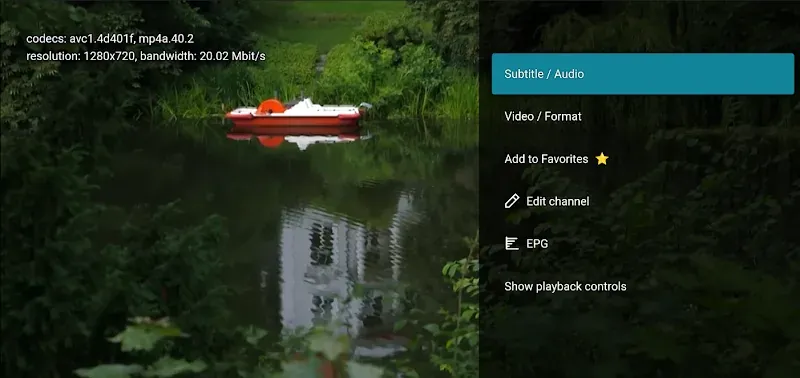
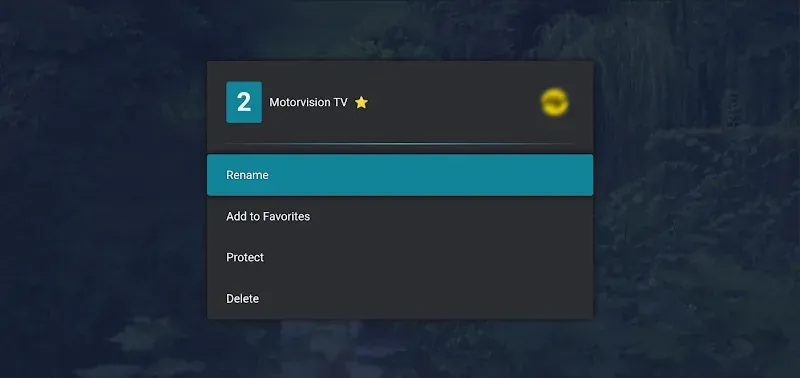
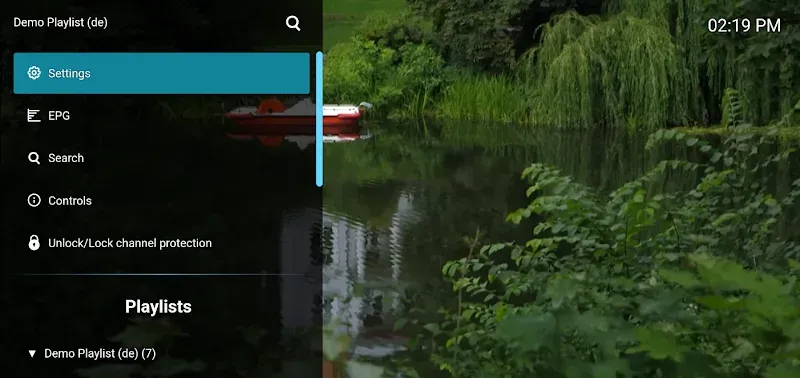
Description
Stream without limits using the M3U IPTV MOD APK! Watch a wide range of playlists on any device, including Android TV, completely free and with no sign-up required. Get M3U IPTV today!
This release delivers a Premium Unlocked experience, stripping away the restrictions found in the standard version. With the M3U IPTV MOD APK, you can enjoy every feature the app offers without running into upgrade prompts or paywalls.
What’s Modified in M3U IPTV
- Premium Unlocked: Gives you full access to every feature and capability in the app that is normally locked in the standard build.
This build is version 3.0.14.1, weighs in at 15M, and uses the package name de.herber_edevelopment.m3uiptv. It is a re-signed file, so it cannot be installed as an update over an existing store version.
About M3U IPTV
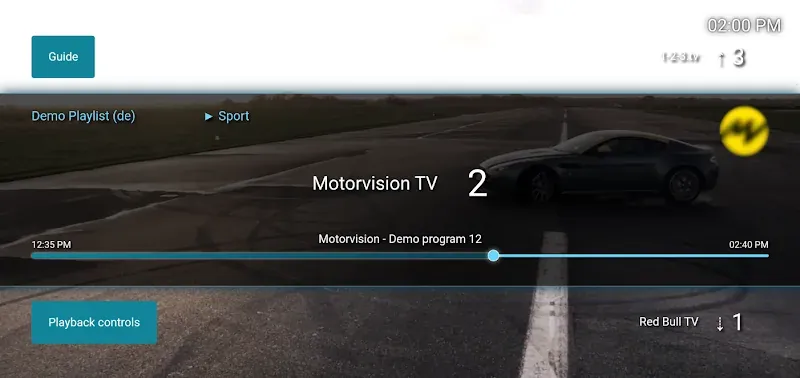
M3U IPTV is a dedicated media tool built to stream digital content over internet protocol television. Its main role is to act as a player for a variety of media, from live sports and news broadcasts to extensive movie libraries. Once installed on a smartphone, tablet, or Android TV, the app turns the device into a personal media center. It offers a portable alternative to traditional cable TV, letting you watch your favorite content on the go or from the comfort of your living room. The app focuses on providing a streamlined path to IPTV channels without the complications that older broadcasting technologies often bring, aiming to make entertainment more accessible for everyone.
A key strength of the software is its broad compatibility across different hardware. It runs smoothly on standard mobile devices, and it has been specifically optimized for Android TV systems. These optimizations ensure the interface and playback are well suited to larger screens and remote control navigation, delivering a satisfying movie experience at home. In terms of picture quality, the app is designed for sharp, clear streaming, supported by stable playback and solid connection handling, which matter most when handling high-definition broadcasts. The aim is for shows and live streams to open with a single tap while maintaining quality even through long viewing sessions. The app also gives you access to international channels, so you can tune in to broadcasts from your own region or from the other side of the world.
Cost is where the app really stands out. It provides access to streaming content without monthly subscriptions or hidden fees. Adding to that appeal, there is no registration process: you don't need to create an account or hand over personal details to start watching. Skipping sign-up means instant access to content, with no personal data to manage and no login credentials to remember. By removing these steps, the app puts immediate functionality and user privacy first, focusing entirely on delivering media from the moment you open it. That makes it an appealing choice for anyone who values both financial freedom and digital privacy.
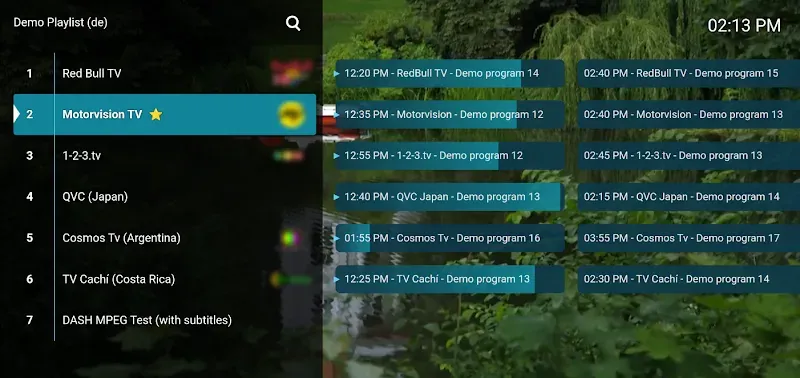
Organizing your channels is handled by a capable playlist management system. The app makes it simple to import and arrange M3U playlists, the standard format for IPTV channel lists. You can add content in one of two ways: by entering the URL of a hosted M3U playlist, or by importing an M3U file directly from your device's local storage. Once a playlist is loaded, the app automatically sorts and displays the available channels. This automation handles the technical work of parsing playlist data and presenting it in a clean, readable layout. As a result, the M3U IPTV MOD APK is an advanced app that stays easy to use, whether you are a seasoned tech enthusiast or a complete beginner.
To handle resource-heavy streams smoothly, the app includes a built-in media player tuned for high-performance playback. It is engineered to keep audio and video in sync, even on high-latency connections, so broadcasts are less likely to stall or drift out of step. The app also offers strong tools for organizing your media library. You can sort channels by genre, broadcast language, or country of origin, which makes it much easier to browse large playlists containing hundreds or even thousands of international streams and build an arrangement that suits you.
Finding what you want is quick thanks to a powerful search feature that locates specific channels within a large database almost instantly. If you regularly watch certain broadcasts, the favorites feature lets you gather your most-watched channels into a dedicated list, so your preferred content is always within reach. The app also works across different network conditions, supporting both Wi-Fi and mobile data. This means you can keep watching while moving through areas with weaker signals or brief dead zones. The modern interface of the M3U IPTV MOD APK stays intuitive in all these situations, offering a clean layout that delivers a consistent experience whether you are commuting or relaxing at home.
Key features
- Universal compatibility for mobile and Android TV
- M3U playlist URL and file import
- Advanced internal media player for resource-heavy streams
- Channel organization by genre, language, and country
- Powerful instant search
- Favorites management for your most-watched channels
- Optimized for stable playback and high-quality streaming
- Access to global broadcasts
- No registration or account creation required
- Support for both Wi-Fi and mobile data connections
Related MOD APKs
- M3U IPTV
- M3U IPTV
- M3U IPTV
- M3U IPTV
FAQ
Is Premium unlocked in M3U IPTV MOD APK?
This 3.0.14.1 version of M3U IPTV comes with Premium Unlocked. It works much like the original release from Herber Entertainment, and all modifications become active right after installation.
What is the latest version of M3U IPTV MOD APK?
Version 3.0.14.1 matches the Herber Entertainment release dated September 1, 2026. We do not keep older versions on GameMod.dev. To update, install this file over your current app. If you see a signature conflict, you will need to uninstall the old version first.
Is M3U IPTV MOD APK safe to download?
This 3.0.14.1 build from Herber Entertainment includes Premium Unlocked and has a rating of 3.5 from 27 users. It does not require root access. You may see Play Protect warnings during installation, which you can safely ignore, but always download the file from GameMod.dev.
Does M3U IPTV MOD APK remove the watermark?
This build includes Premium Unlocked. Since watermark removal is a paid feature in M3U IPTV, check the export screen after installation to confirm it is working.
How to install
- Download the APK file above to your phone.
- Allow “Install unknown apps” when prompted.
- Open the downloaded APK and tap Install.
- If the package includes OBB/XAPK data, follow the bundled instructions.
MOD APKs are modified builds, so Play Protect may show a warning. Install only if you trust the file; use at your own risk.