
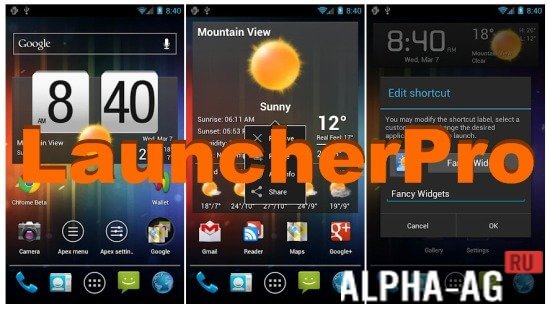
Screenshots

Description
LauncherProA versatile launcher that allows you to change your device's default interface to a more advanced one.
Gameplay
By installing this application on your device, you will unlock new features that allow you to customize the interface and home screen of your smartphone.
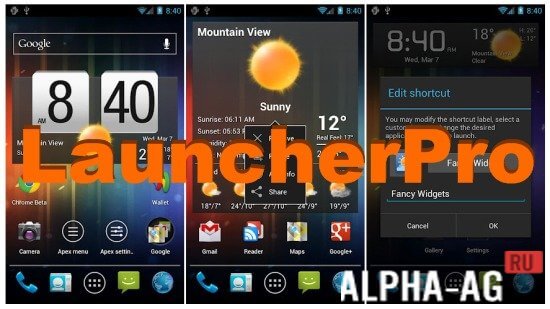
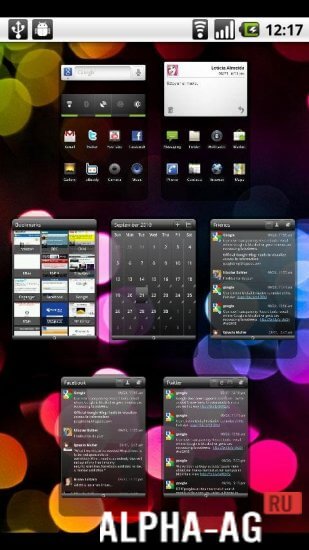
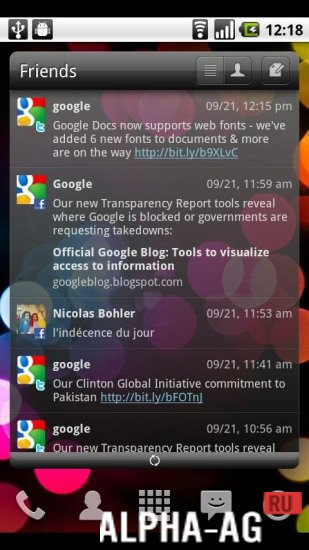
You will be able to resize the home screen grid, add transition animations between screens, and create a quick access dock, allowing you to enjoy smooth scrolling between screens. You will also be able to add a large number of special widgets to your home screen.In addition, you can hide your apps from the app drawer and save your app settings afterwards. This launcher looks quite simple, displaying quick access icons at the bottom of the screen for your favorite contacts list, phone, app drawer, messaging, and browser.
When pressing the home button on your device, a pop-up window will ask you which launcher you want to use—the standard one or the pro version. Selecting one as default will prevent the prompt from bothering you again.Key Features
With this application, you can have up to 7 different home screens on your device. You will have access to more than 6 transition animations between your device's screens. You will be able to hide apps from the app drawer. A backup function will also be available, allowing you to restore your data in case of any issues. This launcher takes up little storage space on your device and consumes minimal resources.
0 Jan 17 Additional information:- Android version required: 2.0 or later
- Age restrictions: None
- Russian localization: Present
- Cache installation: Not required
Subscribe to our YouTube channel!
Add a commentHow to install
- Download the APK file above to your phone.
- Allow “Install unknown apps” when prompted.
- Open the downloaded APK and tap Install.
- If the package includes OBB/XAPK data, follow the bundled instructions.
MOD APKs are modified builds, so Play Protect may show a warning. Install only if you trust the file; use at your own risk.