

Screenshots
Description
Give your phone a fresh look with the Launcher OS 2026 MOD APK! Enjoy a fast, sleek, and fully customizable interface with smart organization and stunning themes, all for free.
The Launcher OS 2026 MOD APK unlocks the app's premium features, letting you use every advanced personalization tool without running into paywalls. This modified build makes all themes and icon customization options available from the very first launch.
What's Modified in Launcher OS 2026
- Get instant access to all premium themes, icon designs, and advanced layout settings that normally require a paid upgrade.
Version 1.0.2.2 is 38 MB with the package name com.launcher.launcher2022. Since it is a re-signed file, it cannot be installed over an existing version from the official store.
About Launcher OS 2026
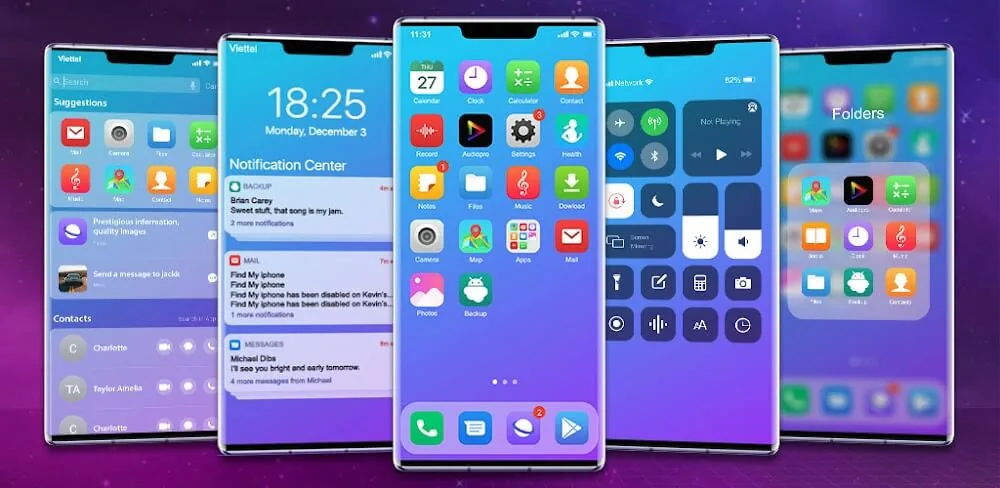
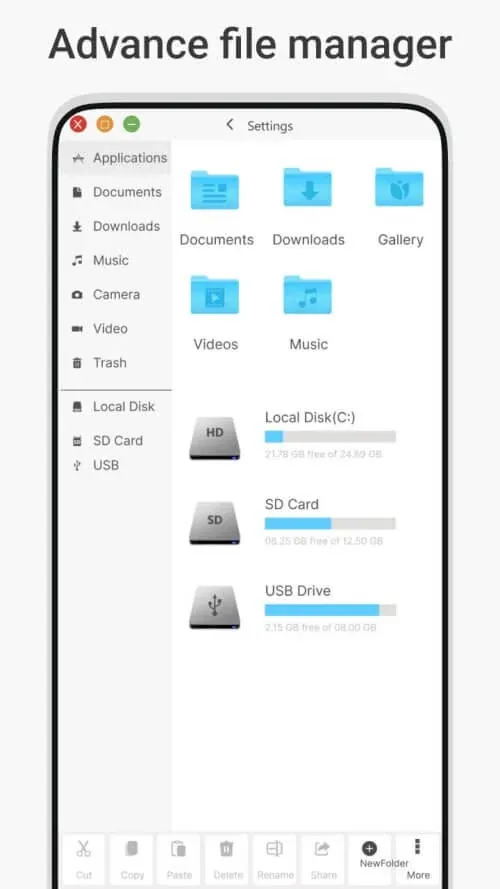
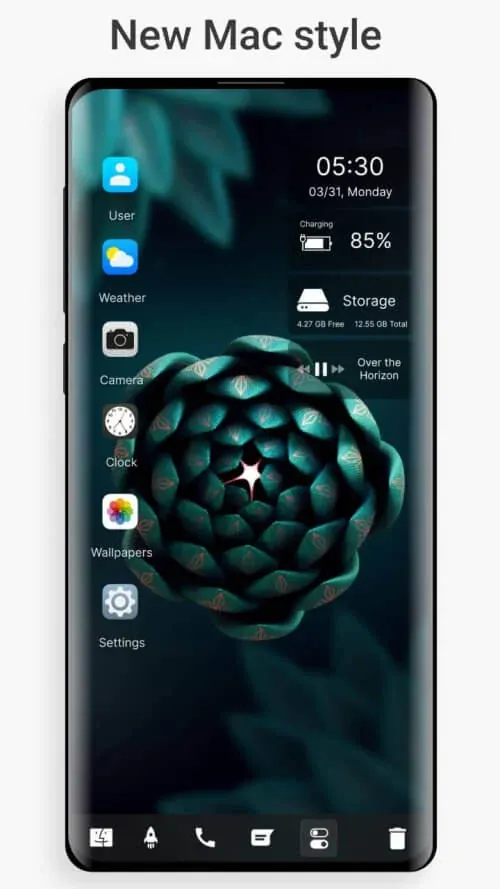
Launcher OS 2026 is personalization software for users who want top performance and a beautiful design. It suits anyone who feels their phone's hardware and software interface are getting outdated and slower. With Launcher OS 2026, you can refresh how your device looks and feels, almost like getting a new phone. It lets you customize the way you interact with your device and brings designs and features inspired by high-end operating systems. The focus is on a beautiful, easy-to-use interface that lets you move through the app quickly and with minimal frustration. The launcher delivers this through a responsive, interactive experience and a modern look. You can also tailor the transitions and effects, giving you a smooth and fast user experience.
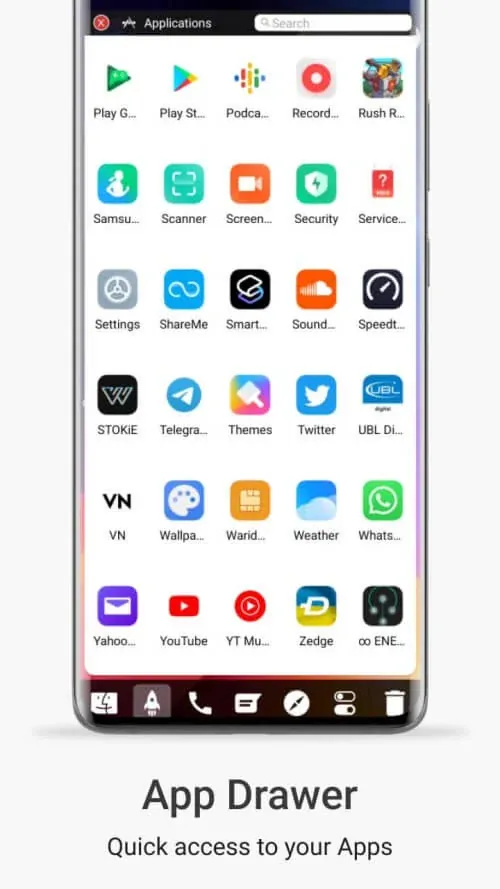
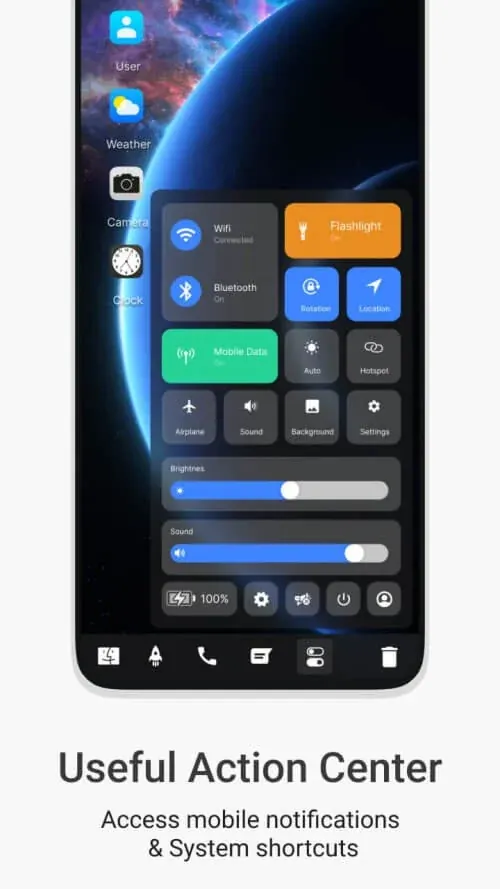
One standout feature is the Smart Library of Apps, a solution for home screens crowded with app icons. It automatically sorts your apps into categories such as Social, Finance, and more. The productivity notepad uses similar smart categorization, so your notes are easier to file and find later. The launcher also includes a neatly organized notification center. Unlike many other launchers, it offers a structured way to manage apps and notifications, and lets you choose how many notifications you see. The result is a more organized and productive experience.
Personalize your device with ease using the Theme Engine and Design Studio. The Theme Engine offers hundreds of themes and wallpapers. With a single tap, you can open the Design Studio to further adjust how your device looks. You can even customize the transitions between home screens to match your preferences. This level of customization lets every user create a truly unique device. With the help of the Setup Wizard, you can build a design from scratch, or import existing designs to speed up setup.
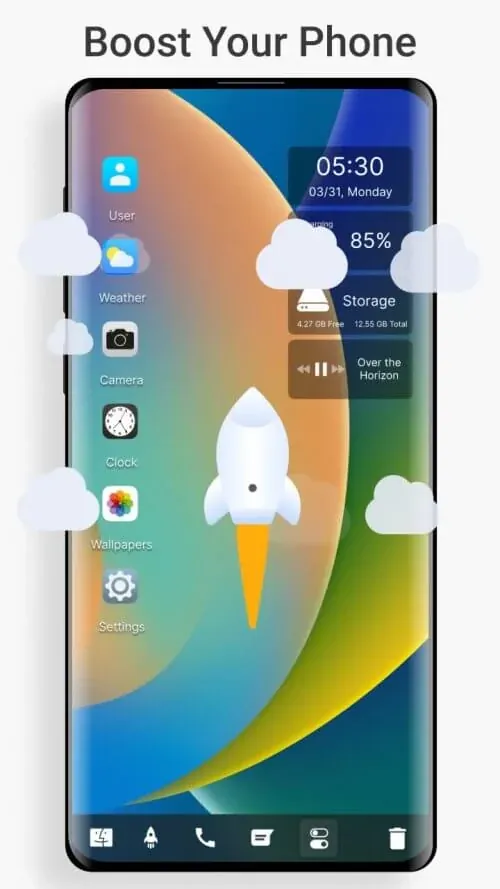
A key part of the software's design is its focus on performance. The development team significantly reduced the app's impact on system resources and shortened the time needed for many common actions. Loading times were optimized and other interactions were sped up. Recently viewed screens are stored so they can be reopened as quickly as native apps. To help you get the most from your battery, the app includes a battery optimization feature. Presented as a resource monitor, it identifies the apps that drain your battery the most. Since the launcher is resource-intensive, using battery optimization helps keep it running smoothly.
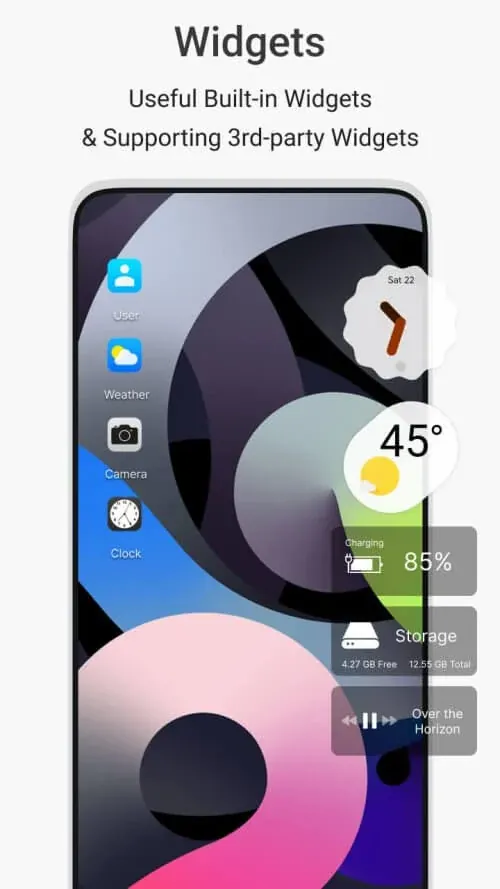
Privacy-conscious users can rely on the app locker in the Privacy & Security Suite to lock and hide personal data and apps within the customizable interface. The device is further enhanced with interactive widgets and a smart search function. Interactive widgets include weather and calendar, while the stats widget gives you a quick overview of your system. To open Smart Search, simply swipe down, then search and retrieve contacts, web content, and app content. The launcher also uses artificial intelligence to learn your habits and deliver a more personalized, efficient way to use your device. You can use the Mod to further tailor your device and controls to your preferences. In short, the Launcher OS 2026 MOD APK is an improved, exciting, and fast launcher for your device.
Key Features
- Smart Library of Apps
- Theme Engine
- Professional-Grade Notification Center
- Privacy & Security Suite
- Interactive Widgets
- Design Studio
- Smart Search
- Battery Optimization Feature
- Gesture Control
Related MOD APKs
- MiniPhone Launcher 26: Cool OS
- HiPhone Launcher, Phone 15
- Launcher 2023
- Glassify – Widgets & Themes
FAQ
Is Premium unlocked in the Launcher OS 2026 MOD APK?
Yes. This 1.0.2.2 build comes with Premium features already unlocked, matching the SaS Developer release. The mod becomes active as soon as the installation is complete.
What is the latest version of the Launcher OS 2026 MOD APK?
Version 1.0.2.2 is based on the SaS Developer update released on August 14, 2026. We don't host older builds. To update, install this file over your existing app. If you run into a signature conflict, uninstall the previous version first.
Is the Launcher OS 2026 MOD APK safe to download?
This 1.0.2.2 build is the SaS Developer app with Premium Unlocked added. It has a 3.2 rating from 51 users and doesn't require root access. You may see a Play Protect warning during installation. For the safest experience, always download it from GameMod.dev.
Can I use the Launcher OS 2026 MOD APK on a PC or iPhone?
This Android file won't run on an iPhone. However, you can run the 38 MB APK on a PC using an emulator such as BlueStacks or LDPlayer. Install the emulator, then drag the file into it.
How to install
- Download the APK file above to your phone.
- Allow “Install unknown apps” when prompted.
- Open the downloaded APK and tap Install.
- If the package includes OBB/XAPK data, follow the bundled instructions.
MOD APKs are modified builds, so Play Protect may show a warning. Install only if you trust the file; use at your own risk.