
Screenshots

Description
Kids Place gives parents full control over what their children can view and how long they can stay on the device. Non-essential tools are restricted, providing a safe, smooth digital space.
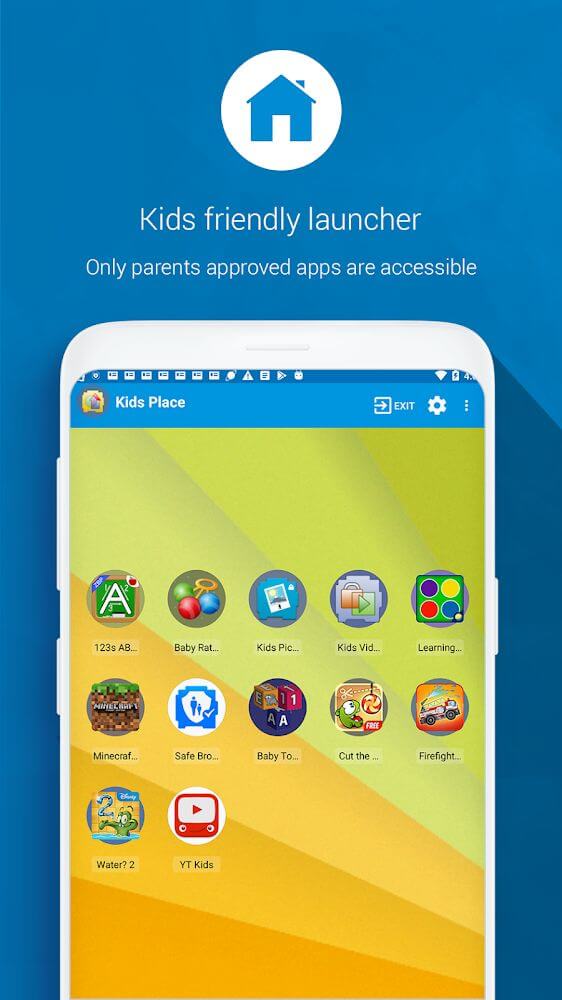
Kids Place is a dedicated launcher offering a secure kids mode where young users can only open pre-approved media and apps. It gives you total peace of mind by preventing random app downloads, unwanted credit card charges, and unauthorized setting tweaks. Best of all, robust security mechanisms stop curious children from bypassing the restrictions.
Effortlessly Manage Content for Your Children
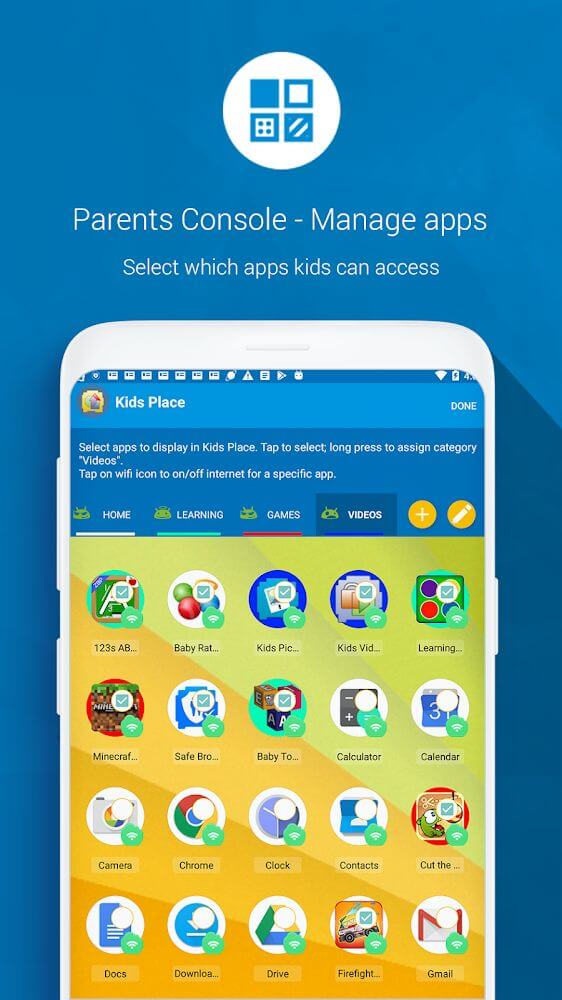
If managing your child's screen habits on Android concerns you, Kids Place delivers the ideal solution. You can quickly configure permissions for individual applications and device tools. This keeps your smartphone safe from accidental purchases, random installations, and unwanted interactions, making it an essential utility for every parent.
Set a Master PIN and Tailor App Permissions
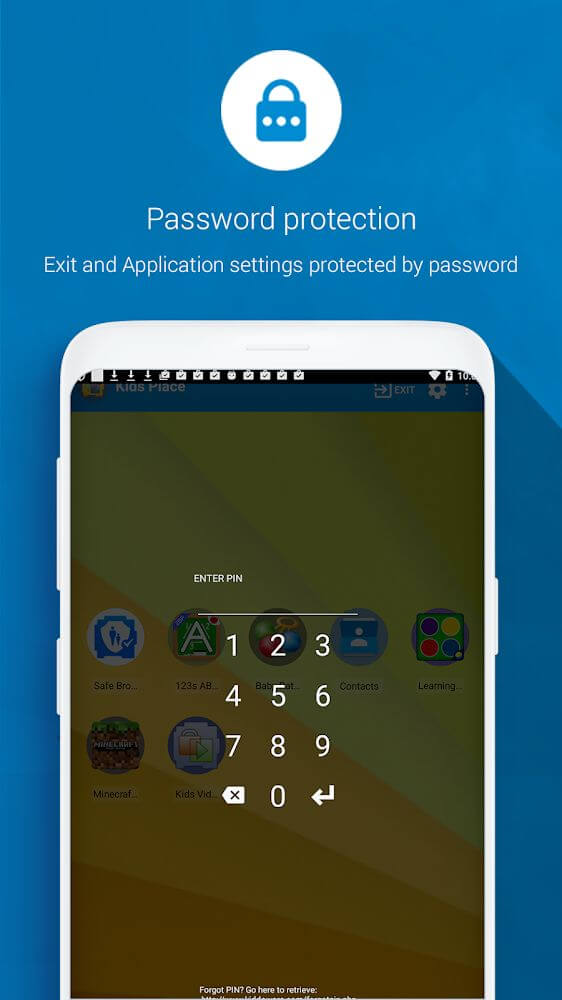
Setting up Kids Place for the first time takes just a few steps. You'll begin by choosing a secret PIN code to lock your configurations away from your kids. Next, pick which apps are safe to run and which features should be blocked. Once active, you can step away while your children enjoy wholesome, supervised entertainment.
Kid-Friendly and Safe Interface
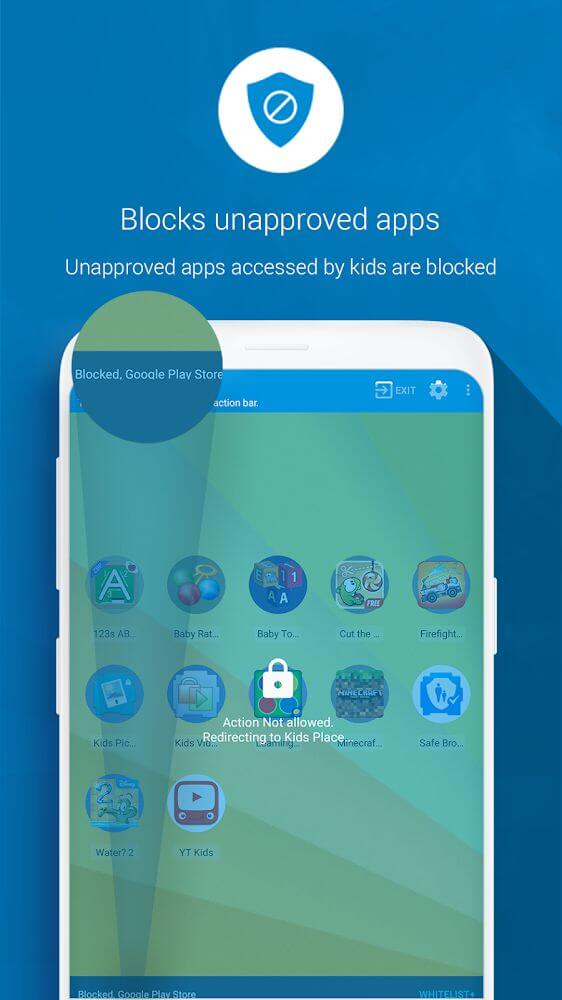
After picking your approved content in Kids Place, your child will only see and interact with those specific items. Unsuitable games and apps remain hidden and locked, leaving only educational and entertaining titles within reach. By removing access to everything else, kids can play freely without stumbling into trouble.
Block Unapproved Actions and Purchases
Beyond app filtering, Kids Place packs additional protective tools. It stops unauthorized downloads and prevents unexpected credit card charges from accidental purchases. Furthermore, the launcher can disable incoming calls and turn off wireless signals, delivering a safe, distraction-free environment for kids.
Set Healthy Screen Time Limits
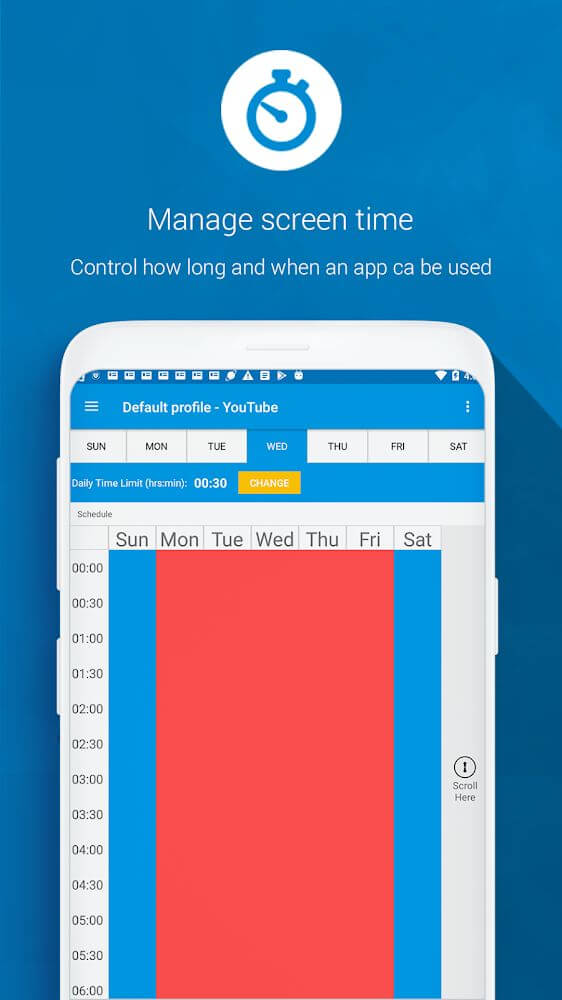
Even with approved apps, establishing screen time boundaries is vital. With the built-in timer, you can limit daily device exposure to safeguard your child's eyesight and prevent excessive screen reliance. This encourages healthy habits and guides them toward other offline activities.
Customize Profiles for Multiple Kids
Sharing a single Android phone or tablet between siblings is simple with multi-profile support. You can configure individual profiles tailored to each child's age group and interests without reconfiguring settings every time. Simply review the allowed apps periodically and let your children play with complete peace of mind.
Ironclad Childproof Security
Parents can rest easy knowing kids cannot simply bypass or uninstall Kids Place. The app locks system-level deletion functions to stop anyone from removing the launcher or tampering with installed software. With tight PIN protection and rock-solid defense, your customized environment stays completely intact.
Key features to help you manage your child's digital habits:
- Quickly approve and launch child-safe apps with an intuitive interface.
- Enjoy complete peace of mind knowing kids only see authorized content and cannot trigger accidental actions.
- Configure session timers to prevent excessive screen time and protect your child's vision.
- Build and personalize multiple user profiles suited for children of different ages.
- Rely on bulletproof PIN security that prevents youngsters from bypassing restrictions.
How to install
- Download the APK file above to your phone.
- Allow “Install unknown apps” when prompted.
- Open the downloaded APK and tap Install.
- If the package includes OBB/XAPK data, follow the bundled instructions.
MOD APKs are modified builds, so Play Protect may show a warning. Install only if you trust the file; use at your own risk.