

Screenshots
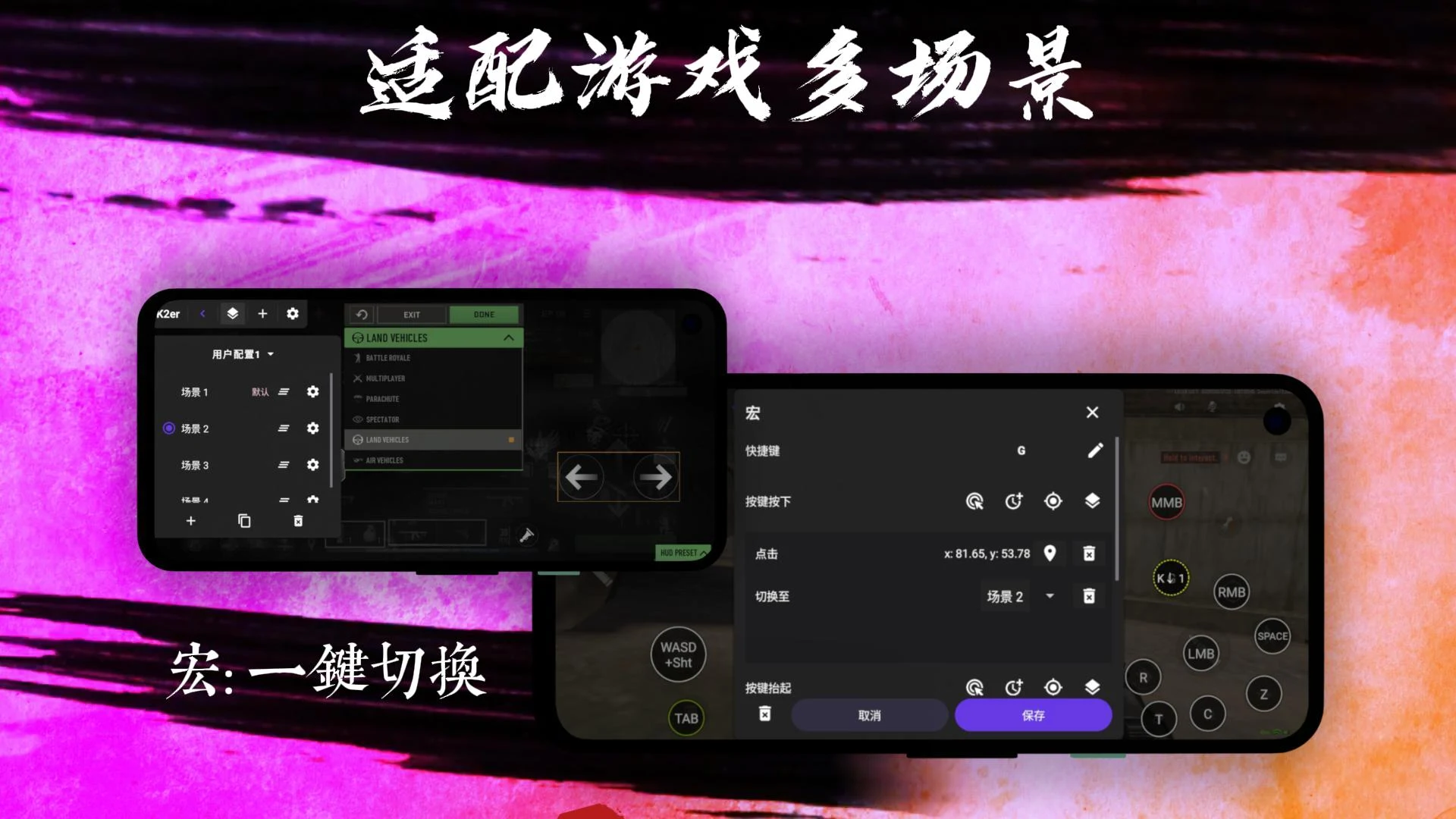
Description
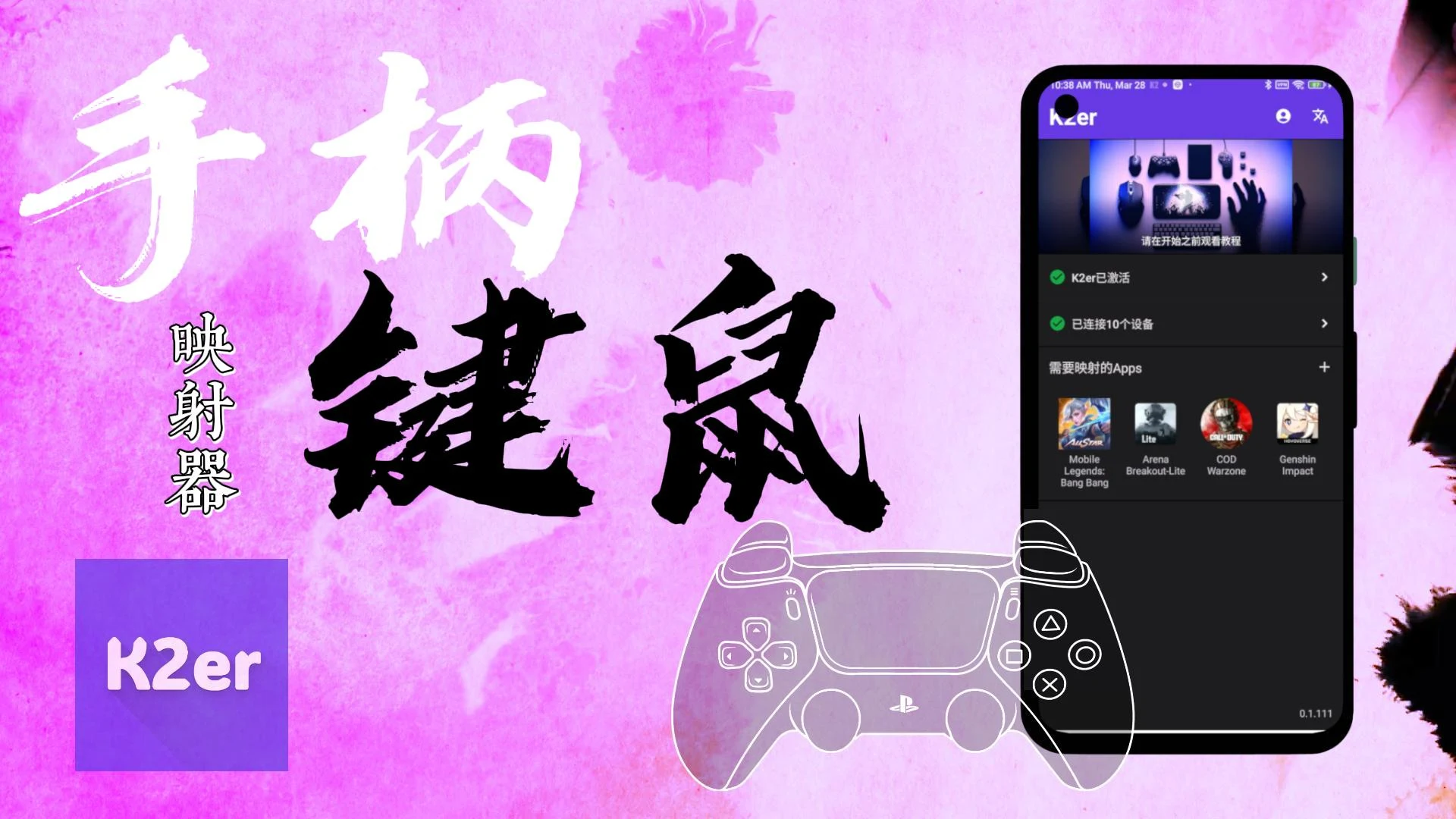
K2er – Gamepad Keyboard Mapper lets you customize controls, map gamepad buttons, and enjoy smoother gaming with flexible key mapping and advanced settings.
This K2er MOD APK release gives you complete access to the app's premium features, lifting the restrictions found in the standard version. You can freely use the advanced mapping tools and profile management systems to build a fully personalized gaming setup.
What's Modified in K2er
- Unlocks all premium features, giving you full access to advanced mapping and profile management tools.
Version 0.3.880 is 49 MB in size and uses the package name com.k2tap.master. Since it has been re-signed, it cannot be installed over an existing copy from the official store.
About K2er
K2er – Gamepad Keyboard Mapper is a utility that changes how input works on mobile gaming. Instead of relying on touch, it lets you use physical devices such as gamepads, keyboards, and mice. Many mobile games depend on virtual buttons and joysticks that take up valuable screen space, and some titles demand more advanced control options. Plenty of players also simply prefer the feel of PC or console controls. K2er Gamepad Keyboard Mapper makes it possible to translate touch inputs into physical ones, which is especially useful for action-focused games. The K2er Modified APK removes the restrictions, so you can customize the app as much as you like.
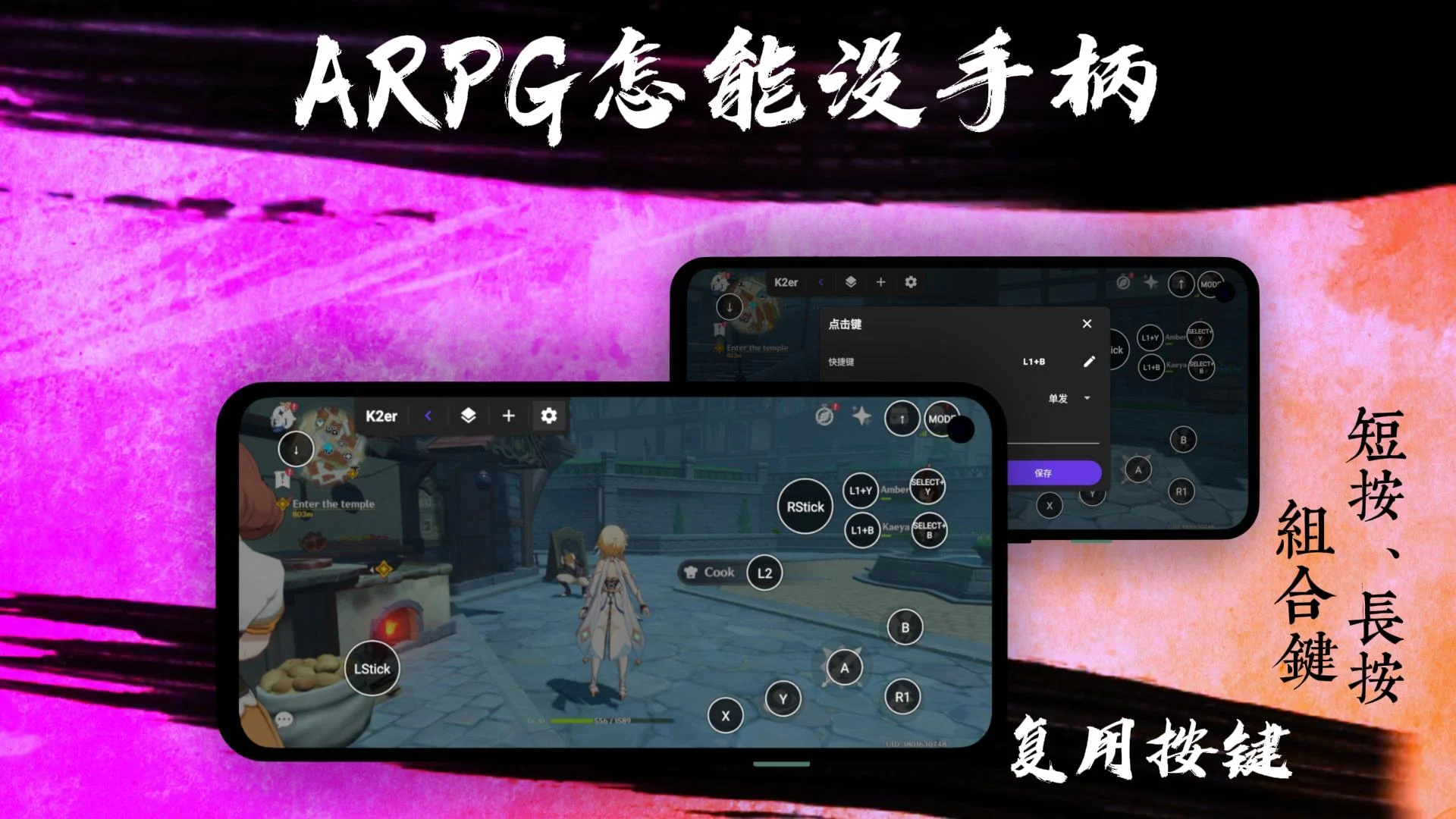
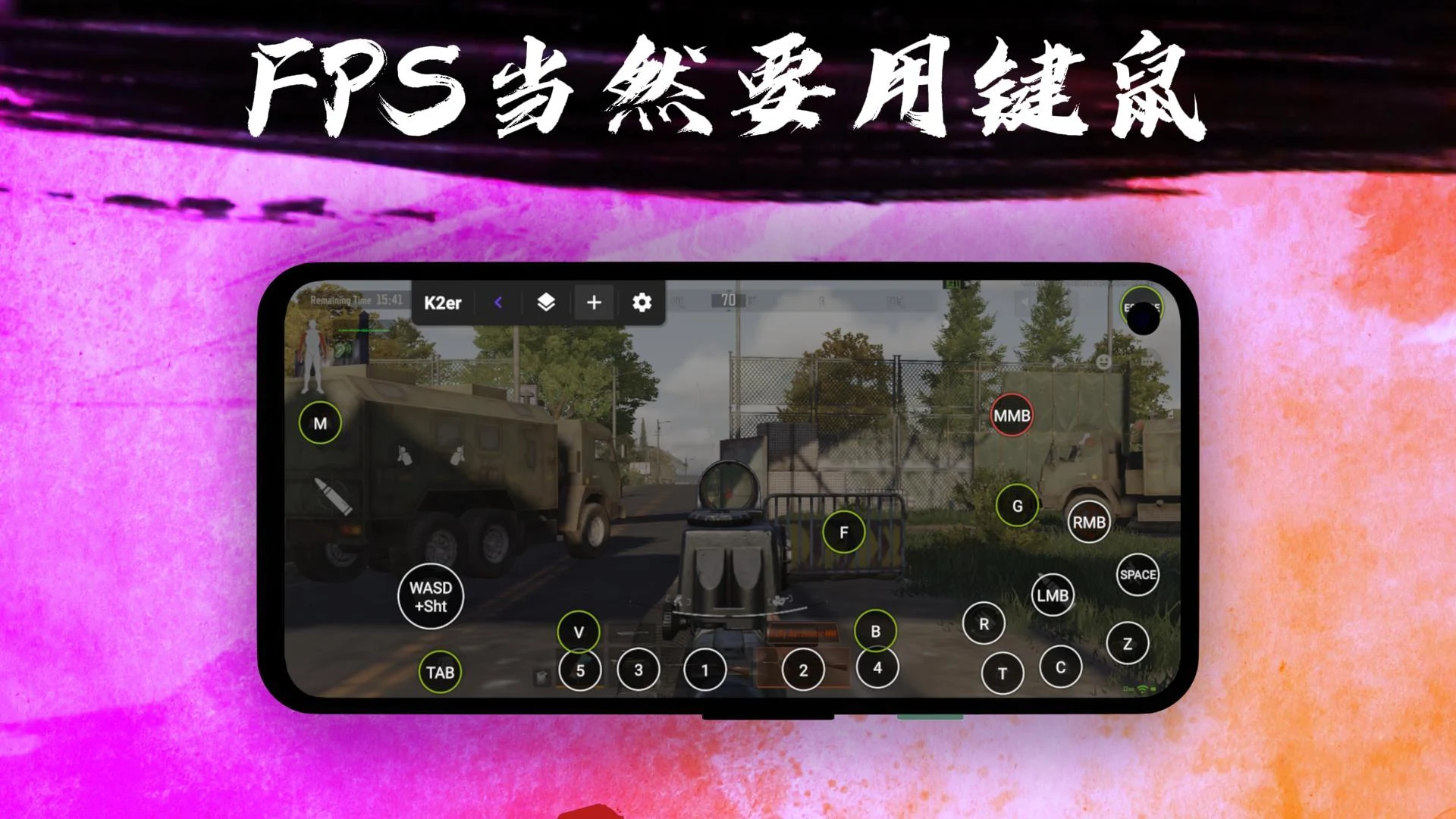
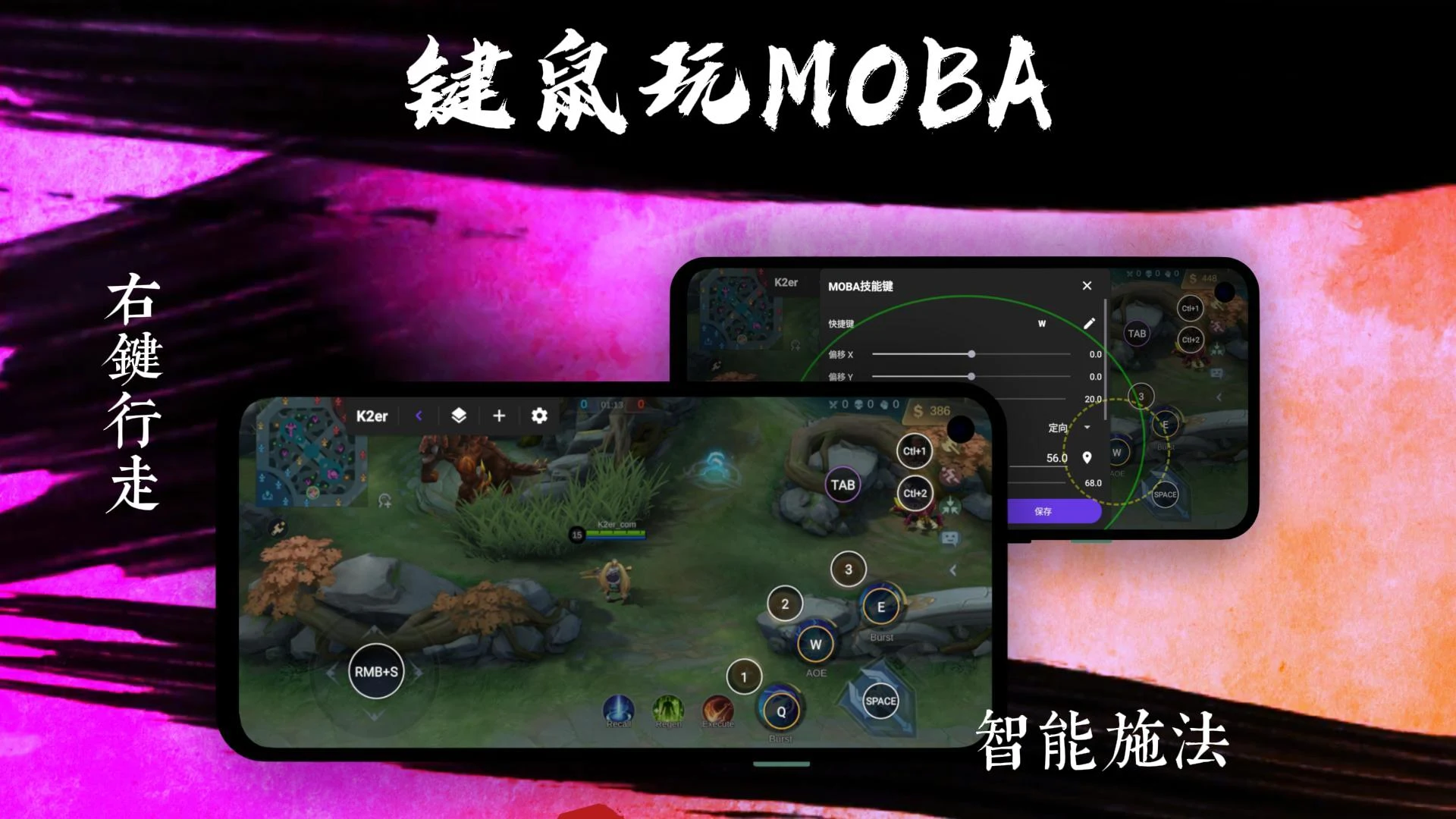
Detailed control customization is one of the app's biggest strengths, giving you a level of controller interaction that wasn't possible before. To assign a command, simply place it on the desired spot on the screen and press the matching button on your controller. This means you can play exactly the way you want, whether that's mapping jump in a platformer or weapon switching in a shooter. With support for both gamepads and keyboards, the app is highly versatile. Control customization is also a big help when navigating long or complicated in-game menus.
Every game genre has its own control philosophy, so finding the most comfortable scheme for a specific title can be tricky. That's why creating separate control profiles for different genres is so valuable. Easy Profile Management lets you build and organize profiles quickly and efficiently. Once a profile is set up, you only need to configure it once, and you won't have to set up controls again for every game you play. This removes the hassle of configuring each title separately.
Competitive players will appreciate Precision Gaming and Flexible Input Customization. These features give you control over various inputs, including dead zones and analog stick behavior. Analog sticks in particular can make a big difference to gameplay, and fine-tuning their response can improve both movement accuracy and overall reactivity. This matters a lot in mobile gaming, which depends heavily on on-screen controls. Default sensitivity settings in mobile games are often too low, so precision tools let you raise sensitivity to match your natural movements. Flexible Input Customization lets you tailor commands to your preferences and simplify the layout into a system that feels comfortable. These features also improve ergonomics and can help reduce the risk of Repetitive Strain Injury (RSI) by letting you position and use connected hardware in ways that suit you best.
Put simply, every application is built on some kind of framework, which can be either simple or elaborate. This app runs on a straightforward framework, which makes it faster and easier to put its planned features into practice. One of its core strengths is linking and setting up supported input devices. To make this possible, the app uses its framework to detect connected input hardware and offers on-screen layouts that simplify the configuration process. Its main purpose is to meet the needs and preferences of gamers. It gives players a dependable space to enjoy their favorite games comfortably and conveniently, while also letting advanced users define and adjust their controls however they like. All of this is delivered without clutter or extra menus that add nothing useful to the experience. In doing so, it helps gamers enjoy their titles in a more immersive and relaxed way.
Key Features
- Gamepad Button Mapping
- Keyboard Control Mapping
- Custom Control Profiles
- Precision Gaming Setup
- Flexible Input Customization
- Simple and User-Friendly Interface
- Easy Profile Management
Related MOD APKs
- MovieBox ID: Watch Movies, TV Series, K-Dramas & Anime for Free
- KWGT Kustom Widget Pro
- SnapTube
- Terabox
FAQ
Is Premium Unlocked in K2er – Gamepad Keyboard Mapper MOD APK?
This K2er – Gamepad Keyboard Mapper version (0.3.880) comes with Premium Unlocked. It works just like the official K2er Studio app, and every feature becomes available right after you finish installing the file.
What Is the Latest Version of K2er – Gamepad Keyboard Mapper MOD APK?
Version 0.3.880 corresponds to the K2er Studio update released on August 26, 2026. We do not host older builds. To upgrade, install this file over your existing app. If you encounter a signature error, uninstall the current version first and then try again.
Is K2er – Gamepad Keyboard Mapper MOD APK Safe to Download?
This 0.3.880 build of K2er – Gamepad Keyboard Mapper is based on the K2er Studio app with Premium Unlocked. It has earned a 3.8 rating from 72 users. Root access is not required. You might see a Play Protect warning, so always download the file from this page.
Can I Use K2er – Gamepad Keyboard Mapper MOD APK on PC or iPhone?
Since this is an Android file, it will not run on iPhone. To use the 49 MB package on a computer, install an emulator such as BlueStacks or LDPlayer, then drag the APK into the emulator to launch it.
How to install
- Download the APK file above to your phone.
- Allow “Install unknown apps” when prompted.
- Open the downloaded APK and tap Install.
- If the package includes OBB/XAPK data, follow the bundled instructions.
MOD APKs are modified builds, so Play Protect may show a warning. Install only if you trust the file; use at your own risk.