

Screenshots
Description
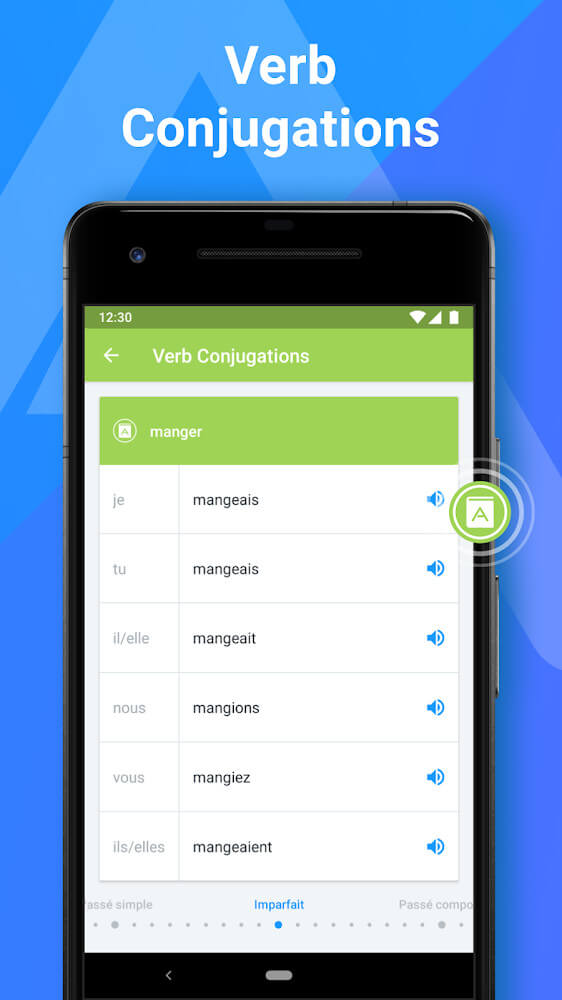
Encountering foreign languages in daily life has become increasingly frequent, making iTranslate an indispensable companion whenever language barriers arise. Powered by advanced built-in artificial intelligence, the application accommodates multiple input modes to decode written texts and detect languages on the fly. Furthermore, it supplies supplementary vocabulary details and contextual insights, making it a valuable asset for travel, studies, and professional tasks.
Support for a Wide Range of Languages
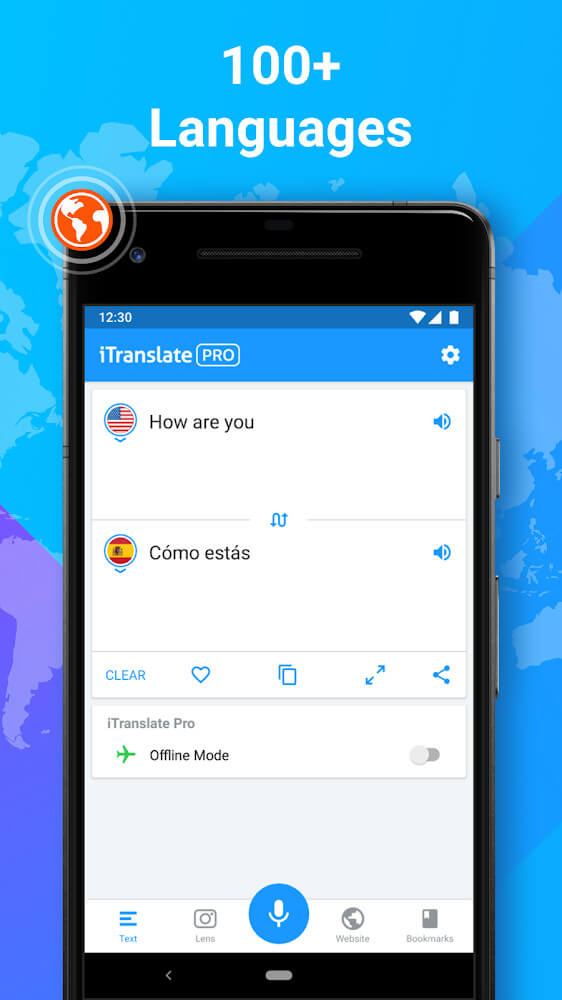
With coverage spanning more than 100 global languages, iTranslate pairs each tongue with a comprehensive built-in dictionary so users can look up phrases and idioms effortlessly. Thanks to smart AI recognition, the engine easily interprets distinct fonts as well as handwritten notes. The developers continually add new linguistic dialects to accommodate global users, including regional and minority languages.
Translate Anything Quickly and Easily
Manual text input serves as the primary and most dependable method inside the app, consistently delivering precise conversions across diverse dialects. Its intelligent engine pinpoints source languages automatically and serves up contextually sound translations every time. Even when handling local slang or bilingual nuances, the app produces smooth, natural-sounding results.
Multiple Input Methods for Effortless Translation
Whenever manual typing feels inconvenient or you come across unfamiliar scripts, iTranslate provides practical alternative options. Users can take advantage of instant camera scanning, automated text recognition, or direct voice input to translate content within seconds. Processing speeds remain remarkably swift, offering interactive breakdowns and definitions to deepen your understanding.
Real-Time Camera Translation
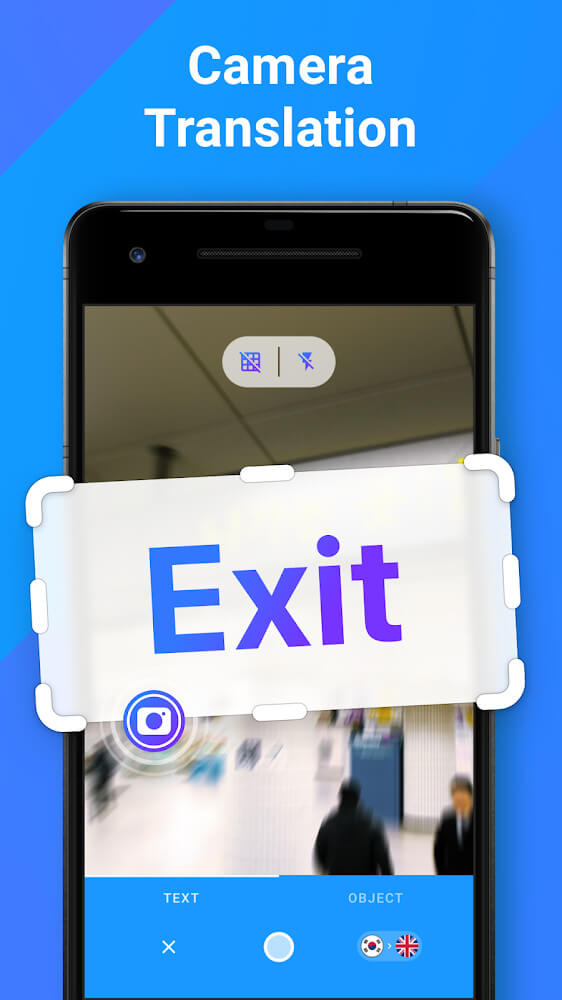
Language interpretation reaches new heights thanks to integrated visual recognition technology driven by smart algorithms. Simply aim your device's camera at signs, menus, or documents, and the app overlays instant translations right on your screen. The camera tool detects languages automatically and handles handwritten text cleanly, ensuring maximum ease on the go.
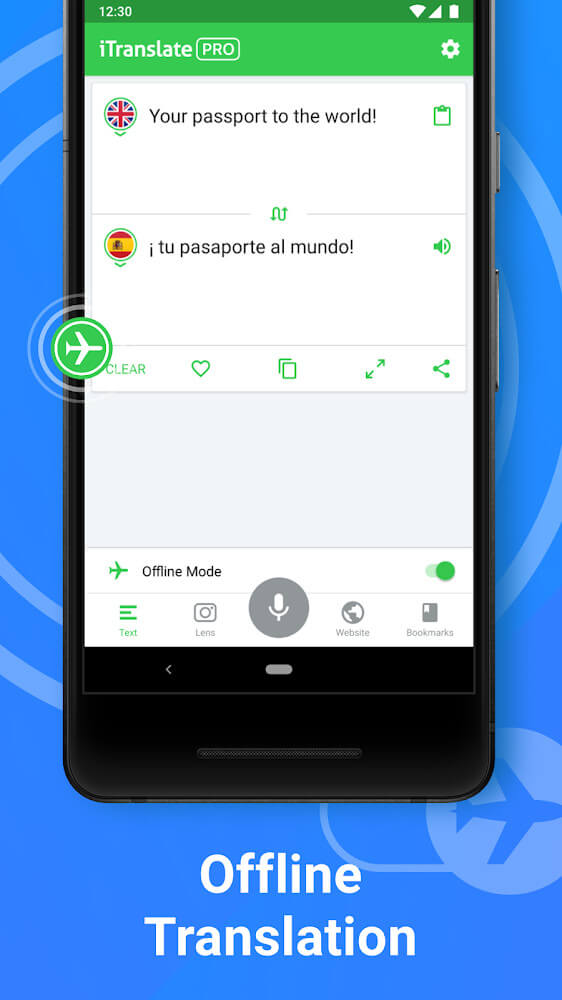
Translate Offline Anywhere, Anytime
While conventional translation tools typically demand continuous web access, iTranslate stores essential language packs directly on your device. Its offline engine functions seamlessly, allowing you to process typed text and captured images without an active internet connection. This feature lets travelers navigate unfamiliar foreign environments confidently, no matter where they roam.
Conduct Live Conversations in Real Time
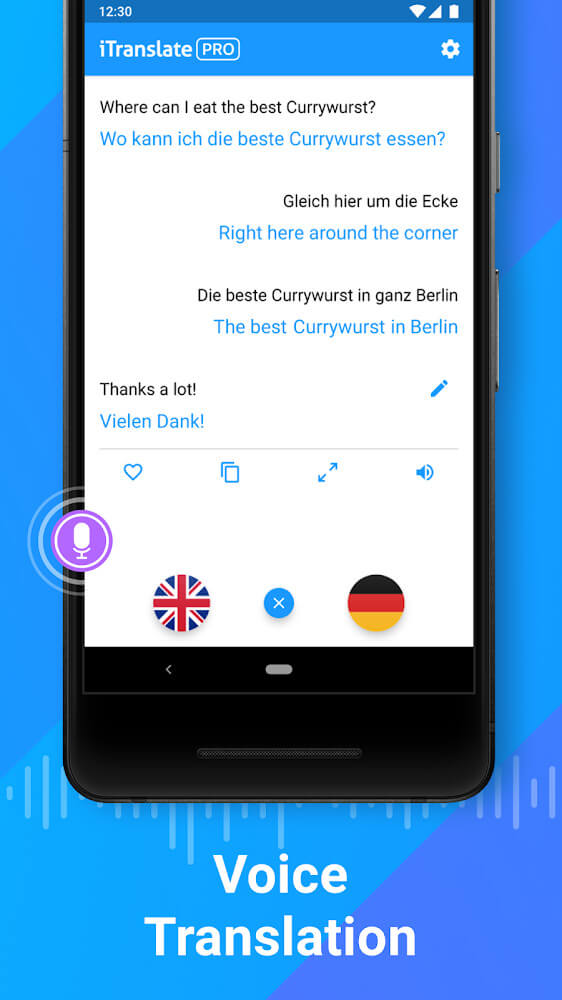
Breaking through language hurdles during face-to-face talks is effortless thanks to real-time voice translation. Travelers can alternate between speech-to-text and text-to-speech outputs, turning potentially awkward exchanges into smooth, natural dialogues. The system identifies incoming languages on its own, providing accurate meanings and idiomatic nuances instantly.
iTranslate stands out as an exceptionally capable mobile utility designed to dismantle language hurdles in any scenario. Driven by modern AI mechanics, it empowers travelers and professionals to communicate smoothly across borders without missing a beat. In addition, its rich onboard dictionary serves as an excellent resource for deeper linguistic learning.
Features
- Translate content accurately across more than 100+ supported international languages.
- Flexible input options tailored for varying everyday scenarios and personal preferences.
- Integrated voice system facilitates seamless live conversations without prior language knowledge.
- Instant visual scanner converts printed documents and signs into readable text on demand.
- Full offline translation capabilities ensure reliable performance whenever internet access is unavailable.
How to install
- Download the APK file above to your phone.
- Allow “Install unknown apps” when prompted.
- Open the downloaded APK and tap Install.
- If the package includes OBB/XAPK data, follow the bundled instructions.
MOD APKs are modified builds, so Play Protect may show a warning. Install only if you trust the file; use at your own risk.