
Screenshots

Description
IQOS ConnectIf you smoke IQOS, this program will be useful to you; with it, you can connect your IQOS to your device. Thanks to this, you can see where the nearest IQOS store is located, receive notifications, check device status, and more.
Gameplay
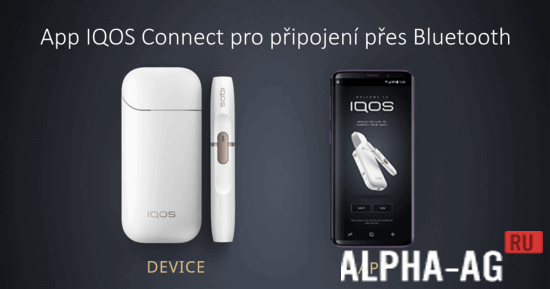
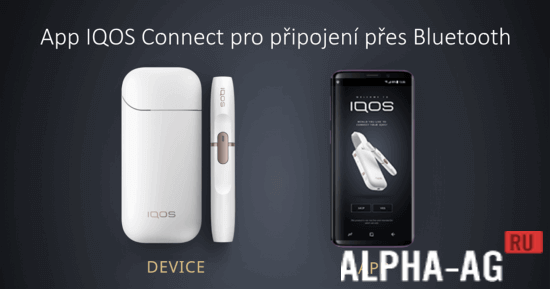
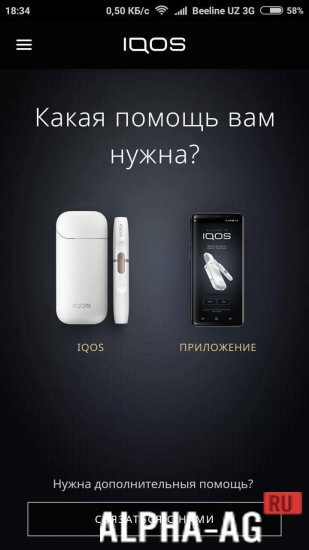
To connect IQOS to your smartphone, you must turn on Bluetooth on your phone and then open the application. After that, you get to the main menu, which will have several tabs, such as: IQOS, stores, and settings.
In the store tab, you can display a map on your screen with points of sale for new IQOS and new sticks, and you can also read articles on the proper use of the device.In the IQOS tab, you can pair your device, check its status, find out the remaining charge percentage in the charging unit, and turn on notifications.
By enabling notifications, you will receive them when the holder starts heating, finishes heating, when your holder is fully charged, and in other situations. With this app, you can restart your device and even clean it.Key Features
With this app, in just a few seconds you can check the status of your IQOS device, see the battery percentage in the charging unit, configure notifications, and much more. You can also use the device cleaning function, but do not remove the holder from the charger until the cleaning is complete to avoid damaging it.
On our website you can download the IQOS Connect app for Android for free. 0 Apr 17 Additional information:- Android version required: 4.3 or later
- Age restrictions: 18+
- Russian localization: present
- Cache installation: not required
Subscribe to our YouTube channel!
Add a commentHow to install
- Download the APK file above to your phone.
- Allow “Install unknown apps” when prompted.
- Open the downloaded APK and tap Install.
- If the package includes OBB/XAPK data, follow the bundled instructions.
MOD APKs are modified builds, so Play Protect may show a warning. Install only if you trust the file; use at your own risk.