

Screenshots


Description
IntersvyazOfficial app, which lets you manage all the services provided to you by the Intersvyaz provider.
Gameplay
This app opens up great opportunities that make using the services provided by this provider more convenient. To start using the app, you need to install it and log in to your subscriber account.
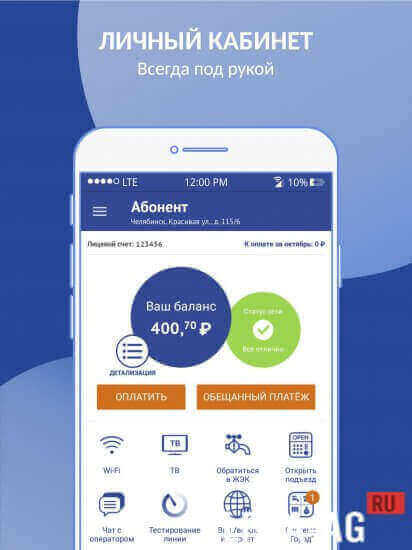
Afterward, your balance will be displayed on the main screen, and below it you will see several icons, such as: Wi-Fi, TV, contact the housing office, open the entrance, chat with an operator, line test, enable and disable internet, and city system.
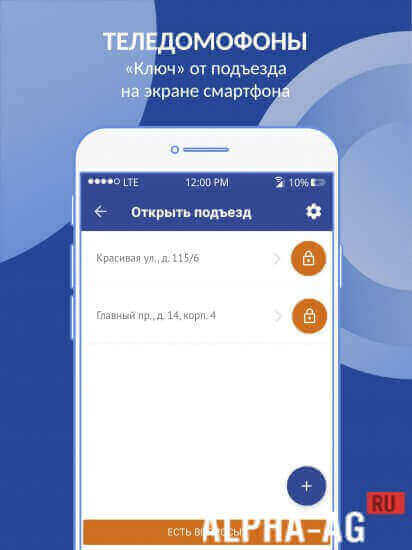
Using the "Open entrance" feature, you can open the entrance door to your building with one click. You can also watch a live feed from your intercom camera and receive video calls.
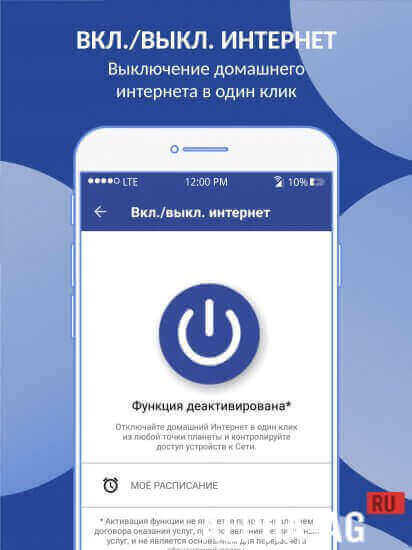
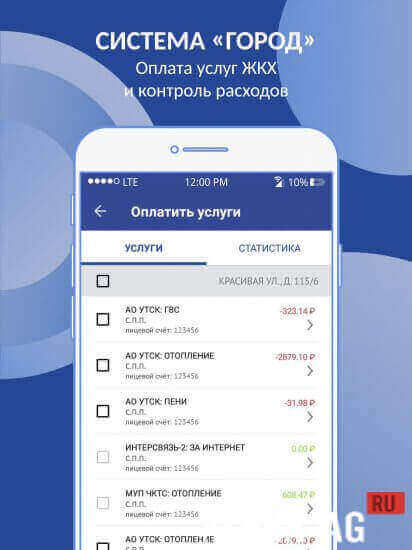
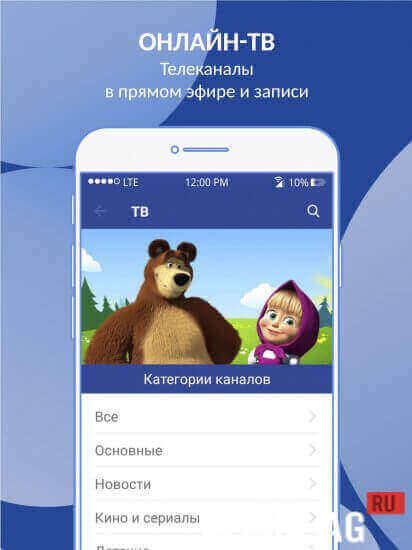
By entering the city system, you will be able to pay utility bills using your bank card.Watch dozens of TV channels directly on your mobile device. Turn the internet on and off on a schedule so your child spends more time studying and less time playing games or on social networks. You can also connect to the provider's free Wi-Fi network throughout the city.
Key features
This app gives you a wide range of features to help make your daily life easier. Here you can pay your subscription fees for the provider's services, change your tariff plan, and watch your favorite TV channels live or on demand right on your smartphone.
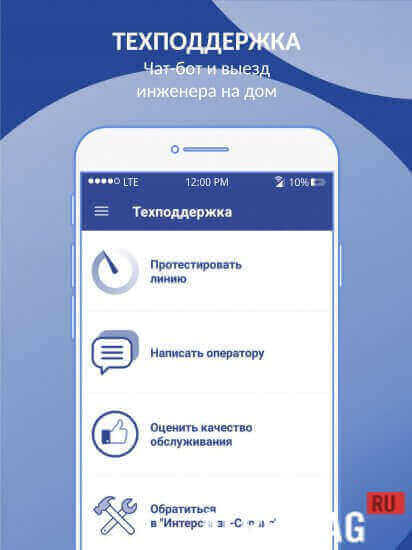
Use the "Smart parking" service to find a free parking spot. You can contact 24/7 technical support to order an engineer visit to your home.
You can also use the contact the housing office service to quickly get in touch with your management company.On our website you can download the Intersvyaz app for Android for free.
1 Aug 24 Additional information:- Required Android version: 7.0 or higher
- Age rating: 3+
- Russian localization: available
- Cache installation: not required
Subscribe to our YouTube channel!
Leave a commentHow to install
- Download the APK file above to your phone.
- Allow “Install unknown apps” when prompted.
- Open the downloaded APK and tap Install.
- If the package includes OBB/XAPK data, follow the bundled instructions.
MOD APKs are modified builds, so Play Protect may show a warning. Install only if you trust the file; use at your own risk.