

Screenshots

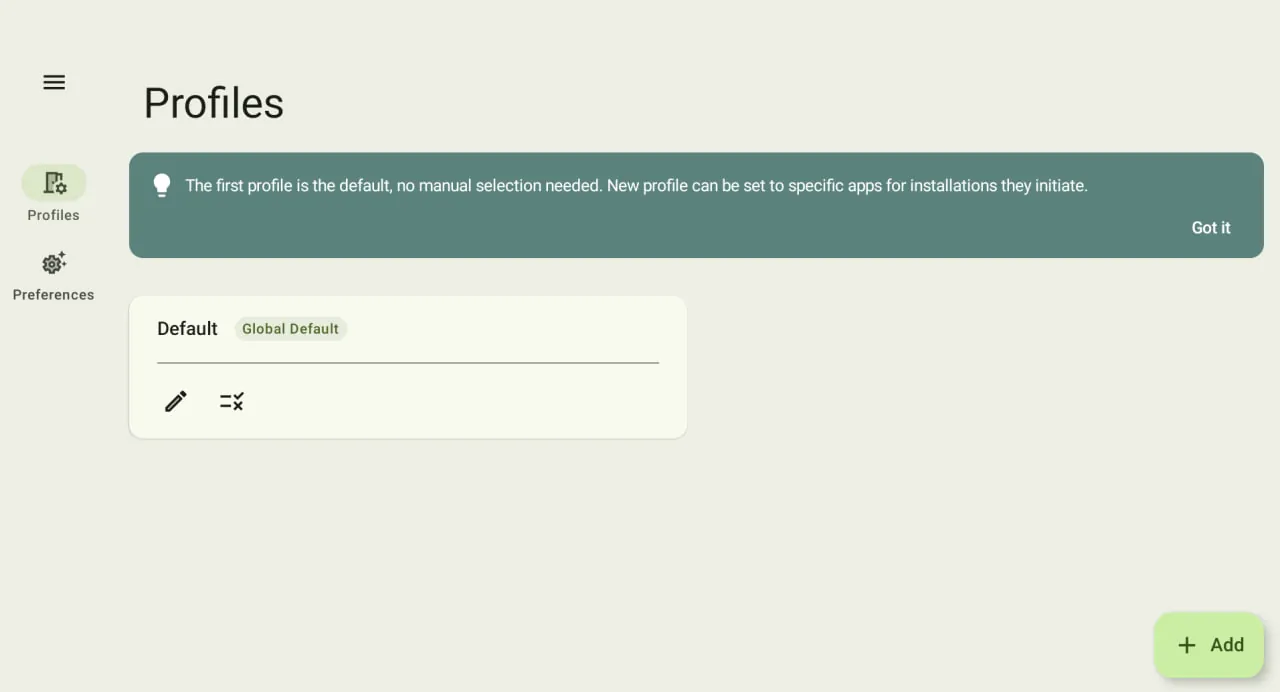
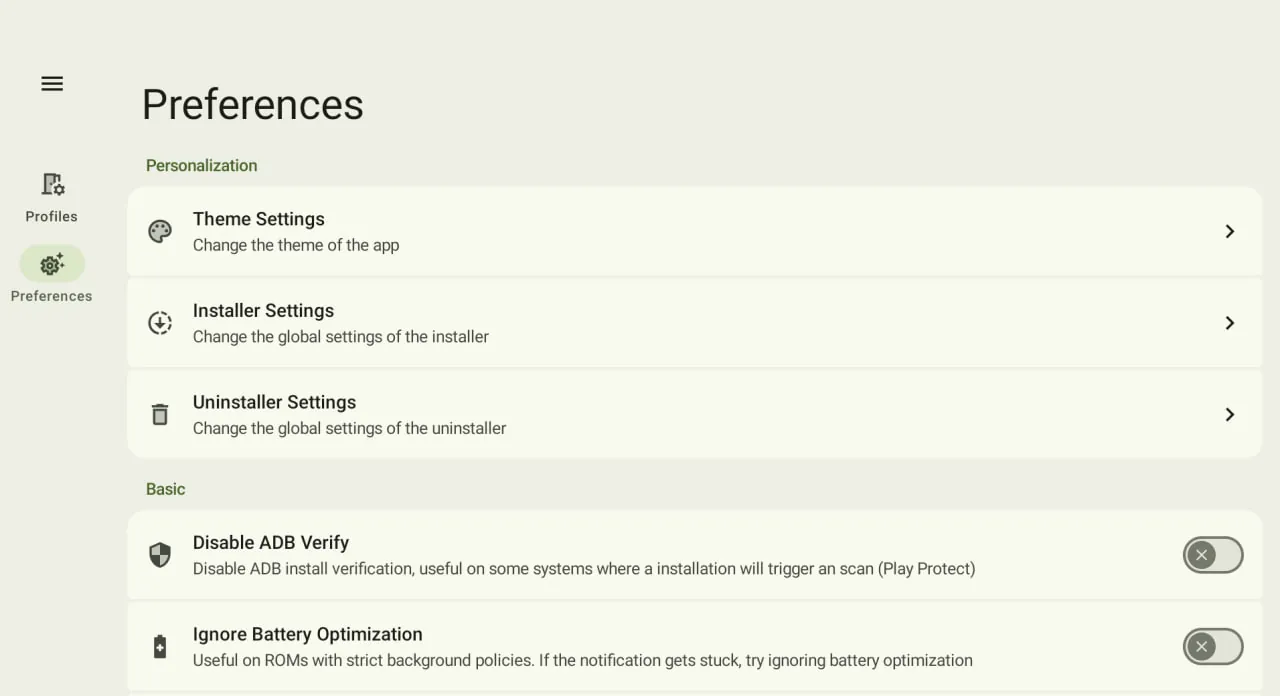
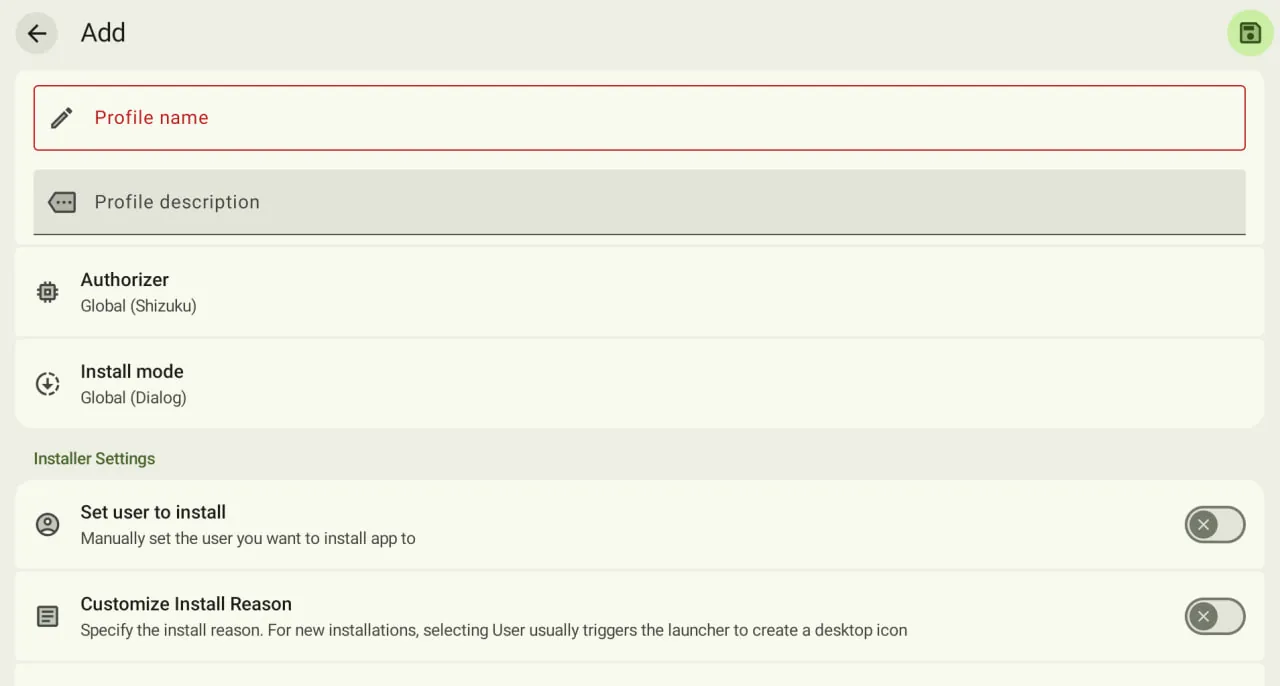
Description
Tired of system installer restrictions? Try InstallerX-Revived MOD APK! It handles APK, XAPK, and APKS installs, supports Shizuku, and lets you manage app downgrades with ease!
Fed up with the limits that stock ROM installers impose, or irritated when third-party apps get blocked? InstallerX-Revived MOD APK is the solution you've been looking for. Built for the enthusiastic Android user, it frees you from the restrictions of your device's default app installer and lets you tailor how apps get installed through this powerful utility. Whether you're running an older handset with a restrictive China ROM or the latest Android release, InstallerX-Revived MOD APK helps you control how your software works with your hardware.
Key Features of InstallerX-Revived MOD APK
Flexible Installation: Say goodbye to apps that refuse to install. InstallerX-Revived MOD APK can handle virtually any app package effortlessly, including APK, APKS, APKM, and XAPK files, as well as ZIP archives bundling multiple sub-applications.
Duplicate Elimination: Whether you're installing a single app or a hundred, the app intelligently determines what needs to be installed. It selects the best-fitting version for your device and filters out duplicates.
Shizuku & Root Support: Want to install several apps without the irritating system UI popping up every time? Use Shizuku or root access to install apps silently in the background.
Comprehensive Downgrade Support: InstallerX-Revived MOD APK is one of the best tools for downgrading apps on Android 14 and newer, where most default installers block older versions. Your data stays intact throughout the process.
Material Design Expressive UI: The interface is designed for modern use, offering customization options and control over how much information is displayed.
Technical Mechanics & Power User Customization
InstallerX-Revived MOD APK is far more than a simple file opener; it works as a robust package processing system. Using native API calls, it bypasses the cumbersome limitations of system-level installers, so apps are ready to use the moment the installation finishes. It offers several installation modes to suit your preference: dialog boxes for maximum control, unobtrusive notifications for multitasking, or a fully automated mode that needs no input from you.
For design-minded users, the app follows Material You principles for a visually polished experience. You can inspect each stage of the installation engine, with detailed technical data on package signatures, version codes, and library dependencies. Whether you're handling a complex set of split APKs or a straightforward single file, the engine works at a speed that's surprisingly faster than the default system installer.
Conclusion
Stop letting your system decide which apps you can or can't install. With fast split-APK handling and the ability to get around the toughest OS constraints on high-end devices, InstallerX-Revived MOD APK is the ultimate Android installation tool. Download InstallerX-Revived MOD APK today for a fully unrestricted Android experience.
How to install
- Download the APK file above to your phone.
- Allow “Install unknown apps” when prompted.
- Open the downloaded APK and tap Install.
- If the package includes OBB/XAPK data, follow the bundled instructions.
MOD APKs are modified builds, so Play Protect may show a warning. Install only if you trust the file; use at your own risk.