
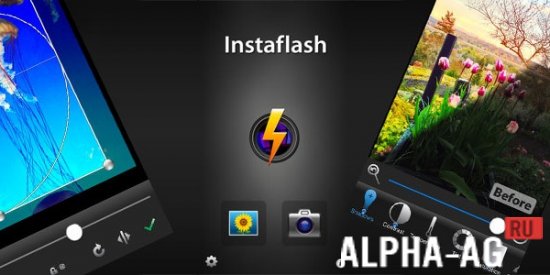
Screenshots


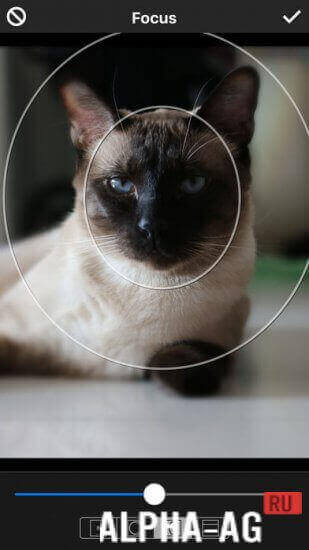

Description
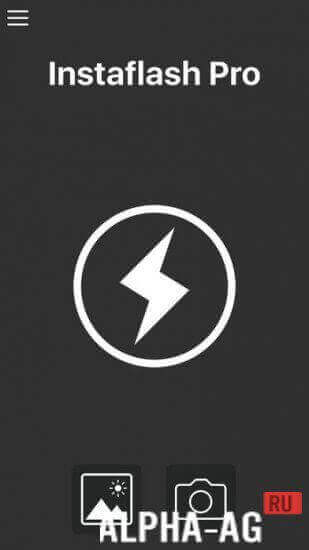
Instaflash ProIf you need a good flashlight, you can install the Instaflash Pro app on your smartphone, which is very easy to use. What is more, it is offered by the developers completely free of charge.
Key Pros
Perhaps the main advantage of this application is that the developers offer it completely free of charge. Among other things, turning on such a flashlight is incredibly simple. Virtually any user will quickly figure out how to operate the program.
The flashlight can work both using the main screen, utilizing its maximum backlight, and by activating the flash. In the latter case, you can get a brighter light.
A distinctive sound will be played when turning the flashlight on and off, so you will always know whether the intended action was performed.Features
Controlling the flashlight is indeed incredibly simple. In the middle of the screen there will be a large button resembling a familiar light switch. One part of the switch will say "On", and the other – "Off".
Among other things, the app takes up very little space in the device memory, which can also be considered a rather significant advantage.
To use the flashlight, you definitely don't need a powerful mobile device. The main thing is that it runs Android version 3.0 or higher. 0 24 May Additional information:- Requires Android version: 3.0 or later
- Age restrictions: None
- Russian localization: Not available
- Cache installation: Not required
Subscribe to our YouTube channel!
Add commentHow to install
- Download the APK file above to your phone.
- Allow “Install unknown apps” when prompted.
- Open the downloaded APK and tap Install.
- If the package includes OBB/XAPK data, follow the bundled instructions.
MOD APKs are modified builds, so Play Protect may show a warning. Install only if you trust the file; use at your own risk.