

Screenshots
Description
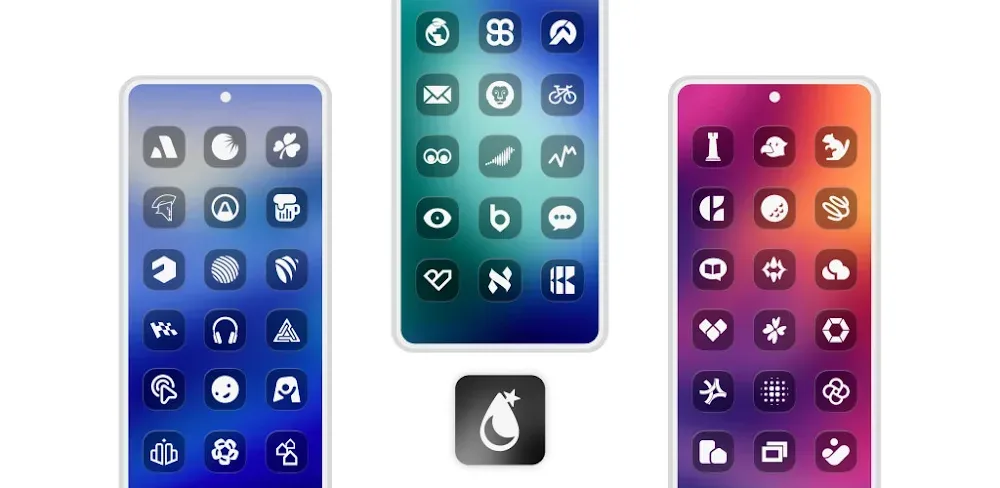
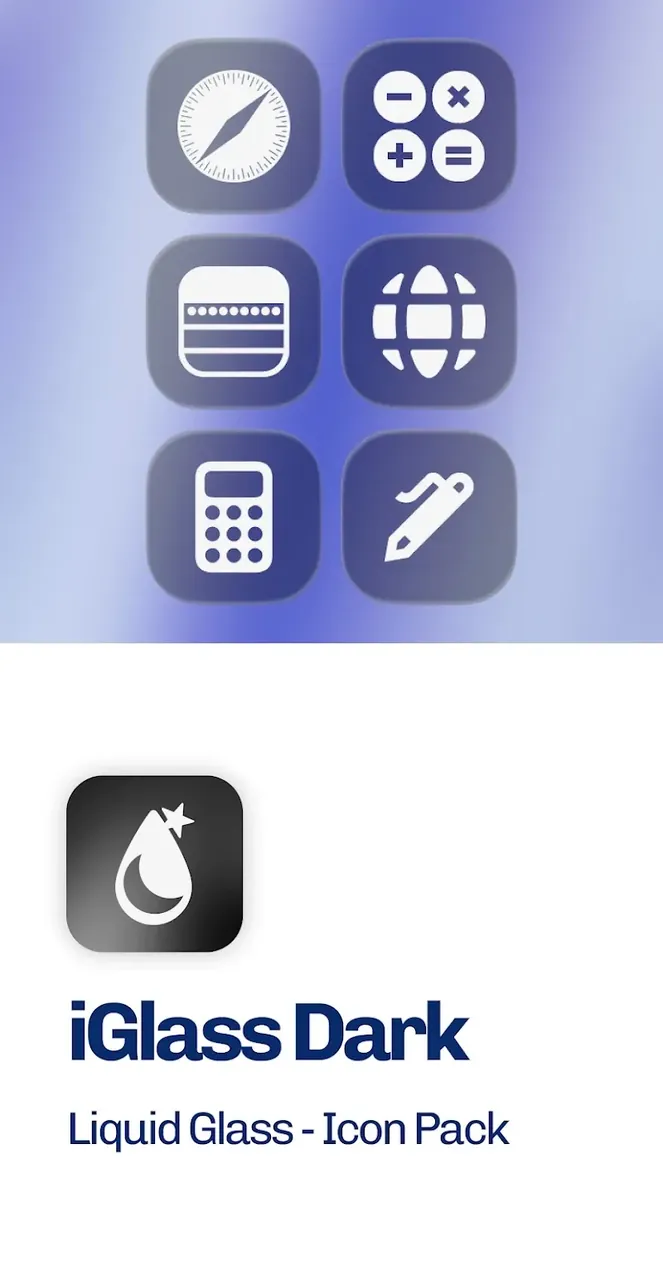
Transform your Android interface with Dark OS 26 by iGlass, featuring a sleek translucent glass-and-black style crafted for a clean, contemporary home screen vibe. Enjoy elegant frosted glass icons set against deep, refined dark accents!
This release unlocks the Full Version of iGlass Dark OS 26 Icon Pack MOD APK, removing every limitation from the standard edition so you can enjoy full access to the complete icon library and all premium dashboard capabilities.
What’s Modified in iGlass Dark OS 26 Icon Pack
- Unlocked the Full Version to give you immediate access to every premium icon and built-in customization tool.
Version 6.8 comes as a 175M APK with the package name com.italiano.iglassdark. Since this package is re-signed with custom signatures, please uninstall any store-installed version before setting it up on your device.
About iGlass Dark OS 26 Icon Pack
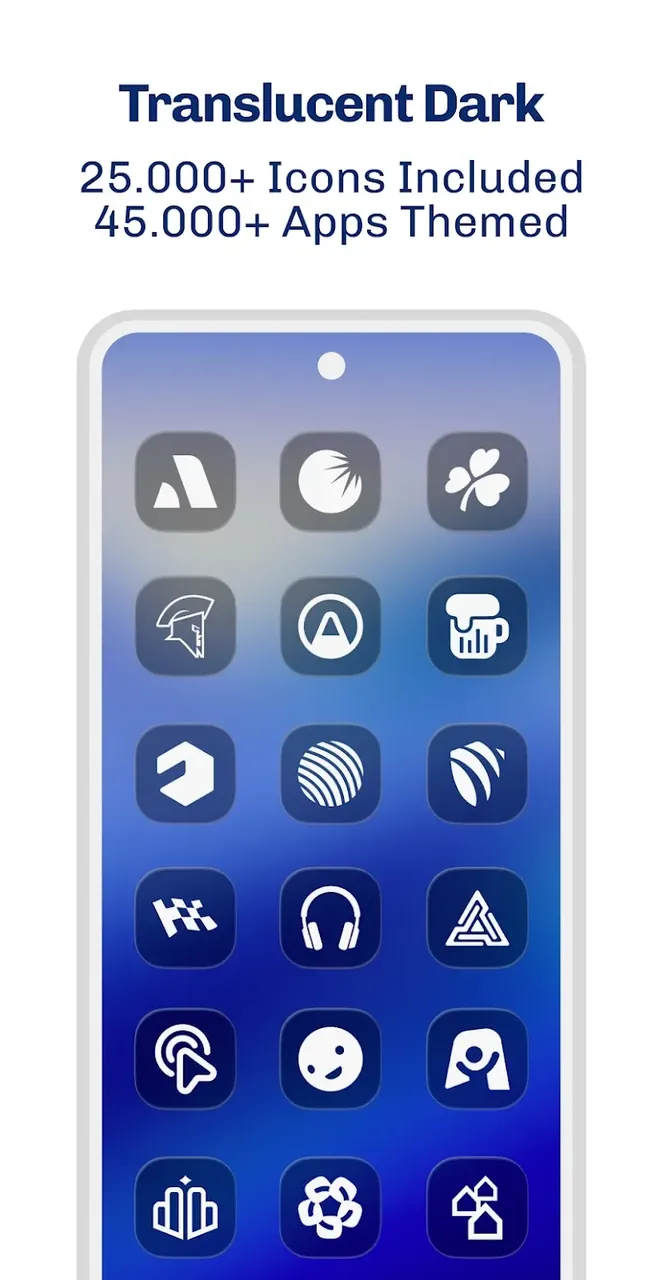
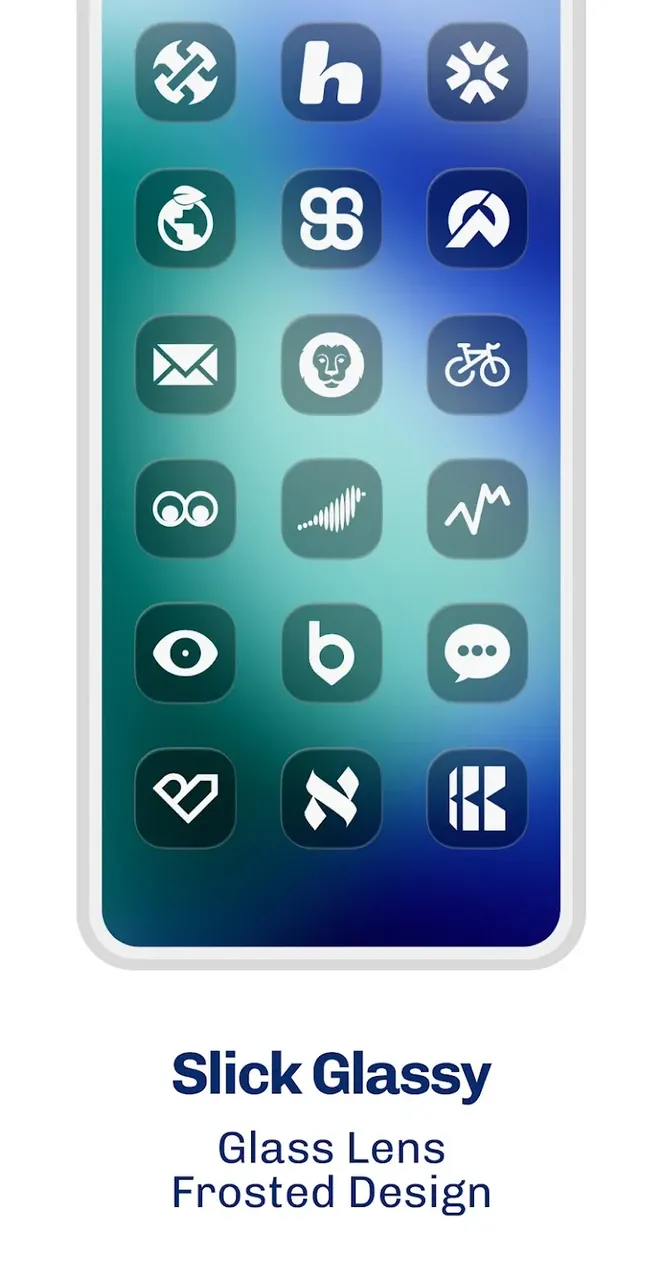
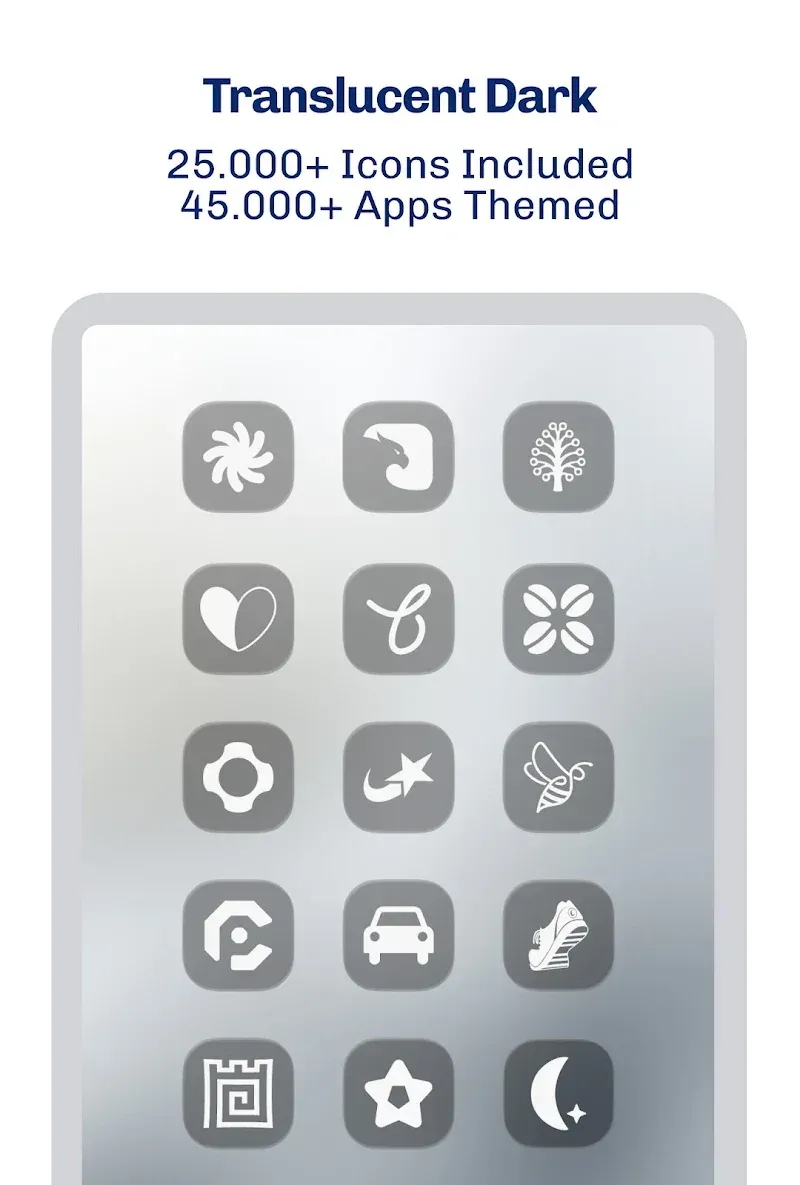
The iGlass Dark OS 26 Icon Pack embraces the contemporary glassmorphism visual style, moving away from flat two-dimensional UI trends that have dominated mobile screens for years. By leveraging semi-transparent textures and multi-layered compositions, it introduces a subtle illusion of physical depth and space. Each icon mimics the appearance of frosted, tinted glass with vibrant colors gently diffusing through the surface, producing a distinctive pseudo-3D aesthetic on your home screen. Tailored specifically for dark mode setups, these deep, high-contrast designs lend your setup a futuristic atmosphere while maintaining a clean, balanced, and premium look.
With a massive collection exceeding 5,000 premium icons, this pack covers standard system utilities, third-party software, productivity suites, and a massive selection of popular mobile games. This extensive coverage allows you to unify almost every shortcut across your launcher in a cohesive theme. To guarantee crisp visuals on modern displays, every single asset is rendered in ultra-sharp 2K resolution. This high-density output prevents edge blurriness or pixelation on high-PPI screens, ensuring specular highlights and translucent glass edges remain pristine and well-defined.
Beyond static artwork, the pack includes dynamic calendar support that updates daily directly on your screen, allowing you to check the current date at a glance without launching your calendar app. In case you come across any unthemed software on your device, the integrated Icon Request Tool allows you to submit missing app entries straight to the PizzApp Design development crew for upcoming updates.
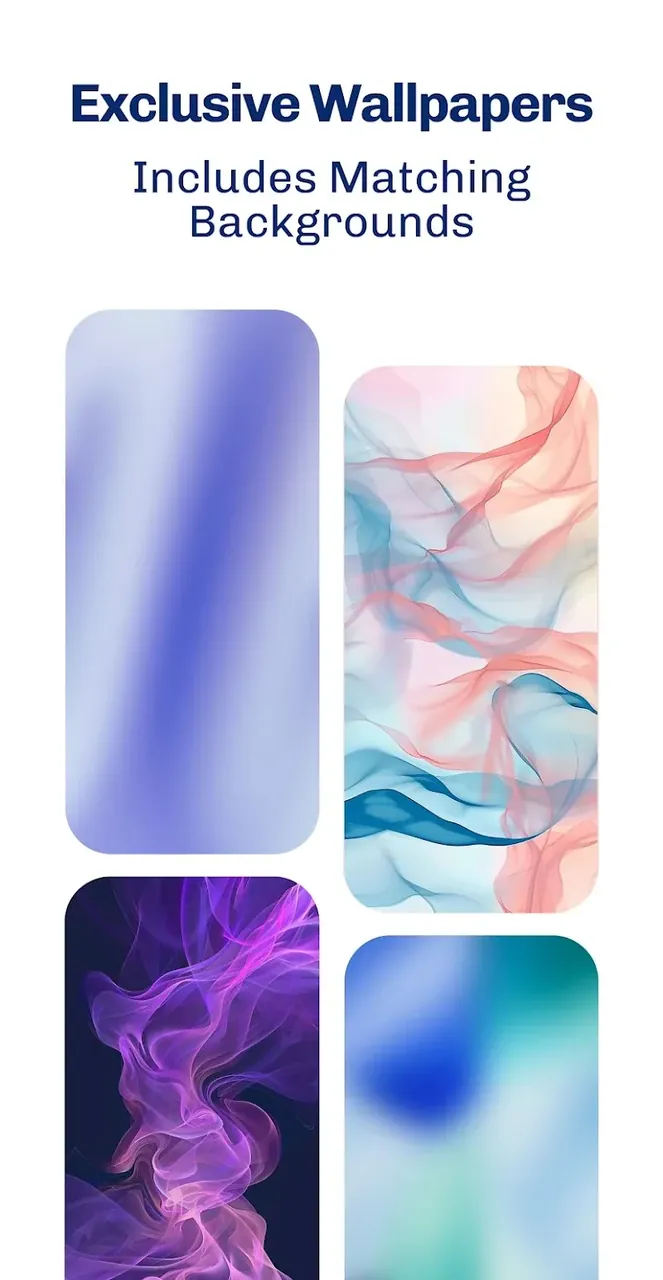
To complement the dark frosted look, the application includes a curated gallery of high-definition glassmorphism-themed wallpapers. Pairing the icons with minimal or darker backgrounds highlights the see-through aesthetic and preserves high contrast. For optimal results, disabling icon drop shadows in your launcher settings makes the glassy borders and illuminated details pop even more cleanly. The suite also supports Muzei Live Wallpaper, enabling smooth background rotation and interactive visual effects behind your icons.
Applying the pack across your preferred Android launcher is simple through the built-in dashboard, which offers convenient one-tap application alongside a manual search index arranged by categories. It is fully compatible with leading custom launchers, including Nova Launcher, Action Launcher, Apex Launcher, Smart Launcher, Lawnchair, Microsoft Launcher, and ADW Launcher, with Nova Launcher highlighted by the authors as the ideal pairing for the smoothest customization experience.
The iGlass Dark OS 26 Icon Pack aims to completely revitalize your Android home screen with a sleek, futuristic aesthetic. To deliver this polished look, the suite bundles thousands of ultra-sharp icons alongside matching high-resolution wallpapers and dynamic interface accents. Drawing inspiration from modern glassmorphism, each icon combines translucent layers and realistic depth that blend seamlessly with your backdrop—offering a far more refined visual experience than conventional icon sets. Complete with an integrated management dashboard and a built-in icon request engine, this package serves as a comprehensive personalization toolkit rather than just a basic graphic pack.
Key Features
- Over 5,000 High-Quality iOS & Android App Icons
- Crisp 2K Icon Resolution
- Matching Wallpapers Crafted for a Glassmorphism Look
- Adaptive Dynamic Calendar Support
- Built-In Icon Request Feature
- Full Compatibility With Muzei Live Wallpaper
- Dedicated Apply Dashboard Included
- Organized Category-Based Icon Browser
- Smooth Integration With Nova, Action, Apex, Smart, Lawnchair, Microsoft, and ADW Launchers
Related MOD APKs
- iGlass OS 26 Icon Pack
- iWhite OS Icon Pack
- Simply Adaptive Icon Pack
- Glassy Round OS Icon Pack
FAQ
What features are unlocked in iGlass Dark OS 26 Icon Pack MOD APK?
This updated build 6.8 of iGlass Dark OS 26 Icon Pack comes with the Full Version Unlocked. It delivers the complete PizzApp Design experience, granting immediate access to every premium asset right after setup.
What is the current version of iGlass Dark OS 26 Icon Pack MOD APK?
The current build is version 6.8, based on the official PizzApp Design release from July 4, 2026. GameMod.dev always hosts the newest available package. You can simply install this APK over your existing setup; should a signature conflict arise, remove the previous version before reinstalling.
Is the iGlass Dark OS 26 Icon Pack MOD APK safe to install?
Absolutely. This version 6.8 build developed by PizzApp Design delivers the complete Full Version package cleanly without requiring root access. It holds a flawless 5/5 user rating from 1 vote. If Google Play Protect shows a cautionary prompt, you can bypass it safely when downloading directly from GameMod.dev.
Can you run iGlass Dark OS 26 Icon Pack MOD APK on a PC or iOS device?
Because this is a native Android package, iOS and iPhone hardware are not supported. However, you can easily load the 175M APK on a computer using an Android emulator such as BlueStacks or LDPlayer—just launch your emulator and drag the downloaded file into the workspace.
How to install
- Download the APK file above to your phone.
- Allow “Install unknown apps” when prompted.
- Open the downloaded APK and tap Install.
- If the package includes OBB/XAPK data, follow the bundled instructions.
MOD APKs are modified builds, so Play Protect may show a warning. Install only if you trust the file; use at your own risk.