

Screenshots
Description
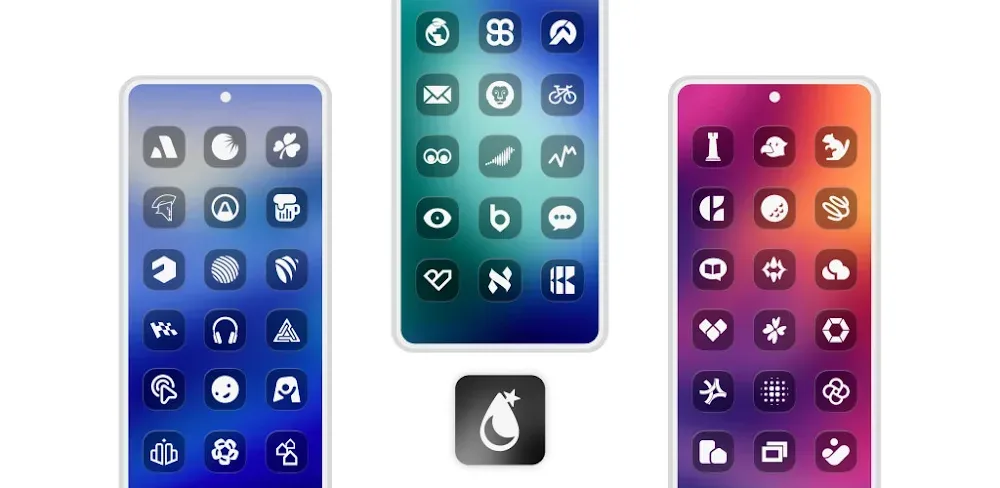
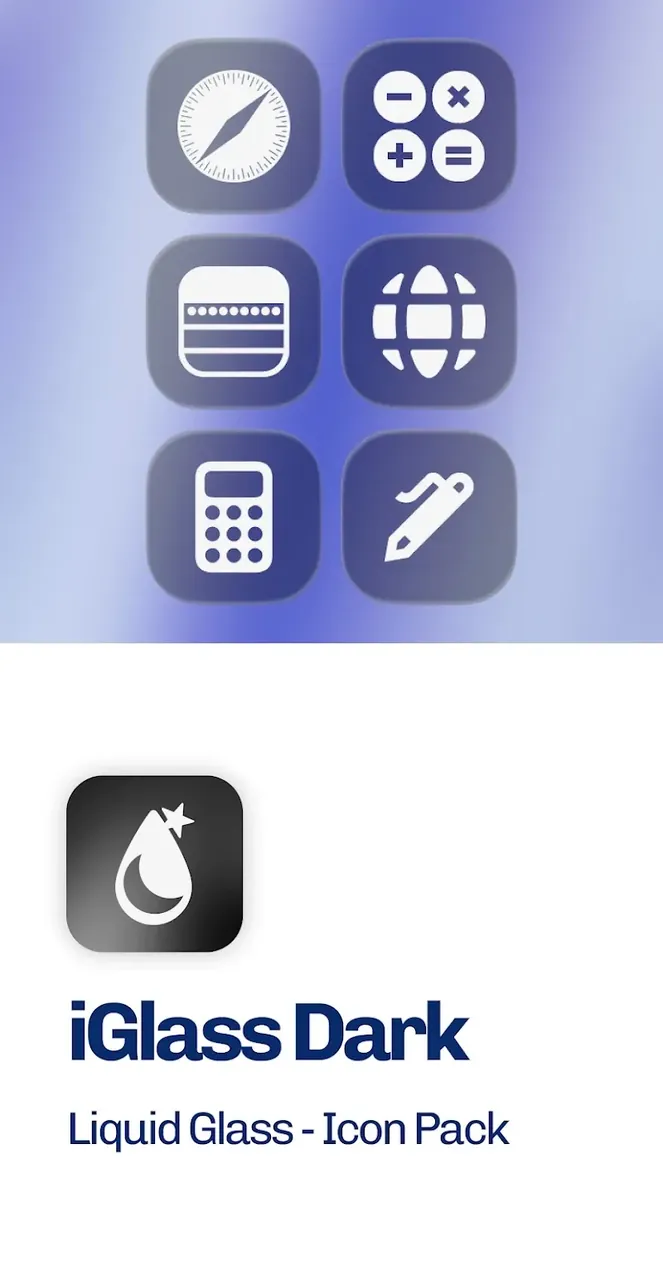
Dark OS 26 by iGlass delivers a sleek, semi-transparent frosted-glass aesthetic combined with deep dark tones to give your Android device a truly contemporary makeover. Experience translucent glass designs perfectly balanced with rich black accents!
This modified release unlocks the Full Version of iGlass Dark OS 26 Icon Pack MOD APK at GameMod.dev. All paywalls and standard restrictions are eliminated, giving you unhindered access to the complete icon catalog and exclusive dashboard utilities.
What's Modified in iGlass Dark OS 26 Icon Pack
- Unlocked the Full Version to grant complete access to all premium icons and advanced personalization tools.
Supplied under the package name com.italiano.iglassdark, version 6.8 comes as a 175M APK. Since it carries a custom signature, make sure to uninstall any official store release before installing it.
About iGlass Dark OS 26 Icon Pack
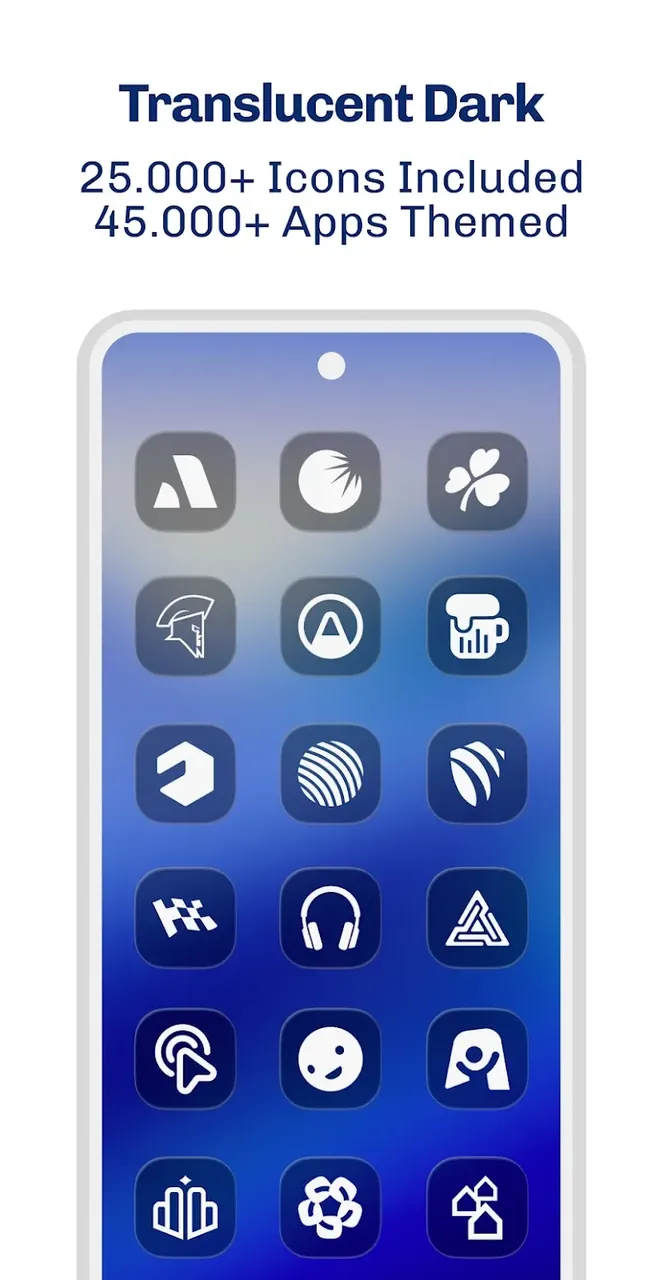
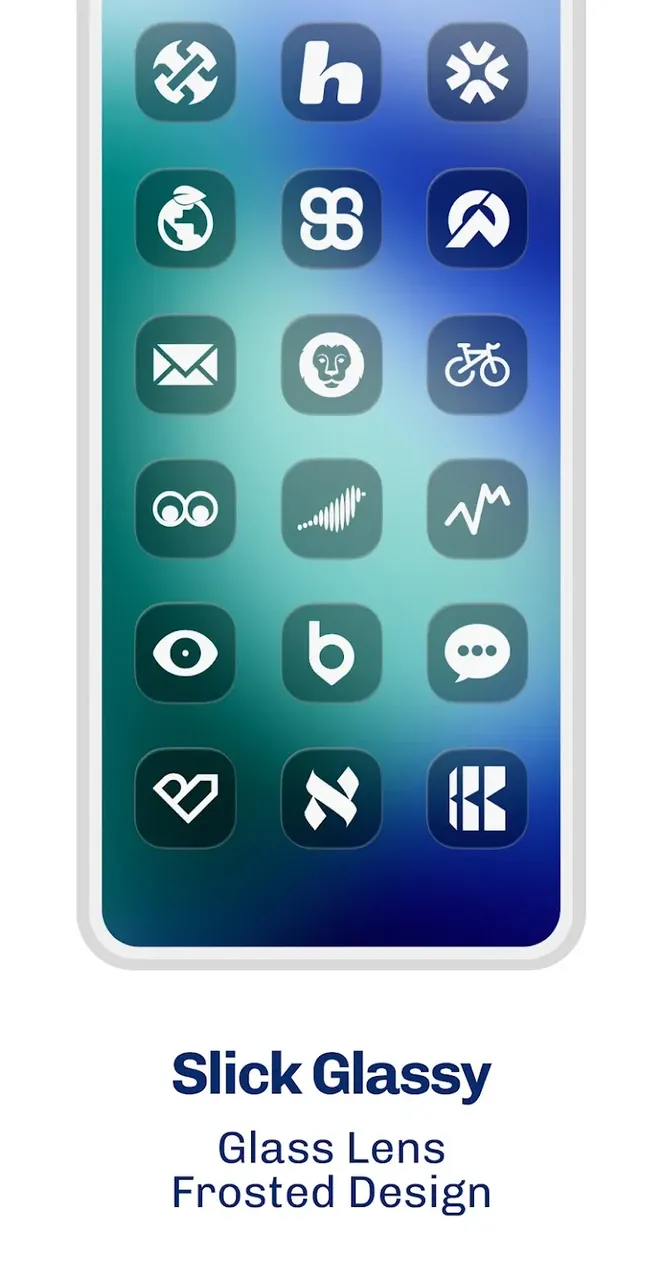
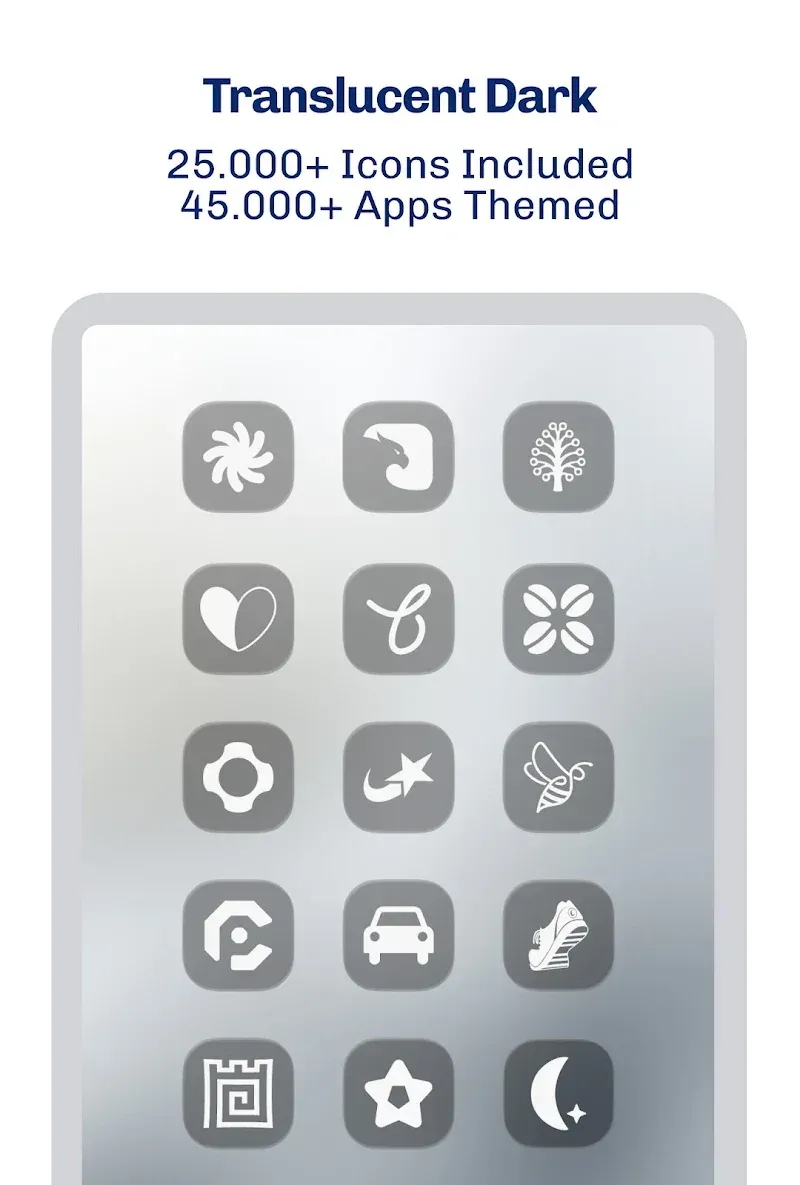
The core visual identity of iGlass Dark OS 26 Icon Pack centers on modern glassmorphism. This trend breaks away from standard flat 2D graphics by employing multi-layered structures that produce a convincing illusion of physical depth. Each icon features frosted, translucent elements that let subtle tones peek through semi-clear surfaces, creating an eye-catching quasi-3D presence on your home screen. Designed specifically to complement system-wide dark modes, the deep color palette enhances contrast while projecting a clean, futuristic vibe. The layered composition keeps your layout looking neatly organized, premium, and sophisticated without losing its high-tech appeal.
Inside, you will find an expansive collection exceeding 5,000 premium icons. The selection goes far beyond stock system utilities to cover popular third-party software, productivity suites, and a massive array of mobile games. This guarantees a coherent, uniform appearance across your entire app drawer. To preserve crystal-clear visuals, the graphics are rendered in high-definition 2K resolution. This ensures that every element remains crisp on modern, high-density displays without any fuzziness, allowing subtle edge highlights, reflections, and glass textures to shine through clearly.
Beyond static icons, dynamic calendar support automatically updates to display the current day of the month directly on your screen without launching the calendar app. If you ever come across an unthemed application that is not among the 5,000 existing designs, an integrated Icon Request Tool lets you submit missing apps straight to the creators at PizzApp Design.
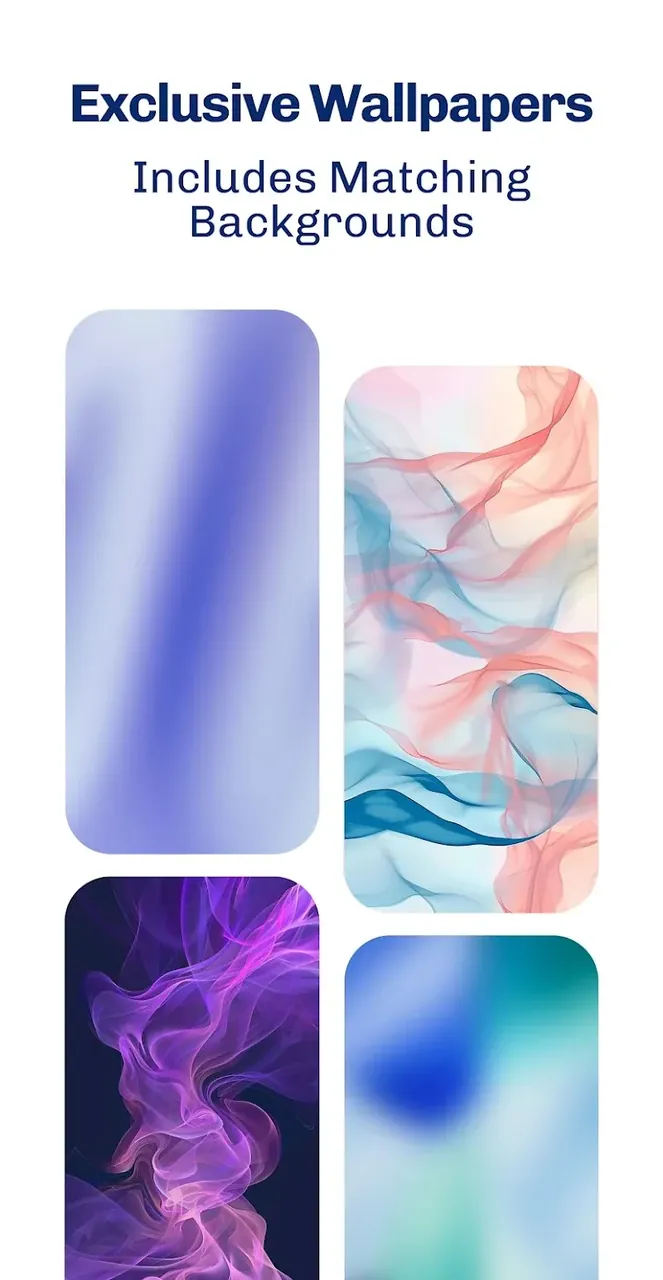
To complete the glassmorphic setup, the package bundles dedicated wallpapers designed to pair seamlessly with the dark, translucent iconography. For optimal results, pairing these icons with dark or minimalist backgrounds preserves transparency details. You may also want to disable icon drop shadows inside your launcher preferences so the glass borders stand out cleanly against lighting accents. The built-in gallery is fully compatible with Muzei live wallpaper, making it effortless to rotate and refresh your background automatically.
Applying the pack across your device is straightforward through the centralized dashboard, which enables one-tap application for widely used Android launchers. You can also manually search and replace individual shortcuts using organized categories. The pack supports leading launchers such as Nova Launcher, Action Launcher, Apex Launcher, Smart Launcher, Lawnchair, Microsoft Launcher, and ADW Launcher, with Nova Launcher recommended by the developers for the smoothest customization experience.
Designed to redefine your mobile interface, iGlass Dark OS 26 Icon Pack brings a sleek, futuristic vision directly to your home screen. It accomplishes this with an extensive library of ultra-crisp icons, matching high-grade wallpapers, and smooth dynamic components. Setting itself apart from conventional icon sets, this package embraces an elegant glassmorphism aesthetic that introduces genuine visual depth and seamless transparency over any backdrop. Moreover, an integrated control dashboard alongside a built-in icon request tool proves that this is a refined personalization suite rather than just a basic collection of graphics.
Key Features
- Over 5,000 High-Quality Icons for Android and iOS Apps
- Crisp 2K Ultra HD Icon Resolution
- Handcrafted Wallpapers Designed to Match the Glassmorphism Look
- Adaptive Dynamic Calendar Support
- Built-in Tool for Requesting New Icons
- Fully Compatible with Muzei Live Wallpaper
- Integrated Dashboard for Effortless Setup and Application
- Organized Categorical Browsing
- Works Smoothly with Nova, Action, Apex, Smart, Lawnchair, Microsoft, and ADW Launchers
Related MOD APKs
- iGlass OS 26 Icon Pack
- iWhite OS Icon Pack
- Simply Adaptive Icon Pack
- Glassy Round OS Icon Pack
FAQ
What features are unlocked in iGlass Dark OS 26 Icon Pack MOD APK?
This updated build 6.8 of iGlass Dark OS 26 Icon Pack delivers the completely unlocked Full Version. It delivers the complete experience crafted by PizzApp Design, granting you full access to all assets and tools right after setup.
Which build of iGlass Dark OS 26 Icon Pack MOD APK is currently the newest?
Build 6.8 represents the most up-to-date release matching the PizzApp Design rollout from July 4, 2026. GameMod.dev consistently features only current releases. You can easily upgrade by installing the package over your existing build; should a signature mismatch appear, simply uninstall the previous installation beforehand.
Is downloading iGlass Dark OS 26 Icon Pack MOD APK secure and safe?
Yes, this modified build 6.8 of iGlass Dark OS 26 Icon Pack by PizzApp Design grants full premium perks with complete safety. It holds a perfect 5/5 score from 1 user rating and runs smoothly without root access. You may bypass false Play Protect notices and safely grab your package directly from GameMod.dev.
Can iGlass Dark OS 26 Icon Pack MOD APK run on an iPhone or a PC?
This package is built specifically for Android environments and is not compatible with iOS devices such as iPhones. Nevertheless, you can readily enjoy this 175M APK on a PC through Android emulators like BlueStacks or LDPlayer. Just launch your preferred emulator and drop the installer package straight onto its interface.
How to install
- Download the APK file above to your phone.
- Allow “Install unknown apps” when prompted.
- Open the downloaded APK and tap Install.
- If the package includes OBB/XAPK data, follow the bundled instructions.
MOD APKs are modified builds, so Play Protect may show a warning. Install only if you trust the file; use at your own risk.