
Screenshots

Description
iDisplay PremiumIn addition, there is another part on the developer's website of the software, which is also available for download and installation completely free of charge. By establishing a connection between the programs, the user will get an additional monitor for their PC at their disposal.
What the game is about
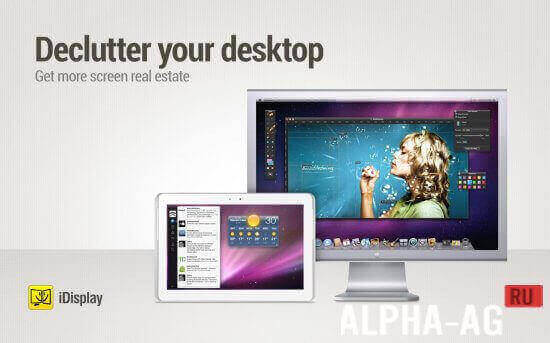
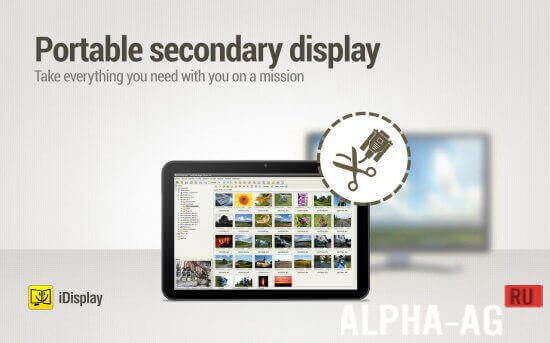
The connection between the programs can be established via cable or Wi-Fi. The application allows you to move windows to a mobile device or tablet and gives you the ability to control them through an Android device.
Users often run multiple windows or programs on a personal computer.
An open window is dragged across the edge of the PC monitor, and it immediately appears on the mobile device, which is quite practical and convenient.Features
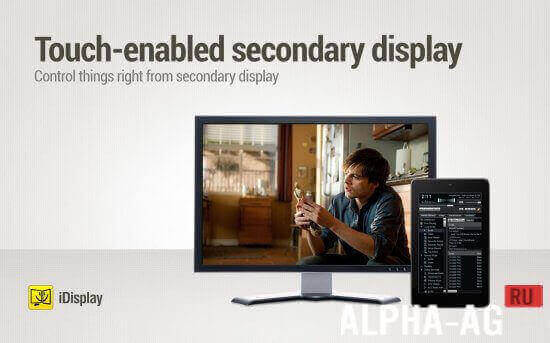
It is worth noting that the precision and responsiveness of touch control show high performance, which often greatly surprises users.
The developers of "iDisplay" have tried their best to make configuring PC and mobile device or tablet synchronization as easy as possible, which has certainly turned the application into a very convenient and useful program.A user-friendly interface and the program's speed will give many users true enjoyment from using two monitors without spending money or time choosing and buying such expensive equipment.
On our website you can download the iDisplay app for Android for free.
0 Jan 29 Additional information:- Android version required: 4.0.3 or higher
- Age restrictions: 3+
- Russian localization: none
- OBB/Cache installation: not required
Subscribe to our YouTube channel!
Add commentHow to install
- Download the APK file above to your phone.
- Allow “Install unknown apps” when prompted.
- Open the downloaded APK and tap Install.
- If the package includes OBB/XAPK data, follow the bundled instructions.
MOD APKs are modified builds, so Play Protect may show a warning. Install only if you trust the file; use at your own risk.