

Screenshots
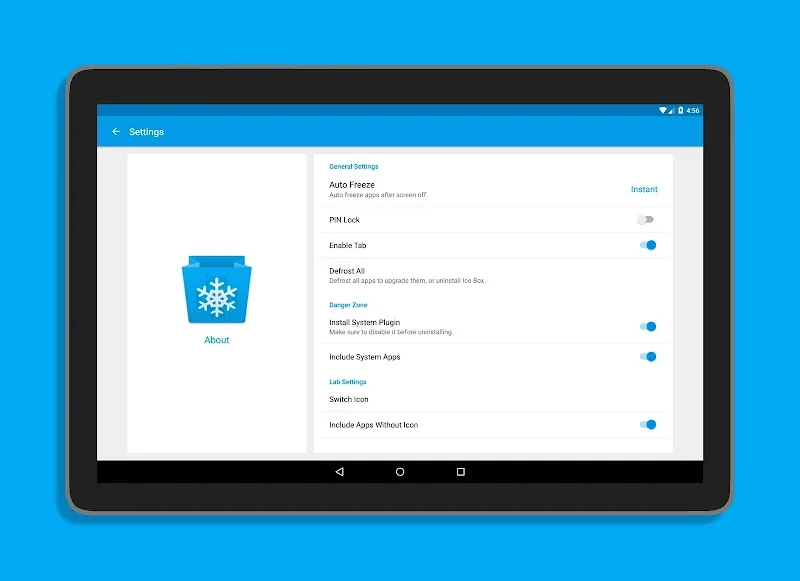
Description
Do you have rarely used apps sitting on your Android device that silently drain battery life and consume background data? Ice Box – Apps freezer is an essential utility designed to solve that problem. Acting as a smart app manager, it allows you to freeze inactive applications instantly and unfreeze them whenever you need them again.
App Management
Take full control of your installed apps, perform bulk actions, and organize software with overlapping features effortlessly.
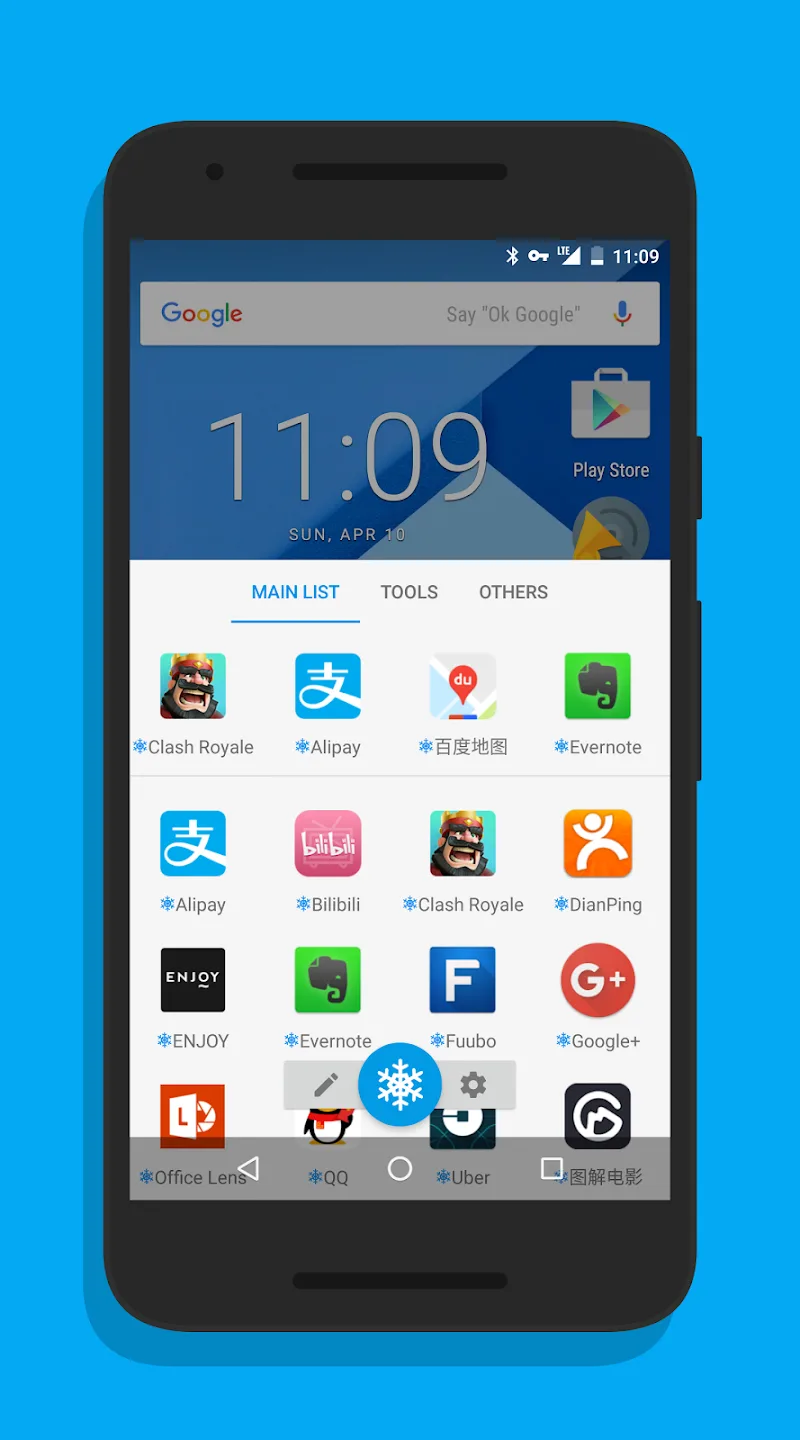
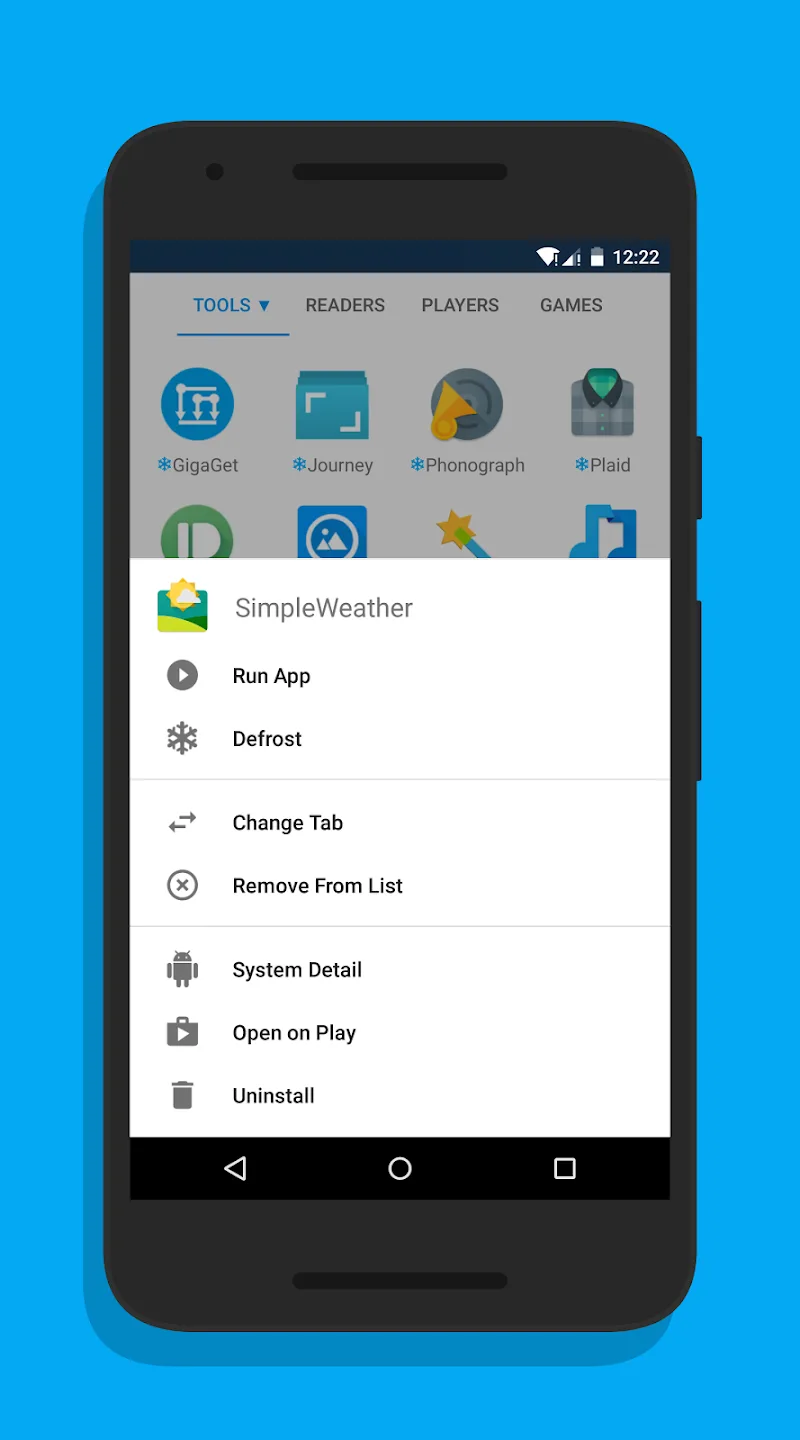
- Freeze Apps: Take advantage of the core freezing capability to stop background activities of dormant apps, significantly boosting your battery endurance.
- Hide Apps: Beyond standard freezing, the app lets you conceal selected applications from your app drawer, keeping your sensitive personal data completely confidential.
- Launch Apps: Built with a lightweight launcher, this tool lets you start apps smoothly and keep your device responsive without lags or performance drops.
Customization & Accessibility
Personalize settings freely to match your daily workflow and create a seamless management routine tailored to your preferences.
- Quick Shortcuts: Set up handy fast-access shortcuts to launch or freeze apps on demand, making everyday phone navigation noticeably faster and simpler.
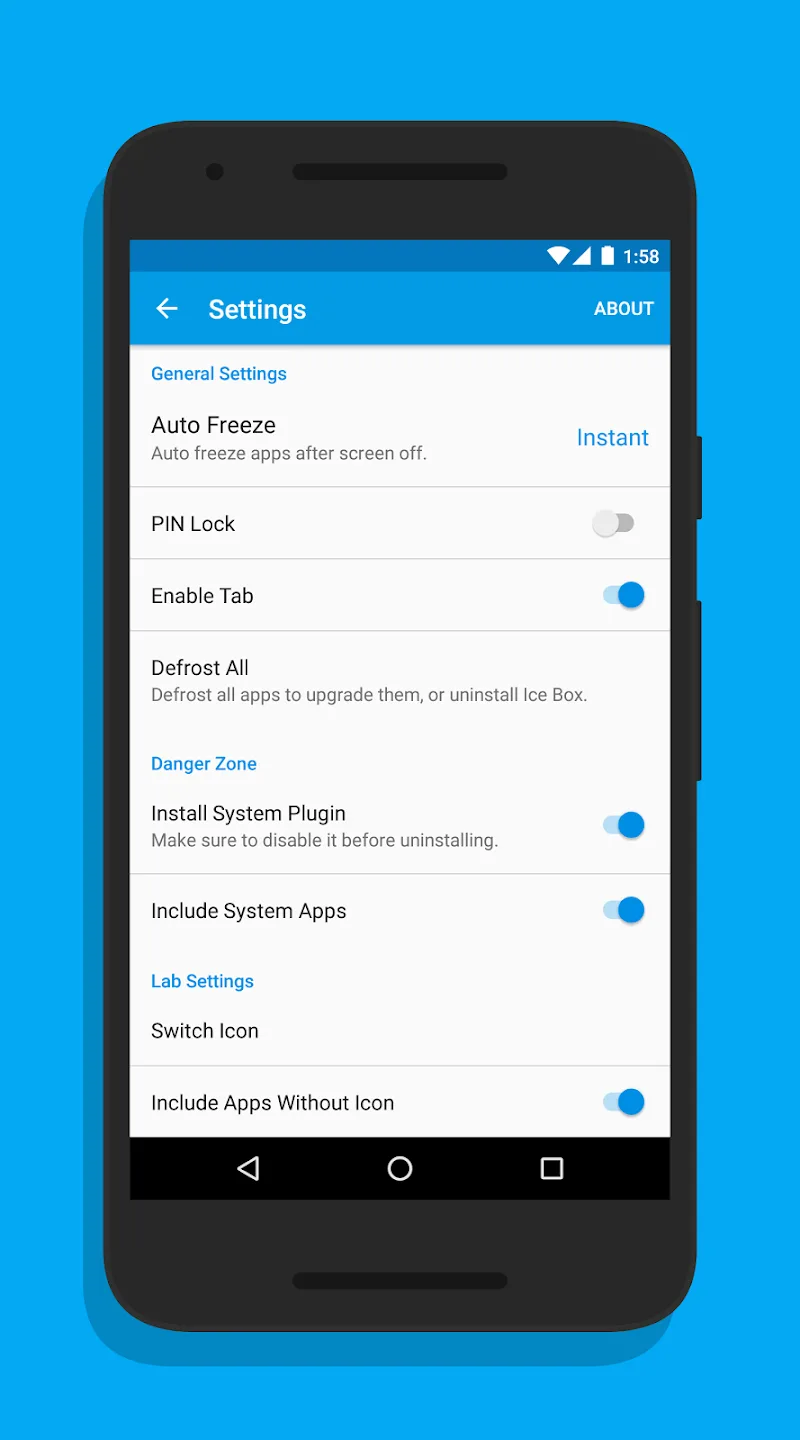
- Fingerprint Lock: Keep your app list protected by enabling biometric authentication or a secure passcode, ensuring total privacy from unauthorized access.
- Launcher Shortcuts: Generate instant home screen shortcuts for the built-in launcher to streamline everyday actions and simplify your device navigation with minimal taps.
How to install
- Download the APK file above to your phone.
- Allow “Install unknown apps” when prompted.
- Open the downloaded APK and tap Install.
- If the package includes OBB/XAPK data, follow the bundled instructions.
MOD APKs are modified builds, so Play Protect may show a warning. Install only if you trust the file; use at your own risk.