
MOD features
Premium
Screenshots
Description
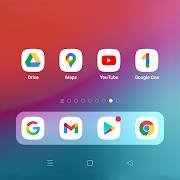
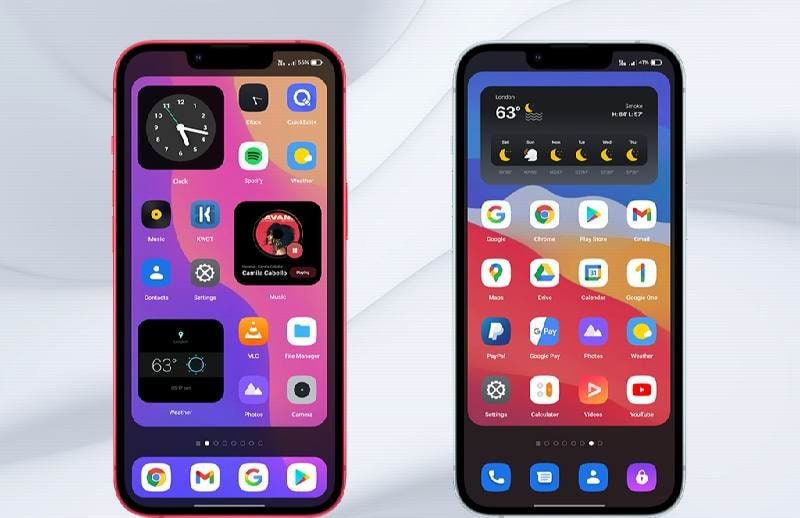
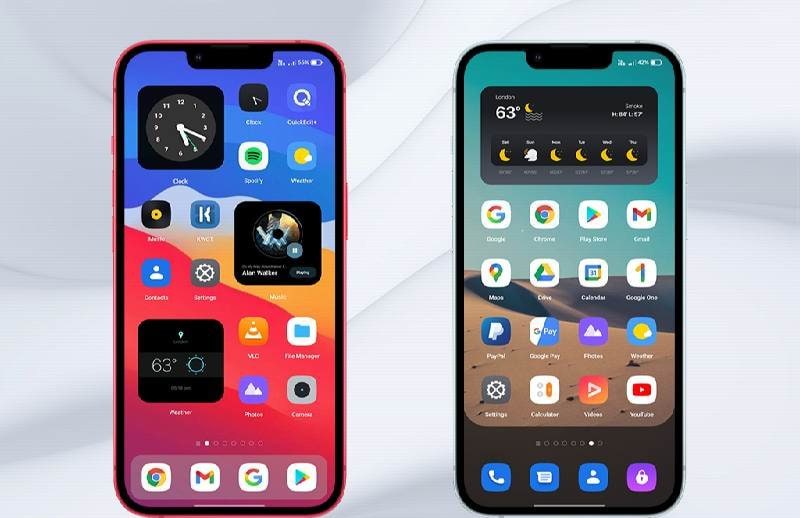
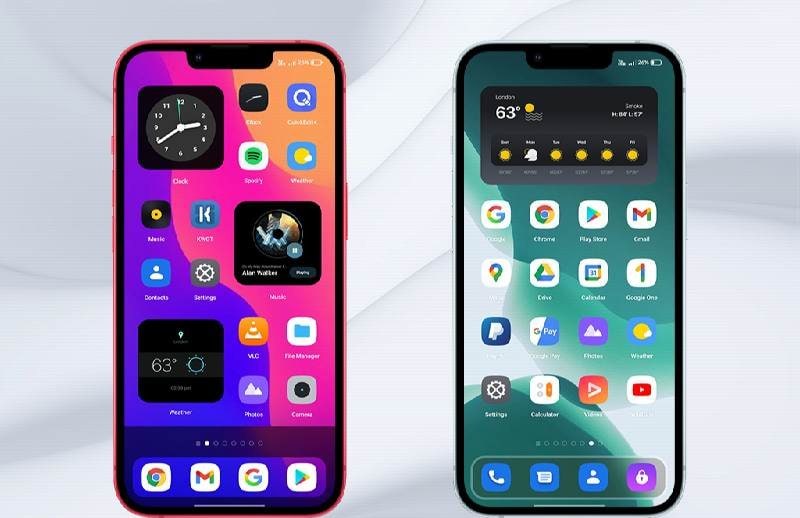
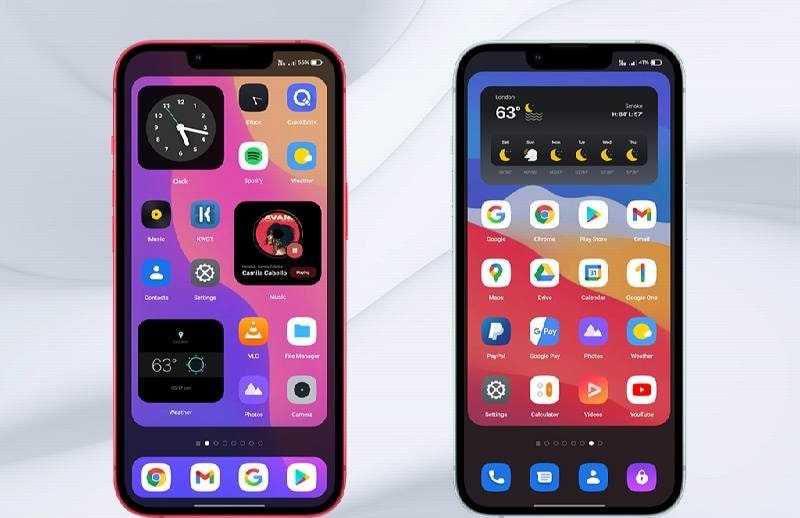
iBlurDock - dock on wallpaper - Personalize your desktop with this app that gives you broad control over where icons, the clock, and other elements sit. Decide their placement, how they behave, and which rules they follow, all while keeping a clean, attractive look. Just take care not to overdo it. Enjoy a sleek interface, intuitive settings, saved layouts for quick switching, a preview feature, and much more, making it ideal for anyone wanting to upgrade their desktop experience.
How to install
- Download the APK file above to your phone.
- Allow “Install unknown apps” when prompted.
- Open the downloaded APK and tap Install.
- If the package includes OBB/XAPK data, follow the bundled instructions.
MOD APKs are modified builds, so Play Protect may show a warning. Install only if you trust the file; use at your own risk.