
Screenshots
Description
Level up your photos with Hypic! Enjoy easy AI-powered photo editing, stunning filters, and natural-looking portrait retouching. Get professional-quality photo edits with just a few taps!
This version gives you full access to the app's premium features. The Hypic Photo Editor MOD APK comes with VIP Unlocked status, so you can use every professional filter and advanced retouching tool without paying for a subscription.
What's Modified in Hypic Photo Editor
- VIP Unlocked: Unlocks every premium feature, including exclusive filters, advanced portrait tools, and AI-driven editing options.
Version 9.2.0 is 251.4M in size and uses the package name com.xt.retouchoversea. This file is re-signed, so it cannot be installed over a copy downloaded from the official store.
About Hypic Photo Editor
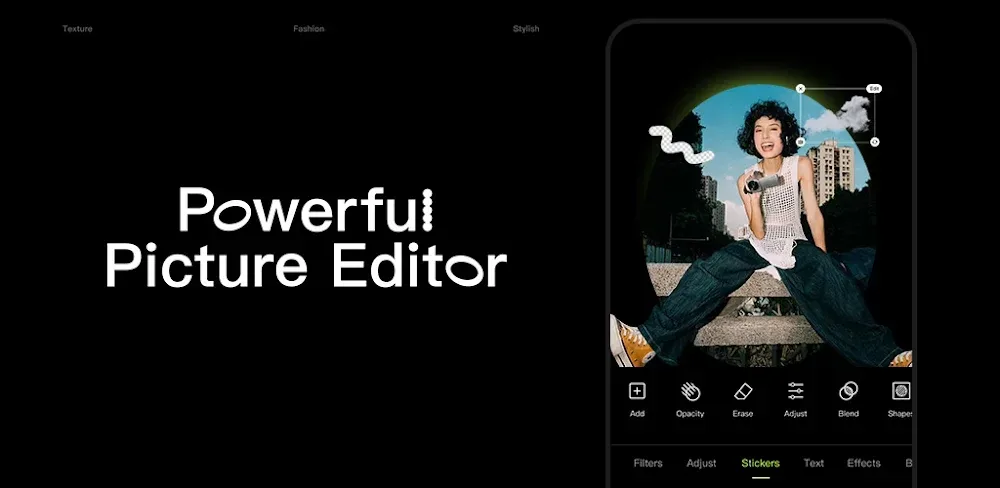
Hypic Photo Editor is an app developed by Bytedance Pte. Ltd. that lets users edit their photos in ways that were once only possible with desktop software. Powered by artificial intelligence, it helps close the gap between phone photos and professional-grade images. Hypic combines a range of editing tools so users can get the look they want without wrestling with the complexity of traditional photo editors. It offers adjustments that would normally require high-end desktop programs. To give users maximum control, the app uses AI to suggest and apply adjustments based on each photo's needs, while also letting users make changes manually. This means both casual shooters and professionals can accept the suggestions or make the final call on how their photos look.
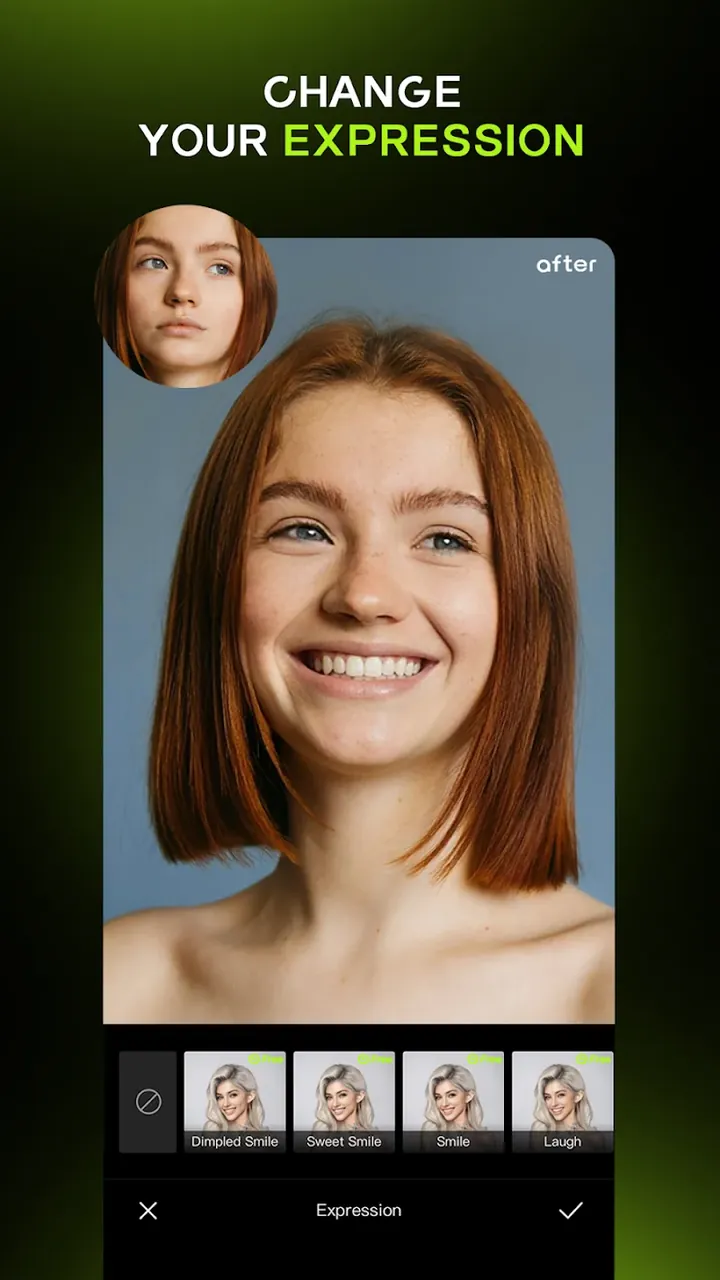
The portrait editing module is built for retouching people. While other modules focus on different aspects of photo editing, this one includes tools and filters that enhance facial details. Unlike many editors that offer hundreds of generic, artificial-looking filters, this module lets you fine-tune facial features, for example, to bring out a genuine smile. Its focus is on tools that preserve the natural look of your subjects. Users can adjust facial details to match their creative vision, and the module's AI keeps skin looking smooth. The result is a way to focus on the details of a subject's face and create polished, professional-looking portraits with ease.
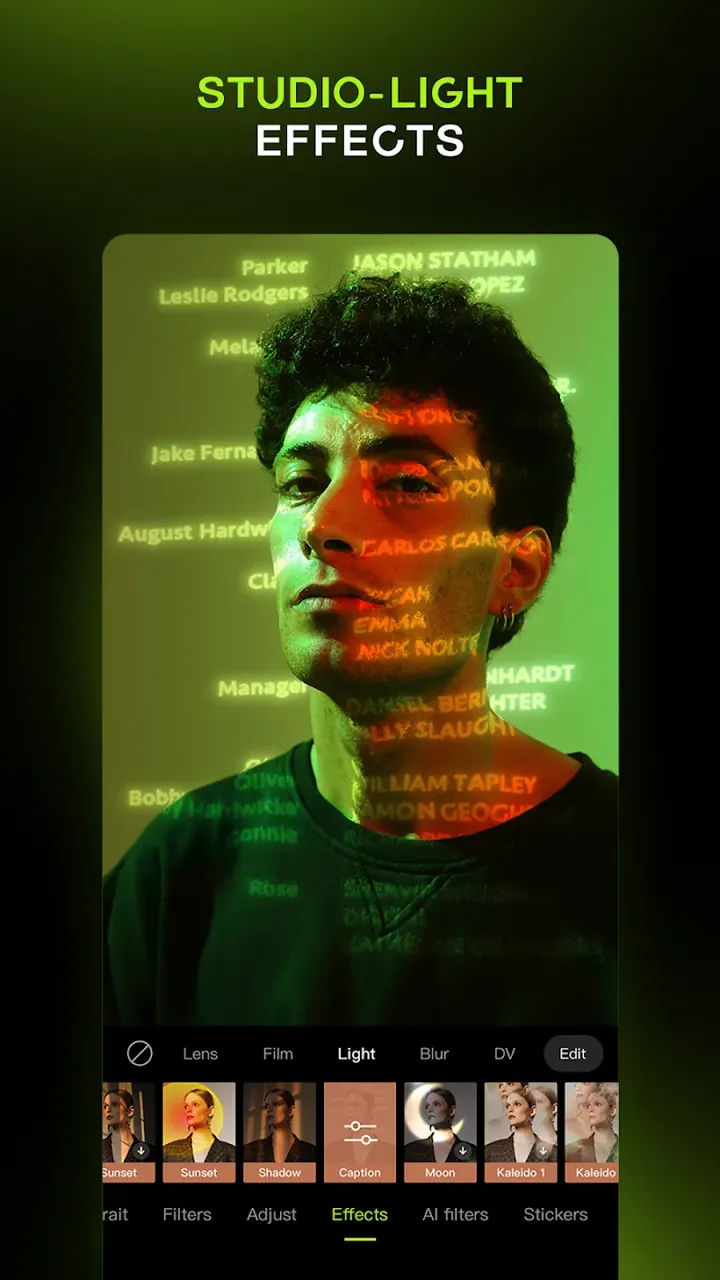
You can quickly improve your photos with basic edits, or use the app's artistic styles to create looks you might not manage on your own. Give a photo a vintage, cinematic, or even cartoon-like style, or enhance it to change its overall mood. The app offers several options to sharpen or adjust a photo's clarity and color. Going beyond many similar apps, it helps recover details that are often lost or hard to see in mobile photos. You can achieve balanced exposure across the entire image, even bringing detail back into shadows that would otherwise be pure black. The app also lets you digitally change your hair color or hairstyle, so you can preview a new look before making the change in real life.
Beyond automatic edits, the app provides manual tools such as HSL (Hue, Saturation, and Lightness) adjustments, curves, and masking features that isolate and define specific areas of an image. These advanced tools let editors go beyond the basic limits of color, hue, and saturation. For example, if you're working with a busy scene and only want to edit one small area, selective masking lets you adjust just that region while leaving the rest untouched. These tools offer a non-destructive, fully adjustable editing workflow, so you can explore many variations of a photo without worrying about losing its original quality. Real-time previews let you see each possible version instantly.
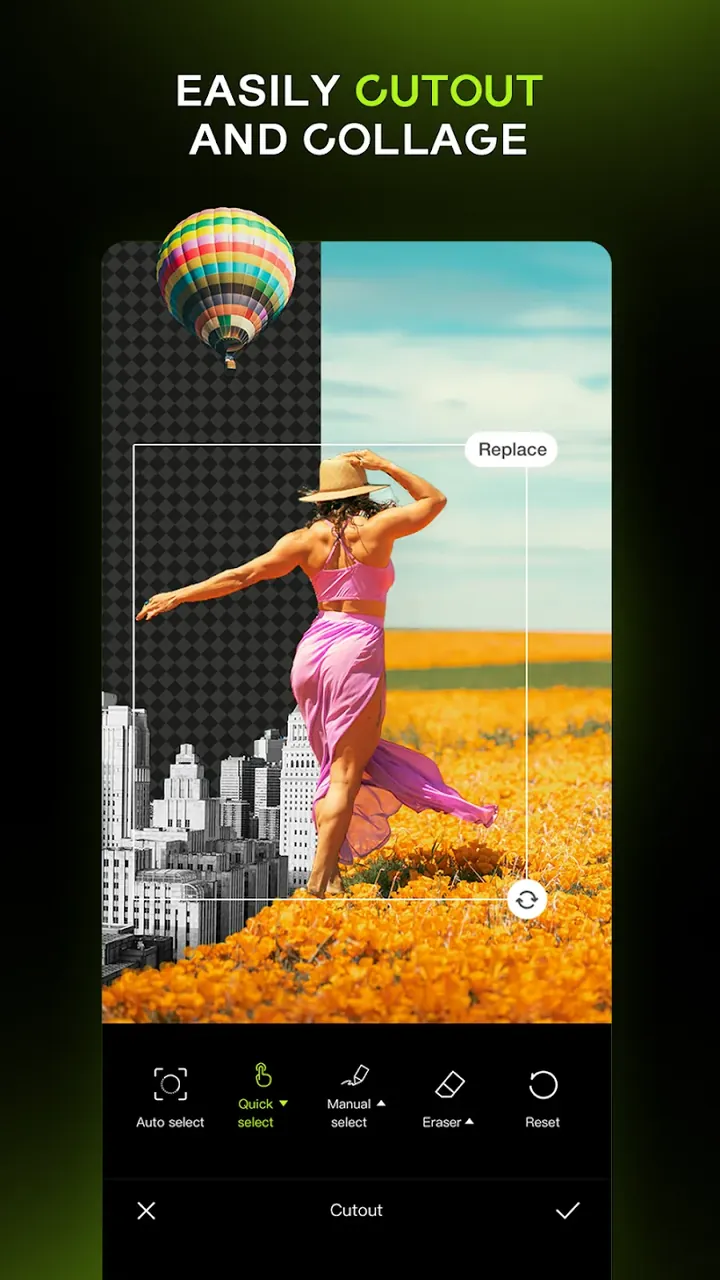
The software is built around efficiency. Its batch photo editing feature lets you apply edits to several photos at once, quickly and in the same way. You can process a single set of images or an entire album in one go. Designed with mobile devices in mind, the batch processor handles hundreds of photos fast and effectively. The AI Cutout tool detects the subject in a photo and removes the background automatically, and you can then swap in a new photo, design, or other media. Because the AI recognizes common subjects, it works well for cropping and background editing across many kinds of pictures.
The program includes a feature called Smart Edit, which makes editing easier for beginners by automating HSL and curves adjustments. Smart Edit uses the app's AI to analyze your photo, then sets the HSL and curves values to sharpen detail and improve colors. You can rely on it as a fully automatic camera, or take complete manual control over your edits. The app offers a wide range of editing tools and features, giving you thousands of creative ideas, from virtual hairstyling to batch processing and beyond. For mobile users, it brings editing capabilities that were once limited to professional photography studios. This means you can capture and edit photos at a level of quality that previously required expensive equipment and professional training.
Key features
- Portrait Photo Editor with contouring and skin enhancement
- Smile enhancement tools
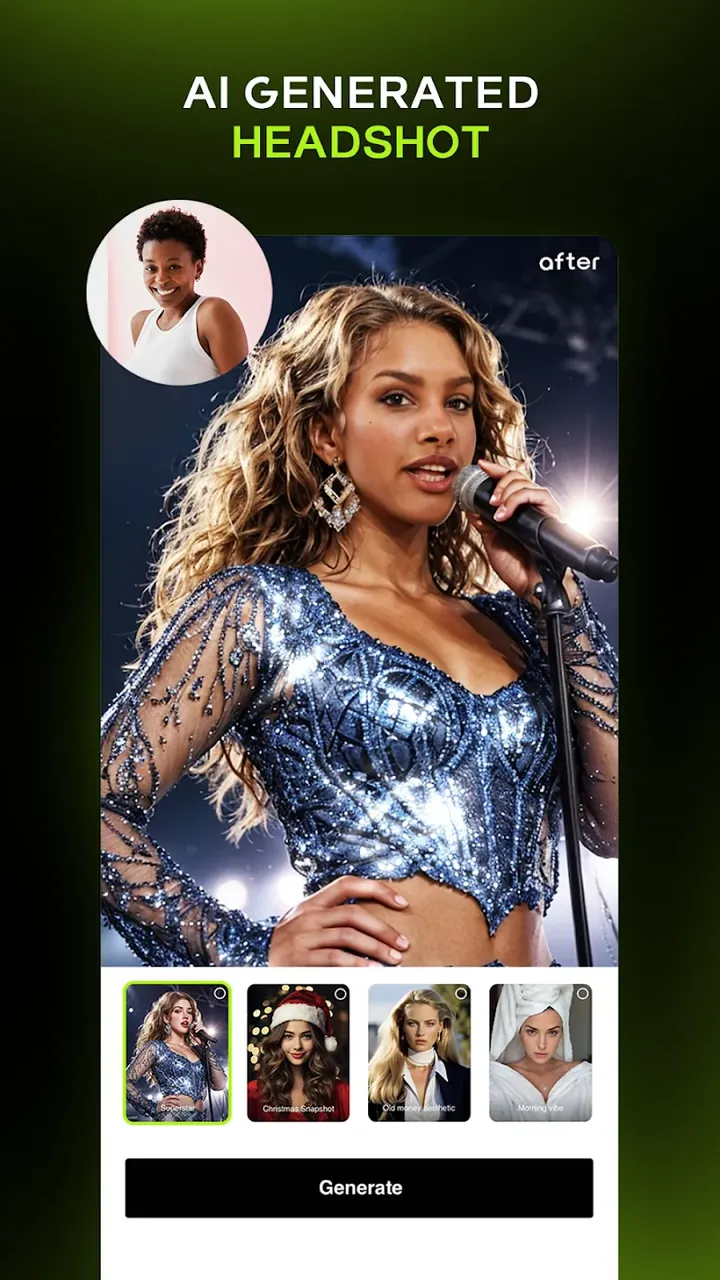
- AI filters, including vintage, cinematic, and cartoon styles
- AI-powered clarity, color, and lighting enhancement
- Shadow detail recovery
- Batch Photo Editing for entire albums
- Virtual hairstyling and color preview
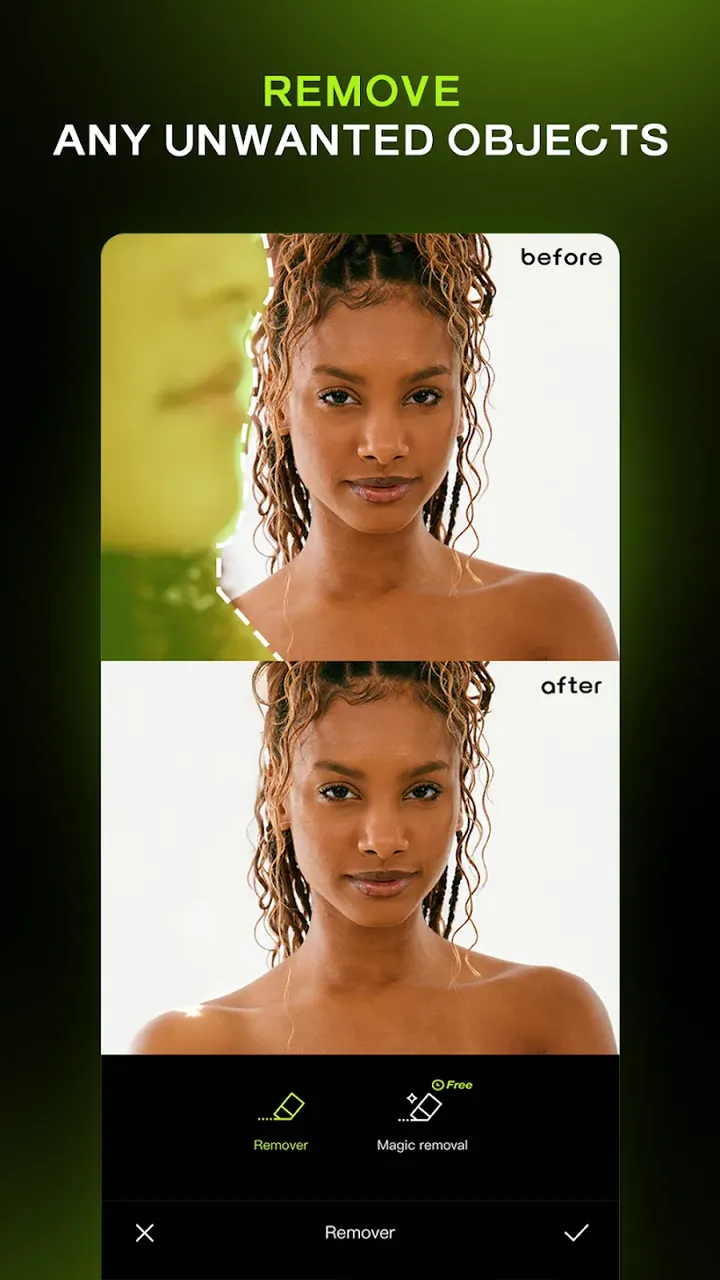
- AI cutout tool for removing and replacing backgrounds
- Smart Edit for automatic image fixing
- HSL and curves adjustments
- Selective masking
- Non-destructive editing workflow
- Real-time editor display
- Mobile-optimized batch processing engine
Related MOD APKs
- CapCut – Video Editor
- Capcut MOD
- Ulike
- Picsart Photo Editor
FAQ
Is Premium unlocked in the Hypic Photo Editor MOD APK?
This Hypic Photo Editor 9.2.0 build comes with VIP unlocked. It works the same way as the Bytedance Pte. Ltd. version, and its features become available as soon as you install it.
What is the latest version of the Hypic Photo Editor MOD APK?
Version 9.2.0 matches the Bytedance Pte. Ltd. update released on August 26, 2026. We don't host older versions. To update, install this file over your current app. If you get a signature error, uninstall the previous version first.
Is the Hypic Photo Editor MOD APK safe to download?
This 9.2.0 build of Hypic Photo Editor from Bytedance Pte. Ltd. has VIP unlocked and holds a 4.1/5 rating from 331 users. It doesn't require root access. Play Protect may show a warning during installation, which is normal, so always download the file from GameMod.dev.
Does the Hypic Photo Editor MOD APK remove the watermark?
This build comes with VIP Unlocked. Because watermark removal is a premium feature in Hypic Photo Editor, open the export screen after installing to confirm it's working.
How to install
- Download the APK file above to your phone.
- Allow “Install unknown apps” when prompted.
- Open the downloaded APK and tap Install.
- If the package includes OBB/XAPK data, follow the bundled instructions.
MOD APKs are modified builds, so Play Protect may show a warning. Install only if you trust the file; use at your own risk.