

Screenshots
Description
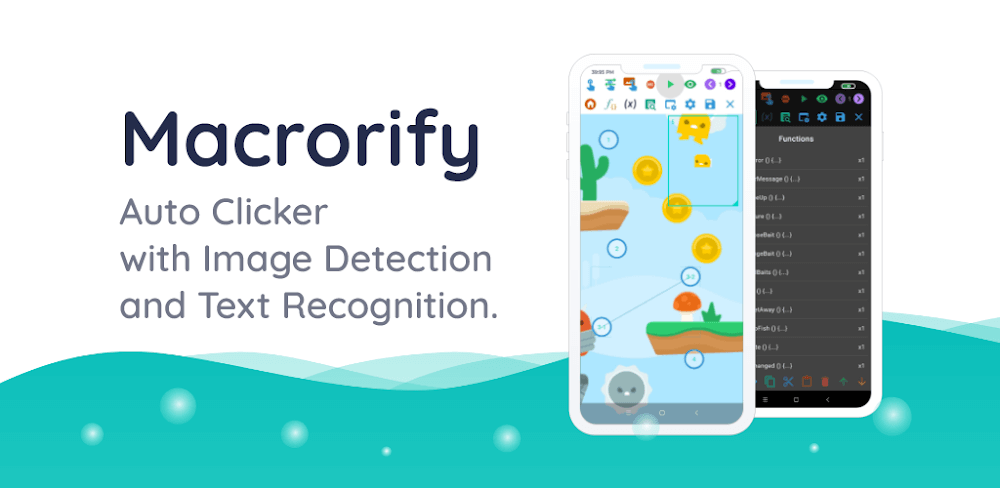
Macrorify Mod APK includes image and text recognition features within its auto clicker.
The Macrorify MOD APK unlocks the premium features of the app. This modified version gives you full access to functions that normally require a paid subscription.
What's Changed in Macrorify
- Premium Unlocked: Every premium feature in the app is available to use without paying for a subscription.
This Macrorify MOD APK build is version 1.6.0.2, weighs about 12 MB, uses the package name com.kok_emm.mobile, and has been re-signed, so it cannot be installed over an existing version from the official store.
About Macrorify
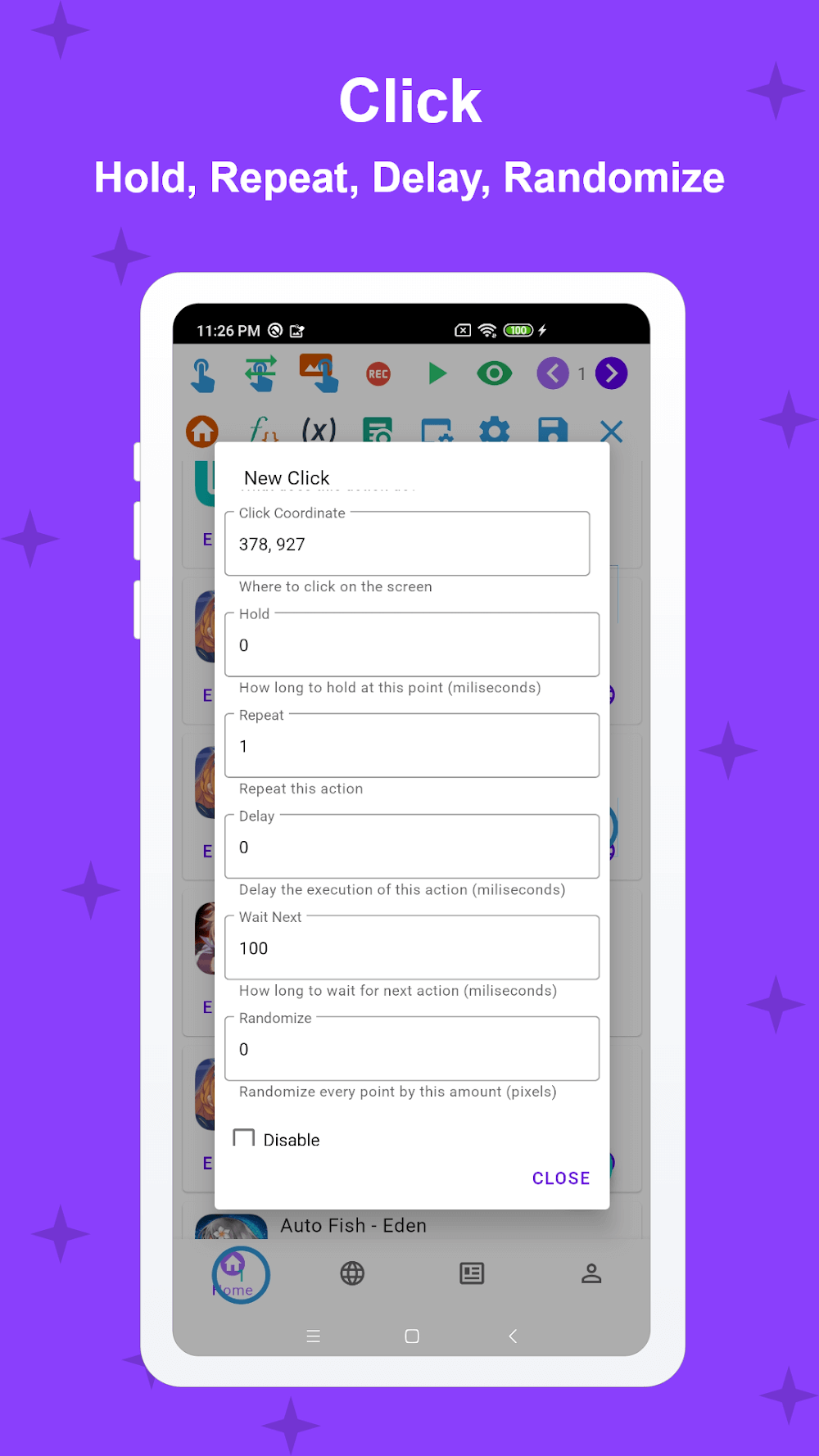
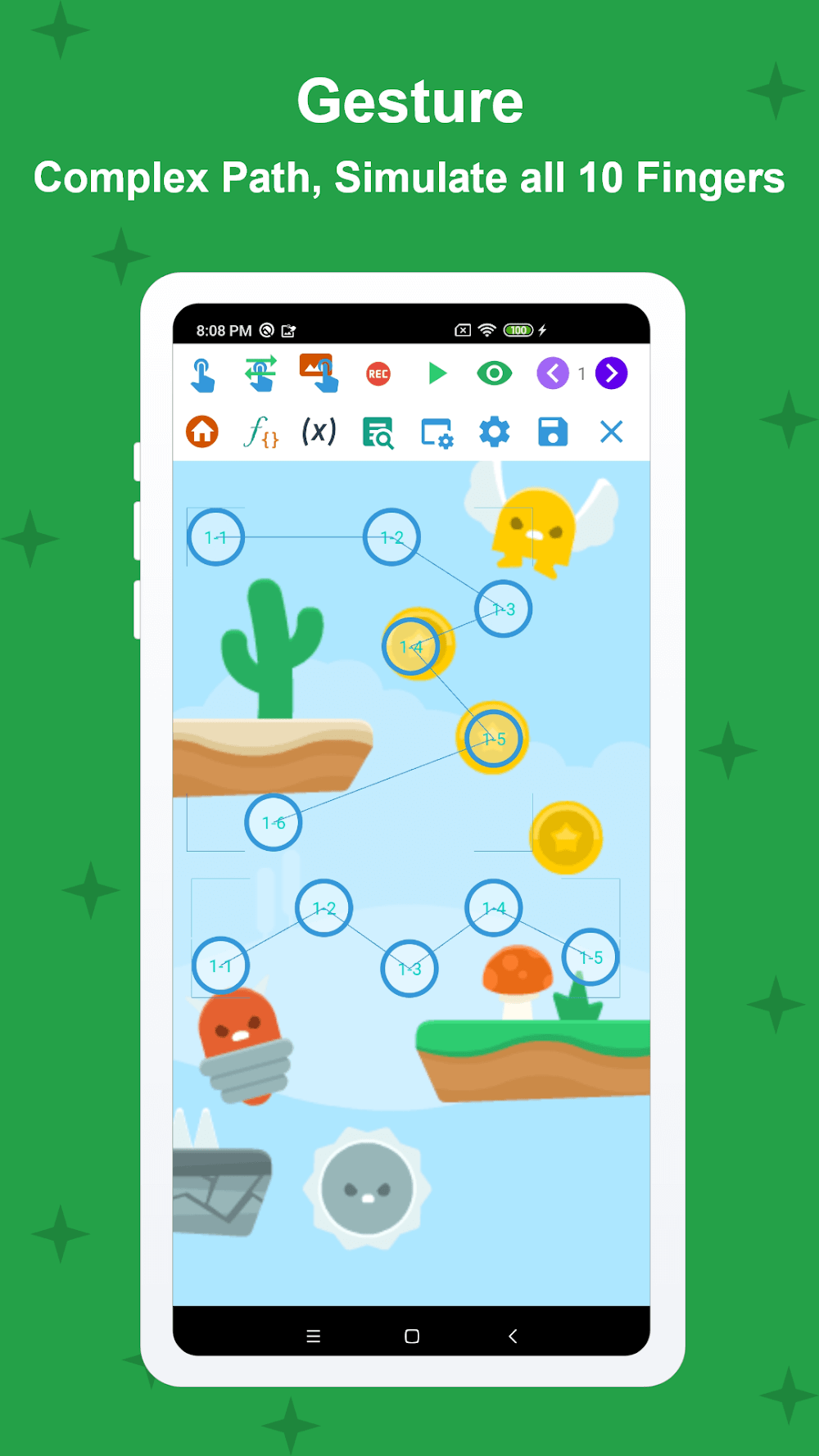
Macrorify is an automation app that relies on Android accessibility services to carry out a range of input actions, most often to handle repetitive tasks in mobile games. Its control panel lets you start, stop, or pause automation scripts. The touch actions module supports single clicks, long presses, double clicks, drag and drop, and more, along with multi-touch gestures such as pinch, stretch, and rotation. Each touch action can be repeated over a set duration, such as constant, slow, or fast, and a timeout option can trigger the action again automatically. The interface is designed so you can arrange a touch layout that suits your own workflow. The app also has strong multi-touch support and can process input from all ten fingers at once, which is handy for games that require simultaneous inputs from every finger.
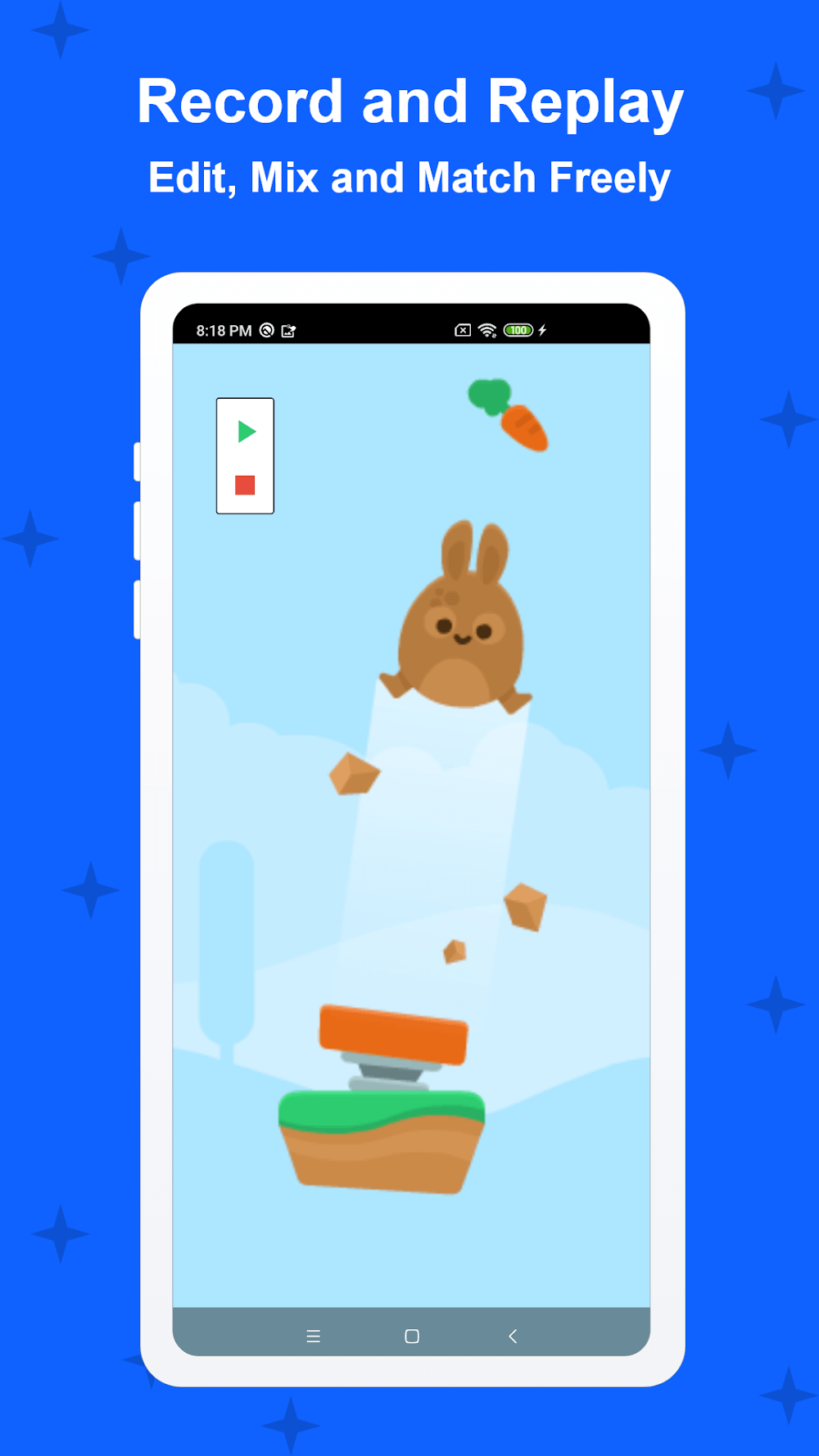
The app includes a recording and playback feature that captures your interactions and turns them into macros. You can edit and combine recordings to build more advanced automation, and adjust the speed and timing of individual actions or entire sequences. To make automation look less mechanical, you can add randomness to recorded touches, which varies the coordinates each time. Recordings can be edited freely to introduce randomness, rearranged, and merged in any order. This makes it easier to create complex macros, since you don't need to record a full task from the beginning every time you want to change or combine them.
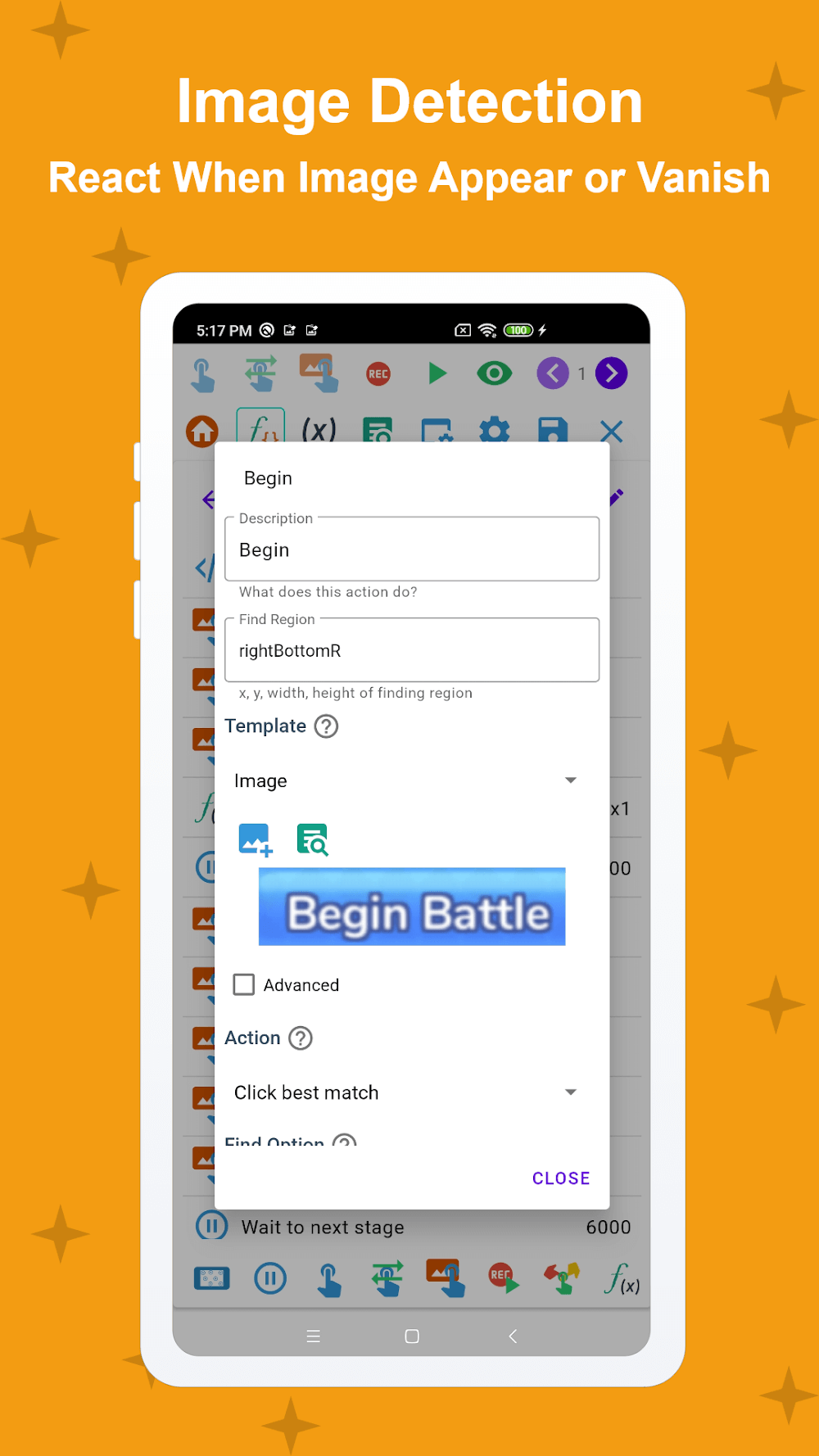
The software's strongest feature is its ability to recognize and interpret images, which opens up a wide range of automation possibilities. You can load images as triggers, so the software performs an action when a particular image appears on the target screen, or when it disappears. It can also follow a sequence of images, waiting for one to appear and then acting once it leaves the screen. Text can be used in a similar way to images, with the text recognition tool letting you use words in place of images or buttons when building a macro. Combining text and image detection gives the app a solid basis for understanding what is happening on screen.
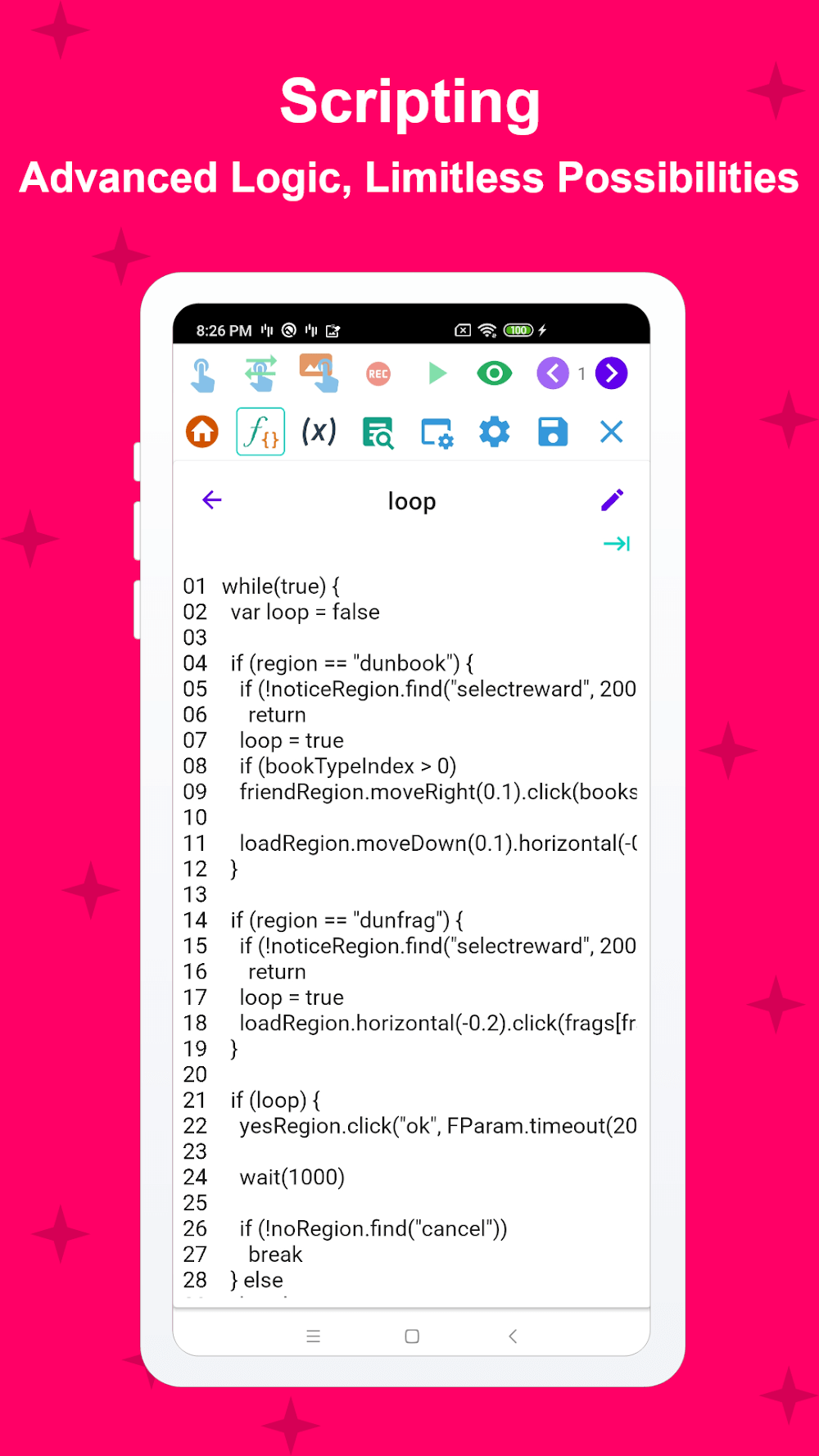
For more complicated automation, you can use EMScript. Unlike many macro apps that depend entirely on a graphical interface, EMScript uses a programming language for its macros, allowing for more advanced logic. This becomes valuable once conditions and branching logic are involved, since a programming language offers far more control and flexibility. You can also design your own custom graphical interfaces, arranging personalized buttons and controls that trigger macro functions or display the status of running macros. The developers recognize that macro software has a learning curve, so the app is built to suit every level of experience, from basic touch recording to writing advanced scripts.
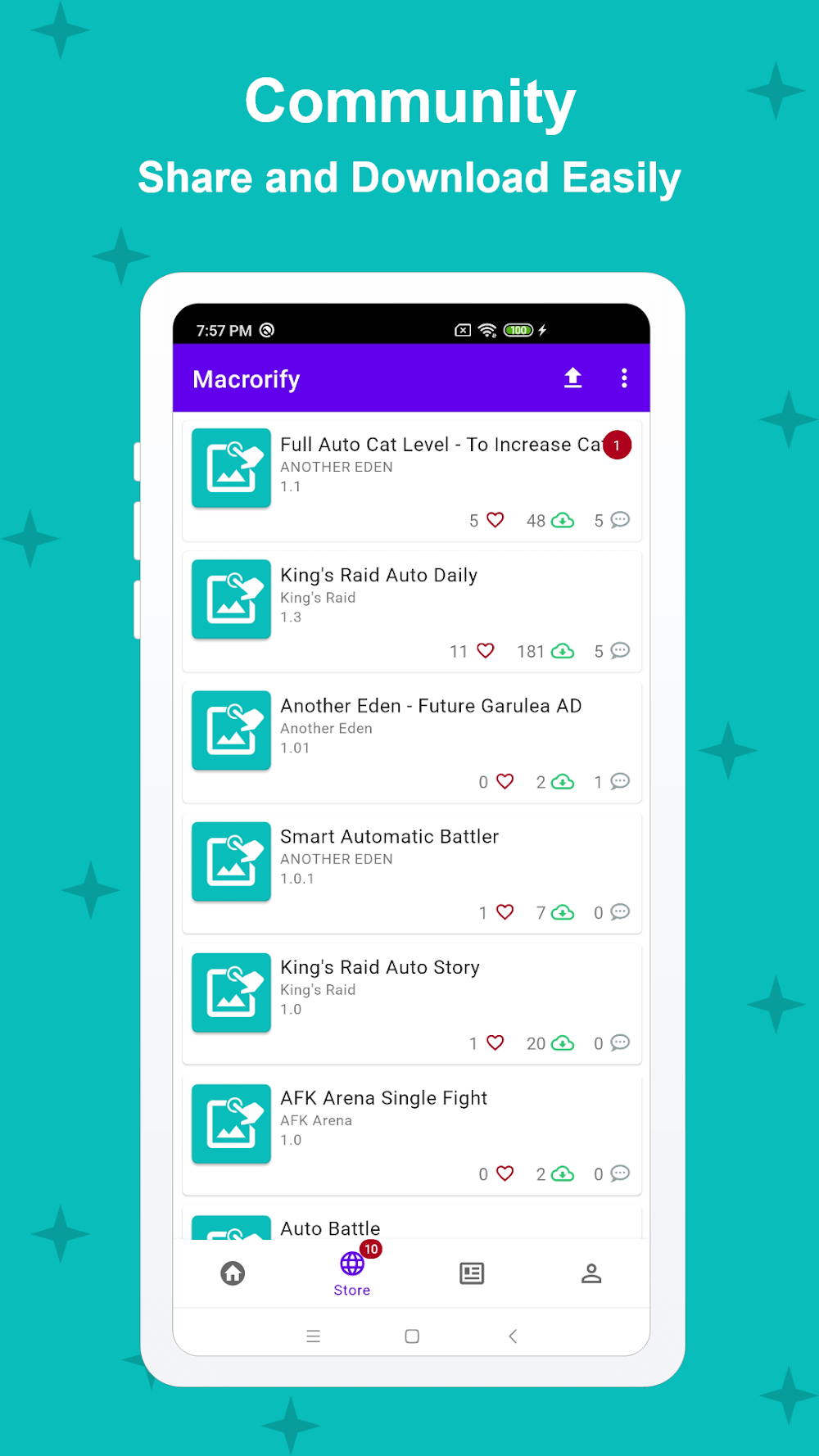
This software comes with a built-in Macro Store and works well across many types of Android devices. The Macro Store is a community-driven marketplace where users can share macros for a range of gaming and PC interaction tasks. Anyone can browse and use these macros for different tasks and games without building them from scratch. Popular macros are featured in the Macro Store, and contributors earn rewards for the ones they submit. The automation tool runs on every Android device from KitKat onward, as well as on Android emulators. Its interface is simple to navigate, making it easy to set up various kinds of touch-based interactions. Because it does not require any changes to the Android operating system, it works on standard, non-rooted devices. Overall, it lets users automate tasks across a wide variety of Android hardware.
Key Features
- Swipe and Click Actions
- Long Clicks and Double Clicks
- Drag and Drop Gestures
- Pinch and Zoom Multi-Touch
- Record and Playback System
- Image Recognition Triggers
- Text Recognition (OCR)
- EMScript Scripting Language
- Built-in Macro Store
- Custom User Interface Creation
Related MOD APKs
- MovieBox ID: Watch Movies, TV Series, K-Dramas & Anime for Free
- KWGT Kustom Widget Pro
- SnapTube
- Terabox
FAQ
Is Premium Unlocked in the Macrorify MOD APK?
This version of Macrorify (1.6.0.2) comes with Premium Unlocked. It works just like the original KoK-CODE release, and the modded features are available as soon as you install it.
What Is the Latest Version of the Macrorify MOD APK?
Version 1.6.0.2 matches the KoK-CODE update released on August 17, 2026. We do not host older versions here. To update, install this file over your existing app. If you run into a signature conflict, uninstall the old version first.
Is the Macrorify MOD APK Safe to Download?
This Macrorify 1.6.0.2 file is the KoK-CODE app with only the Premium Unlocked feature modified. It has a rating of 3.5/5 from 344 users. Root access is not required. Play Protect may show a warning during installation, which is normal, so always download from this page on GameMod.dev.
Can I Use the Macrorify MOD APK on PC or iPhone?
This Android app cannot be installed on iPhone or iPad. To run the 12M file on a computer, use an emulator such as BlueStacks or LDPlayer. Install the emulator first, then drag the file into it.
How to install
- Download the APK file above to your phone.
- Allow “Install unknown apps” when prompted.
- Open the downloaded APK and tap Install.
- If the package includes OBB/XAPK data, follow the bundled instructions.
MOD APKs are modified builds, so Play Protect may show a warning. Install only if you trust the file; use at your own risk.