

MOD features
PRO
Screenshots
Description
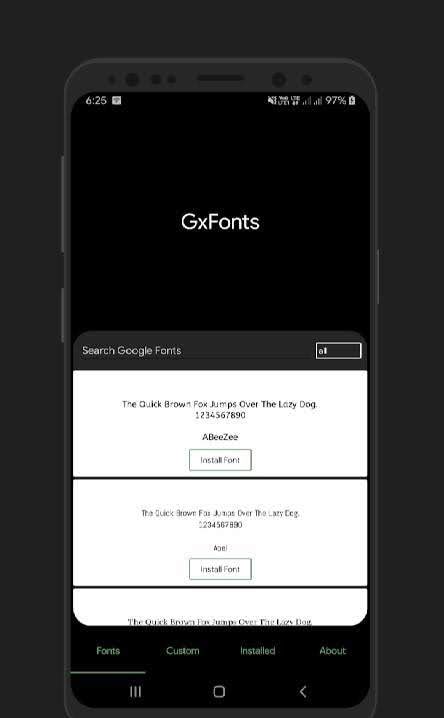
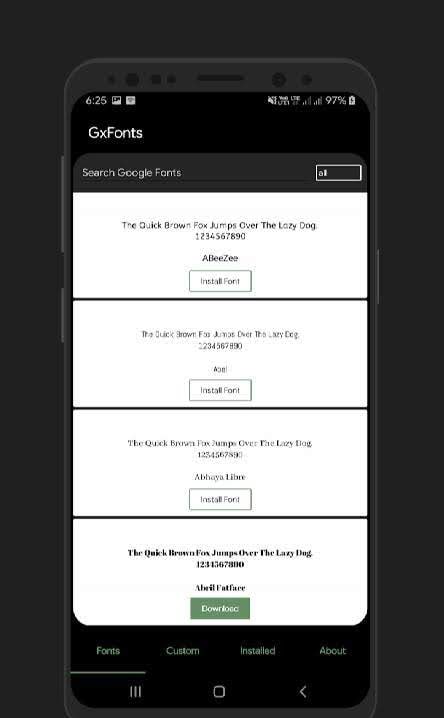
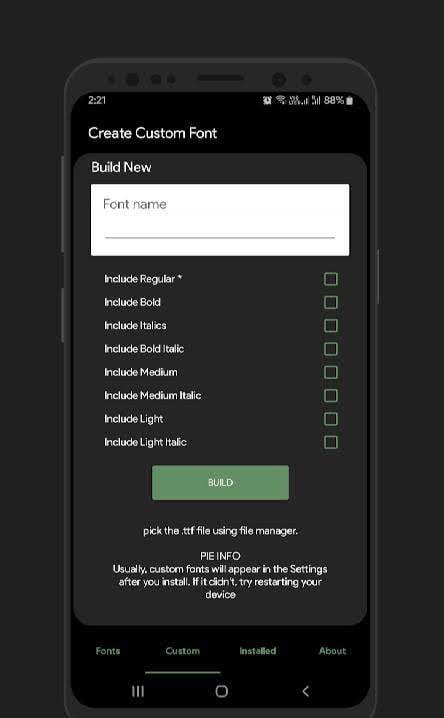
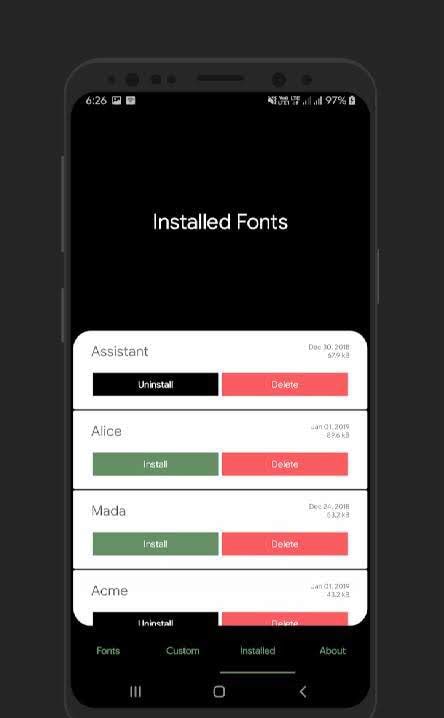
GxFonts - Custom Fonts for Samsung Galaxy is a handy tool for anyone who wants to refresh their device's look without going through a lot of complicated setup. It's all about installing new fonts on your phone. Traditionally, that process is tedious and often unreliable, but GxFonts lets you do it in just a few taps, with no hassle or technical roadblocks. It's well worth a try for users who want to personalize their device beyond standard options, with a wide selection of fonts and plenty of customization settings.
How to install
- Download the APK file above to your phone.
- Allow “Install unknown apps” when prompted.
- Open the downloaded APK and tap Install.
- If the package includes OBB/XAPK data, follow the bundled instructions.
MOD APKs are modified builds, so Play Protect may show a warning. Install only if you trust the file; use at your own risk.