

Screenshots
Description
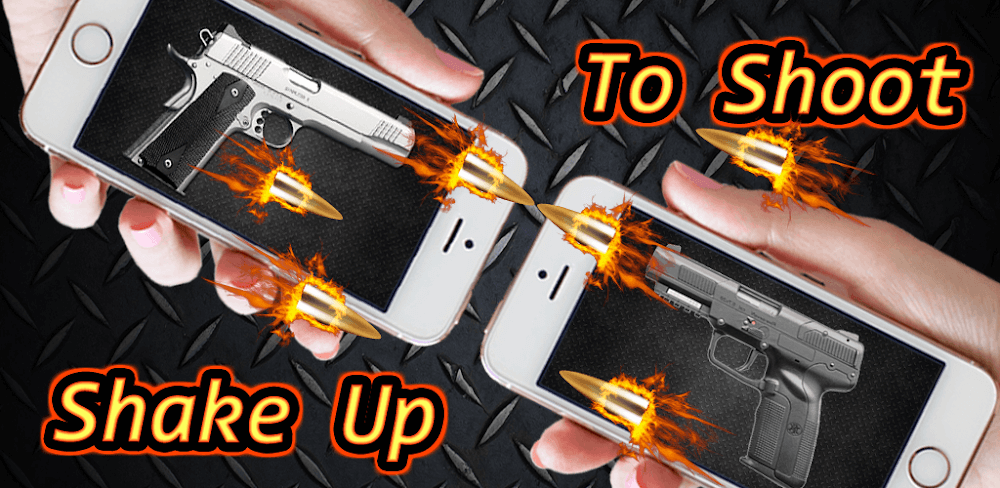
Turn your Android smartphone into an authentic weapon simulator with Gun Sounds Mod APK, delivering realistic gunshot audio and striking visual flashes. It is a fantastic interactive simulator that you can enjoy solo or together with your friends.
With Gun Sounds MOD APK, every virtual weapon in the armory is unlocked right away, and all intrusive advertisements have been completely stripped out. Players can dive straight into every simulation setting and fire mode without grinding through tedious unlock tasks or sitting through sponsor clips.
MOD Info & Features
- All weapons across the simulation catalog are fully unlocked and ready to shoot from the very start.
- No Ads: all banners and pop-up promotional interruptions have been thoroughly removed for seamless gameplay.
This release is version 370 with an approximate download size of 41M under package name com.gun.shot.sound. Because this MOD APK features a custom signature, you must uninstall any original Google Play store version before installing it.
About Gun Sounds
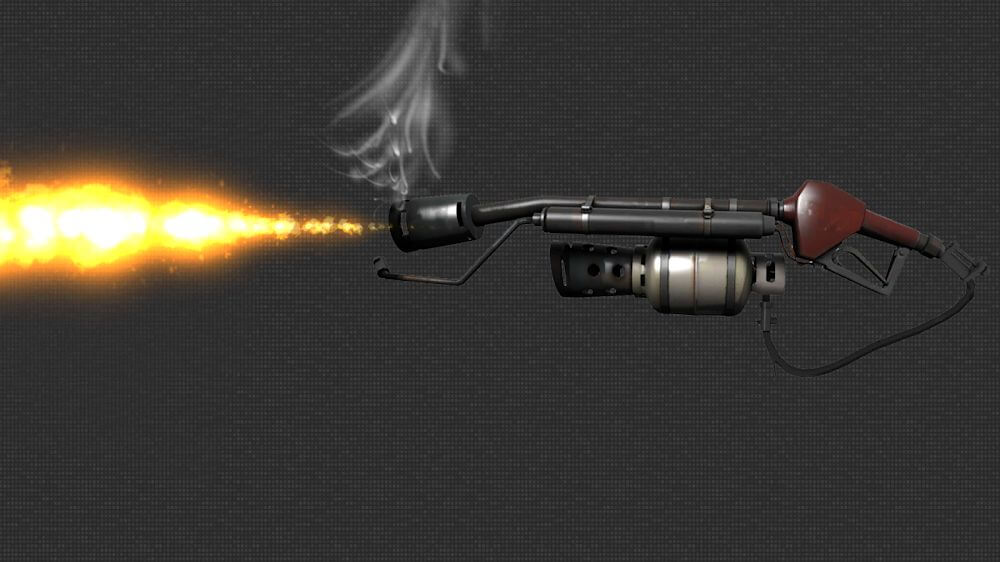
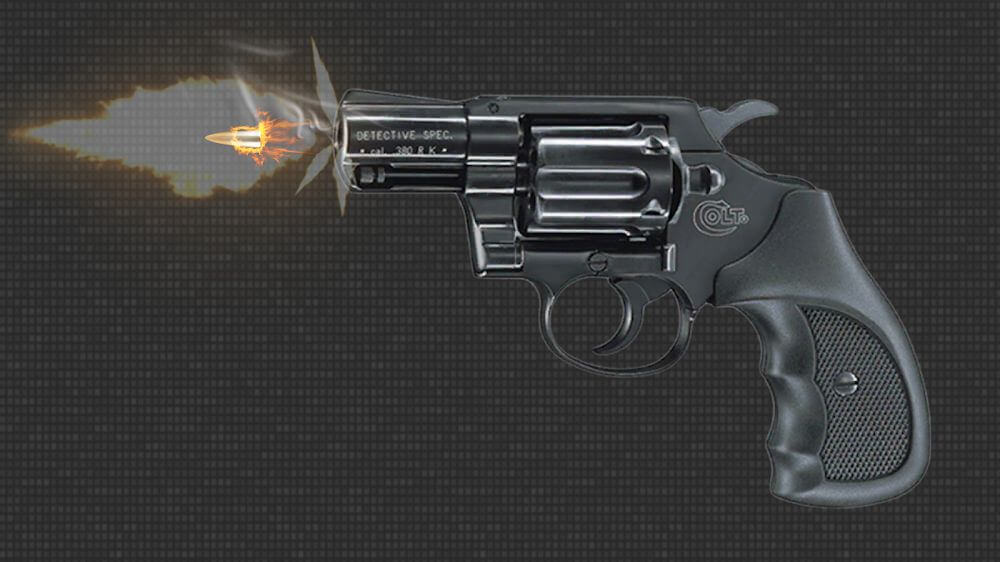
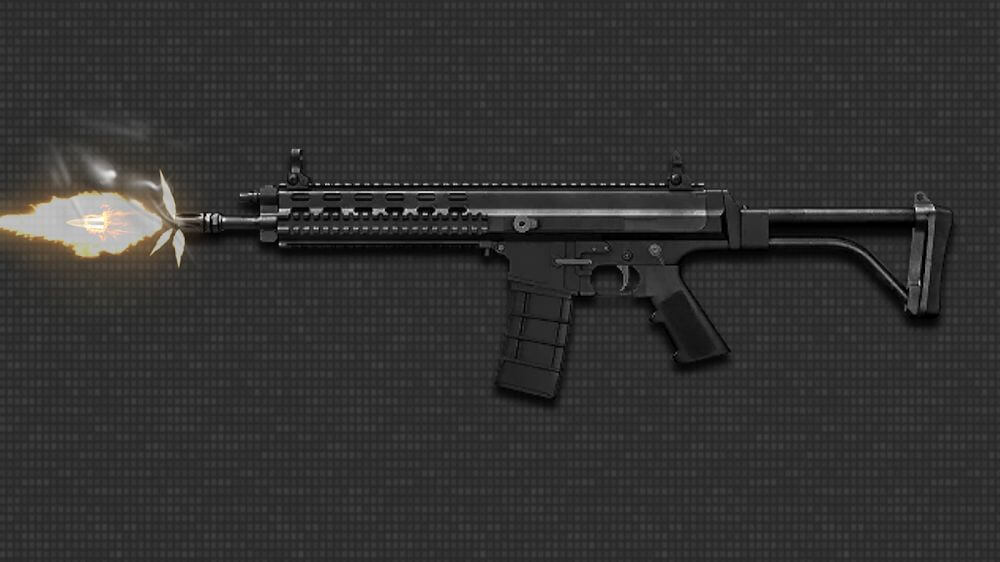
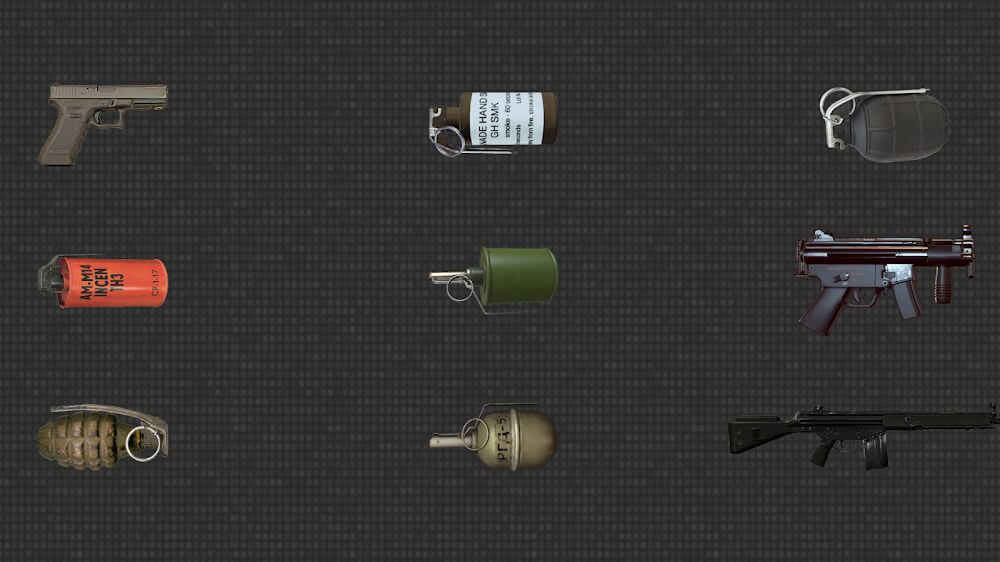
Crafted by AA Studio Game, GUN SOUNDS gives mobile enthusiasts an immersive digital sandbox to test modern firearms via authentic sound effects and synchronized graphics. The app lets you pick from a diverse arsenal of contemporary firearms, each programmed with distinct behavioral traits, mechanical handling, and unique firing mechanics. Your chosen weapon dictates the available simulation parameters, ensuring every rifle, pistol, and shotgun highlights its real-life mechanical strengths rather than simply triggering generic looping audio.
Under the hood, the app offers a versatile simulator engine that lets players fine-tune various performance and sensory options. You are never stuck with basic default presets; tweak sound levels and synchronized flash effects to match your device or personal taste. Switch between single-shot precision and high-octane continuous burst modes on the fly. Swapping weapons directly within the clean interface lets you discover distinct audio feedback and realistic recoil-style vibrations, delivering genuine acoustic fidelity every time you pull the virtual trigger.
Visual immersion is elevated thanks to a synchronized camera flash feature, blinking in direct harmony with each simulated round you fire. Whether you switch to sustained automatic spray or disciplined single shots, your mobile phone instantly becomes an engaging visual-audio training prop. The app lets you explore an expansive weapon catalog, each offering distinctive ballistic audio and lighting cues to keep the simulation dynamic, responsive, and true to life.
Beyond solo gun testing, the game shines in group gatherings where friends can pass the device around and role-play tactical showdowns. Solo users can still enjoy tinkering with different arsenals, but the real standout tool is the built-in decibel (dB) sound meter. This handy feature monitors and gauges simulated blast intensity in real time, adding an extra layer of competitive fun to mock battles. Thanks to intuitive controls, instant mode switching, and extensive gun choices, Gun Sounds provides endless interactive amusement on GameMod.dev.
This app includes a helpful hint feature designed to guide you through its various settings and options. This system is particularly beneficial when you are setting up or installing different modes, allowing you to easily find your preferred sound profiles and light patterns. By utilizing these hints, you can quickly assemble and configure your weapon simulations, letting you dive straight into the immersive experience of realistic gunfights. Furthermore, the app is frequently updated with new weapon configurations, ensuring a fresh experience and plenty of customization options to suit your personal style.
Enjoy complete flexibility when configuring your devices, as this simulation is packed with advanced features that support custom emulator modes. You are not confined to a few basic presets; instead, sound and light effects can be fine-tuned to match the specific performance capabilities of your smartphone. Because the app prioritizes precise parameter adjustments, you are guaranteed the most impactful gunfire and visual effects possible. Additionally, the ability to add new gun configurations means the app remains a robust educational tool for understanding how modern firearms operate. Our Gun Sounds MOD APK provides the premium version of the app with all features fully unlocked.
Core features
- Diverse selection of modern firearms with unique adjustable settings
- Simulation modes supporting both single-shot and automatic fire
- Built-in flashlight and dynamic light effects
- Extensive customization for sound and light parameters
- Hardware-optimized sound calibration
- Helpful guidance for completing simulations
Related MOD APKs
- Bus Simulator: Ultimate
- Car Parking Multiplayer
- BitLife Android
- BitLife
Frequently Asked Questions
Does Gun Sounds MOD APK come with no ads?
This 370 build of Gun Sounds includes both the Unlock All Guns feature and Removed Ads. It functions identically to the original AA Studio Game release, and these tweaks take effect immediately upon installation.
What is the current version of Gun Sounds MOD APK?
Version 370 corresponds to the AA Studio Game release from June 20, 2026. We only host the latest version on GameMod.dev. To update, simply install the new file over your current version; should you encounter a signature error, please uninstall the previous app before reinstalling.
Is the Gun Sounds MOD APK safe to use?
This 370 build of Gun Sounds is the official AA Studio Game app, enhanced with Unlock All Guns and Removed Ads. It has a rating of 3 out of 5 from 2 users and does not require root access. You may safely ignore Play Protect warnings, provided you download exclusively from this page.
Can I run Gun Sounds MOD APK on PC or iOS?
This is an Android-exclusive file and is not compatible with iPhone. To run the 41M APK on a Windows or Mac computer, you will need an emulator like BlueStacks or LDPlayer. Simply install your preferred emulator and drag the file into the program to begin the installation.
How to install
- Download the APK file above to your phone.
- Allow “Install unknown apps” when prompted.
- Open the downloaded APK and tap Install.
- If the package includes OBB/XAPK data, follow the bundled instructions.
MOD APKs are modified builds, so Play Protect may show a warning. Install only if you trust the file; use at your own risk.