

Screenshots

Description
GPS Emulator delivers dependable location-spoofing tools wrapped in an intuitive, beginner-friendly layout. A quick initial setup is required before you can take full advantage of its toolkit.
Dedicated entirely to virtual location spoofing, GPS Emulator lets you pinpoint and simulate any spot across the globe on an interactive map. Discover destinations using flexible search methods and bookmark them for quick access later. It also maintains a complete log of your recent coordinates alongside a handy favorites tab for frequently visited spots. Best of all, you can easily get rid of intrusive advertisements.
Change GPS Easily
Operating GPS Emulator is straightforward, offering an effortless way to disguise your phone's actual coordinates. Pinpoint custom destinations and enjoy location-dependent apps or games under simulated coordinates. To activate spoofing, you will need to complete a brief setup process, starting with enabling Developer Options on your Android device.
Enable Developer Mode to Use the App
Before spoofing your location with GPS Emulator, activating Developer Options is essential. Head to your device settings, find the build number under software details, and tap it repeatedly until developer privileges unlock (entering your lock screen PIN or password if prompted). Once unlocked, open the developer settings menu, locate the mock location app setting, and designate GPS Emulator as your provider.
Choose Your Desired Location
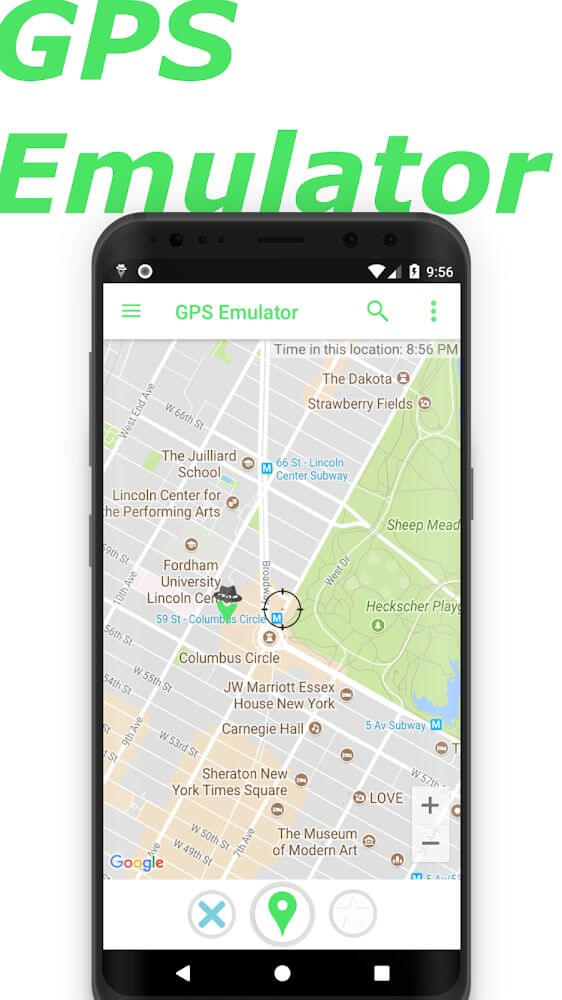
With setup out of the way, you can dive straight into GPS Emulator through its welcoming, clean interface. Designed very much like Google Maps, the layout feels instantly familiar and easy to navigate. From there, pinpointing virtual coordinates anywhere in the world is simple, supported by multiple search options.
Perform a Simple Search
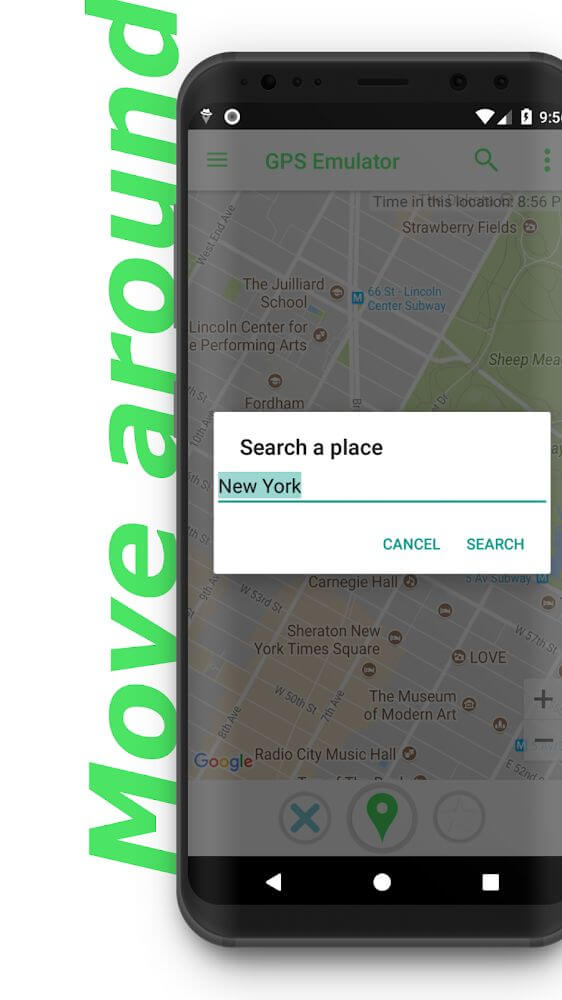
A movable targeting reticle lets you pan across the map to pick exact coordinates manually. Whenever you settle on a prime location, pin or bookmark it to jump back instantly whenever needed. For even faster navigation, type your target destination directly into the built-in search bar to leap straight to those coordinates.
Search in App History
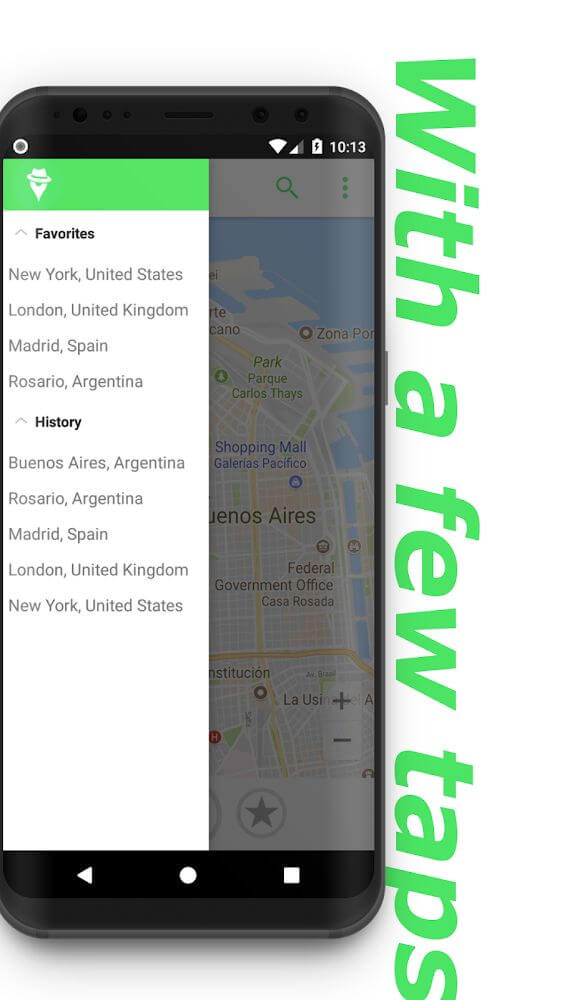
The app automatically logs your past searches and coordinate changes so you can revisit them later. Browsing through the history tab provides an ongoing record of every simulated spot you have checked out over time. While other shortcuts exist, the history log serves as a thorough tracker for all your past spoofing sessions.
Save Favorite Locations
You will inevitably discover favorite spots that you revisit on a regular basis when spoofing coordinates. Instead of hunting them down on the map every time, save them directly to your favorites list. This curated tab gives you instant one-tap access to your top spots without repetitive manual searching.
Remove Ads Easily
Random pop-ups can occasionally interrupt your workflow while exploring the map. By upgrading to the PRO edition, you can permanently eliminate all advertisements for a smooth, distraction-free experience. A clutter-free interface ensures you spend less time dismissing banners and more time navigating your chosen locations.
Key features of GPS Emulator include:
- Before launching spoofing features, users must complete a quick setup by enabling Developer Options and selecting the mock location app.
- Once setup is properly completed, you are free to explore all features and teleport your coordinates anywhere you wish.
- Take advantage of diverse location search tools, with every visited destination neatly preserved in your search log.
- Simulate coordinates across multiple regions and bookmark your favorite hotspots for quick one-tap returns.
- Tired of banner pop-ups? Upgrading to the PRO version guarantees an uninterrupted, completely ad-free experience.
How to install
- Download the APK file above to your phone.
- Allow “Install unknown apps” when prompted.
- Open the downloaded APK and tap Install.
- If the package includes OBB/XAPK data, follow the bundled instructions.
MOD APKs are modified builds, so Play Protect may show a warning. Install only if you trust the file; use at your own risk.