

Screenshots
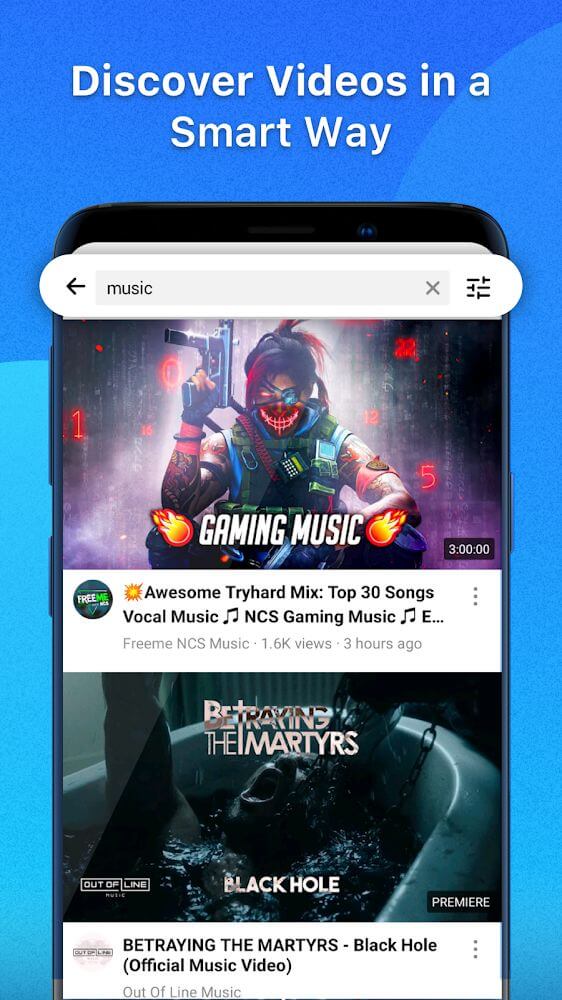
Description
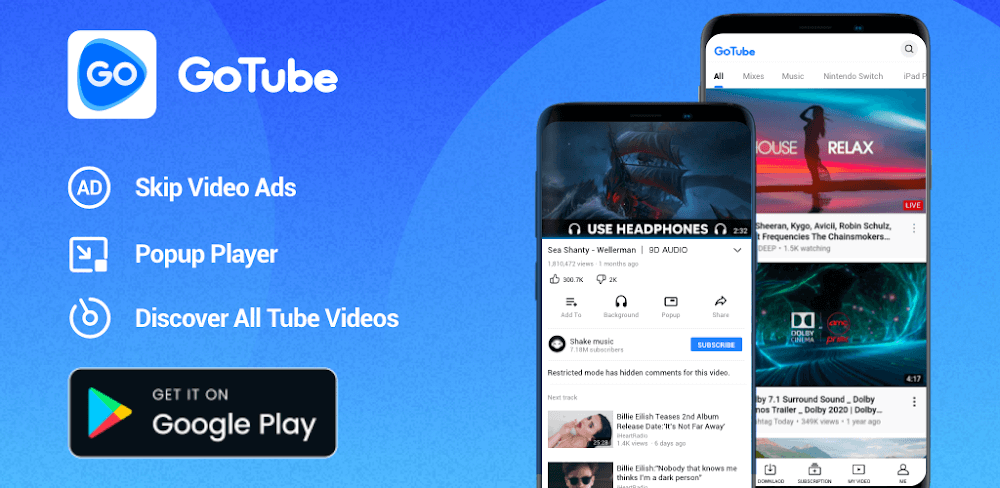
GoTube Mod APK is a top-tier video client that taps straight into YouTube's extensive library, delivering an uninterrupted, completely ad-free streaming experience alongside powerful built-in blocking tools.
This modified release of GoTube grants instant access to premium perks while revamping the client's visual styling. Custom graphical enhancements and tweaked color accents give your playback environment a fresh, tailored finish.
What's Modified in GoTube
- Premium unlocked to grant full access to every advanced feature within the player.
- Refreshed graphical elements that elevate the overall visual aesthetic of the media player.
- Reworked interface color palettes for a cleaner, personalized browsing experience.
This package corresponds to version 5.6.60.101 with an install size of 13M under the package ID premium.gotube.adblock.utube; built with a custom signature, it cannot be installed over the original Play Store build.
About GoTube
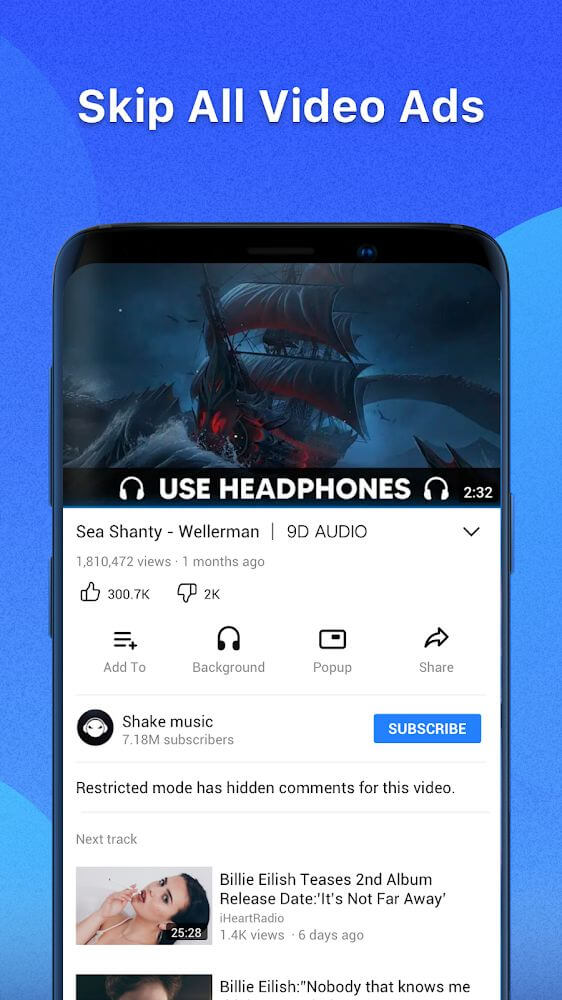
GoTube is a dedicated media streaming client that lets Android users enjoy YouTube content on their own terms. Its standout capability is stripping away video advertisements, embedded trackers, and intrusive interruptions before they load. By removing commercial distractions, it lets you dive into long-form videos with absolute comfort. Just like official media portals, GoTube gives you seamless access to global user uploads, your favorite creators, and standard query results. The defining advantage is its optimized playback engine, engineered purely for smooth, uninterrupted streaming.
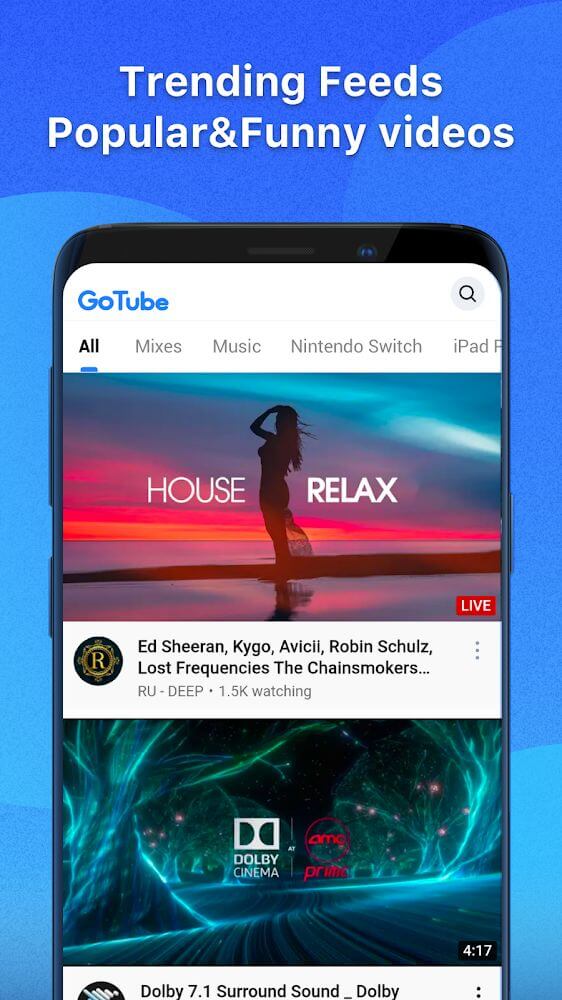
Navigating the player feels effortless thanks to a flexible, user-friendly interface. The home feed highlights trending international videos sorted into intuitive topics, making discovery quick and enjoyable. You can easily reorganize category feeds to reflect your preferred topics or track trending entertainment. Because the layout learns from your viewing habits and adapts accordingly, the videos you actually care about stay front and center. This responsive dynamic merges a contemporary feed design with dependable, immediate media playback.
Finding exactly what you want to watch is simple thanks to precise discovery filters. Drawing directly from the YouTube catalog, the app lets you take control over recommendations instead of leaving your feed to automatic algorithms. Versatile sorting filters enable you to refine queries by channel, genre, upload date, and format. Viewers can even customize thumbnail presentations and reorder search listings according to personal preference, transforming passive browsing into an active, finely tuned exploration tool.
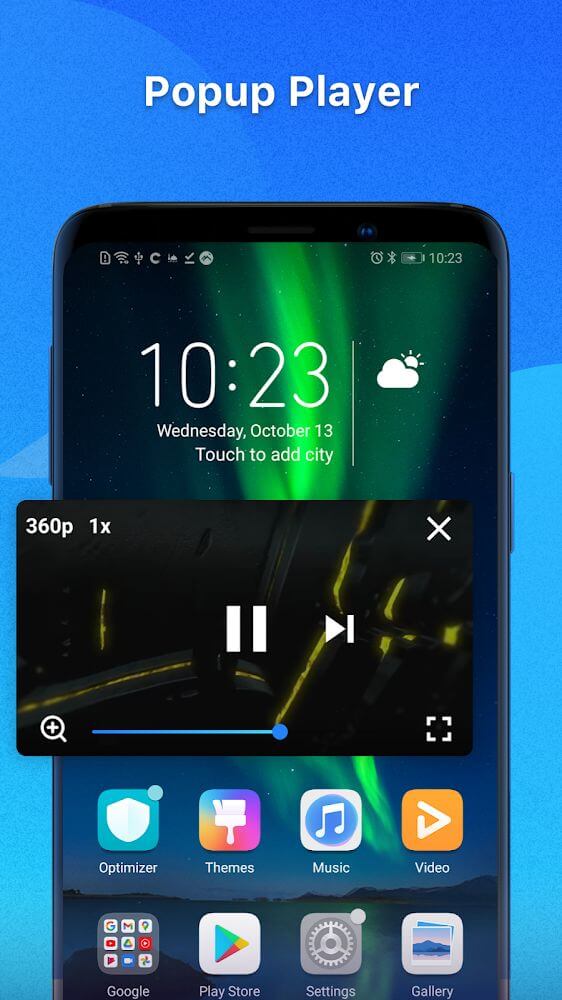
The platform introduces versatile ways to enjoy media without keeping the main player glued to your screen. Integrated background playback keeps audio streaming smoothly even when your display is switched off or you navigate away, making it ideal for podcasts, music tracks, and lengthy lectures. Furthermore, a floating picture-in-picture mode allows you to minimize videos into resizable pop-up windows while multitasking in other apps. GoTube even accommodates running multiple floating streams side-by-side, giving you total freedom beyond rigid full-screen constraints.
Users can personalize how they organize content within the app. You can engage with the service in several ways, from following favorite channels to saving videos into custom playlists. Signing in to a personal account also keeps your data in sync across all your devices. Video recommendations become more tailored as a result. The recommendation engine learns from your habits over time, so suggested topics and genres better match what you like. This builds a feedback loop that makes your library increasingly suited to your tastes. You can manage your own channel and interact with creative video formats such as Shorts. These features are designed to preserve the core social and creative tools of the original video platform. The result is a set of management and interaction options that is more flexible and complete than the original app.
The app relies on external data and includes its own features and security measures to protect user information. It offers extensions that significantly change core interaction logic and the overall user experience, such as autoplay and other settings. The app aims to deliver a strong sense of security while also providing flexibility and an enhanced experience, including logic customization and deeper control. Users can manage their own channels, similar to the original platform, and the app adds a short-form video feature. Compared with the original platform, it offers an improved experience and extra controls focused on comfort and uninterrupted viewing. The customization options are distinctive and give users plenty of room to explore.
Key Features
- Advanced ad blocker that removes tracking scripts and video ads.
- Background audio playback so you can listen to content without keeping the screen on.
- Floating pop-up window mode for multitasking and watching several videos at once.
- Advanced filters to narrow search results by video, user, and specific keywords.
- Personalized playlist management with options to sort content and follow other users.
- Account sync to keep your library data and tailored recommendations up to date.
- Customizable interface with adjustable themes and homepage layout settings.
- Support for creative formats like Shorts and personal channel management.
Related MOD APKs
- ReelShort
- ZEE5
- Character AI
- Story TV – Watch Short Dramas
FAQ
Is Premium unlocked in GoTube MOD APK?
This GoTube 5.6.60.101 build includes modified Premium, Graphics, and Color. It works much like the GoTube Studio version, and all features become active as soon as installation is complete.
What is the latest version of GoTube MOD APK?
This 5.6.60.101 release from GoTube Studio was added on April 10, 2026. We don't keep older versions here. To update, install this file over your current app. If you see a signature error, uninstall the old version first.
Is GoTube MOD APK safe to download?
This GoTube 5.6.60.101 version from GoTube Studio includes adjustments to Premium, Graphics, and Color. It has a 3.7 rating from 52 users. Root is not required. You can ignore Play Protect warnings during setup, but always download from this page.
Can I use GoTube MOD APK on PC or iPhone?
It cannot be installed on iPhone or iPad because it is made for Android. To run the 13M file on a computer, install an emulator such as BlueStacks or LDPlayer and open the file inside it.
How to install
- Download the APK file above to your phone.
- Allow “Install unknown apps” when prompted.
- Open the downloaded APK and tap Install.
- If the package includes OBB/XAPK data, follow the bundled instructions.
MOD APKs are modified builds, so Play Protect may show a warning. Install only if you trust the file; use at your own risk.