
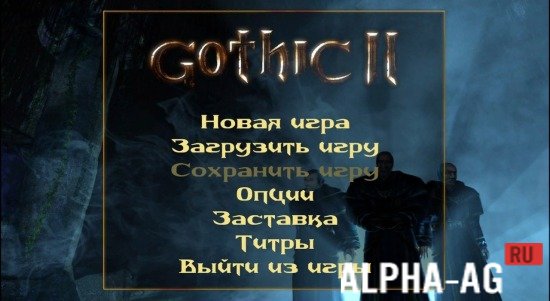
Screenshots
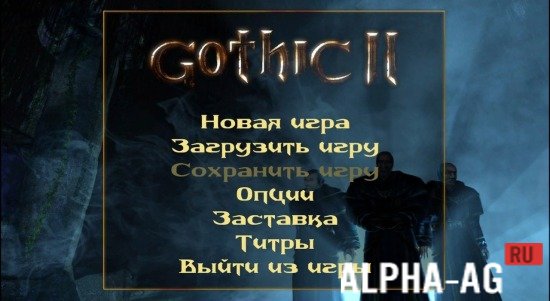
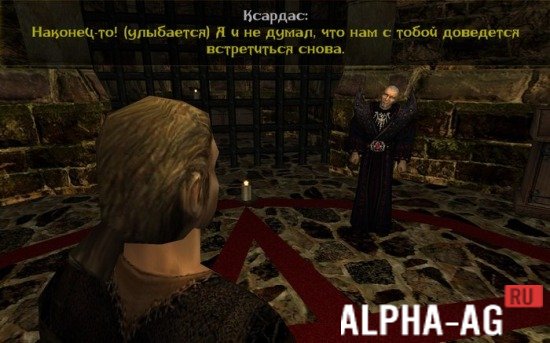
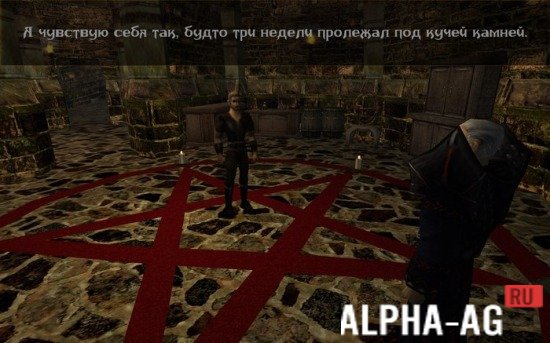
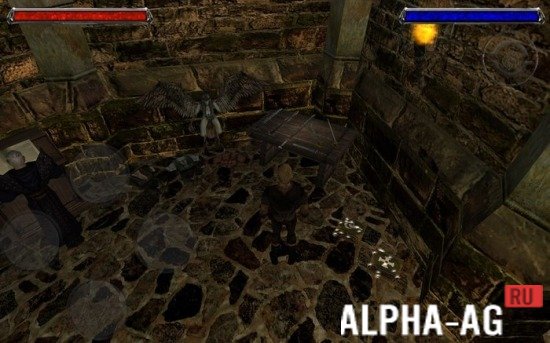
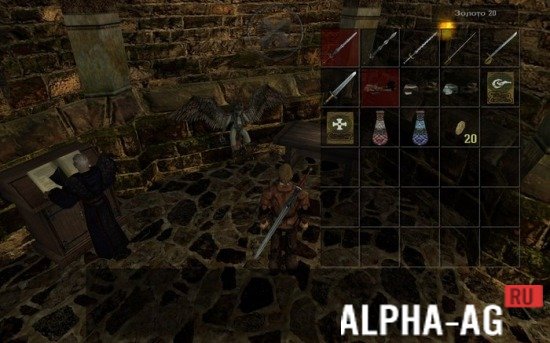

Description
Gothic 2The developers originally wanted to present a mobile project that would replicate all the features of the legendary PC game. As a result, however, the app turned out fairly raw, with few differences from the first Gothic.
More about the game
Initially the developers wanted to present a stunning project that would be a full analogue of the PC version of Gothic 2. Nevertheless, the work dragged on considerably. In 2016 the first beta was released, distinguished by mediocre quality.
Of course, it could not be called successful, but it ran quite stably. However, players' interest in such a "raw" app faded very quickly.
That is why in 2018 a new project was released, built on a remake of the engine used to develop the first Gothic part.This port is much better than the previous one, but still falls short of the PC version in many respects. For example, this app includes a demo version of Gothic 1, which must be downloaded separately. If desired, the entire first Gothic part can also be loaded within the app, but there is no real point in doing so.
Gameplay features
The new Gothic 2 app splits the screen into 4 parts. The upper part on the left side is responsible for actions, while the right side provides access to the menu.
The lower left part of the screen shows the player the character's movement, and the right part can be used to change the camera movement. 26 16 Jan Additional information:- Required Android version: 4.0.3 or higher
- Age restrictions: none
- Russian localization: present
- Cache installation: not required
Subscribe to our YouTube channel!
Leave a commentHow to install
- Download the APK file above to your phone.
- Allow “Install unknown apps” when prompted.
- Open the downloaded APK and tap Install.
- If the package includes OBB/XAPK data, follow the bundled instructions.
MOD APKs are modified builds, so Play Protect may show a warning. Install only if you trust the file; use at your own risk.